Free trial
The homepage offers a "Start for free" button leading to signup, but it does not describe free plan limits or trial length.
Learn moreRecord or upload, and AI edits, clips and publishes your podcast

Rebel Audio is an audio editing tool that records or upload, and AI edits, clips and publishes your podcast. Rebel Audio is an AI podcasting platform that edits uploaded or recorded audio and video through a transcript editor, drafts titles, cover art and clips, and publishes to Spotify, Apple Podcasts, YouTube and more.
Rebel Audio is a podcasting platform that takes a raw recording and turns it into a published episode with very little manual work. A creator either uploads a file (mp3, wav, m4a, mp4 or mov) or records directly inside the product, and the system then drafts the surrounding material: a title, a description, cover art and a set of short clips. The pitch is aimed at people who have talked about starting a show but have been put off by editing software, hosting setup and distribution chores. In practice, the workflow centers on a transcript editor. Audio and video are edited by deleting words from the text, the way a document is edited, instead of dragging waveforms around. An automatic edit pass handles filler removal, silence trimming, sound improvement and captions. An AI agent, reached through a chat panel, suggests episode ideas, titles, descriptions and tags, and can be told to adjust results, for example by making a title punchier. Smart Clips scans an episode for notable moments, such as a hot take or a guest story, and cuts them into social clips with timestamps. Publishing is handled from the same place. One action sends an episode to Spotify, Apple Podcasts, YouTube, iHeartRadio and an RSS feed, with more destinations mentioned. After release, a unified analytics dashboard collects listeners, plays, downloads and average listen time across platforms. A voice translation feature is also listed, which aims to carry a show into more than 47 languages in the host's own voice. Rebel Audio sits between traditional editors that demand audio skills and hosting services that only distribute files. Its closest comparison is other text-based, AI-assisted podcast tools, but it differs by bundling editing, clipping, cover art, distribution and analytics in one flow. Press coverage from outlets such as TechCrunch describes it as aimed at first-time creators, which matches the homepage framing. Experienced producers who want fine control over mixing may find it more opinionated than they need.
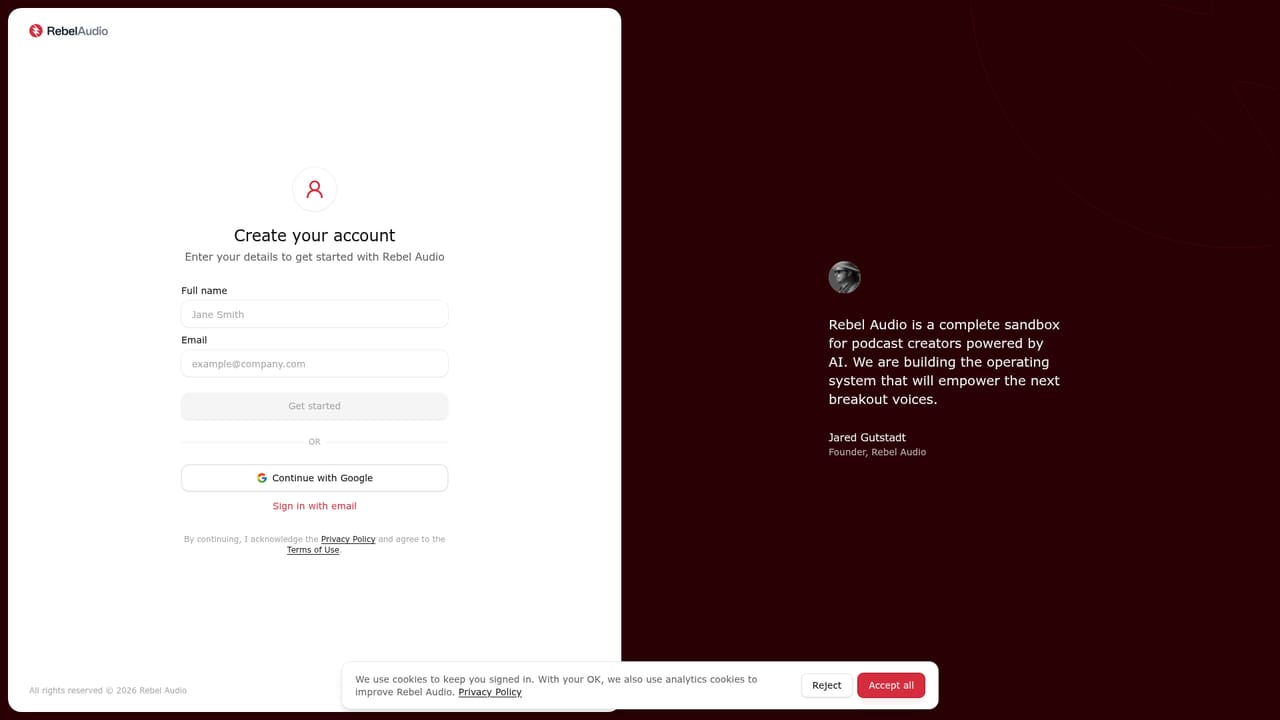
The homepage offers a "Start for free" button leading to signup, but it does not describe free plan limits or trial length.
Learn morePublishes to Spotify, Apple Podcasts, YouTube, iHeartRadio and an RSS feed, with more destinations mentioned. Accepts mp3, wav, m4a, mp4 and mov uploads.
Transcript editor, AI auto edit (filler removal, silence trimming, sound improvement, captions), generated cover art, AI agent for ideas, titles, descriptions and tags, Smart Clips for social, unified analytics, and voice translation into over 47 languages.


