Free trial
A free trial is promoted directly from the homepage and the downloads menu, allowing the app to be evaluated before a license is bought.
Learn moreProfessional drawing and animation software built for comics, manga and illustration
Own CLIP STUDIO PAINT? Verify ownership to get a dofollow link

CLIP STUDIO PAINT is a manga tool. A multi platform drawing and painting suite from Celsys that combines illustration, comic and manga page production, and frame based animation, backed by a large library of free brushes and materials.
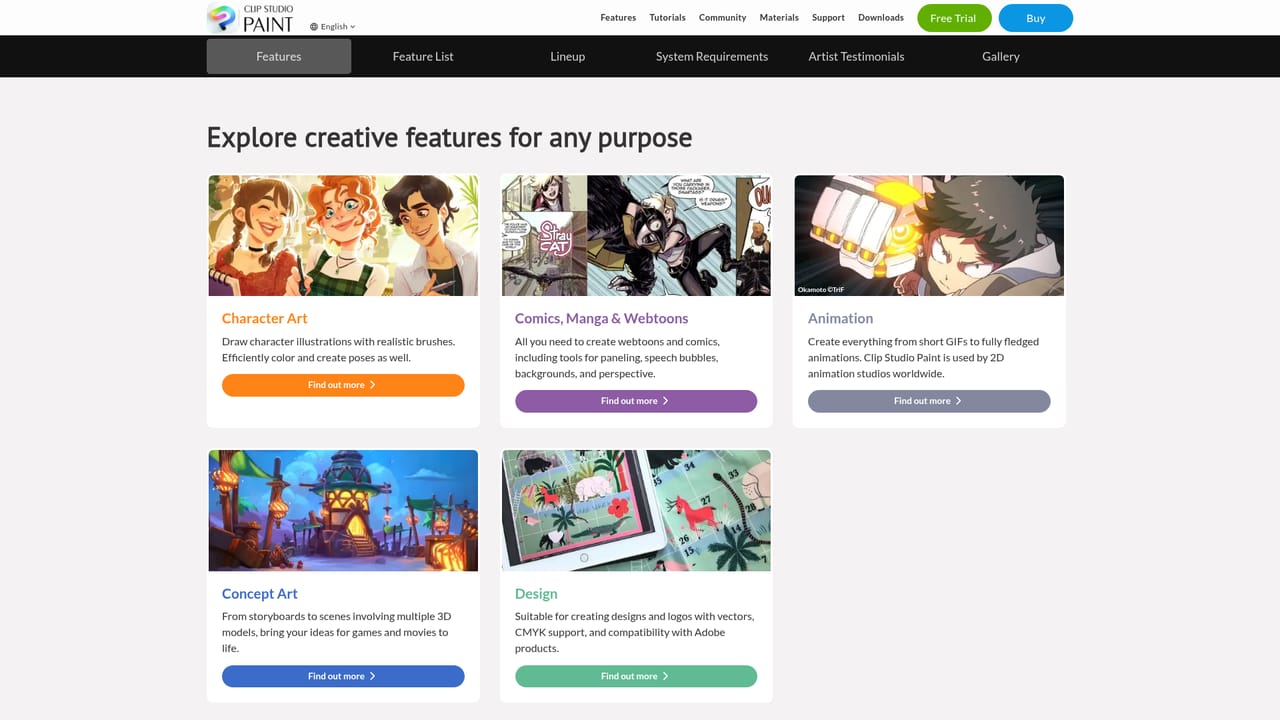
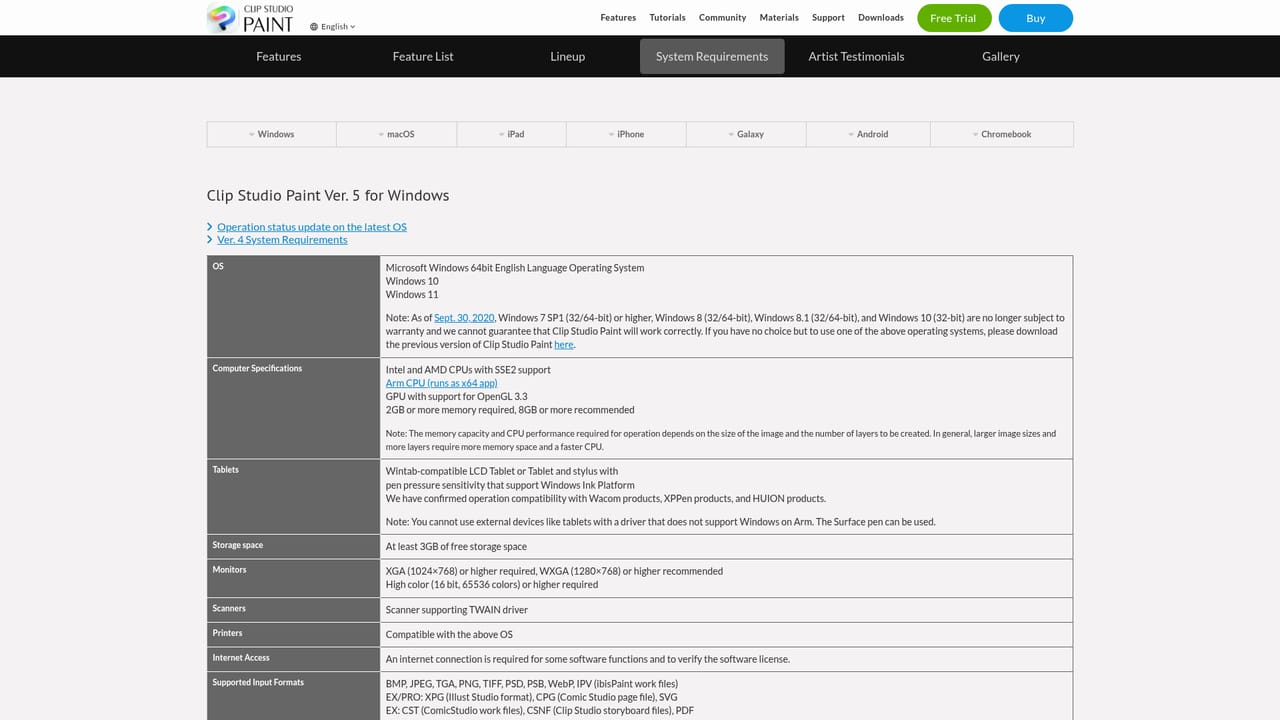
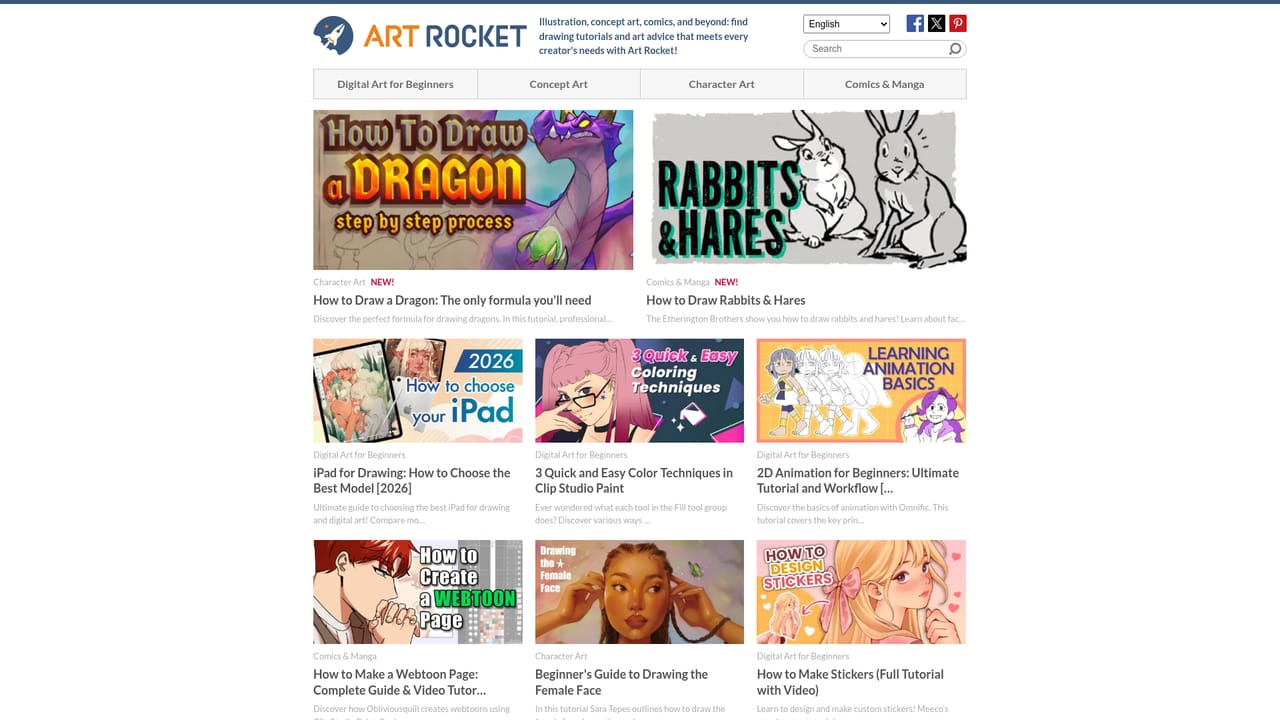
CLIP STUDIO PAINT is a digital drawing and painting application from Celsys, a Tokyo software company. It bundles brush based illustration tools, comic and manga production features, and frame by frame animation into one workspace, and it ships across desktop and mobile platforms. The pitch is not a single clever trick but breadth: a paint engine, page layout for comics, and animation timelines living in the same file. The tool separates its feature sets by discipline. Concept artists get sketching and painting tools, character artists get line and color workflows, comic creators get page and panel management, animators get timeline and frame tools, and designers get pattern and layout assets. A large asset library sits alongside the app, with thousands of free brushes and downloadable materials for drawing, comics and design work. Celsys also publishes tutorials, monthly tips, and a how to draw section aimed at people still learning fundamentals. In practice, an artist installs the app, picks a workspace suited to the output (a single illustration, a multi page comic, or an animation), and builds the piece from layers and frames. Finished work can be shared through the official gallery, contests and community channels, and experienced users can apply to be recognized as official experts. Educational and enterprise licensing exist for schools and studios that need to equip groups. Where does it fit? Compared with general purpose raster editors, CLIP STUDIO PAINT leans harder into sequential art: paneling, balloon handling and animation are considered part of the job, not bolt-ons. Compared with single purpose animation tools, it is a drawing app first. The tradeoff is complexity, since the interface assumes some familiarity with layer based art software. It is available in many languages and sold in tiers, with a free trial for evaluation.
A free trial is promoted directly from the homepage and the downloads menu, allowing the app to be evaluated before a license is bought.
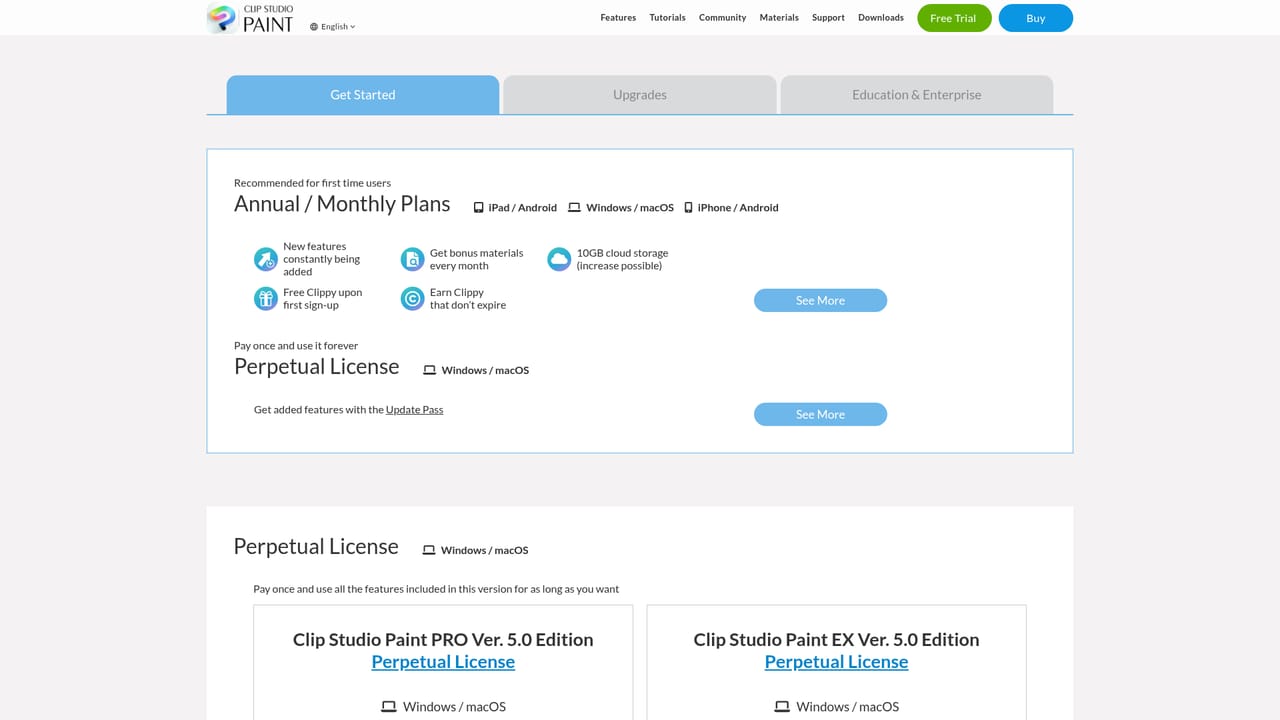
Learn moreLicenses are sold in tiers, with separate paths for new licenses, upgrades, an Update Pass and a Pro to EX move. Education and enterprise options and a student discount exist. The homepage does not list prices, so figures must be checked on the purchase page.
Learn moreSupport is handled through a dedicated help site, with system status and maintenance notices published separately. Contact options and a contact page are linked from the main navigation.
Learn moreFeature areas cover concept art, character art, comics and manga, animation and design. Users get a layered paint engine, comic page and panel tools, animation timelines, thousands of free brushes and an asset library for drawing, comic and design materials, plus tutorials and monthly tips.
Learn more AI Angels400+ customizable AI girlfriends for NSFW chat, voice calls, and roleplay
 Candy AIExperience the future of companionship with AI friends who chat, role-play, and connect with you on a human level.
 ourdream.aiA vast AI roleplay platform with millions of characters for chat, images, video and voiceAI Angels400+ customizable AI girlfriends for NSFW chat, voice calls, and roleplayCandy AIExperience the future of companionship with AI friends who chat, role-play, and connect with you on a human level.ourdream.aiA vast AI roleplay platform with millions of characters for chat, images, video and voice