Free trial
No trial is needed because the free plan is the current product: 100 images per hour, the basic model and all 20+ languages at no cost.
Learn moreRead raw manga in your language the day it drops
Own Manga Image Translator? Verify ownership to get a dofollow link

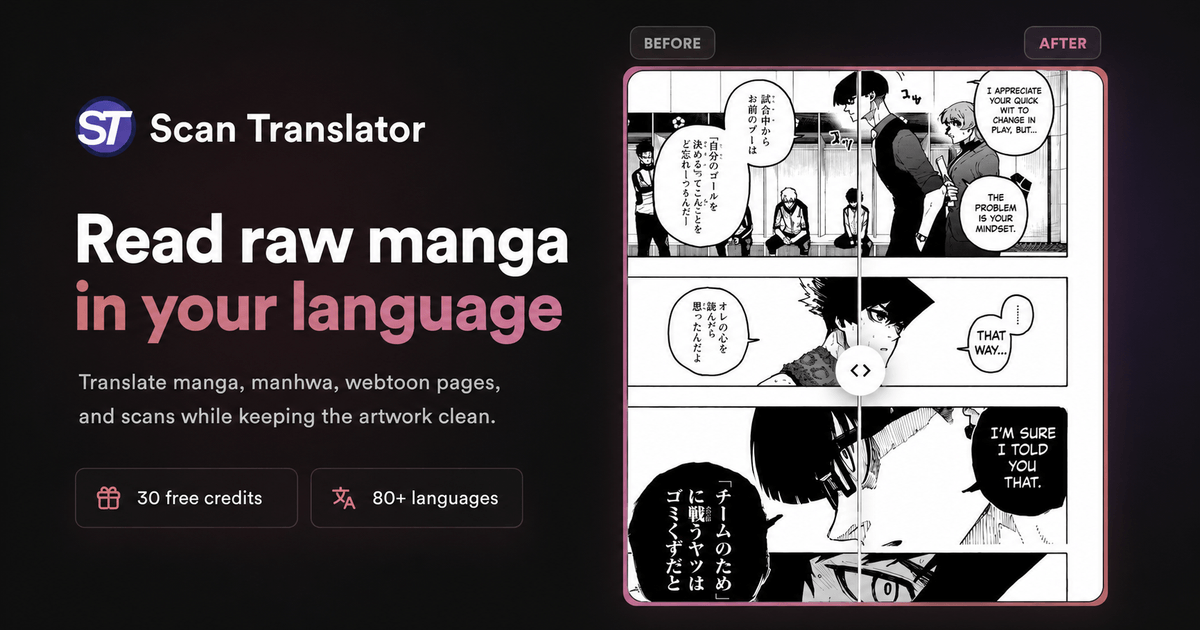
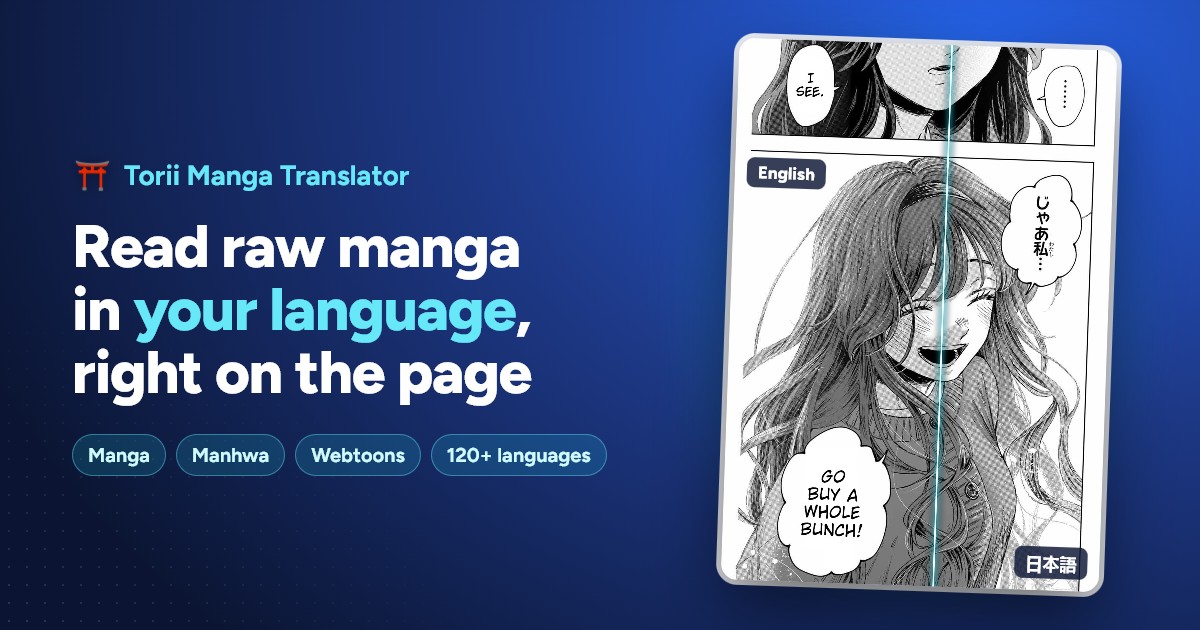
Manga Image Translator is an AI manga reader tool. Translates raw manga page images from Japanese, Korean, English and other source languages into 20+ target languages, either through a Chrome extension that works on manga reading sites or by uploading images to the web translator.

Manga Image Translator is a browser-based tool for reading raw manga chapters before an official or fan translation exists. It takes manga page images in Japanese, Korean, English and other source languages and renders them with translated text in more than 20 target languages. The pitch is timing: instead of waiting for a scanlation group to pick up a series or for an official release to catch up, a reader can process the raw pages themselves as soon as they appear. The product ships in two forms. A Chrome extension overlays translation onto manga pages while browsing sites such as Rawkuma, so pages are read in place with no downloading or manual uploading. For everything else, a web translator accepts uploaded manga images and returns translated versions, which covers chapters saved locally, pages from sites the extension does not handle, and one-off images. Both routes share the same underlying translation pipeline and the same language coverage. The free plan handles 100 images per hour and uses what the site calls a basic translation model, with access to the 20+ target languages included. An Advanced tier is listed as coming soon and is positioned around a 500 images per hour allowance, stronger models (GPT-4 and other advanced models are named), and extras such as an editor and translation history. Until that ships, every user is effectively on the same free tier, so there is no way to buy higher throughput or better model quality today. This sits in a different bracket from full scanlation suites, which bundle cleaning, redrawing, typesetting and lettering for people producing releases for an audience. Manga Image Translator is aimed at readers who want to understand a chapter quickly rather than publish it. The extension is the fastest path for supported sites, the upload tool is the fallback, and the editor promised for the paid tier should matter most to anyone who cares about the wording rather than just the gist.
No trial is needed because the free plan is the current product: 100 images per hour, the basic model and all 20+ languages at no cost.
Learn moreThe homepage lists a Free plan at $0/month with 100 images per hour, the basic translation model, basic functions and 20+ languages. An Advanced plan is marked Coming Soon at an unspecified price, promising 500 images per hour, advanced AI models such as GPT-4, and extra functions like an editor and history. Only the free plan is available now.
Learn moreThe main integration is a Chrome extension that runs on manga reading sites such as Rawkuma, translating pages as you browse.
Two ways to translate raw manga: a Chrome extension that works in place on sites like Rawkuma without downloading images, and a web translator for uploaded page images. Source languages include Japanese, Korean and English, with output in over 20 languages. The free tier runs on a basic translation model at 100 images per hour; a coming soon Advanced tier adds stronger models, higher throughput, an editor and history.
 AI Angels400+ customizable AI girlfriends for NSFW chat, voice calls, and roleplay
 Candy AIExperience the future of companionship with AI friends who chat, role-play, and connect with you on a human level.
 ourdream.aiA vast AI roleplay platform with millions of characters for chat, images, video and voiceAI Angels400+ customizable AI girlfriends for NSFW chat, voice calls, and roleplayCandy AIExperience the future of companionship with AI friends who chat, role-play, and connect with you on a human level.ourdream.aiA vast AI roleplay platform with millions of characters for chat, images, video and voice