Free trial
A free trial is offered through the upload tool with no signup required, so a page can be translated before installing anything or creating an account.
Learn moreTranslate manga, manhwa and webtoons while you read them online
Own Scan Translator? Verify ownership to get a dofollow link
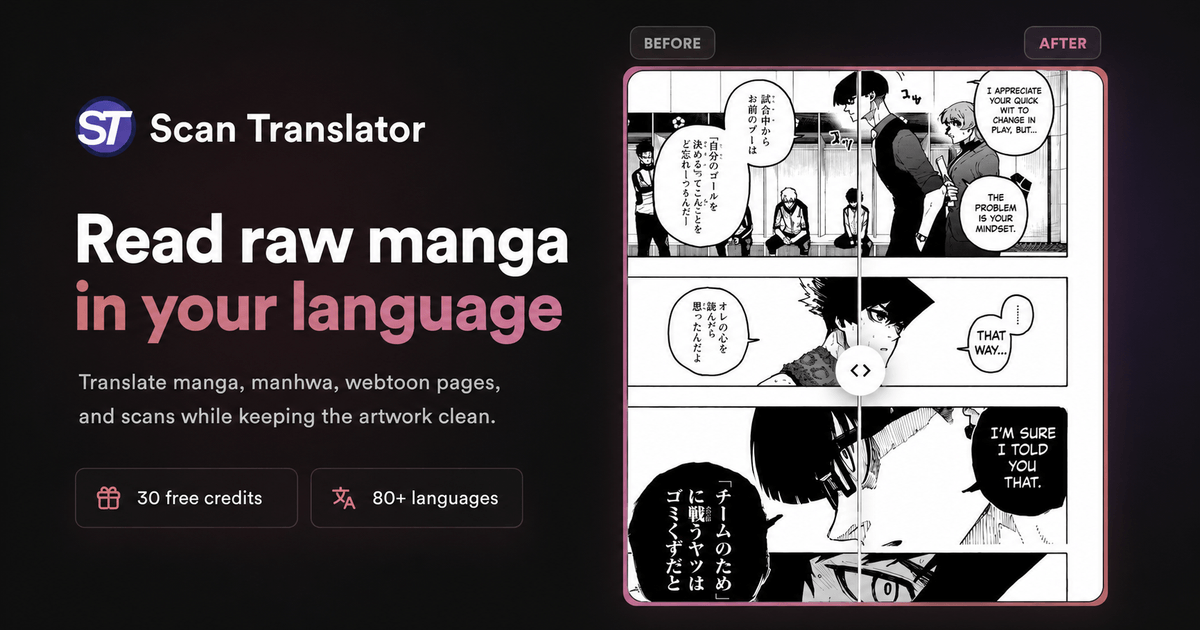
Scan Translator is an AI manga reader tool that translates manga, manhwa and webtoons while you read them online. A Chrome and Firefox extension that detects text in manga, manhwa and webtoon pages, translates it and redraws the translation over the original artwork.
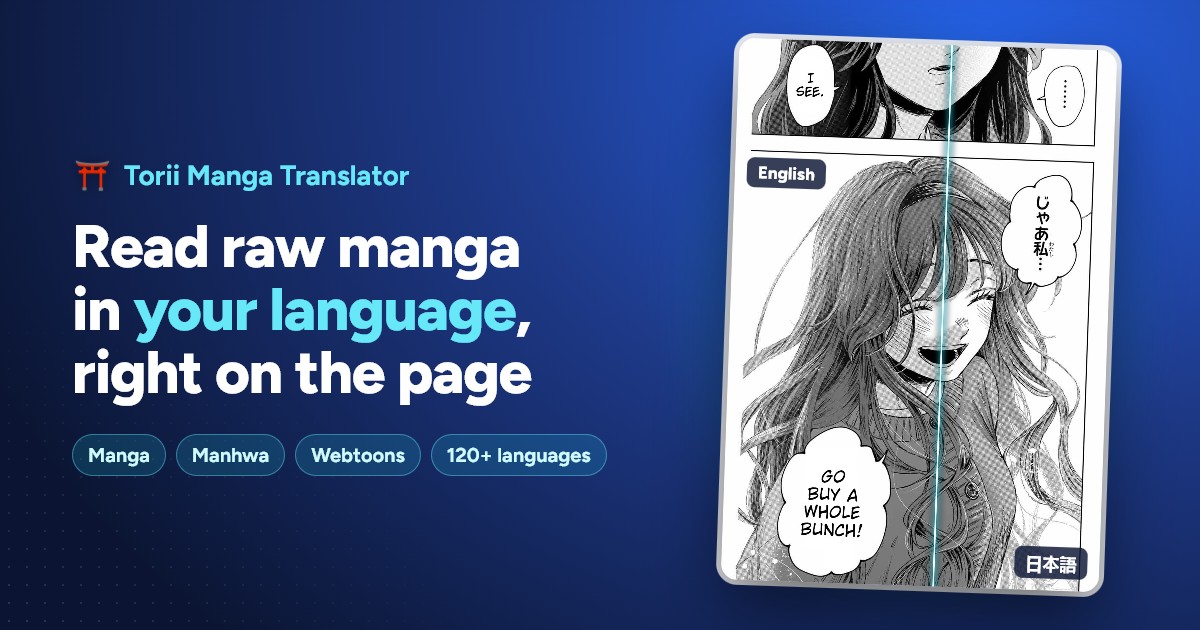

Scan Translator is a browser-based reading aid for manga, manhwa and webtoons that have never been officially localized. Instead of exporting pages, running them through an OCR tool and pasting the results into a separate translator, the extension reads the image text where it sits, translates it into the language you choose and redraws the result back onto the artwork. Readers can work through a raw chapter on a website with nothing downloaded or uploaded, or send in pages they already have saved. The workflow covers two distinct paths. The live route installs the extension and translates pages as they display on a reading site, which suits people who follow ongoing series chapter by chapter. The file route accepts single manga images, whole folders or ZIP archives, which is more practical for downloaded chapters, offline libraries and one-off pages shared by friends. Long vertical chapters are handled as a separate case: tall webtoon strips in the region of 20,000 px high can be processed whole, then scrolled alongside the translated version so the original and the redraw stay in step. The redraw step is what separates it from plain machine translation. Detected speech bubbles and sound effects are replaced with translated text placed over the original art, so pages stay readable rather than gaining a caption layer beside them. Readers who cannot parse Japanese, Korean or Chinese script get the plot without the mental overhead of translating as they go, and the interface requires no account for a first try. It is aimed squarely at manga and webtoon readers, not at professional localization teams: there is no dialogue script export, no editing pass for a proofreader and no batch QA tooling. Against general image translators it wins on layout handling and browser integration; against fan scanlation groups it wins on speed and loses on nuance and consistency across a long series. Readers should also remember that it is a machine translation layer, so honorifics, jokes and cultural references can come out flat.
A free trial is offered through the upload tool with no signup required, so a page can be translated before installing anything or creating an account.
Learn moreLive translation of manga, manhwa and webtoon pages on reading sites through a Chrome or Firefox extension. Upload of single images, folders and ZIP archives for saved chapters. Long vertical webtoon images up to roughly 20,000 px high, with the original and translated strip scrolling together. AI text detection, translation and redraw of bubbles and sound effects over the original art.
Learn more AI Angels400+ customizable AI girlfriends for NSFW chat, voice calls, and roleplay
 Candy AIExperience the future of companionship with AI friends who chat, role-play, and connect with you on a human level.
 ourdream.aiA vast AI roleplay platform with millions of characters for chat, images, video and voiceAI Angels400+ customizable AI girlfriends for NSFW chat, voice calls, and roleplayCandy AIExperience the future of companionship with AI friends who chat, role-play, and connect with you on a human level.ourdream.aiA vast AI roleplay platform with millions of characters for chat, images, video and voice