Free trial
Signing up grants free credits that cover trying the extension, the web app and the editor, with no credit card needed.
Learn moreAI manga translator for raw manga, manhwa and webtoons in one click
Own Torii Translate? Verify ownership to get a dofollow link
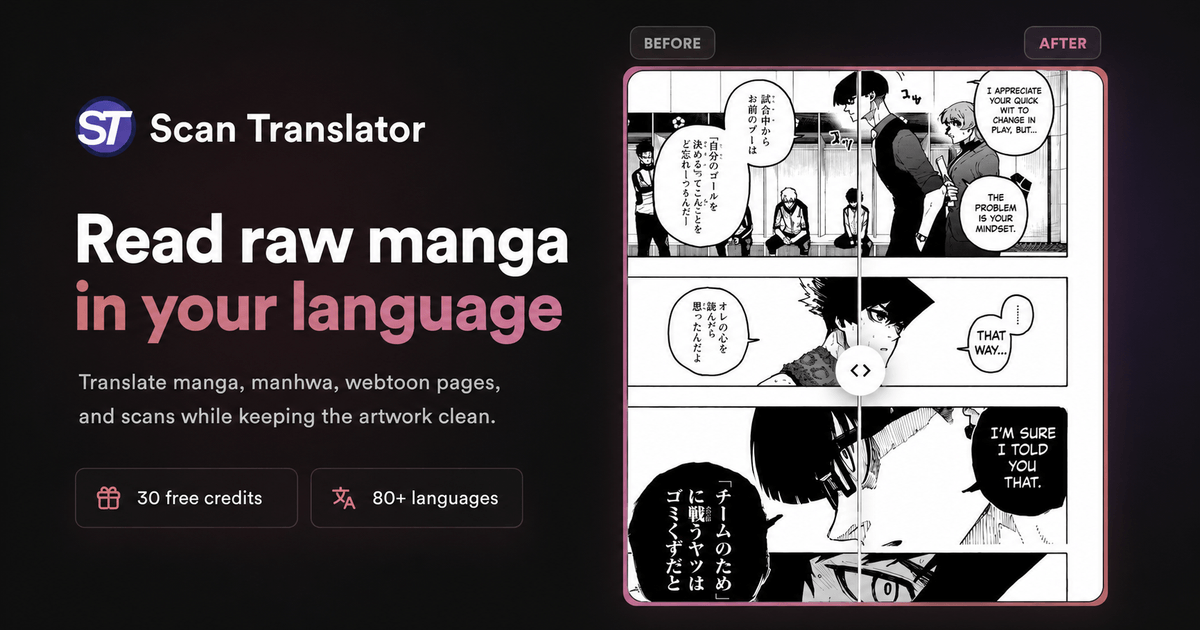

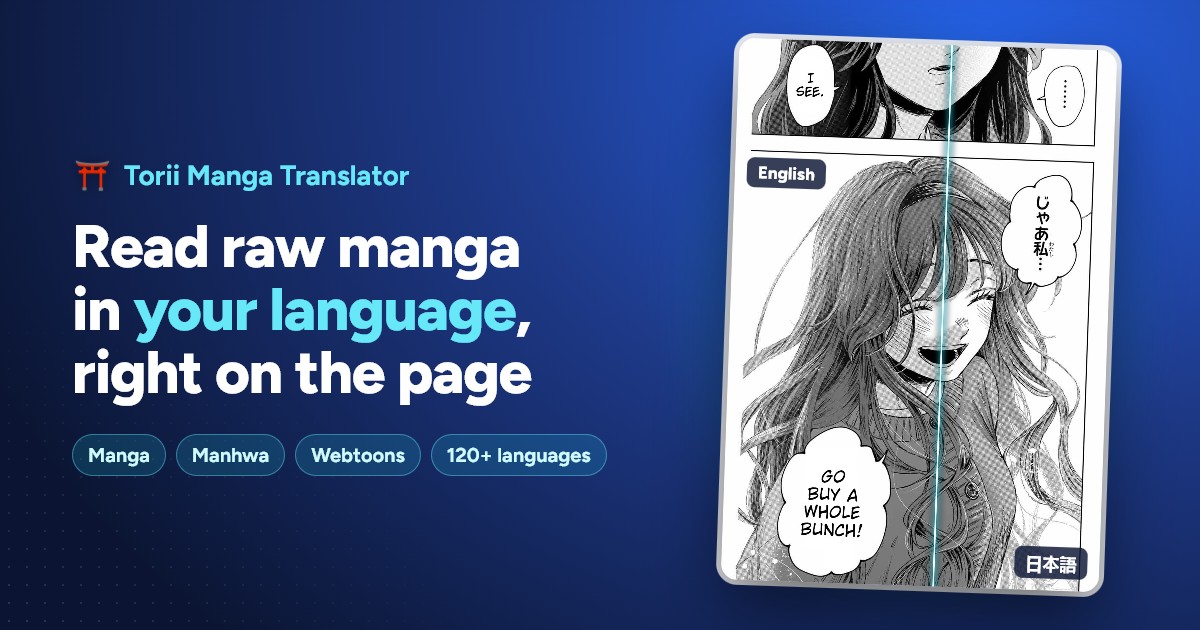
Torii Translate translates raw manga, manhwa and webtoons directly in the browser or through a web app for uploaded files. It inpaints away the original lettering, letters the translation into each bubble, and includes a full editor for fixing lines, restyling text and batch processing whole chapters.
Torii Translate is an AI image translator built around a specific, demanding use case: reading manga, manhwa and webtoons that have never been released in your language. It ships as a browser extension for Chrome, Edge, Brave, Opera and Firefox (including Android), as a Safari app for iPhone and iPad, and as a web app for files you already have on disk. Hover any comic image on a reader site, click the torii gate icon, and the page comes back in your language. The output is the differentiator. Rather than dropping opaque text boxes over the artwork, Torii uses AI inpainting to erase the original lettering, then letters the translation into each bubble at a size that fits. A built-in editor lets you move, resize, rotate and restyle any text box, swap in comic lettering fonts or your own font files, brush over a missed bubble for manual OCR, warp text along curves, and apply gradients or shadows to titles and sound effects. Find and replace works across every page of a chapter at once. Translation quality is configurable rather than fixed. Users pick the underlying model (Claude, Gemini, GPT, DeepSeek, Grok and others), write custom prompts to preserve honorifics or tone, attach a glossary, and rely on context sharing to carry names and plot terms from page to page. Any language pair works across 140+ languages, with the source detected automatically, including vertical Japanese text. Long webtoon strips are handled as a single image at full resolution, so a 60,000 pixel chapter does not need slicing first. Bulk work happens in the web app: upload images, ZIPs or PDFs, translate a whole chapter in one pass, optionally clean or colorize it, and download as ZIP, PDF or PSD. Compared with free OCR screen translators, the gap is the lettering and the editor; compared with manual scanlation, the gap is speed. It is still machine translation, so a human pass remains wise for anything published.
Signing up grants free credits that cover trying the extension, the web app and the editor, with no credit card needed.
Learn moreInstalling is free and new accounts receive free credits with no card required. After that, translations are paid for with credits bought in packs as you go, and there is no subscription to cancel. Users who already pay an AI provider can supply their own API key and translate at a flat rate of one credit per image. Pack prices are listed on the pricing page.
Learn moreSupport runs through a Discord community of readers and scanlators, where the solo developer reads messages directly and ships updates almost weekly. A Chrome Web Store review history is public.
A REST API (v2) lets developers send page images for translation from their own applications. Users can also connect their own AI provider API key for a flat per-image credit rate.
Learn moreAI inpainting removes original lettering and sets translations into each bubble. A built-in editor handles manual OCR, custom and comic fonts, text warping, effects, image layers and chapter-wide find and replace. Model choice spans Claude, Gemini, GPT, DeepSeek and Grok, with custom prompts, glossaries and context sharing across 140+ languages. Bulk chapter translation in the web app accepts images, ZIPs and PDFs, with ZIP, PDF and PSD export and one-click colorizing.
Learn more AI Angels400+ customizable AI girlfriends for NSFW chat, voice calls, and roleplay
 Candy AIExperience the future of companionship with AI friends who chat, role-play, and connect with you on a human level.
 ourdream.aiA vast AI roleplay platform with millions of characters for chat, images, video and voiceAI Angels400+ customizable AI girlfriends for NSFW chat, voice calls, and roleplayCandy AIExperience the future of companionship with AI friends who chat, role-play, and connect with you on a human level.ourdream.aiA vast AI roleplay platform with millions of characters for chat, images, video and voice