Integrations
Orchestrator is positioned for running CloudX alongside other mediation platforms, with ad unit level control from the dashboard. No named partner list is published on the homepage.
Learn moreProgrammatic ad stack for mobile publishers, run by an AI agent

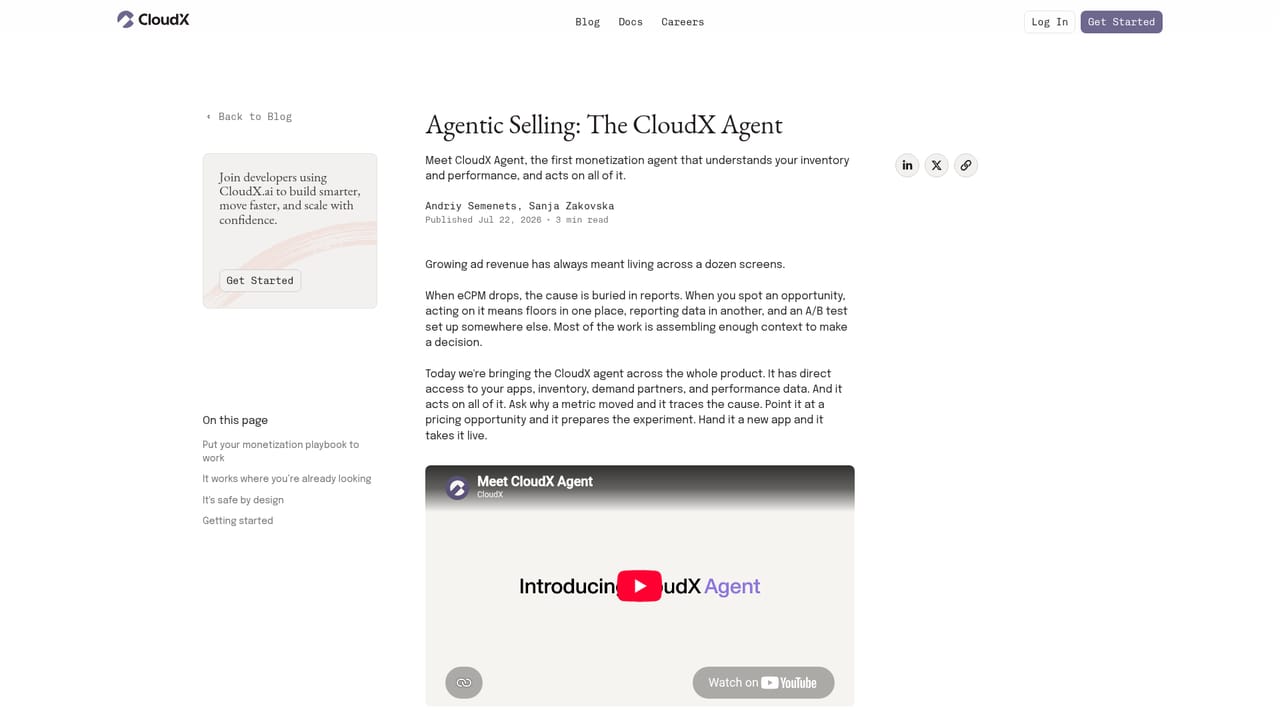
CloudX is a supply side platform for mobile publishers that combines ad serving, a TEE based auction, dynamic pricing, analytics and a beta monetization agent that can adjust price floors, build line items and run scheduled checks from natural language prompts.
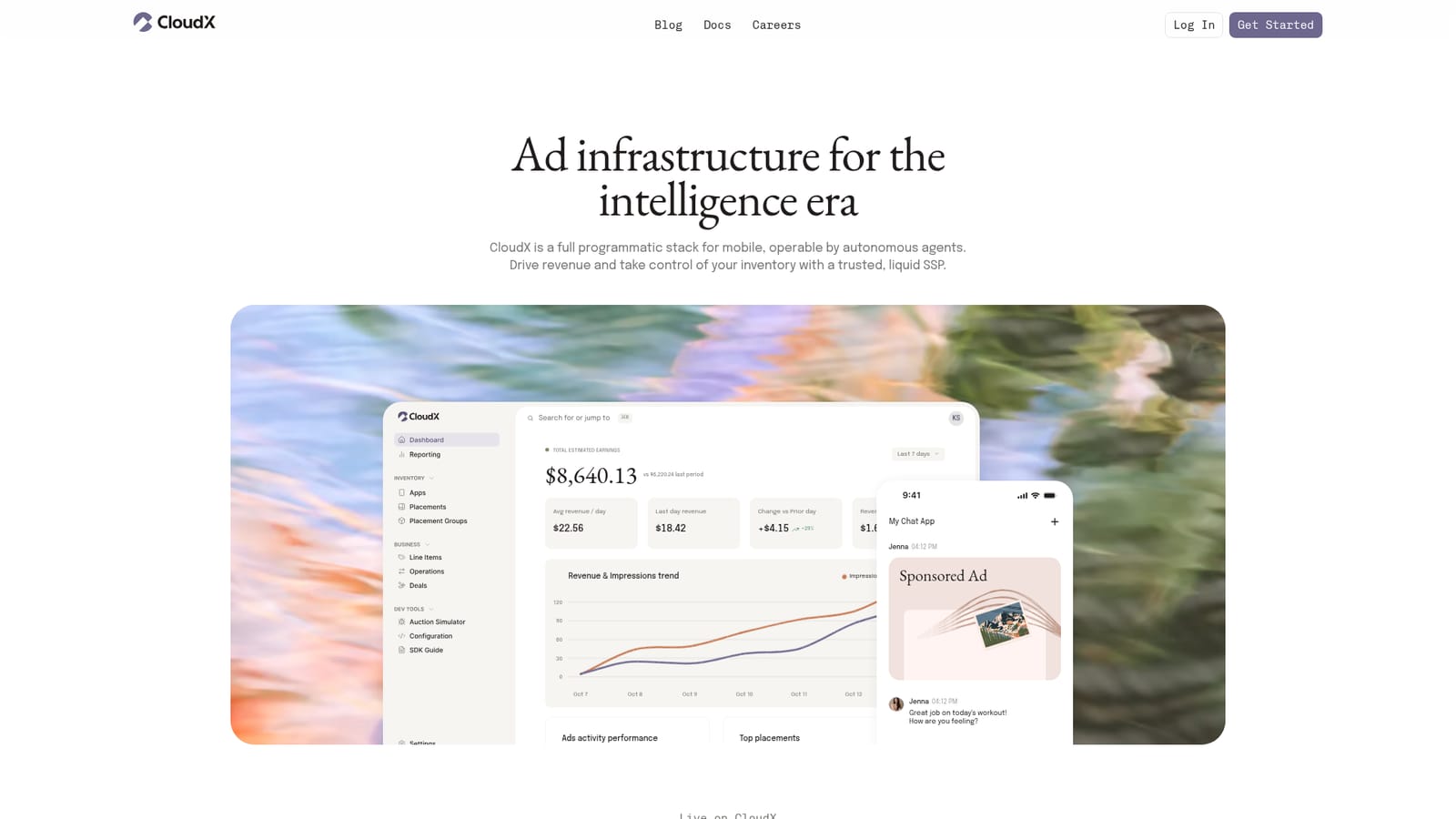
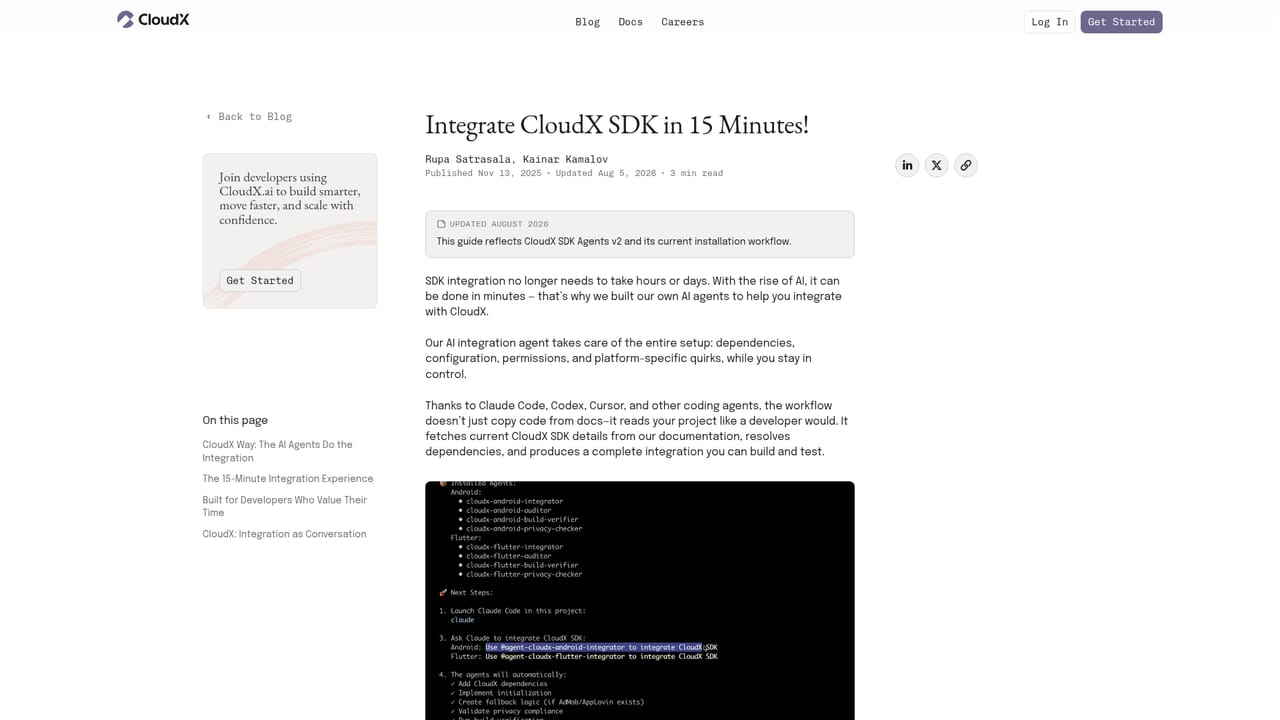
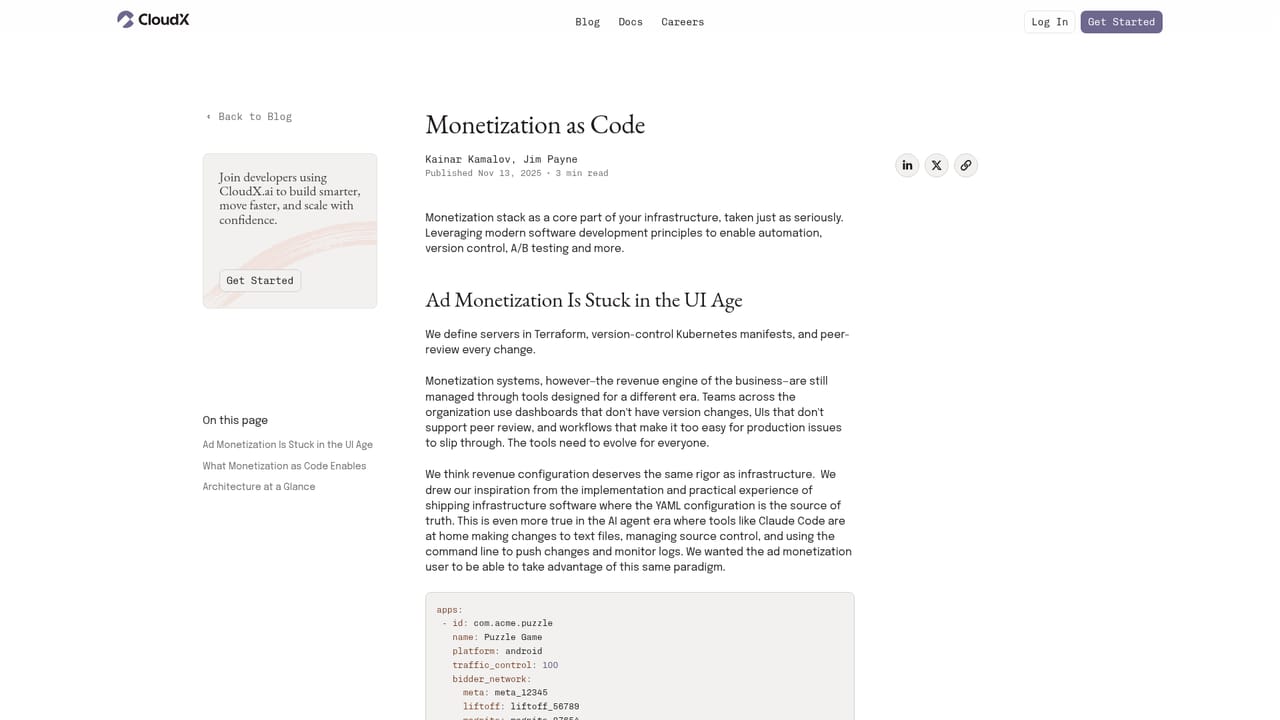
CloudX is a supply side platform aimed at mobile publishers who want control over their own ad inventory. It bundles the pieces a publisher normally assembles from several vendors: ad serving, a real time auction, dynamic pricing, feature level analytics and a mediation layer. The distinguishing piece is a monetization agent, currently in beta, that reads your inventory data and acts on it. Ask why eCPM fell and it investigates; ask it to raise price floors by 15 percent across banner line items in your gaming apps and it locates the affected items, reports the tier by tier change and stages the update. The practical audience is app developers and monetization leads running portfolios of games or utility apps, particularly smaller teams without a dedicated ad ops analyst. Day to day work happens through a dashboard that shows earnings, impressions, fill rate, requests and revenue per active user alongside placement level breakdowns. The agent can also operate on a schedule: a task is described once, given a run time, and returns results in chat or by email. The Orchestrator lets CloudX run beside other mediation platforms, with ad unit level decisions made from the dashboard rather than shipping a new app build. Under the hood, sellers integrate an SDK, define placements and placement groups in configuration (line items, formats, bid response and ad load timeouts), and let agents create line items and deals. The company describes its auction as TEE based (trusted execution environment), a design choice positioned at unlocking more demand. Machine learning based dynamic pricing prices individual ad requests rather than applying one static floor. Compared with established mediation and SSP suites, CloudX is early: the agent is labelled beta, documentation is thin on the public site, and pricing is not published. Publishers comfortable testing newer infrastructure, and especially those already automating internal workflows, get an agent native toolset; conservative ad ops teams may prefer to wait for the agent to leave beta.
Orchestrator is positioned for running CloudX alongside other mediation platforms, with ad unit level control from the dashboard. No named partner list is published on the homepage.
Learn moreFeatures named on the homepage: a full programmatic stack for mobile, a beta monetization agent that creates line items and deals and adjusts price floors, TEE based auction, machine learning dynamic pricing per ad request, feature level analytics with a fast dashboard, monetization as code configuration, scheduled agent tasks, and Orchestrator for running CloudX alongside other mediation platforms.
Learn more AI Angels400+ customizable AI girlfriends for NSFW chat, voice calls, and roleplay
 Candy AIExperience the future of companionship with AI friends who chat, role-play, and connect with you on a human level.
 ourdream.aiA vast AI roleplay platform with millions of characters for chat, images, video and voiceAI Angels400+ customizable AI girlfriends for NSFW chat, voice calls, and roleplayCandy AIExperience the future of companionship with AI friends who chat, role-play, and connect with you on a human level.ourdream.aiA vast AI roleplay platform with millions of characters for chat, images, video and voice


