Pricing
The homepage does not list subscription prices or plan names. It directs readers to the Pricing page for published subscription prices and availability, and notes that existing workspace subscriptions are managed in Workspaces.
Learn moreLive sales answers on screen, no meeting bot required.

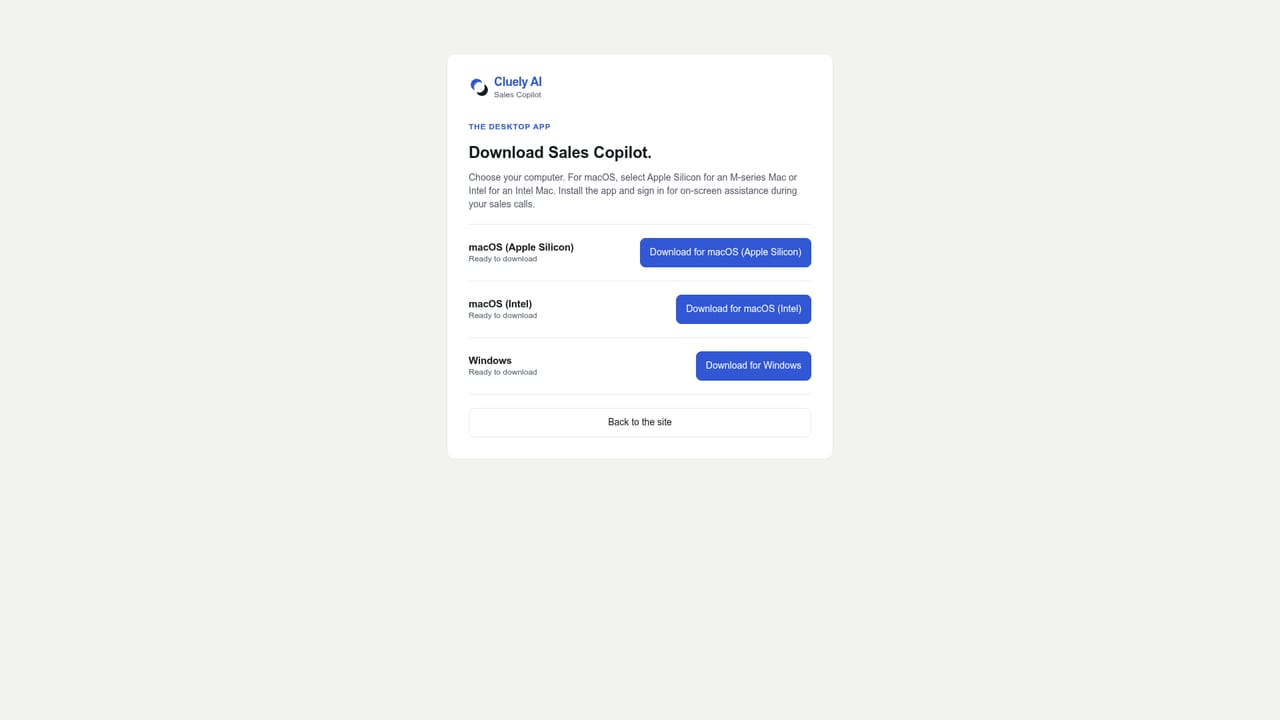
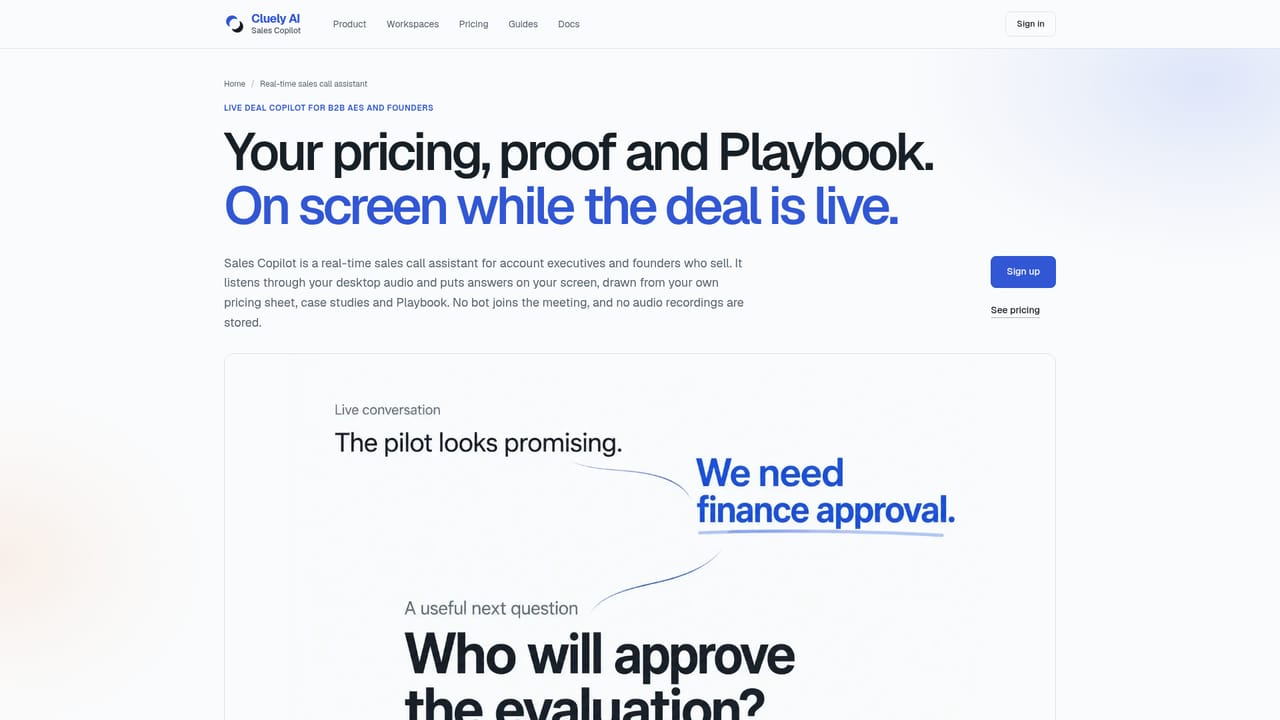
Cluely AI is a desktop sales copilot that suggests talking points during live calls using your conversation, attached materials, and a chosen Playbook. It captures audio without a meeting bot, supports rehearsal with an AI buyer, and produces transcript linked debriefs.
Cluely AI is a desktop sales copilot that surfaces talking points while a call is still in progress. It listens to both sides of the conversation through your microphone and system audio, then draws on the live dialogue, documents you have attached, and a selected Playbook to suggest responses. The app runs alongside whichever meeting tool you already use, so no bot joins the call and you stay in control of what gets said. It is aimed at sales reps, account executives, and teams who face unexpected questions about pricing, competitors, or technical details and want something useful to work with in the moment. Preparation sits at the centre of the workflow. Before a call you build a Prospect brief, attach materials from your Library, and pick a Playbook that sets how the copilot should assist. You can then rehearse with a text based AI buyer that uses the same context, choosing a persona such as Economic buyer or Procurement and a difficulty level from Cooperative through to Challenging. After the conversation, a debrief ties feedback to the transcript, keeps an Account Action Plan connected to the same Prospect, and records coaching memory so a focus area carries into the next rehearsal and the next call. The product splits personal and team use. Your calls run on the desktop app, while workspaces, members, and subscriptions are managed on the web. A personal workspace stays private even if you later join a Team, and team materials are shared explicitly into a separate workspace that requires a valid Team subscription for admitted members. Among sales enablement tools, Cluely AI distinguishes itself by avoiding bot based meeting capture and by being candid about data handling. It states that raw audio, recordings, screenshots, and screen video are not stored, and that transcripts and debriefs have no automatic expiry by default. It also notes that current deletion controls do not yet cover the full structured data lifecycle. Notice and consent for each call remain the responsibility of the user and their organization, which makes it a better fit for teams prepared to manage that obligation than for casual individual use.
The homepage does not list subscription prices or plan names. It directs readers to the Pricing page for published subscription prices and availability, and notes that existing workspace subscriptions are managed in Workspaces.
Learn moreSupport is documentation led. The site links to a docs hub and a permissions guide for setup, and offers written guides on AI sales copilots, discovery call preparation, and objection handling. The homepage does not describe a help desk, live chat, or contact channel.
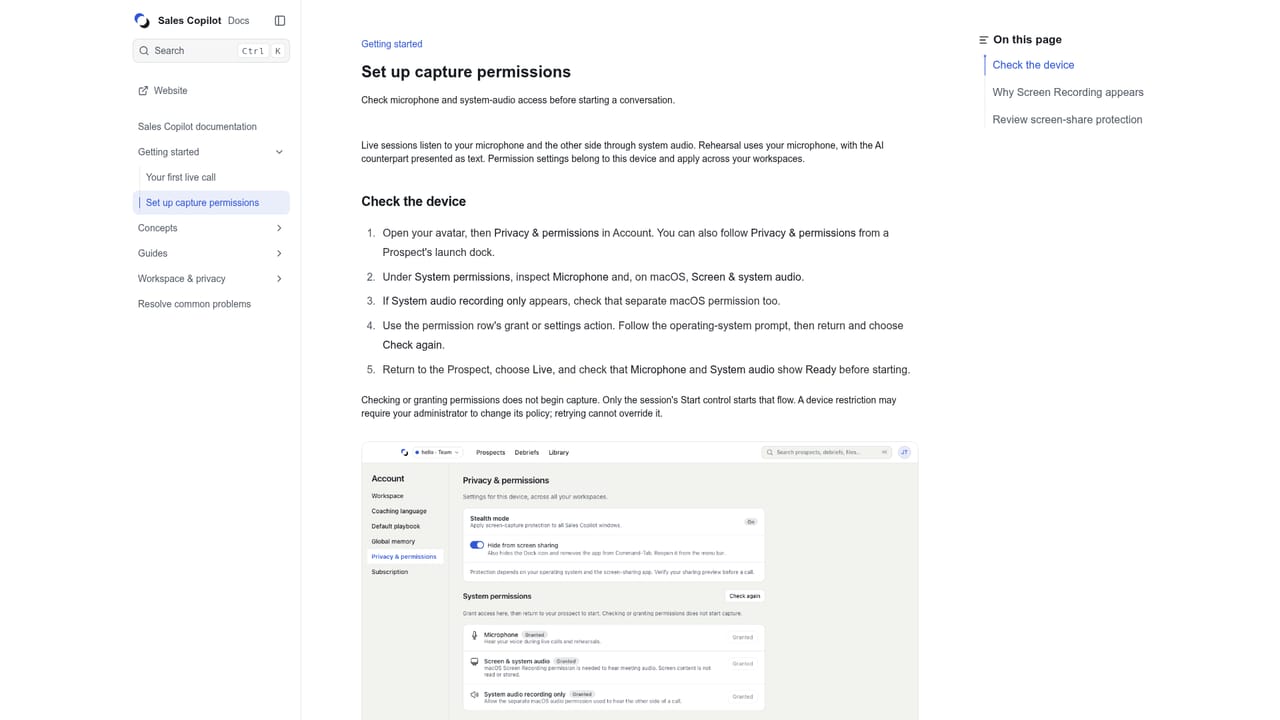
Learn moreThe homepage does not list named third party integrations. The copilot sits alongside your existing meeting app and uses microphone and desktop system audio rather than joining through a bot, so capture support depends on your operating system, permissions, and meeting app.
Real time on screen talking points drawn from the live conversation, attached Library materials, and a selected Playbook. Prospect briefs keep context across sessions. Rehearsal uses a text AI buyer with personas and difficulty levels. Debriefs link feedback to the transcript, and an Account Action Plan and coaching memory connect each Prospect to future calls. Desktop capture avoids a meeting bot, and personal and Team workspaces are kept separate.
Learn more AI Angels400+ customizable AI girlfriends for NSFW chat, voice calls, and roleplay
 Candy AIExperience the future of companionship with AI friends who chat, role-play, and connect with you on a human level.
 ourdream.aiA vast AI roleplay platform with millions of characters for chat, images, video and voiceAI Angels400+ customizable AI girlfriends for NSFW chat, voice calls, and roleplayCandy AIExperience the future of companionship with AI friends who chat, role-play, and connect with you on a human level.ourdream.aiA vast AI roleplay platform with millions of characters for chat, images, video and voice


