Integrations
The homepage shows Notion, Slack, Gmail, Google Drive, Apple Notes, iMessage, Linear and Calendar connected to the same memory, alongside Claude, ChatGPT and Codex.
One shared memory that every AI you use can read from and save into.

Constella is a shared memory layer that collects notes, files, messages and screen captures from many apps into one store that Claude, ChatGPT and Codex can all read, with search, an AI canvas and a self-updating memory.
Constella is a shared memory layer for people who work across several AI assistants and a sprawl of apps. The premise is simple: instead of re-explaining your project, your decisions and your constraints to Claude, ChatGPT and Codex every time you switch, you save the important fragments once into a single memory and let each assistant read from it. Saved items can come from coding agents (a remember prompt inside Claude Code, a save call inside Codex), from the browser, from messages, from files and from whatever is on your screen. In practice the product is built around four moves. You capture a thought, a link, a PDF page or a chat excerpt; the memory indexes it alongside your connected apps; search returns the note, the chat, the document page and the message side by side rather than one result type at a time; and the memory gradually updates itself, flagging decisions and changes it infers from incoming notes so you can keep or discard them. From there, an AI canvas lays out everything on a topic as grouped cards pulled from Notion, Slack, Gmail, Drive, Linear, Calendar and similar sources, and a journal mode reads what you write and surfaces your own recurring terms. Claude, ChatGPT and Codex sit on top of the same store, so a question about a launch date gets the same answer in all three. It suits founders, small product teams, researchers and heavy AI users who already pay for more than one assistant and are tired of fragmented context. Students reading papers and note-takers who live in Apple Notes or iMessage fit too. The canvas supports live collaboration, so a team can think on the same board. Against dedicated note apps, Constella is thinner on long-form editing and leans on AI retrieval. Against single-vendor memory features, its advantage is breadth across assistants and external apps, which is also the thing to verify against your own stack before committing.
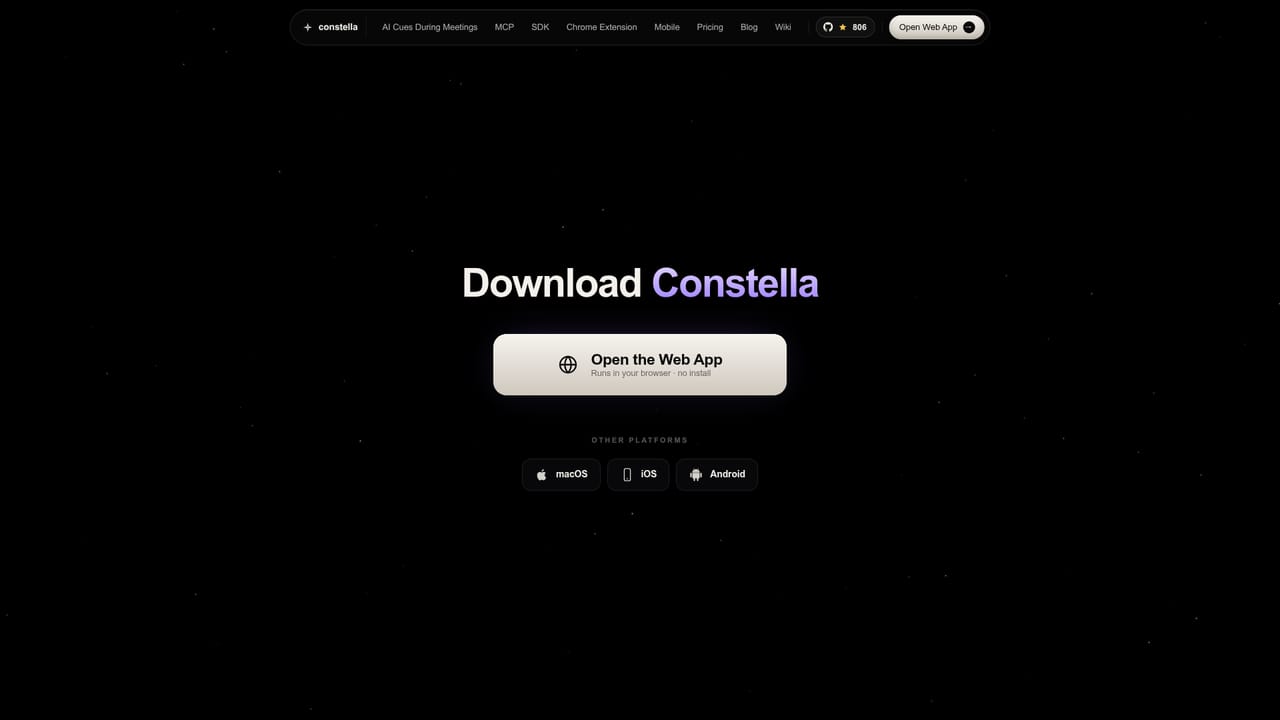
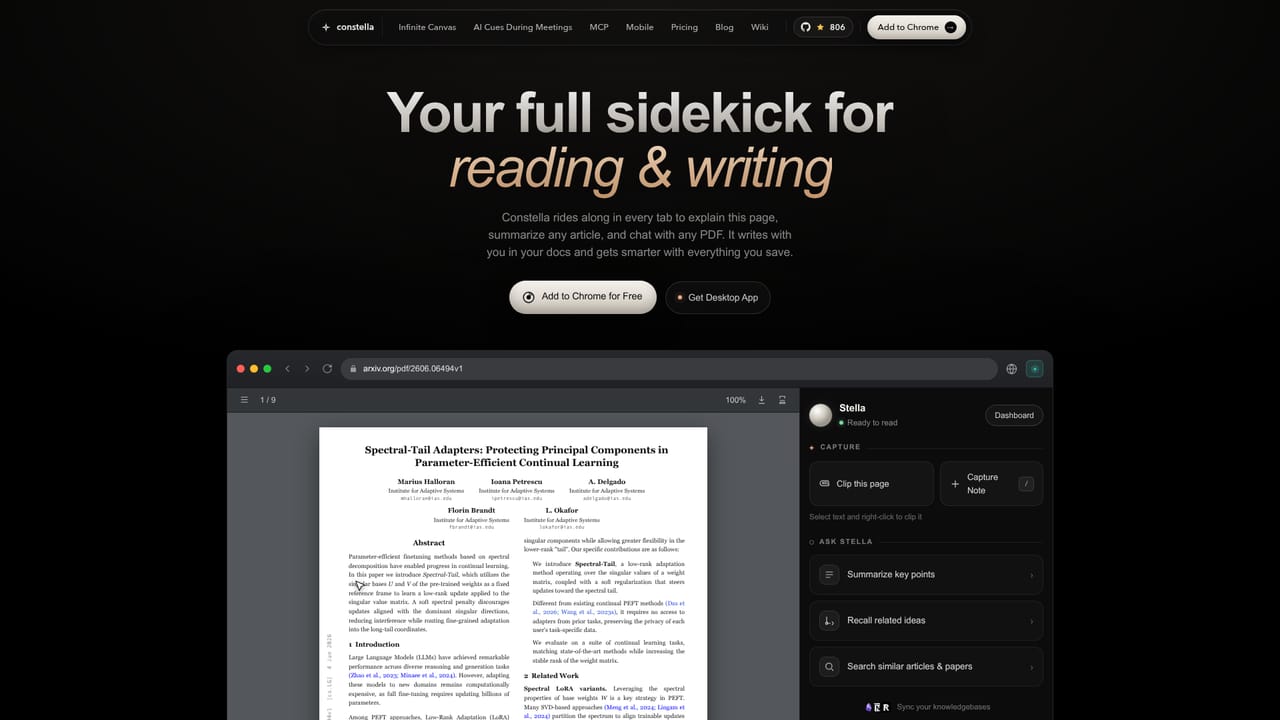
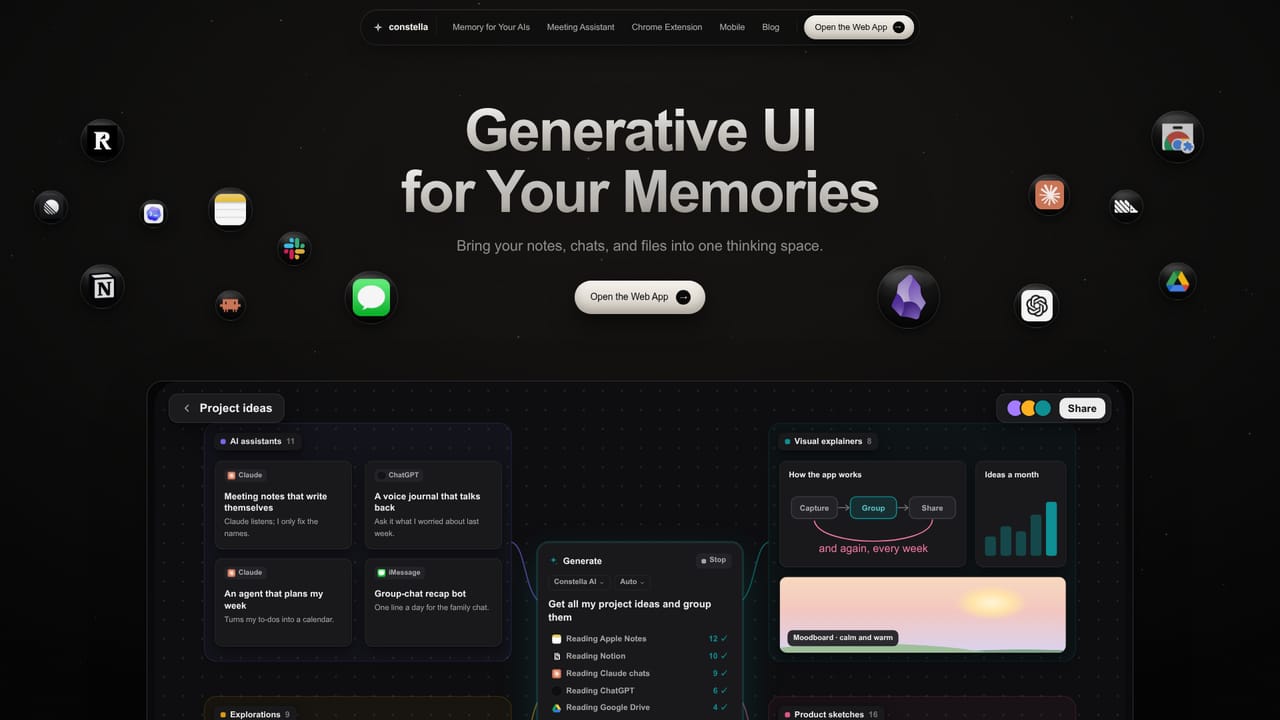
The homepage shows Notion, Slack, Gmail, Google Drive, Apple Notes, iMessage, Linear and Calendar connected to the same memory, alongside Claude, ChatGPT and Codex.
Capture from coding agents, browser, messages, files and screen into one memory; unified search across notes, chats and PDF pages; a memory that infers decisions and updates itself with your approval; an AI canvas that groups everything on a topic with live collaboration; journal mode that tracks your own terms; shared context for Claude, ChatGPT and Codex.
Learn more AI Angels400+ customizable AI girlfriends for NSFW chat, voice calls, and roleplay
 Candy AIExperience the future of companionship with AI friends who chat, role-play, and connect with you on a human level.
 ourdream.aiA vast AI roleplay platform with millions of characters for chat, images, video and voiceAI Angels400+ customizable AI girlfriends for NSFW chat, voice calls, and roleplayCandy AIExperience the future of companionship with AI friends who chat, role-play, and connect with you on a human level.ourdream.aiA vast AI roleplay platform with millions of characters for chat, images, video and voice


