Pieces.app

A local memory layer that records your work and feeds it to AI assistants.

Beginner API
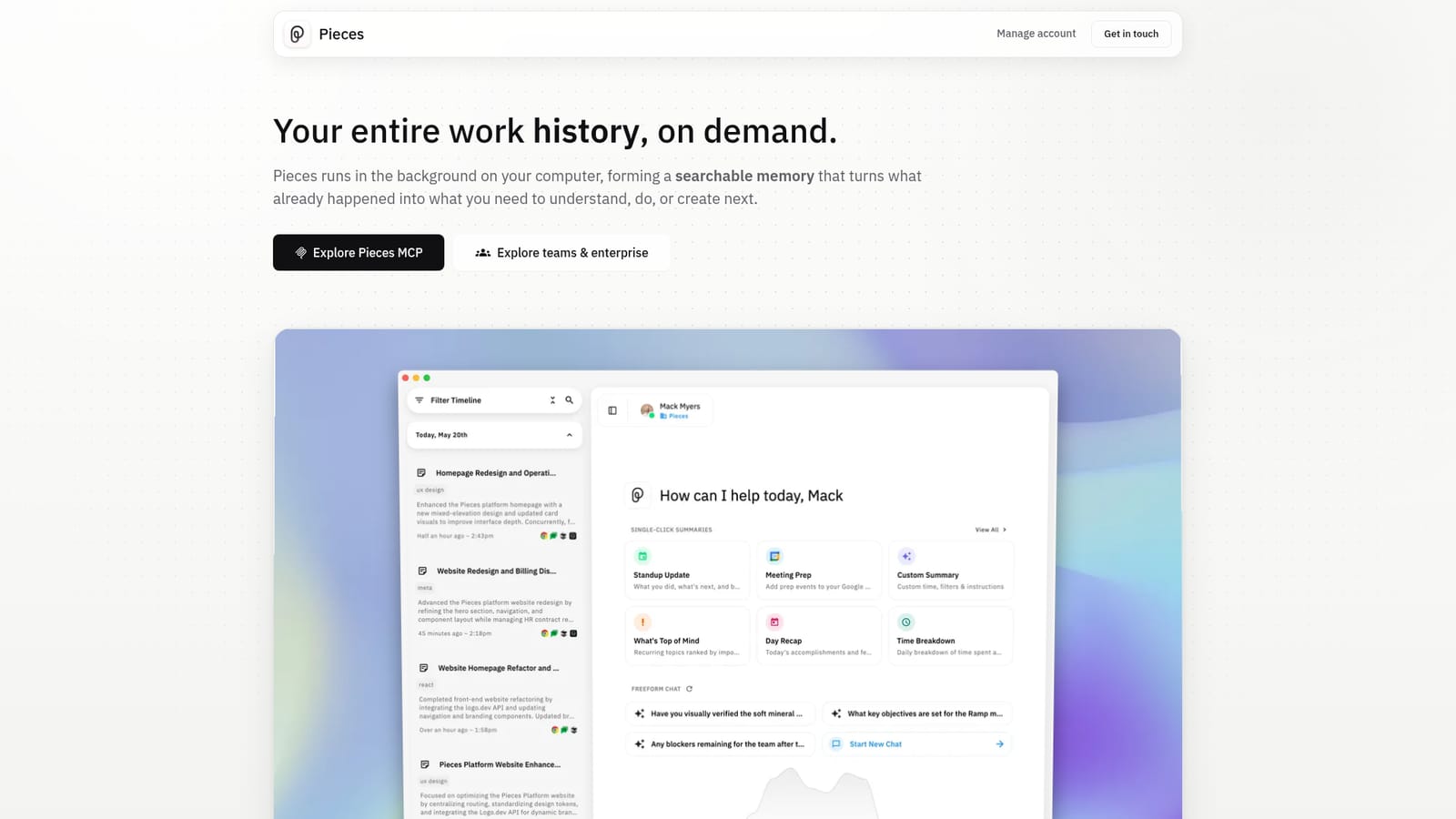
Screenshot of Pieces.app, A local memory layer that records your work and feeds it to AI assistants

What is Pieces.app?

Pieces.app is an AI screen analyzer tool. Pieces is a desktop memory layer that records your activity across email, chat, browsers, documents, design and coding tools, then makes it searchable and reusable. On-device storage by default, pause and delete controls, and an MCP server that feeds your history into assistants such as Claude, Cursor and Codex.

Pieces is a desktop application that runs quietly in the background on your computer and builds a searchable record of your working day. It captures what appears in the application you have focused, what you copy and paste, and, if you opt in, what is said and heard in meetings and conversations. The capture happens continuously, which the company describes as forming memories every two seconds. Rather than acting as another chat window, it sits underneath the tools you already use and keeps a chronological timeline of research, emails, notes, meetings and code sessions that you can search, filter and revisit later. The product is aimed at people whose context is scattered across many surfaces: researchers chasing a trail across dozens of tabs, writers pulling together source material, developers moving between editors and agents, and planners who need to reconstruct how a decision was reached. In daily use you ask questions in freeform chat and scope them by time, topic, person or source. Pieces then generates artifacts such as standup updates, morning briefs, meeting prep and day recaps from that captured context, replacing manual reconstruction of what happened. Its distinguishing feature is the MCP Server, which carries your history into Claude, Cursor, Codex, Antigravity and other MCP-ready assistants. That places Pieces less as a competitor to a single chatbot and more as a shared context provider sitting behind several of them. Memories are stored on-device by default, and you can pause capture, disable specific apps or sites, or delete data by time period, source or capture method. Enterprise plans extend this with bring-your-own API keys, organisation-wide capture policies and compliance enforcement. The trade-off is scope. Pieces is a memory and retrieval tool, not a generator of finished creative assets, so it supports creative work indirectly by recovering references, rationale and prior drafts. Anyone unwilling to grant broad capture permissions to a background process should weigh that before adopting it.

How do you use Pieces.app?

  1. 1Install Pieces Desktop and start capture
    Download the desktop app for your operating system and sign in. Capture begins once the app is running, recording activity from the focused application and from clipboard use.
    Pieces.app — Install Pieces Desktop and start capture
  2. 2Pause capture or exclude specific apps
    Open the menu and use the Long-Term Memory controls to pause capture when needed, or disable capture for particular applications and websites you would rather keep out of memory.
  3. 3Explore the timeline and search your history
    Review the chronological timeline of research, emails, chats and notes, then use freeform chat search to ask about a time, topic, person or tool and narrow the scope of results.
  4. 4Generate a brief or recap in one click
    From the artifact panel, produce standup updates, morning briefs, meeting prep or day recaps based on the captured context instead of retracing your steps manually.
  5. 5Connect Pieces MCP to your assistant
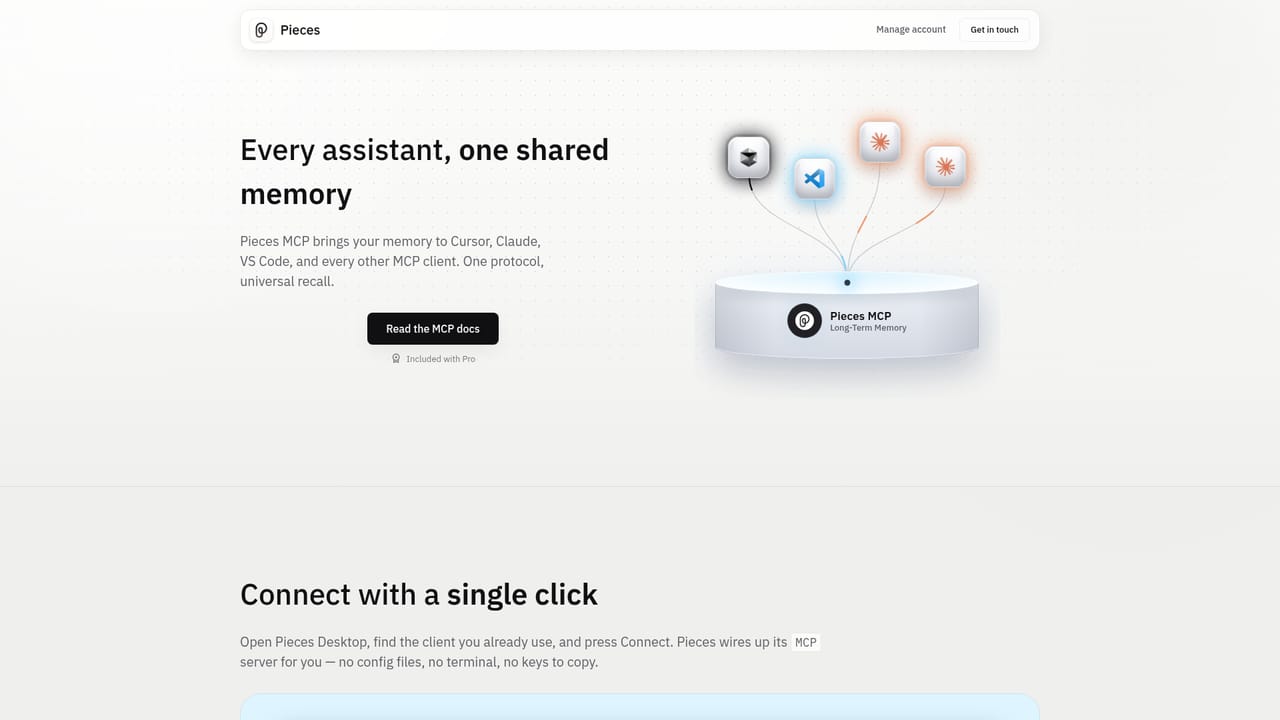
    Follow the MCP setup guidance to connect your memory store to Claude, Cursor, Codex, Antigravity or another MCP-ready assistant so your history travels with you.
    Pieces.app — Connect Pieces MCP to your assistant
  6. 6Review enterprise controls if rolling out to a team
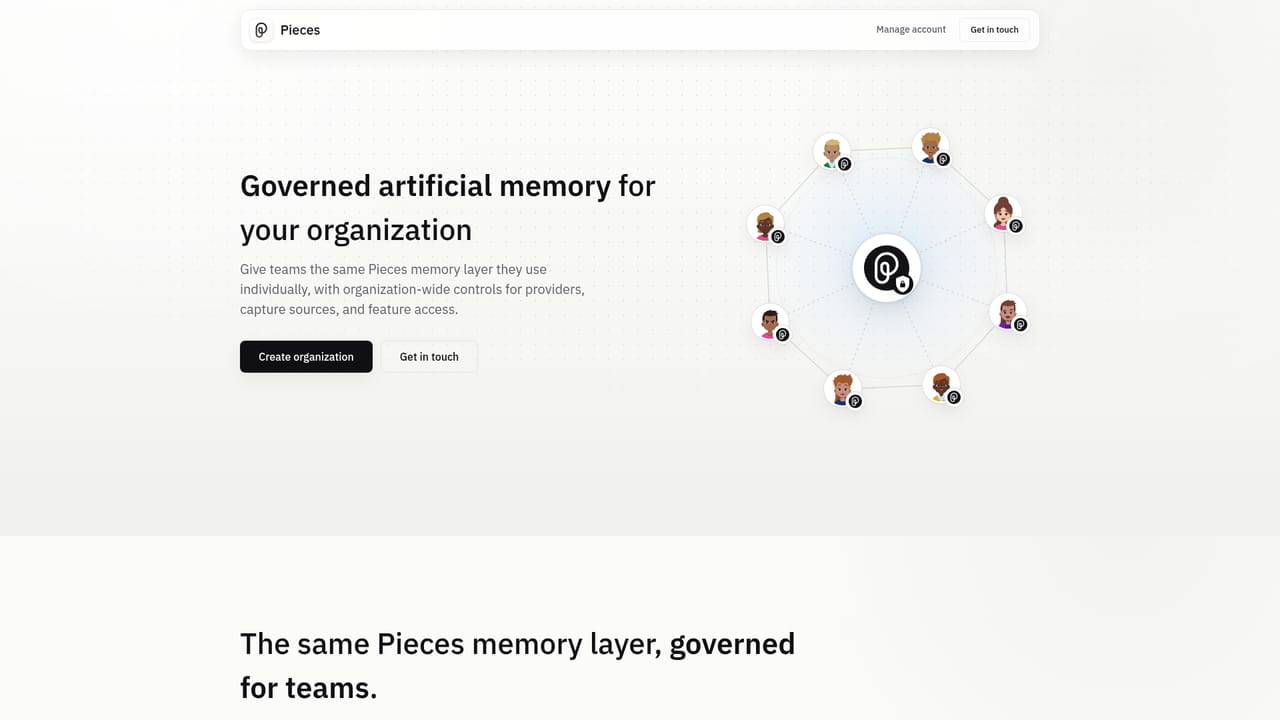
    Read the enterprise page for bring-your-own API keys, org-wide capture policies and compliance enforcement before deploying Pieces across an organisation.
    Pieces.app — Review enterprise controls if rolling out to a team

Pros and cons

Pros

  • Captures work automatically across a wide list of sources including Gmail, Slack, Notion, Figma and major code editorsAI
  • Memories are stored on-device by default, with granular pause and delete controls by app, time or capture methodAI
  • The MCP Server lets one memory store feed Claude, Cursor, Codex and other MCP-ready assistantsAI
  • Generates practical artifacts like standup updates, meeting prep and day recaps from real contextAI
  • Enterprise options include bring-your-own API keys and organisation-wide capture policiesAI

Cons

  • Value depends entirely on granting broad, continuous capture permissions to a background process, which many teams restrictAI
  • It is a memory and retrieval tool, not a creator of finished images, audio or video, so direct creative output is limitedAI
  • The homepage gives no pricing figures, so cost has to be confirmed before committingAI
  • Effectiveness hinges on source coverage and capture quality, and the page does not document what happens with unsupported appsAI
  • Long-term retention of sensitive work content raises governance questions that individual users must reason through themselvesAI

How much does Pieces.app cost?

Integrations

Captures from Gmail, Outlook, Chrome, Arc, Safari, Slack, Microsoft Teams, Google Chat, Discord, Google Meet, Zoom, Google Docs, Notion, Figma, Claude, ChatGPT, GitHub Copilot, Codex, Perplexity, Cursor, VS Code, JetBrains and Xcode, and exports context through its MCP Server.

Learn more

Features

A chronological timeline of activity across browsers, email, chat, docs, design and coding tools; freeform chat search scoped by time, topic, person or source; one-click artifacts including standup updates, morning briefs, meeting prep and day recaps; on-device storage with pause, per-app exclusion and selective deletion; an MCP Server that carries your history into MCP-ready assistants; enterprise capture policies and bring-your-own API keys.

Frequently asked questions about Pieces.app

  • Does Pieces.app have an API?
    Yes, Pieces.app offers an API.
  • How do you use Pieces.app?
    The walkthrough on this page covers 6 steps: 1. Install Pieces Desktop and start capture 2. Pause capture or exclude specific apps 3. Explore the timeline and search your history 4. Generate a brief or recap in one click 5. Connect Pieces MCP to your assistant 6. Review enterprise controls if rolling out to a team.
  • What platforms does Pieces.app support?
    Pieces.app is available on MacOS, Windows and Linux.
  • What does Pieces.app integrate with?
    Captures from Gmail, Outlook, Chrome, Arc, Safari, Slack, Microsoft Teams, Google Chat, Discord, Google Meet, Zoom, Google Docs, Notion, Figma, Claude, ChatGPT, GitHub Copilot, Codex, Perplexity, Cursor, VS Code, JetBrains and Xcode, and exports context through its MCP Server.
  • What are the limitations of Pieces.app?
    Value depends entirely on granting broad, continuous capture permissions to a background process, which many teams restrict. It is a memory and retrieval tool, not a creator of finished images, audio or video, so direct creative output is limited. The homepage gives no pricing figures, so cost has to be confirmed before committing.

Status

StatusActive
Views0
Outbound clicks0
Added10/21/2026

Platforms

MacOSWindowsLinux

Pricing

Freemium