Integrations
Charts are pulled from the existing EHR and practice management system through RPA or an API, with no second screen for coders. Veradigm Connect certification is stated, but no public integration directory is listed.
Learn moreDual-mode AI medical coding with certified coder backup

Codio is a developer tool. Dual-mode AI medical coding platform that auto-codes complete charts in AutoPilot mode and routes ambiguous ones to certified coders in CoPilot mode, with code-level audit trails and real-time edit validation for hospitals, ASCs, physician groups and RCM companies.
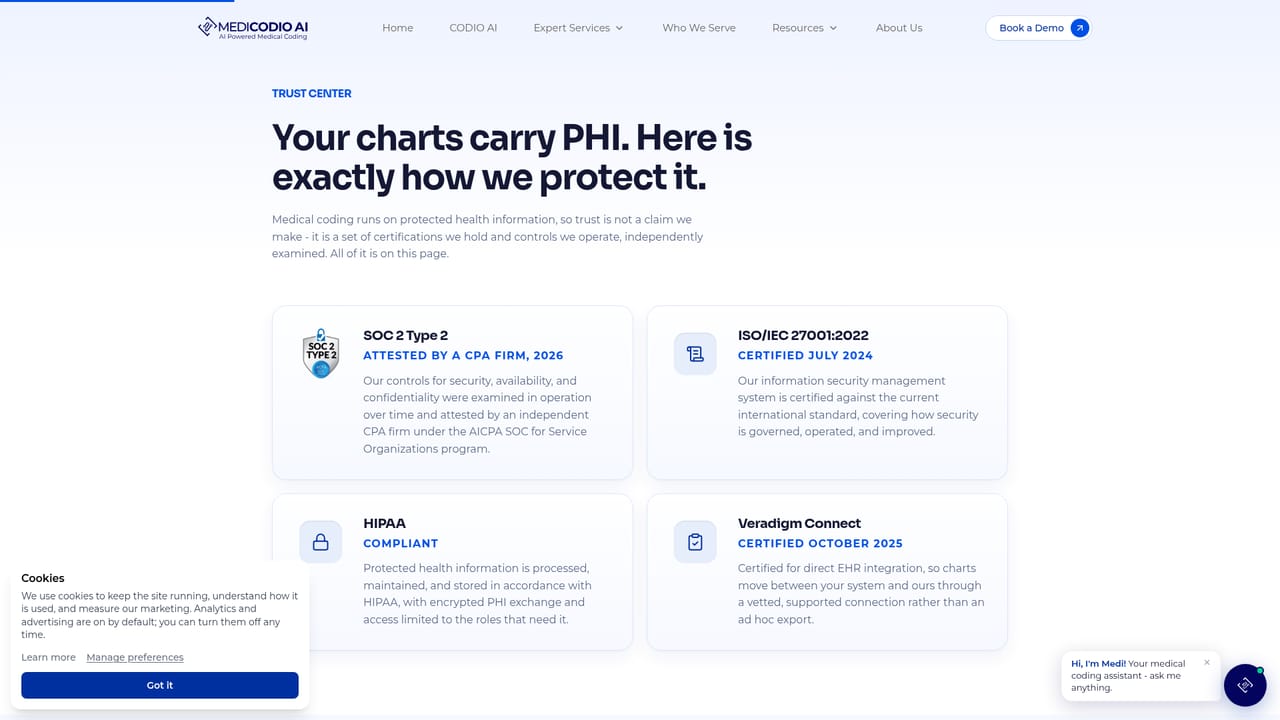
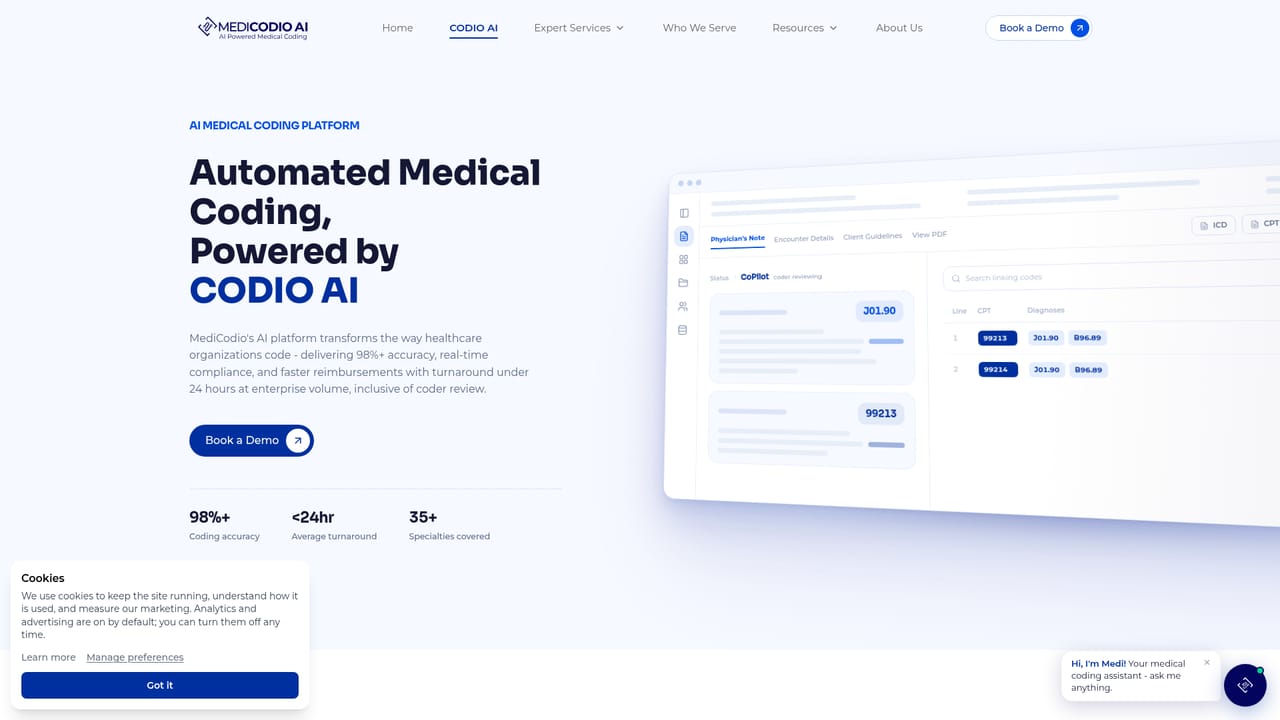
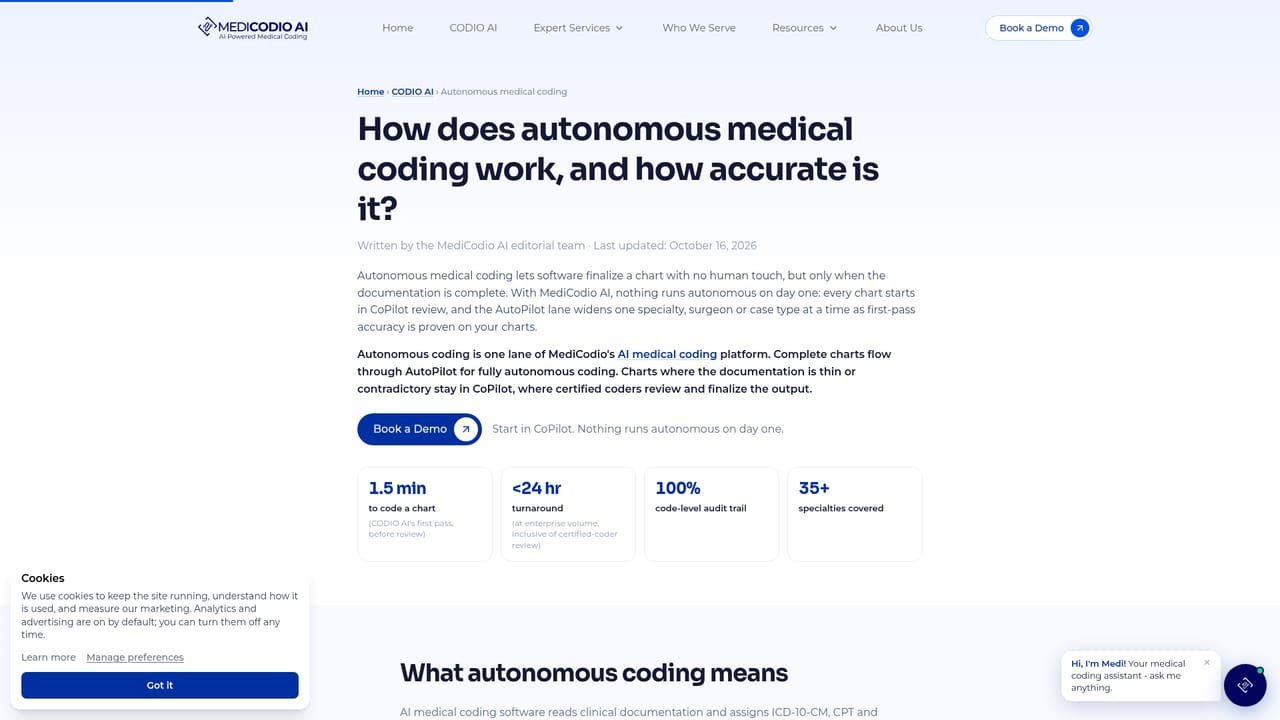
MediCodio AI is a medical coding platform that pairs an automation engine called CODIO with a team of certified human coders. Charts arrive from the electronic health record through RPA or an API, and CODIO reads the clinical note, assigns ICD-10-CM, CPT and HCPCS codes, sequences diagnoses, links each diagnosis to the procedure it justifies, applies the official coding guidelines, and runs NCCI edits, MUE limits and LCD/NCD coverage checks before anything is submitted. Every code is returned alongside the note passage that supports it, so a coder, auditor or payer can trace the decision without digging through the record. The product runs in two modes. AutoPilot handles complete charts end to end with no coder involvement. CoPilot routes thin or contradictory documentation to a certified coder, who finishes the work and raises a clinical documentation improvement query where the note needs strengthening. That split is the central design idea: volume goes through automation, ambiguity goes to people. MediCodio targets US healthcare organizations rather than individual clinicians. Hospitals and health systems, ambulatory surgery centers, physician groups across 35+ specialties, RCM companies and HIM departments are the stated audiences, and the company also sells managed coding, staffing, auditing and CDI services on top of the software, with AAPC and AHIMA credentialed staff. Compliance claims are specific: ISO/IEC 27001:2022 certification, HIPAA compliance, SOC 2 Type 2 attestation and Veradigm Connect certification. Against outsourced coding firms, MediCodio competes on turnaround and cost, publishing figures of 98%+ first-pass accuracy, under 1.5 minutes per chart and 60 to 70% lower coding cost. Teams that want a pure self-serve coding assistant will find this heavier and service-oriented, while buyers who want automation plus accountable human review get both under one contract.
Charts are pulled from the existing EHR and practice management system through RPA or an API, with no second screen for coders. Veradigm Connect certification is stated, but no public integration directory is listed.
Learn moreCODIO reads clinical notes, assigns and sequences ICD-10-CM, CPT and HCPCS codes, links diagnoses to procedures, applies ICD-10-CM official guidelines, and validates against NCCI edits, MUE limits and LCD/NCD policy before submission. AutoPilot codes complete charts without human input; CoPilot sends ambiguous charts to certified coders. A live dashboard tracks charts imported, processing and executed, plus accuracy and turnaround.
Learn more AI Angels400+ customizable AI girlfriends for NSFW chat, voice calls, and roleplay
 Candy AIExperience the future of companionship with AI friends who chat, role-play, and connect with you on a human level.
 ourdream.aiA vast AI roleplay platform with millions of characters for chat, images, video and voiceAI Angels400+ customizable AI girlfriends for NSFW chat, voice calls, and roleplayCandy AIExperience the future of companionship with AI friends who chat, role-play, and connect with you on a human level.ourdream.aiA vast AI roleplay platform with millions of characters for chat, images, video and voice


