Support
Support runs through documentation and a community hub; the site advertises booking a call and webinar recordings rather than a published help desk or SLA.
Learn moreOpen-source memory layer that gives LLM agents persistent recall

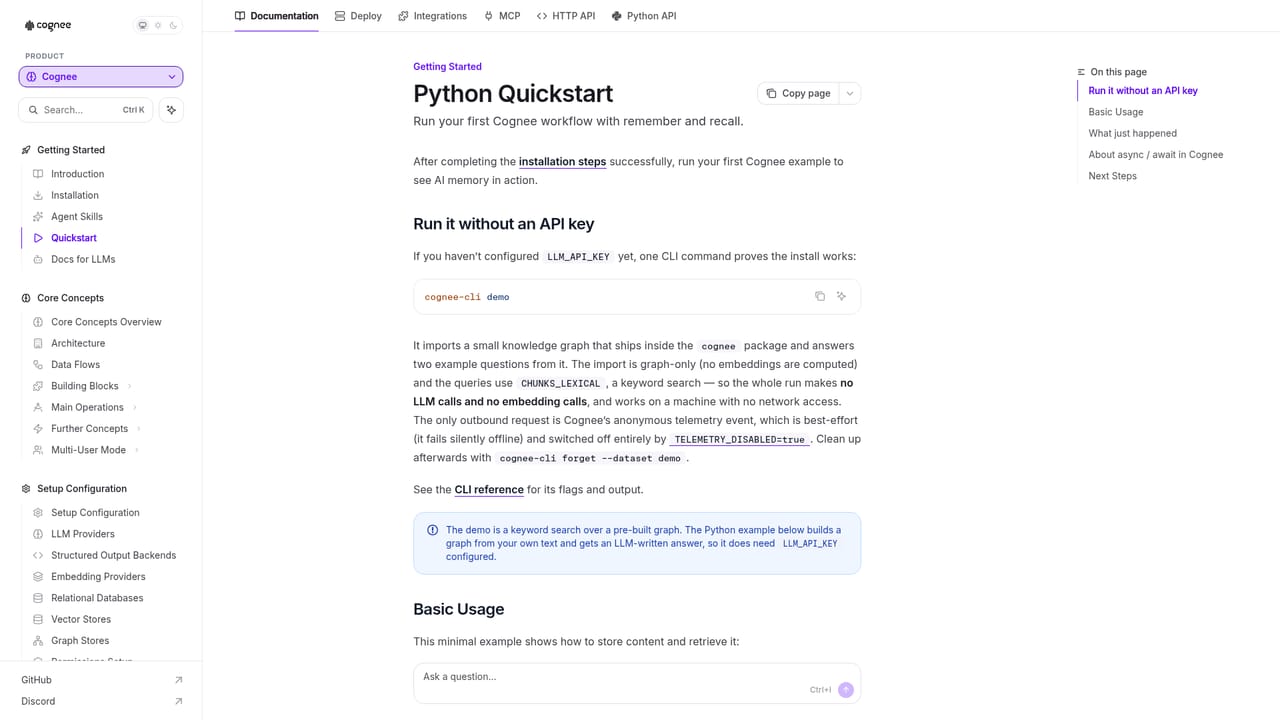
Cognee is an open-source memory layer for LLM agents and teams. It stores agent context as connected graphs and vectors, recalls it across sessions, and plugs into Claude Code, Cursor, Codex and other MCP clients, self-hosted or through Cognee Cloud.
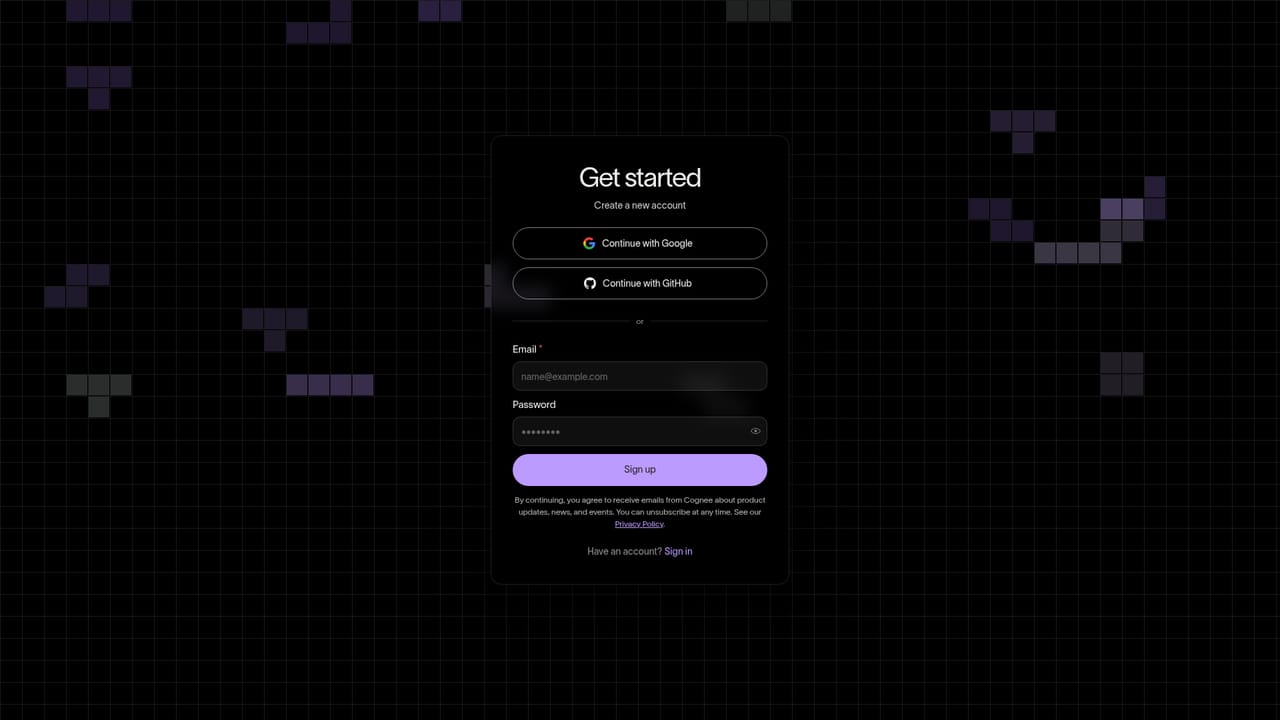
Cognee is an open-source memory platform for LLM agents, built around a simple premise: an agent that cannot remember wastes tokens solving problems it already solved. The platform stores what agents learn and retrieves it later through graph, vector and relational search, so context survives across sessions and tools. Install it with pip, run it in Docker, host it on your own infrastructure, or use the managed Cognee Cloud service. The product targets three distinct audiences. Agent builders get an SDK that plugs memory into Claude Code, Cursor, Codex or any MCP client, plus framework integrations such as LangGraph and the OpenAI Agents SDK. Teams get a shared "company brain" that ingests Slack, GitHub and Linear so colleagues and their assistants stop repeating work. Enterprises get ontology generation, which derives the domain rules a model was never trained on and forces agents to follow them instead of guessing. In practice the workflow is a short loop: remember, recall, improve. Data is pushed in and converted into connected entities with citations attached; queries then assemble answers from those memories; feedback on an answer adjusts recall weights for the next run. The homepage demo shows connected agents, document counts, extracted entities and preserved citations, which reflects the design priority of traceable answers over fluent guesses. Cognee sits in the memory infrastructure layer rather than the consumer chatbot space. Against newer memory startups it leans on open source distribution (over 32k GitHub stars and millions of monthly SDK runs) and on graph-based representation as its differentiator. Against plain vector databases it adds entity extraction, ontologies and self-improving retrieval. The tradeoff is that this is developer tooling first: setup sessions ask for a terminal, and the deeper ontology and permission configuration rewards teams willing to read the docs.
Support runs through documentation and a community hub; the site advertises booking a call and webinar recordings rather than a published help desk or SLA.
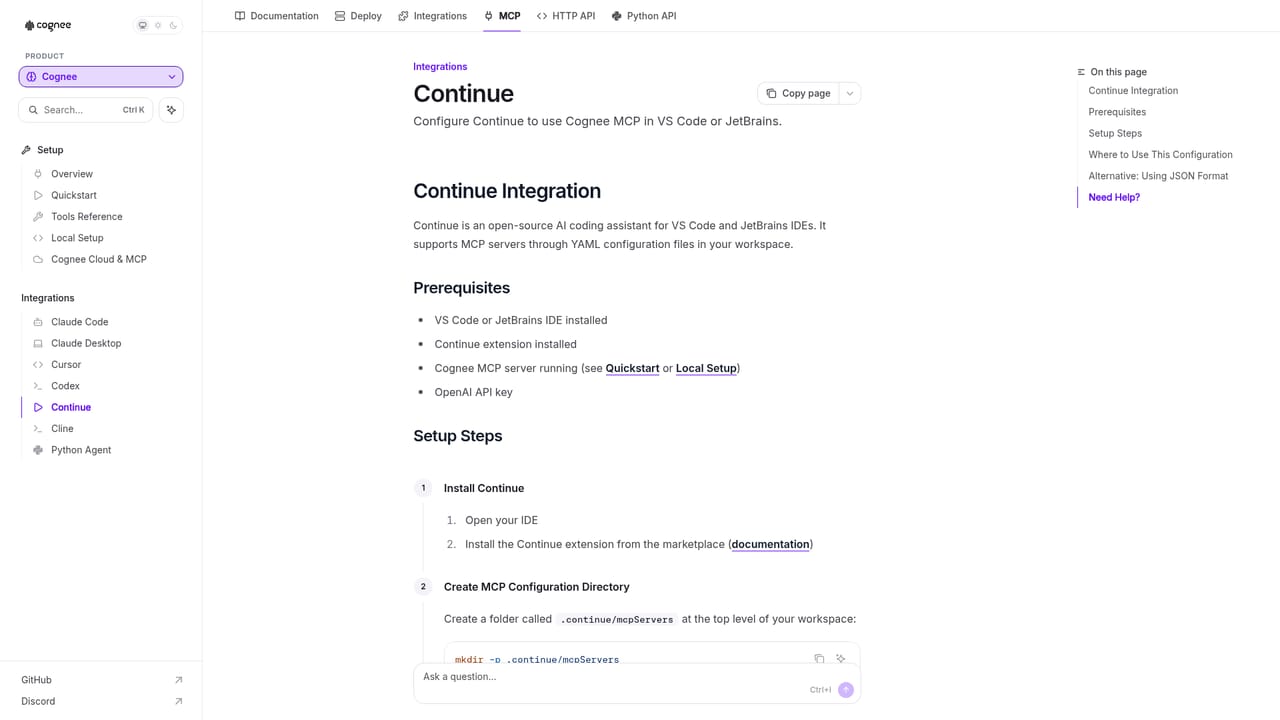
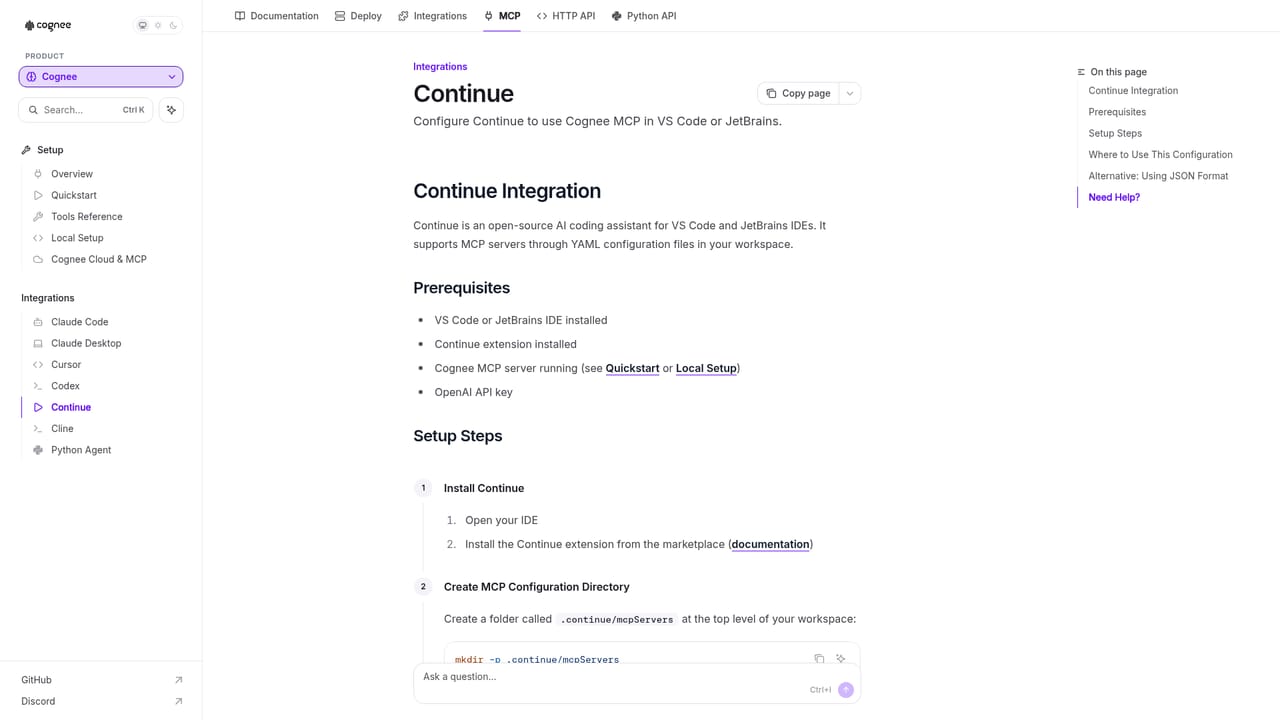
Learn moreConnects to Claude Code, Cursor, Codex, OpenClaw, Hermes and other MCP clients, with framework guides for LangGraph and the OpenAI Agents SDK plus Slack, GitHub and Linear for company knowledge.
Learn morePersistent agent memory with graph, vector and relational retrieval; a remember, recall and improve loop that adapts to feedback; citation-preserving answers; automatic ontology generation for enterprise domain rules; data models and permissions configuration; MCP and framework integrations; flexible deployment across self-hosted, Docker, on-prem and Cognee Cloud.
Learn more AI Angels400+ customizable AI girlfriends for NSFW chat, voice calls, and roleplay
 Candy AIExperience the future of companionship with AI friends who chat, role-play, and connect with you on a human level.
 ourdream.aiA vast AI roleplay platform with millions of characters for chat, images, video and voiceAI Angels400+ customizable AI girlfriends for NSFW chat, voice calls, and roleplayCandy AIExperience the future of companionship with AI friends who chat, role-play, and connect with you on a human level.ourdream.aiA vast AI roleplay platform with millions of characters for chat, images, video and voice


