Support
A Discord community server is linked from the site, and an FAQ page covers common questions. No other support channels are described on the homepage.
Learn moreRead manga, manhwa and manhua in 160+ languages with AI text replacement
Own Comic Translator? Verify ownership to get a dofollow link

Comic Translator is an AI manga reader tool. A browser and mobile translation extension plus web uploader for manga, manhwa and manhua. It detects text in comic images, translates into 160+ languages and replaces the lettering while keeping the artwork, with downloadable output for offline reading.
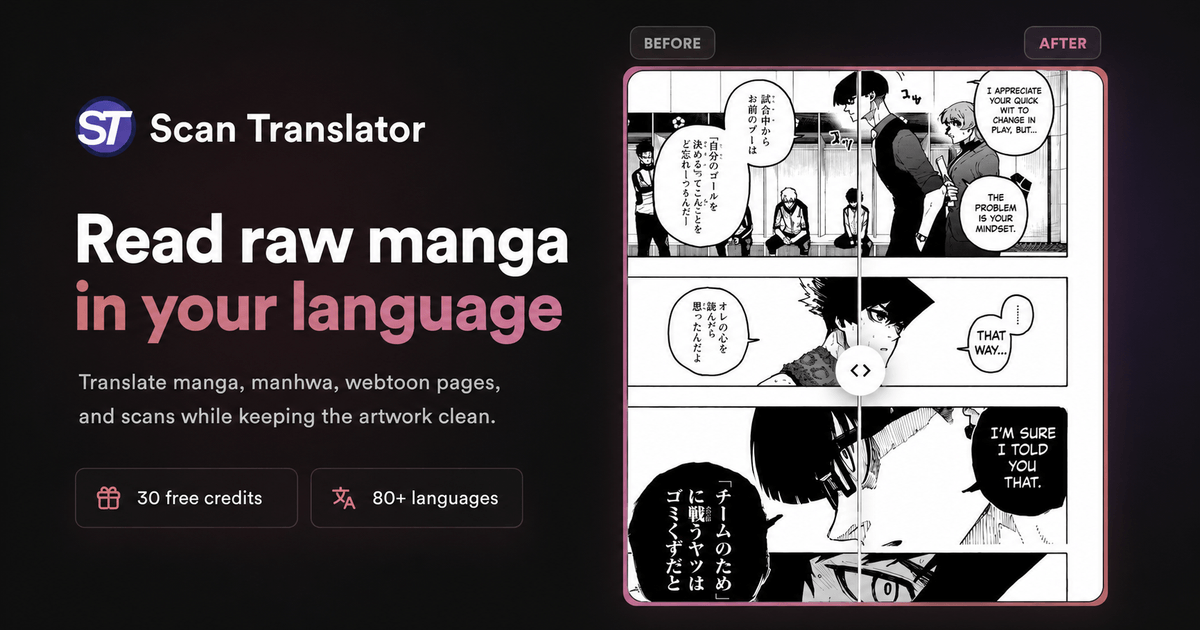
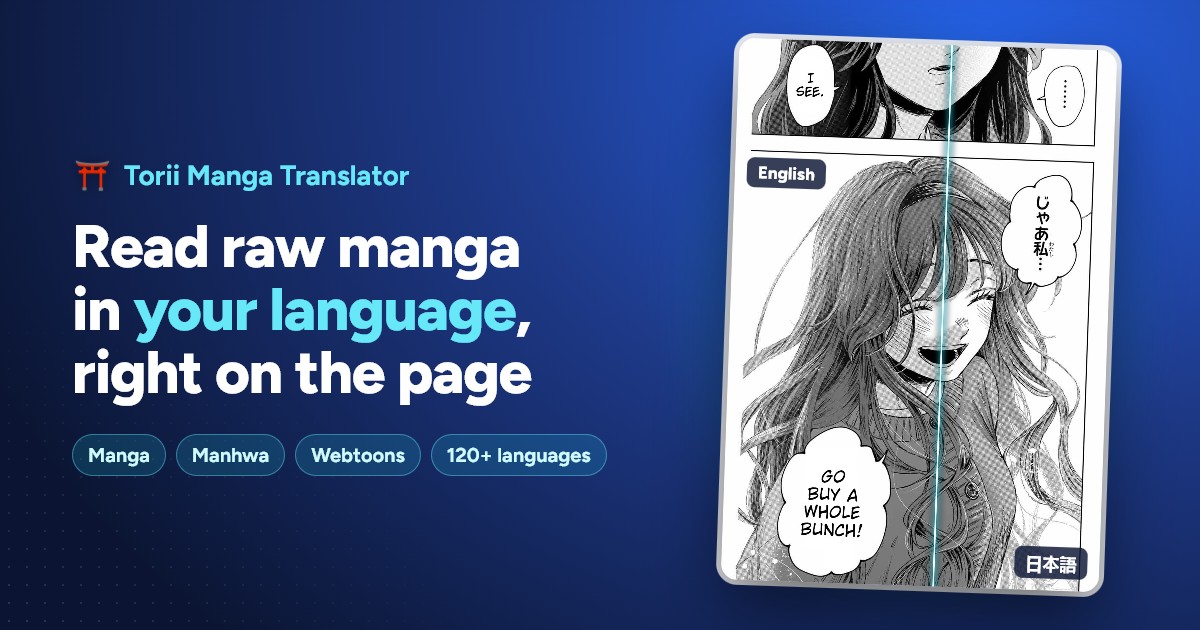
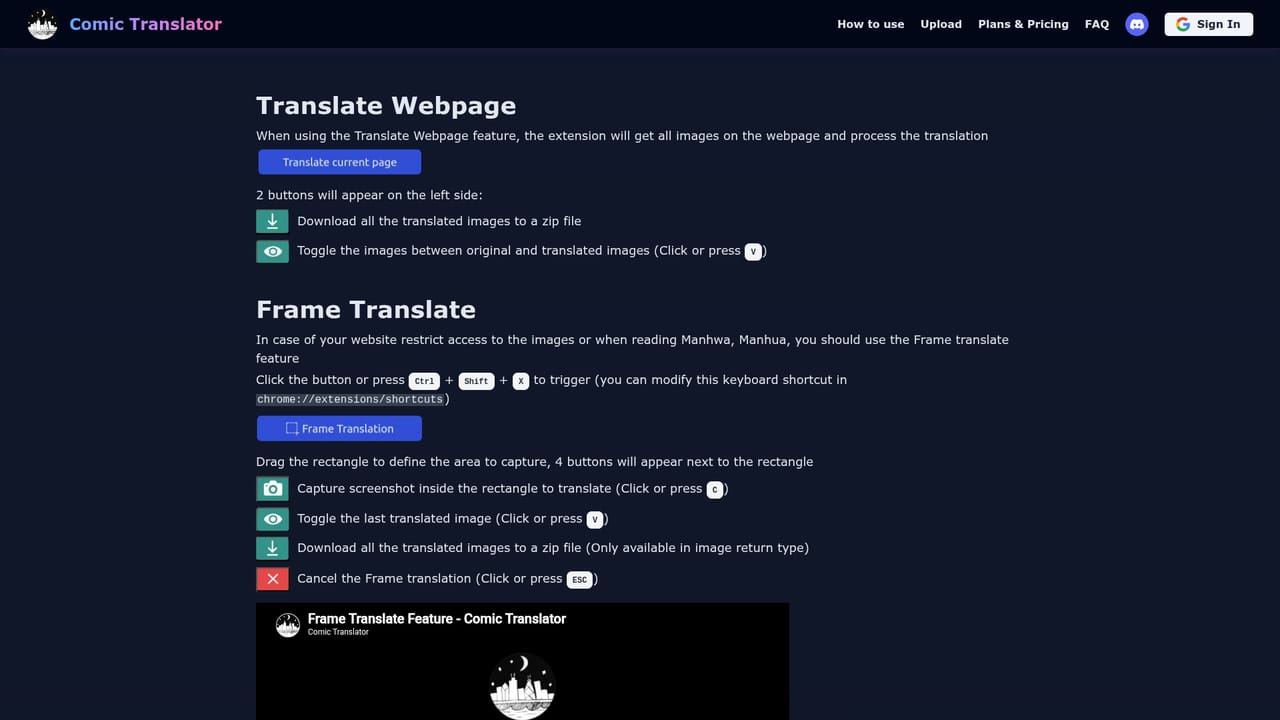
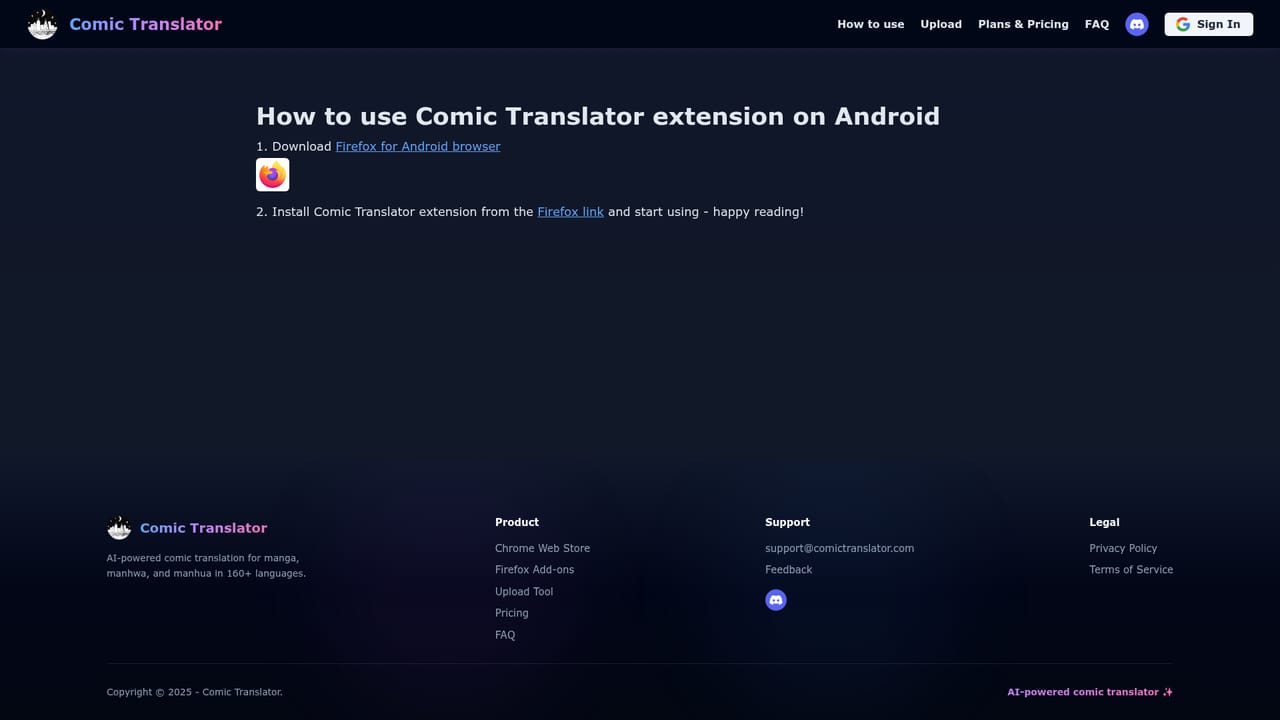
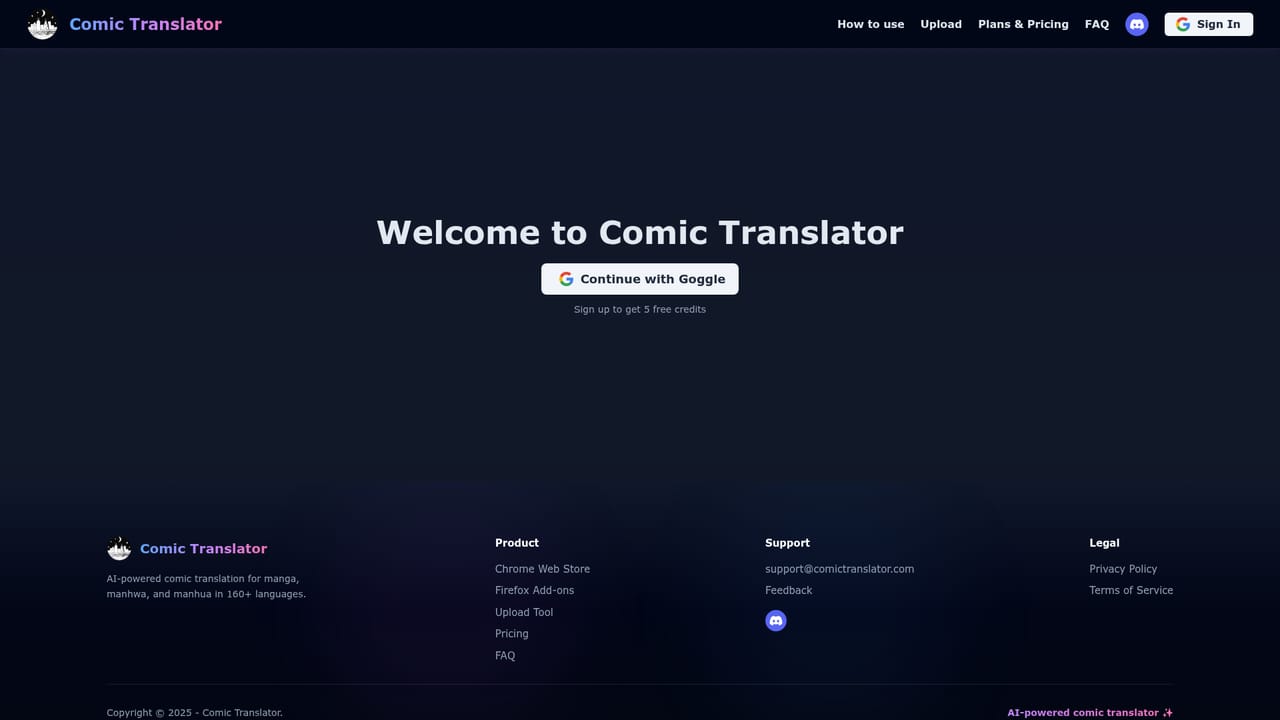
Comic Translator is a translation layer built specifically for comics, not for prose. It reads the speech bubbles and captions inside manga, manhwa and manhua artwork, translates them, and redraws the text in place so the original panels stay intact. The pitch is simple: instead of flipping between a raw page and a separate translation document, the reader gets a finished page in their own language. It covers 160+ languages and accepts JPG, PNG and WebP files. There are three ways to use it. A Chrome extension and a Firefox add-on handle desktop reading: one click translates every comic image on a page, and a separate frame mode captures whatever is on screen, which helps on sites that block direct image access. Mobile users install the Android or iOS extension using the site's installation guides. The web app at the upload page covers files people already have on disk, and finished pages can be downloaded for offline reading. Each route runs the same pipeline of text detection, machine translation and text replacement. The tool suits scanlation readers who want to follow untranslated series, bilingual readers comparing editions, and small groups who need a fast first pass before doing their own cleanup. It is a consumer reading aid rather than a production tool for professional localisation: lettering quality, font choice and layout polish are handled automatically, so a human letterer still has work to do on anything published. That places it closer to browser translation extensions than to full localisation suites or human scanlation teams. Pricing tiers exist on a dedicated plans page, but the homepage carries no numbers, so check that page before committing. Sign-in is available through Google. The Discord community is the visible support channel.
A Discord community server is linked from the site, and an FAQ page covers common questions. No other support channels are described on the homepage.
Learn moreShips as a Chrome extension, a Firefox add-on, and mobile extensions for Android and iOS, alongside the web uploader. Google sign-in is offered.
One-click translation of all comic images on a webpage, with automatic text detection and replacement that preserves the artwork. A frame translate mode captures content directly from the screen for sites with image protection. Optimised OCR models, 160+ languages, JPG, PNG and WebP support, downloadable translated images, and availability on desktop browsers plus Android and iOS.
Learn more AI Angels400+ customizable AI girlfriends for NSFW chat, voice calls, and roleplay
 Candy AIExperience the future of companionship with AI friends who chat, role-play, and connect with you on a human level.
 ourdream.aiA vast AI roleplay platform with millions of characters for chat, images, video and voiceAI Angels400+ customizable AI girlfriends for NSFW chat, voice calls, and roleplayCandy AIExperience the future of companionship with AI friends who chat, role-play, and connect with you on a human level.ourdream.aiA vast AI roleplay platform with millions of characters for chat, images, video and voice