Commabot

Edit and analyze CSV data by typing plain English instead of formulas

Beginner
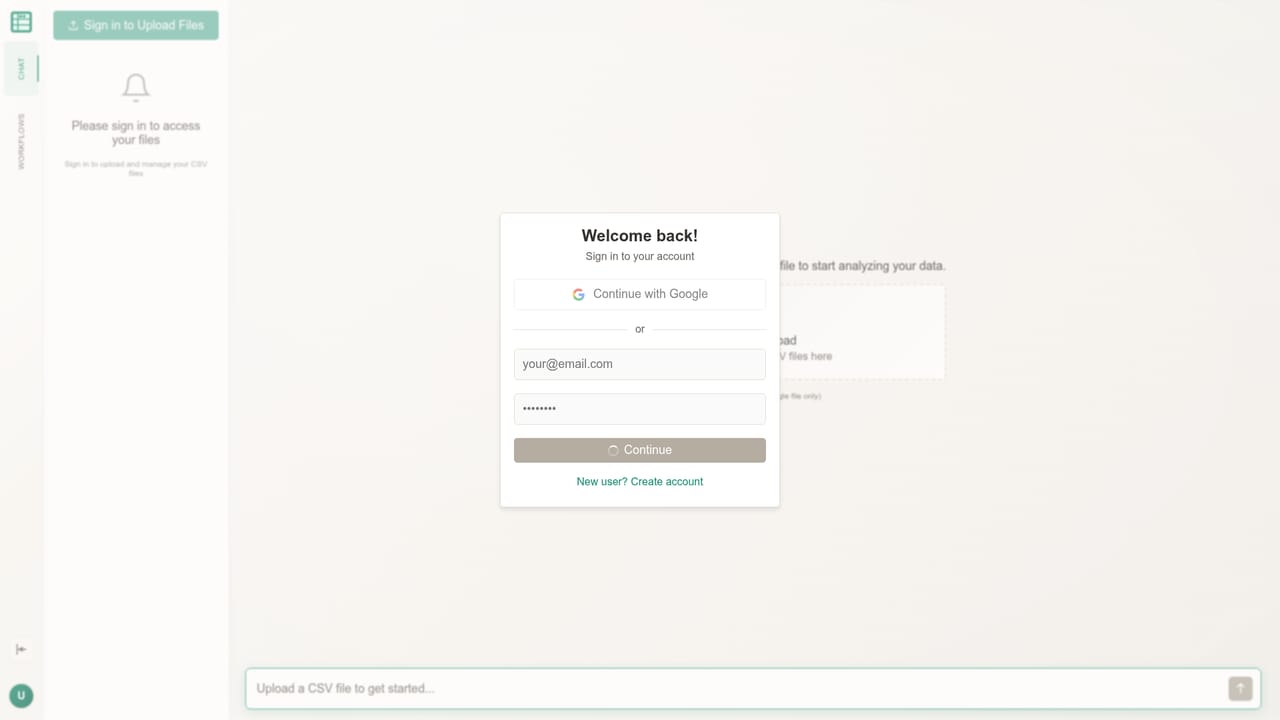
Screenshot of Commabot, Edit and analyze CSV data by typing plain English instead of formulas

What is Commabot?

Commabot is an AI spreadsheet generator tool that edits and analyzes CSV data by typing plain English instead of formulas. Commabot lets you upload a CSV and work on it through a chat interface: ask questions, generate charts and summaries, and clean or transform rows without writing formulas.

Commabot is a conversational editor for CSV files. You upload a spreadsheet, then ask for what you want in ordinary language: a summary of a column, a cleaned-up version of messy rows, a chart that shows a trend, or a brand new field calculated from existing ones. The premise is that the work normally done through formulas, pivot tables and menu hunting can be handled by describing the outcome and letting the tool carry it out. The tool is aimed at people who work with data but do not live inside spreadsheet software. The homepage names sales reports, survey data and financial records as typical inputs, and points to a wider audience of data practitioners who have files sitting on their desktop that never got properly analyzed. That framing is honest about the niche: this is not a replacement for a business intelligence platform, it is a faster route through the one-off CSV that needs sorting out before a meeting. In practice the workflow is a loop of questions and edits. You ask for a chart or a summary and get one back, then ask for rows to be filtered, deduplicated or reformatted, then ask for a new insight drawn from the result. Because the same conversation covers both analysis and modification, you do not have to move the file between a cleaning tool and a charting tool. The homepage advertises no formulas and no complex tools, so the interface is centered on a chat window rather than a grid of cells you manipulate directly. Commabot sits closest to AI spreadsheet assistants and to general chatbots that accept file uploads. Its distinction is the narrow focus on CSV: a single, well-defined input format rather than a whole office suite. Buyers who need recurring dashboards, database connections or governed reporting will find it too lightweight. Buyers who receive ad hoc exports and want answers quickly will find the chat model matches how they already think about the questions.

How do you use Commabot?

  1. 1Open the chat workspace
    Go to the Commabot chat page, which is the entry point for the product and where the upload control lives.
    Commabot — Open the chat workspace
  2. 2Upload your CSV
    Add the file you want to work on. The homepage cites sales reports, survey data and financial records as typical starting points.
  3. 3Ask your first question
    Type a question in plain English about the data, such as a total, a breakdown or an outlier check, and read the answer in the conversation.
  4. 4Generate a chart or summary
    Request a visual or a written summary of the dataset to get an overview before drilling into individual rows.
  5. 5Clean and transform rows
    Ask for changes such as reformatting values, removing duplicates or deriving a new column, then review the result in the conversation.
  6. 6Iterate and export
    Keep asking follow-up questions in the same thread, refining the dataset until it is ready to take back to your own tools.

Pros and cons

Pros

  • Chat interface removes the need to learn formulas or spreadsheet menus for routine CSV tasksAI
  • Analysis and data cleaning happen in the same conversation, so files do not bounce between toolsAI
  • Handles common business inputs such as sales reports, survey exports and financial recordsAI
  • Low learning curve for anyone who can describe the question they want answeredAI
  • Useful for one-off desktop CSVs that would otherwise go unanalyzedAI

Cons

  • Focused on CSV input, so live database connections and multi-source reporting are outside its scopeAI
  • No information on the homepage about row limits, file size caps or how data is stored and retainedAI
  • Conversational edits can be harder to audit than a visible formula in a cellAI
  • Not suited to recurring dashboards or shared reporting workflows that teams depend onAI
  • Unclear how it handles very wide or messy schemas where column meaning is ambiguousAI

How much does Commabot cost?

Features

Core capabilities advertised on the homepage: natural language questions about an uploaded CSV, chart and summary generation, and data cleaning plus transformation. The product positions itself as a replacement for formulas and complex spreadsheet tooling, with the conversation as the single interface for both analysis and editing.

Frequently asked questions about Commabot

  • How do you use Commabot?
    The walkthrough on this page covers 6 steps: 1. Open the chat workspace 2. Upload your CSV 3. Ask your first question 4. Generate a chart or summary 5. Clean and transform rows 6. Iterate and export.
  • What platforms does Commabot support?
    Commabot is available on Web App.
  • What are the limitations of Commabot?
    Focused on CSV input, so live database connections and multi-source reporting are outside its scope. No information on the homepage about row limits, file size caps or how data is stored and retained. Conversational edits can be harder to audit than a visible formula in a cell.

Status

StatusActive
Views0
Outbound clicks0
Added10/22/2026

Platforms

Web App

Pricing

Freemium
