Support
A Cloud FAQ and API documentation are published on the site, alongside a changelog tracking releases. No dedicated support channel is named on the homepage.
Learn moreRun a team of coding agents on your Mac or in the cloud

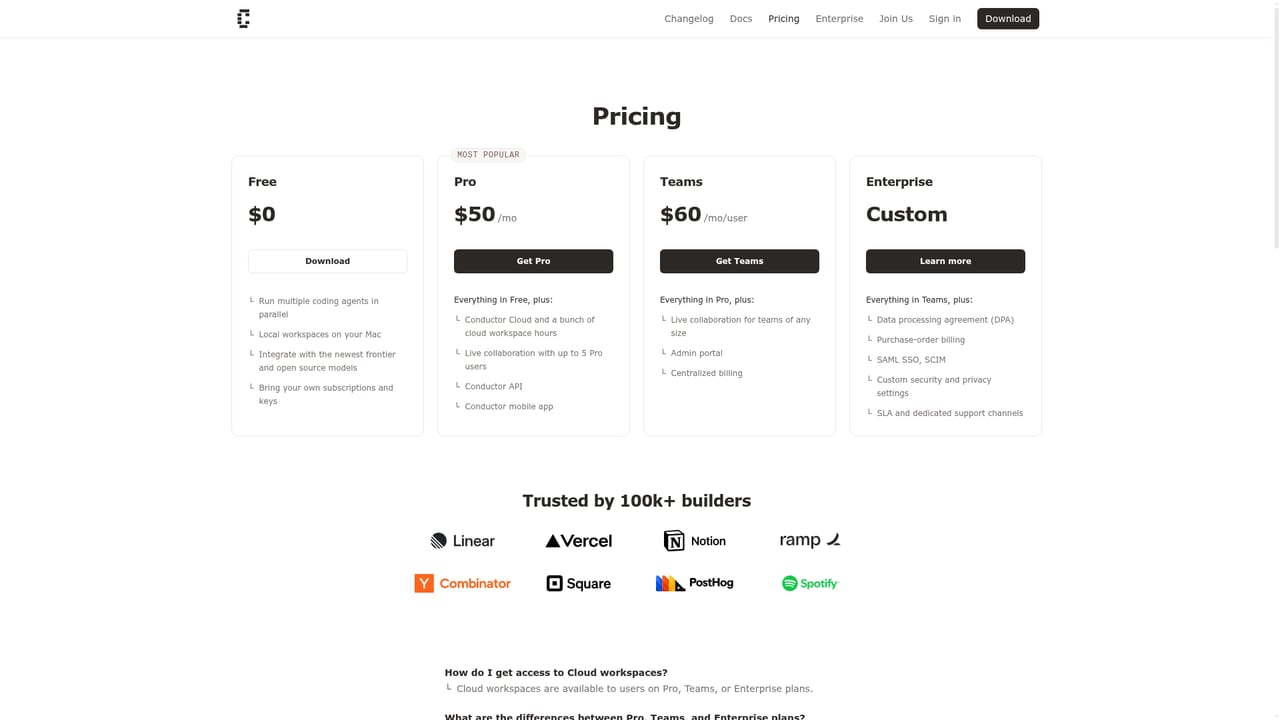
Conductor is a macOS app plus cloud sandboxes for running multiple coding agents (Claude Code, Codex, Cursor, OpenCode) in parallel, with shared workspaces, a changes panel, mobile access and an API.
Conductor is a desktop application for running several coding agents at once, each working in its own isolated environment while you move between their chats. The premise is orchestration rather than a new model. Conductor wraps the first-party Claude Code, Codex, Cursor and OpenCode agents under the hood, so existing subscriptions and API keys keep working and the underlying tooling stays familiar. The app presents agent conversations side by side with a changes panel that shows what each agent has touched. Conductor Cloud extends this to isolated microVMs with your repositories and dependencies pre-installed. Sandboxes boot in seconds and can keep agents running for hours, which means long jobs no longer depend on leaving a laptop open. The changelog also covers Conductor for iOS and a Conductor API, so sessions can be started from a phone or from your own integrations. Multiplayer is the other distinctive piece. You can share a workspace link with teammates, see who is active, follow the work you care about and prompt agents together in real time. That turns an agent session from a solitary activity into something closer to pairing, useful for teams reviewing generated pull requests or splitting a large refactor across people and agents. Conductor suits developers already using terminal coding agents who want parallel runs, remote execution and a structured changes view without maintaining their own container setup. Teams adopting agents across a codebase get the most from the collaboration features. It is less obviously a fit for someone who wants a single chat-based assistant inside an IDE, or for anyone who needs a guided, step-by-step coding tutor rather than a control plane for autonomous work.
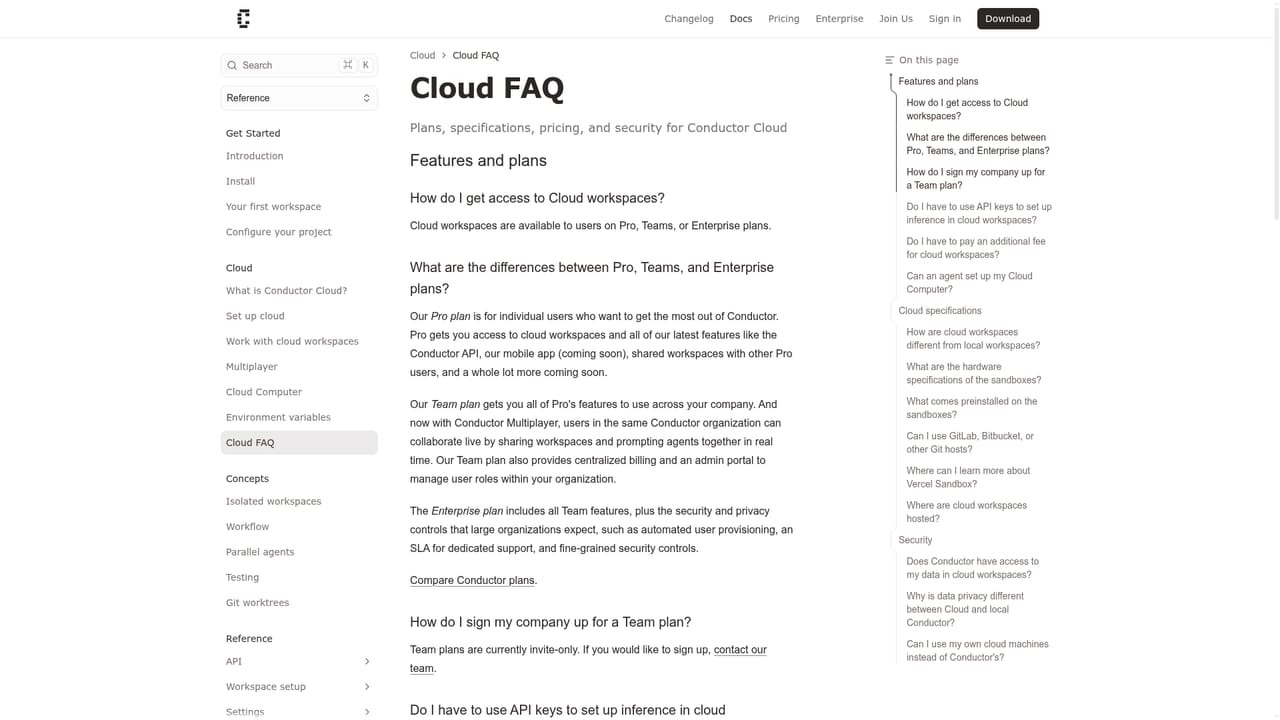
A Cloud FAQ and API documentation are published on the site, alongside a changelog tracking releases. No dedicated support channel is named on the homepage.
Learn moreRuns the first-party Claude Code, Codex, Cursor and OpenCode agents, and exposes a Conductor API for starting sessions from your own tooling.
Learn moreParallel agent chats with a changes panel, first-party Claude Code, Codex, Cursor and OpenCode agents under your own subscriptions, Conductor Cloud microVM sandboxes with pre-installed repos and dependencies, multiplayer workspaces with shared links and live presence, plus a macOS app, iOS app and Conductor API.
Learn more AI Angels400+ customizable AI girlfriends for NSFW chat, voice calls, and roleplay
 Candy AIExperience the future of companionship with AI friends who chat, role-play, and connect with you on a human level.
 ourdream.aiA vast AI roleplay platform with millions of characters for chat, images, video and voiceAI Angels400+ customizable AI girlfriends for NSFW chat, voice calls, and roleplayCandy AIExperience the future of companionship with AI friends who chat, role-play, and connect with you on a human level.ourdream.aiA vast AI roleplay platform with millions of characters for chat, images, video and voice


