Cool Coloring Pages

Turn any idea or photo into a printable coloring page

Beginner
Screenshot of Cool Coloring Pages, Turn any idea or photo into a printable coloring page

What is Cool Coloring Pages?

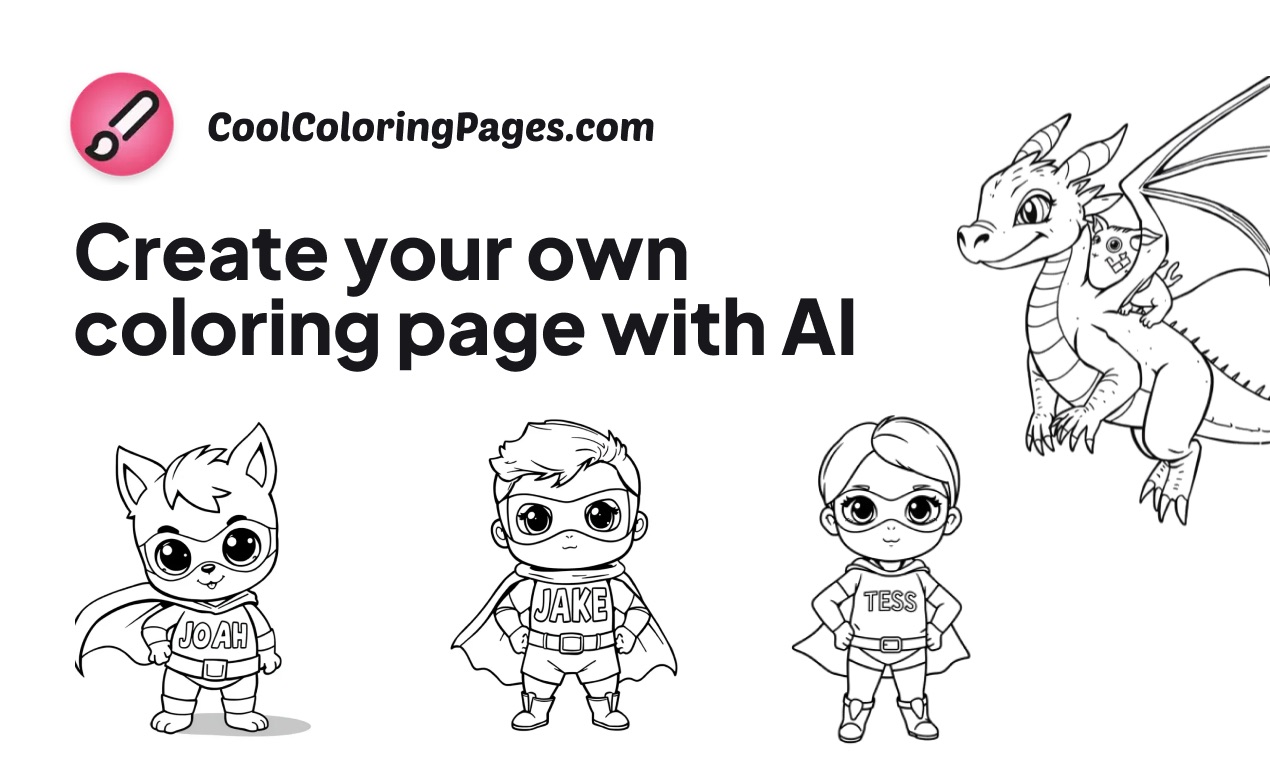
Cool Coloring Pages is a coloring pages tool that turns any idea or photo into a printable coloring page. An AI generator that turns text prompts or uploaded photos into printable black and white coloring pages, with difficulty controls, saved collections and high quality downloads aimed at parents, teachers and kids.

Cool Coloring Pages is a web based generator that converts a written idea or an uploaded photo into a line drawing ready to be colored. The site positions itself for kids, parents and teachers, and the workflow is deliberately narrow: describe what you want, get a page back, save it, print it. There is no drawing skill required on the user side, and no library of stock pages to search through, since every page is produced on demand. Two entry points do the main work. The generator at /create takes a text prompt and produces a black and white illustration, with difficulty settings intended to adjust the line work for different age groups. The photo tool at /photo-to-coloring-page goes the other direction: a pet, a family portrait or any other image is uploaded and redrawn as an outline suitable for coloring. Both paths output high quality files that can be downloaded and printed, so the result is a physical worksheet rather than a screen only asset. A collections feature lets signed in users keep favorite designs together and print them later, which matters for the classroom case where a teacher wants a themed set rather than one page at a time. The homepage showcases a broad range of subjects, from animals and fantasy characters to seasonal scenes, and the site also publishes blog content on coloring for kids and on choosing between AI coloring generators, so it plays both tool and reference role in this niche. Compared with general purpose image generators, the appeal here is the enforced output style: line art with printable proportions rather than an image that still needs editing before it can be colored. The tradeoff is scope. Anyone needing colored artwork, layered files or in-browser coloring should look elsewhere, while buyers wanting fast, printable worksheets for children will find the feature set focused on exactly that.

How do you use Cool Coloring Pages?

  1. 1Create an account and open the generator
    Sign in so that generated pages and collections are tied to your profile, then open the creation page to reach the prompt field.
  2. 2Describe the page you want
    Enter a subject in plain language, such as an animal, a character or a scene, and pick a difficulty level suited to the age group that will color it.
  3. 3Generate and review the line art
    Run the prompt and inspect the result for closed shapes and clear outlines; regenerate with a reworded prompt if the drawing looks too busy or too sparse.
  4. 4Convert a photo instead
    If you already have an image, open the photo tool and upload the picture to have it redrawn as an outline page.
  5. 5Save to a collection and download
    Keep the pages you like in a collection, then download the high quality files and print them for home or classroom use.
  6. 6Read the guides for ideas
    The blog covers themed page ideas for kids and comparisons of AI coloring generators, which helps when planning a set.

Pros and cons

Pros

  • Prompt based generation removes the need to search stock libraries for a matching pageAI
  • Photo to coloring page mode converts personal images such as pets and family portraits into line artAI
  • Difficulty settings are intended to adapt line work for different age groupsAI
  • High quality downloads are designed for printing rather than screen viewing onlyAI
  • Collections let users group favorite designs and print them laterAI

Cons

  • No published pricing details on the homepage, so cost has to be checked before committingAI
  • The output style is fixed to line art, which rules it out for anyone wanting colored or layered imagesAI
  • Coloring itself happens offline on paper, with no in-browser filling toolAI
  • Photo conversion quality on detailed images is not documented, so results may need retriesAI
  • No API or third party integration information is provided on the siteAI

How much does Cool Coloring Pages cost?

Features

Two generation modes cover the main use cases: a text prompt creator that builds a coloring page from a description, and a photo to coloring page converter that redraws an uploaded image as line art. Difficulty settings adapt output for different age groups, collections store favorite designs for later printing, and pages can be downloaded at print quality.

Frequently asked questions about Cool Coloring Pages

  • How do you use Cool Coloring Pages?
    The walkthrough on this page covers 6 steps: 1. Create an account and open the generator 2. Describe the page you want 3. Generate and review the line art 4. Convert a photo instead 5. Save to a collection and download 6. Read the guides for ideas.
  • What platforms does Cool Coloring Pages support?
    Cool Coloring Pages is available on Web App.
  • What are the limitations of Cool Coloring Pages?
    No published pricing details on the homepage, so cost has to be checked before committing. The output style is fixed to line art, which rules it out for anyone wanting colored or layered images. Coloring itself happens offline on paper, with no in-browser filling tool.

Status

StatusActive
Views0
Outbound clicks0
Added10/21/2026

Platforms

Web App

Pricing

Freemium