Free trial
The onsite demo runs without an account or credit card, and the site says free users can make up to 12 pages before creating a paid plan.
Learn moreTurn a prompt, photo, or sketch into printable coloring pages.
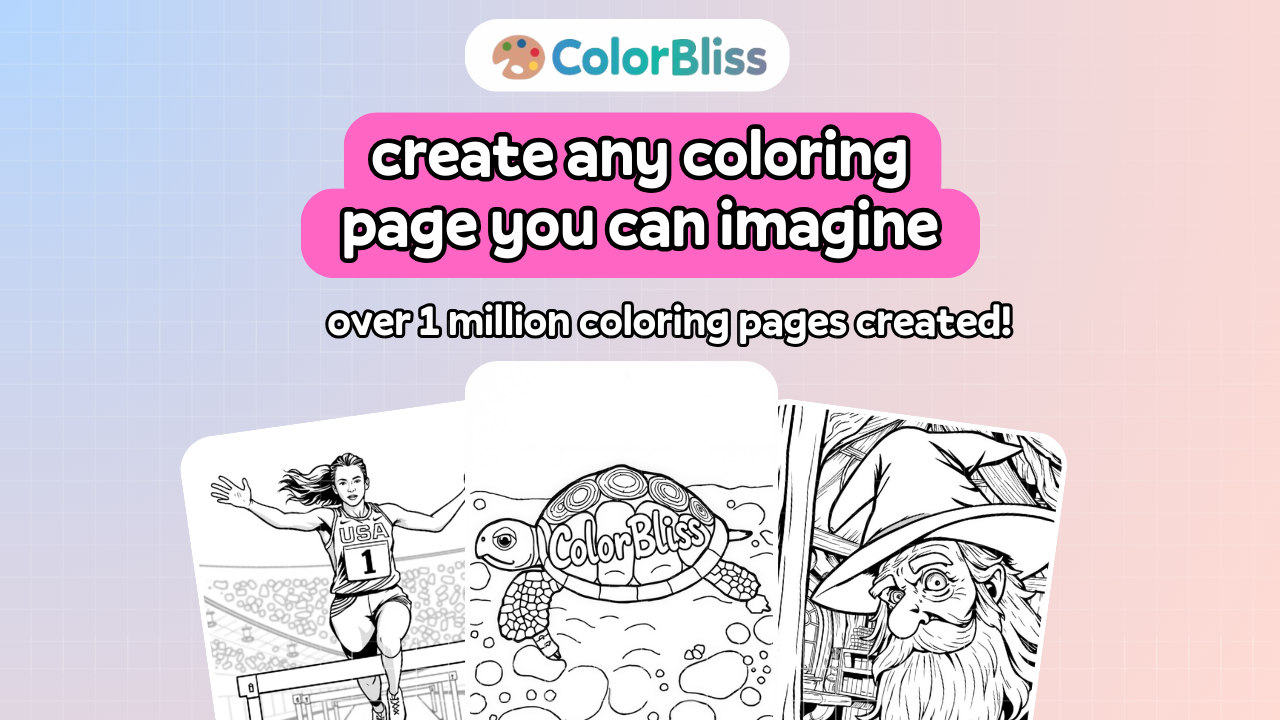
ColorBliss is a coloring pages tool that turns a prompt, photo, or sketch into printable coloring pages. A free to try AI coloring page generator that turns prompts, photos, and sketches into printable 300 DPI line art, with in app coloring styles, word art, and consistent characters for book projects.
ColorBliss is a web based generator that produces printable black and white line art from a text prompt, an uploaded photo, or a rough sketch. The core promise is speed: a page comes back in a few seconds, ready to download as PNG or PDF at 300 DPI and print at home or in a classroom. The site reports over 1.7 million pages created and roughly 153,000 signed up creators, which gives a sense of how widely it is used for party favors, lesson handouts, and last minute requests from kids. The tool goes further than most prompt to line art converters. Magic Color fills finished line art inside the app using seven styles, among them watercolor, colored pencils, markers, crayons, pastels, digital ink, and cel shading, so a creator does not need a second program to produce a colored version. Word art turns names and quotes into lettered pages, and the consistent character feature uses a reference photo to keep the same figure recognizable across an entire book. A mystery mosaic mode hides a picture until the page is colored. Those additions matter most to people building a series: self publishers on KDP and Etsy, teachers assembling themed packets, and families making personalized gifts. In practice the workflow is short. A prompt describes subject, setting, and mood, with styles such as cartoon, cozy, pencil sketch, manga, doodle, or floral available for more or less detail. The photo converter cleans a family picture or pet portrait into line art, and the sketch path redraws a rough drawing into something printable. Pages can be saved to an account and reprinted later. Alternatives fall into two groups. General image generators can produce black and white art, but they rarely guarantee clean printable lines, fixed print resolution, or character consistency. Stock coloring page libraries are cheaper but cannot match a custom request. ColorBliss sits in between, priced as a creator tool rather than a one off purchase, and its Artist plan and above carry commercial licensing for books and shops.
The onsite demo runs without an account or credit card, and the site says free users can make up to 12 pages before creating a paid plan.
Learn moreThe homepage states that the generator is free to try with no credit card and up to 12 pages, and that an account is needed to save more. An Artist plan and above are named as including commercial licensing for books and shops, but exact prices are not listed on the homepage.
Learn moreA separate help center hosts how to articles, including a walkthrough of Magic Color. No support channels or response times are stated on the homepage.
Learn moreA coloring page API page exists on the site. No third party integrations are described on the homepage.
Learn morePrompt, photo, and sketch to line art conversion; 300 DPI PNG and PDF downloads; seven Magic Color styles including watercolor, crayons, and pastels; word art for names and quotes; consistent characters from a reference photo; mystery mosaic pages; style options such as cartoon, cozy, manga, doodle, and floral.
Learn more AI Angels400+ customizable AI girlfriends for NSFW chat, voice calls, and roleplay
 Candy AIExperience the future of companionship with AI friends who chat, role-play, and connect with you on a human level.
 ourdream.aiA vast AI roleplay platform with millions of characters for chat, images, video and voiceAI Angels400+ customizable AI girlfriends for NSFW chat, voice calls, and roleplayCandy AIExperience the future of companionship with AI friends who chat, role-play, and connect with you on a human level.ourdream.aiA vast AI roleplay platform with millions of characters for chat, images, video and voice