
Support
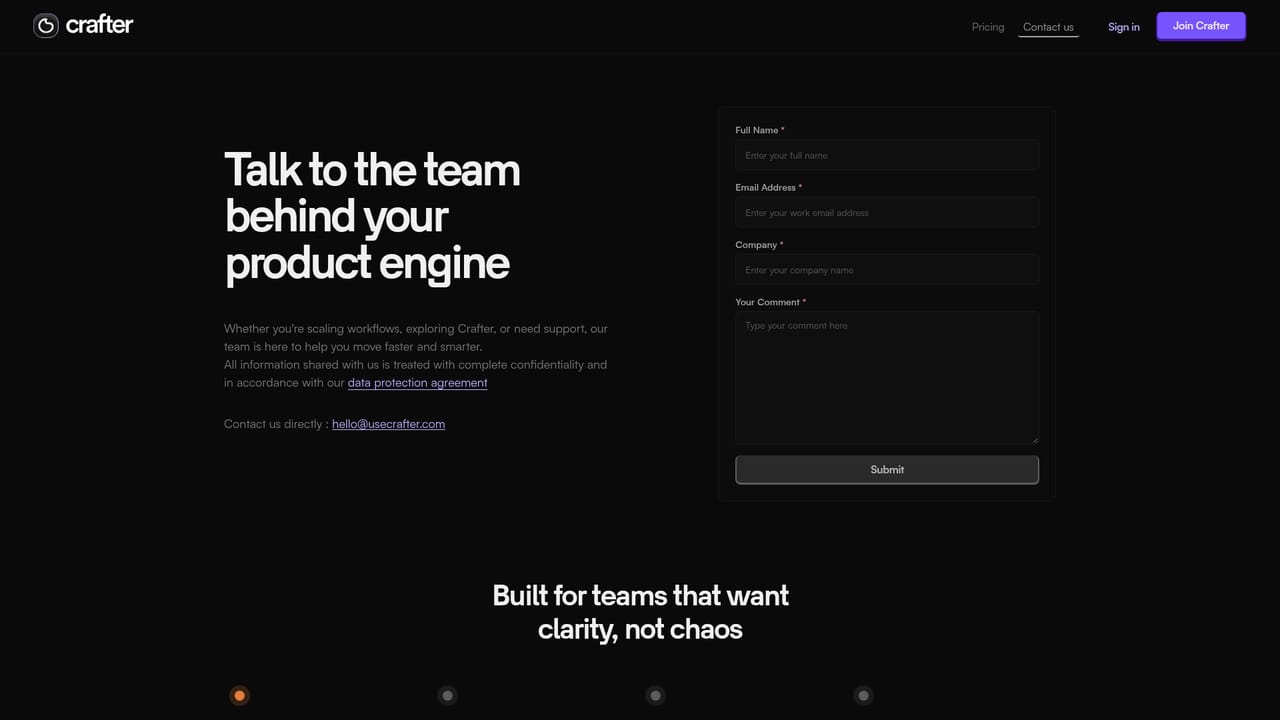
Support is handled through the contact page, which also serves as the route for requesting pilot access.
Learn moreAI project pilot that surfaces delivery risks before they hit
Crafter is an AI planning and delivery intelligence layer for product and engineering teams. It monitors tasks, conversations and timelines, flags blockers and overloaded members, scores delivery risk, and answers project questions in plain language, with weekly summaries delivered through Slack.
Crafter positions itself as an AI-native planning system for engineering and product teams, an alternative to traditional trackers like Jira. The core idea is that work slips across teams quietly, through missed handoffs, hidden blockers and unclear ownership, and that leaders usually find out during status meetings. Crafter continuously watches task activity, conversations, workload distribution and delivery timelines, then turns those signals into risk levels, workload breakdowns and plain-language guidance. Weekly project summaries arrive through Slack, which removes the need for a recurring status call. The product is organized around four movements: observe, analyze, guide and deliver. Observation builds a live picture of every project's timeline and progress. Analysis converts execution patterns into a status summary grid, a priority breakdown, a completion rate and an AI generated delivery risk score. Guidance is a chat style interface where a leader can ask which projects are at risk this week and receive an answer that names the projects, the reason (overdue tasks, a review bottleneck, an overloaded backend) and a suggested next move. Delivery reporting covers completed tasks, active workload and blocker impact, with a per person table that flags who is balanced, under capacity or overcapacity. The tool targets product and engineering leaders, team leads and project managers who need a read on execution without asking for updates. Crafter refers to early design partners including Headspace, Talenta and WeTech. Access is through a web app with Slack reporting; the homepage does not detail other integrations or native mobile clients. Buyers should note that Crafter is still in a pilot and design partner phase, and pricing is not published on the homepage.
Support is handled through the contact page, which also serves as the route for requesting pilot access.
Learn moreSlack is the only integration named on the homepage, used for weekly project summaries. No other connectors are documented there.
Signal monitoring across tasks, conversations, workload and timelines; status summary grid and priority breakdown; completion rate and AI delivery risk scoring; per person workload and blocker impact tables; natural language project Q and A; AI guidance on next actions; weekly Slack project summaries; project and intake tracking.
 AI Angels400+ customizable AI girlfriends for NSFW chat, voice calls, and roleplay
 Candy AIExperience the future of companionship with AI friends who chat, role-play, and connect with you on a human level.
 ourdream.aiA vast AI roleplay platform with millions of characters for chat, images, video and voiceAI Angels400+ customizable AI girlfriends for NSFW chat, voice calls, and roleplayCandy AIExperience the future of companionship with AI friends who chat, role-play, and connect with you on a human level.ourdream.aiA vast AI roleplay platform with millions of characters for chat, images, video and voice


