Create0

One photo in, 37 tested AI photo and video effects out, paid by credit.

Beginner
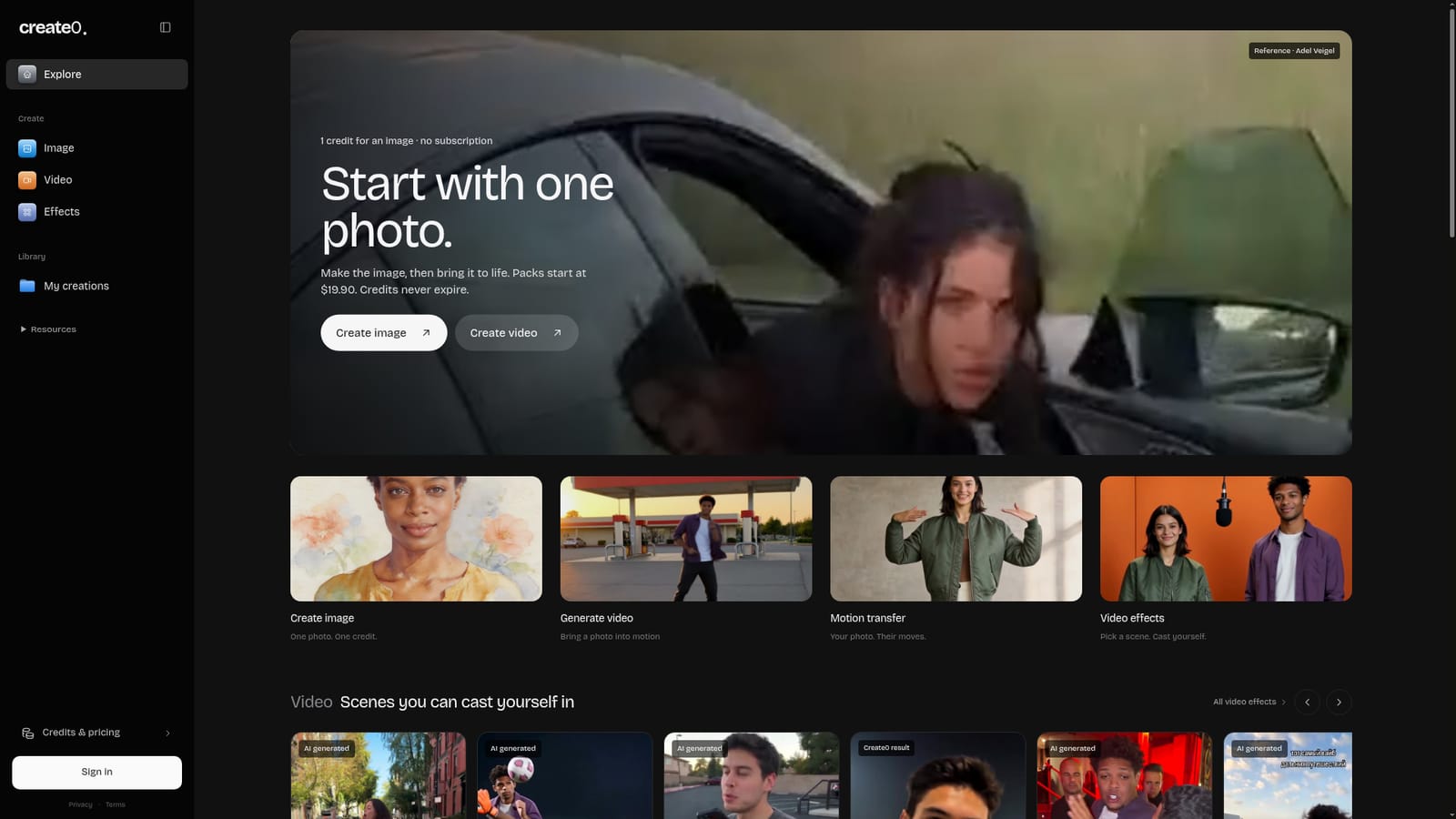
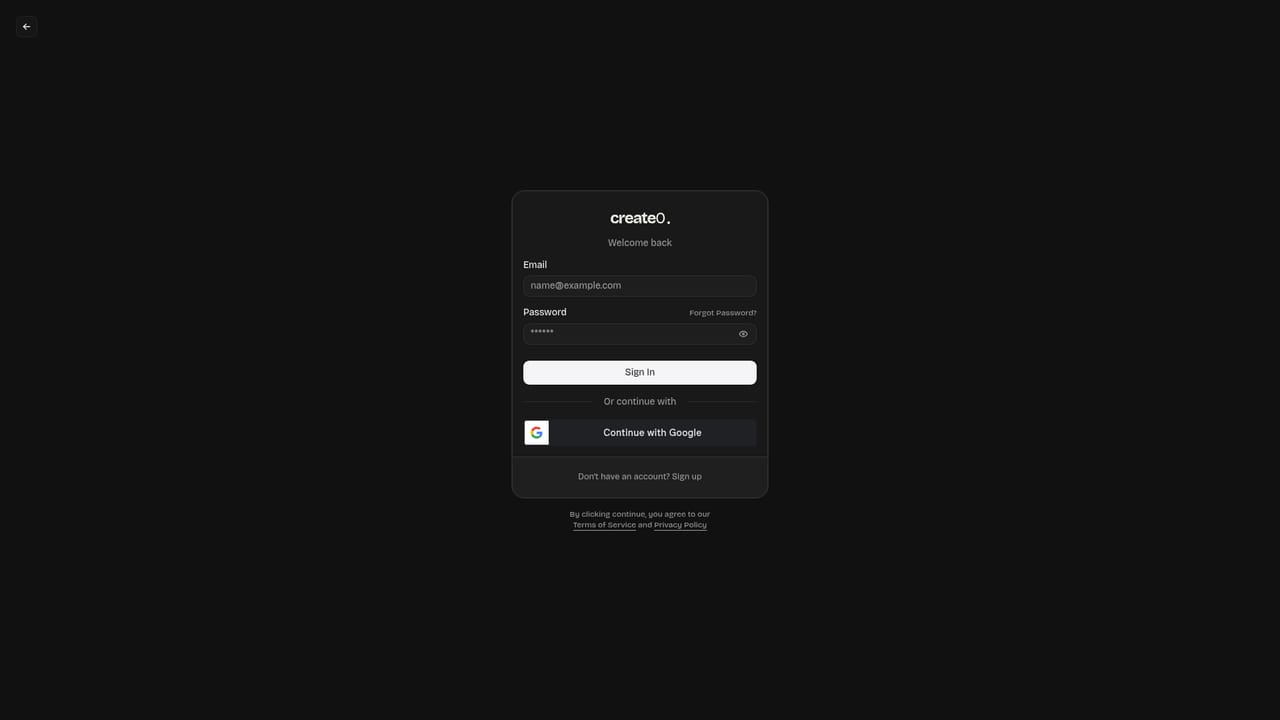
Screenshot of Create0, One photo in, 37 tested AI photo and video effects out, paid by credit

What is Create0?

Create0 is a generative image tool. Credit based AI studio that applies 37 preset photo and video effects to one uploaded photo, with transparent per effect pricing, no subscription and credits that never expire.

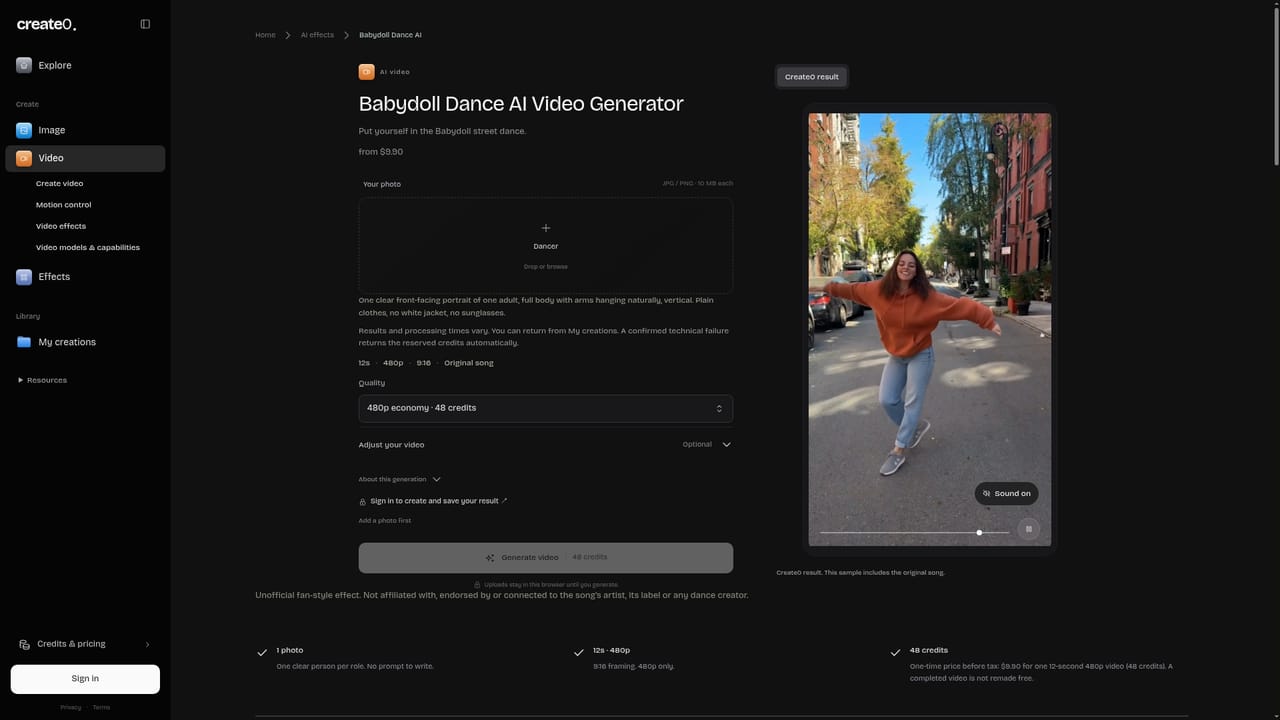
Create0 is a browser based creative studio built around a single input: a photo. Upload a portrait and the service returns a restyled image in one of its tested photo effects, or pushes that photo into motion through a catalog of short video scenes. The homepage lists 37 effects in total, split across portrait looks (Golden Hour, Direct Flash, Monochrome Studio), editorial directions (Streetwear, Rooftop, Rainy Neon, Cinematic Amber), analog formats (VHS, Instant Film, Y2K Digicam, 35mm), illustration treatments (Japanese Ink, Watercolor, Oil Portrait, Pencil Sketch, Paper Cutout, Graphic Novel, Retro Travel Poster) and 3D or pixel styles (Clay Character, Pixel Avatar, Low Poly). The video side is built from named trends such as Babydoll Dance, Ozil Goal, Hotel Lobby, Alors on Danse and Genjutsu Storm, each with a fixed runtime you can see before you spend anything. The workflow is credit based rather than subscription based. A photo effect costs 1 credit, video scenes cost between 40 and 120 credits depending on length (10 to 30 seconds), and packs start at $19.90 as a one time purchase. Create0 states that credits never expire, so a pack bought for one project can sit unused until the next. Image and video generation are also offered as standalone tools, and motion transfer sits between them: your photo, someone else's movement. The catalog is unusually transparent for this category, since every effect card shows its duration, credit cost and starting price, and the site publishes real example outputs including fictional adult portraits used for the test shots. The product suits social media creators, small brand teams and hobbyists who want a recognizable trend format without learning a video editor. It is less suited to anyone who needs fine control: effects are preset driven, so you pick a scene rather than direct one. Genuine prompt level freedom lives in the separate image and video generators. Compared with broad generation platforms, Create0 is narrower and cheaper to try, but that narrowness is the point: it is a curated trend shop, not a general purpose model playground.

How do you use Create0?

  1. 1Pick photo or video as your starting point
    The homepage splits the studio into image, video, motion transfer and video effects. Choose the track that matches what you want to make.
    Create0 — Pick photo or video as your starting point
  2. 2Choose an effect and check its cost
    Browse the effect catalog by category or media type. Each card lists duration and credit price, so compare before spending.
    Create0 — Choose an effect and check its cost
  3. 3Generate from a photo
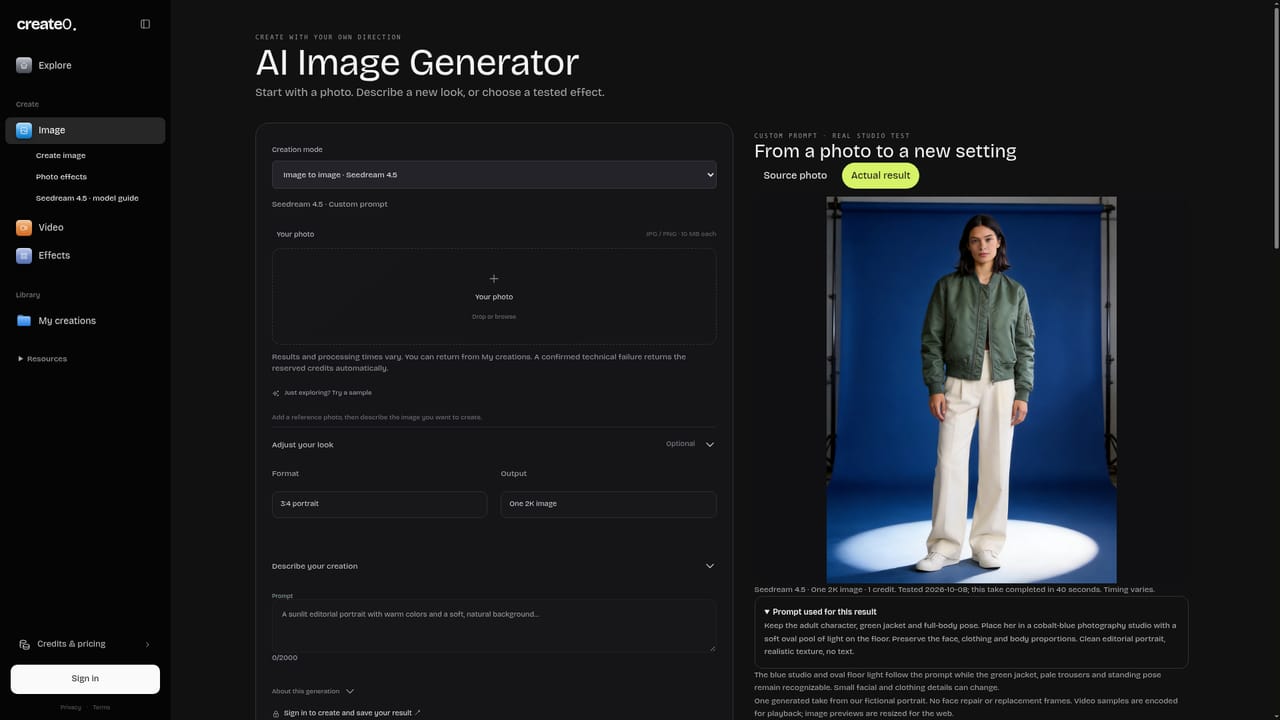
    Upload a portrait or scene to the image or video generator and run the selected effect.
    Create0 — Generate from a photo
  4. 4Bring a still image into motion
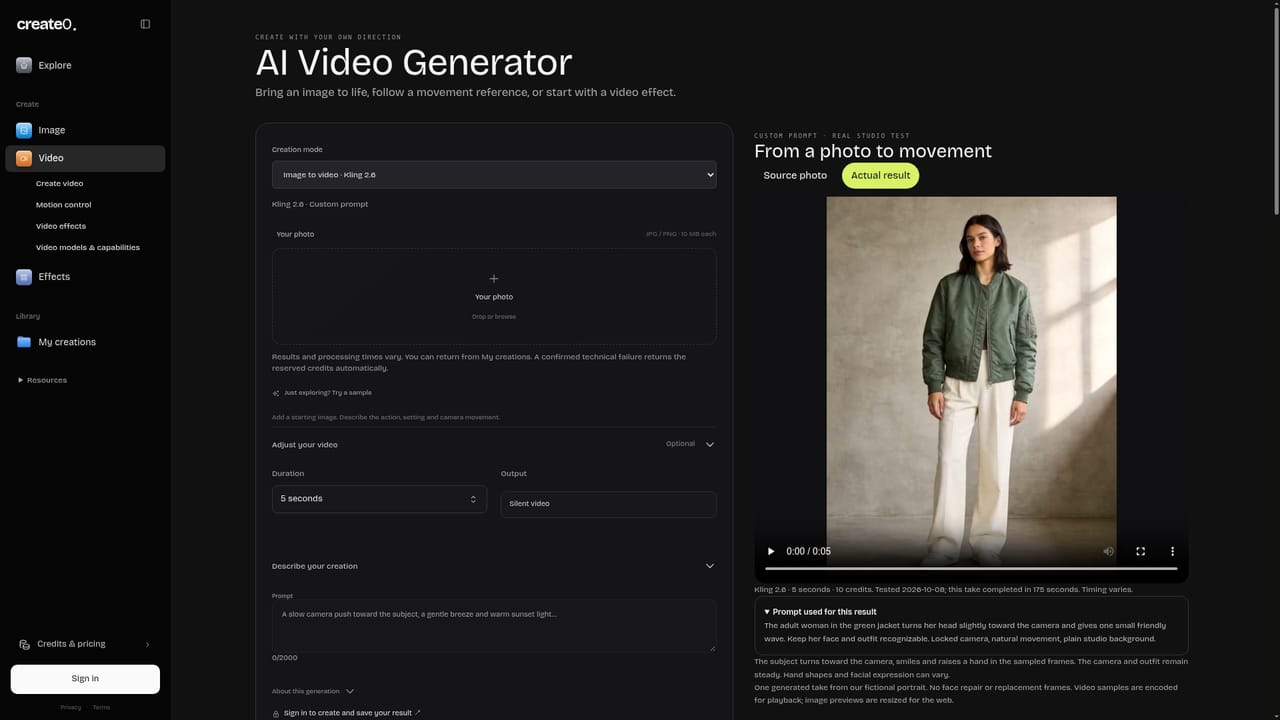
    Use the video generator to animate a finished image, or try motion transfer to apply a reference movement to your own photo.
    Create0 — Bring a still image into motion
  5. 5Buy credits and check your balance
    Top up with a one time pack and review remaining credits in your account area before starting longer video scenes.
    Create0 — Buy credits and check your balance
  6. 6Study a published workflow
    The Alors on Danse guide shows the original clip, the inputs used and the resulting workflow, which is a useful reference for replicating a trend.

Pros and cons

Pros

  • Every effect card shows runtime, credit cost and starting price before you commitAI
  • One time credit packs from $19.90 with no recurring subscriptionAI
  • Credits are stated to never expire, so packs carry across projectsAI
  • Photo effects cost a single credit, making experimentation cheapAI
  • Real example outputs are published for each effect, including test portraitsAI

Cons

  • Effects are presets, so there is little direct control over composition or cameraAI
  • Video scenes are expensive at 40 to 120 credits per renderAI
  • Working from a single uploaded photo is a hard constraintAI
  • No stated integrations, API or team features for larger production pipelinesAI
  • Catalog is trend driven, so popular scenes may date quicklyAI

How much does Create0 cost?

Pricing

Credit packs start at $19.90 as a one time purchase, with no subscription. Photo effects cost 1 credit, while video scenes cost 40 to 120 credits depending on length. Credits are stated never to expire and can be spent on any image or video.

Learn more

Features

37 tested effects across portrait, editorial, analog, illustration and 3D categories, plus named video scenes of 10 to 30 seconds. Separate image and video generators, motion transfer from a reference clip, example outputs for each effect and a published workflow guide.

Learn more

Frequently asked questions about Create0

  • How much does Create0 cost?
    Credit packs start at $19.90 as a one time purchase, with no subscription. Photo effects cost 1 credit, while video scenes cost 40 to 120 credits depending on length. Credits are stated never to expire and can be spent on any image or video.
  • How do you use Create0?
    The walkthrough on this page covers 6 steps: 1. Pick photo or video as your starting point 2. Choose an effect and check its cost 3. Generate from a photo 4. Bring a still image into motion 5. Buy credits and check your balance 6. Study a published workflow.
  • What platforms does Create0 support?
    Create0 is available on Web App.
  • What are the limitations of Create0?
    Effects are presets, so there is little direct control over composition or camera. Video scenes are expensive at 40 to 120 credits per render. Working from a single uploaded photo is a hard constraint.

Status

StatusActive
Views0
Outbound clicks0
Added10/21/2026

Platforms

Web App

Pricing

Paid