Creen AI

Browser studio running 40+ video, image and audio models with a free daily quota

Beginner
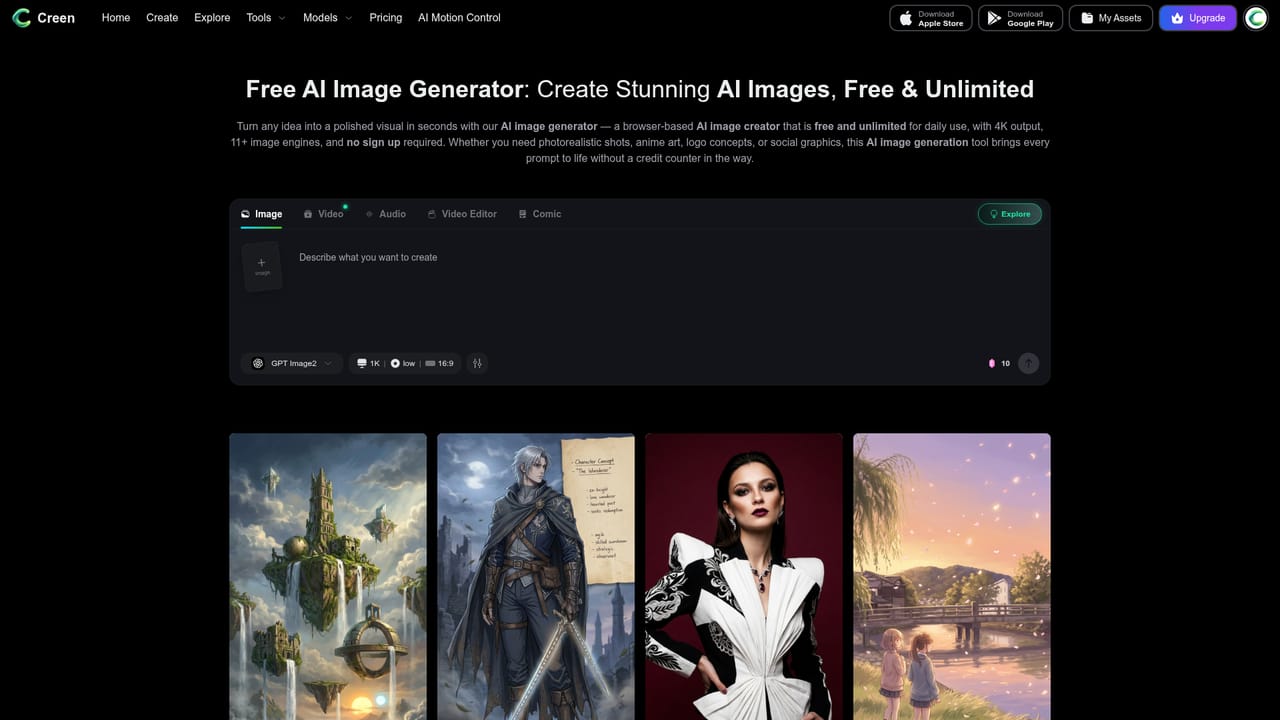
Screenshot of Creen AI, Browser studio running 40+ video, image and audio models with a free daily quota

What is Creen AI?

Creen AI is a browser studio that gathers 40+ video, image and audio models in one workspace. It advertises login-free use, a free daily quota on select models, 4K stills and 1080p clips, plus image-to-image, enhancement and animation tools.

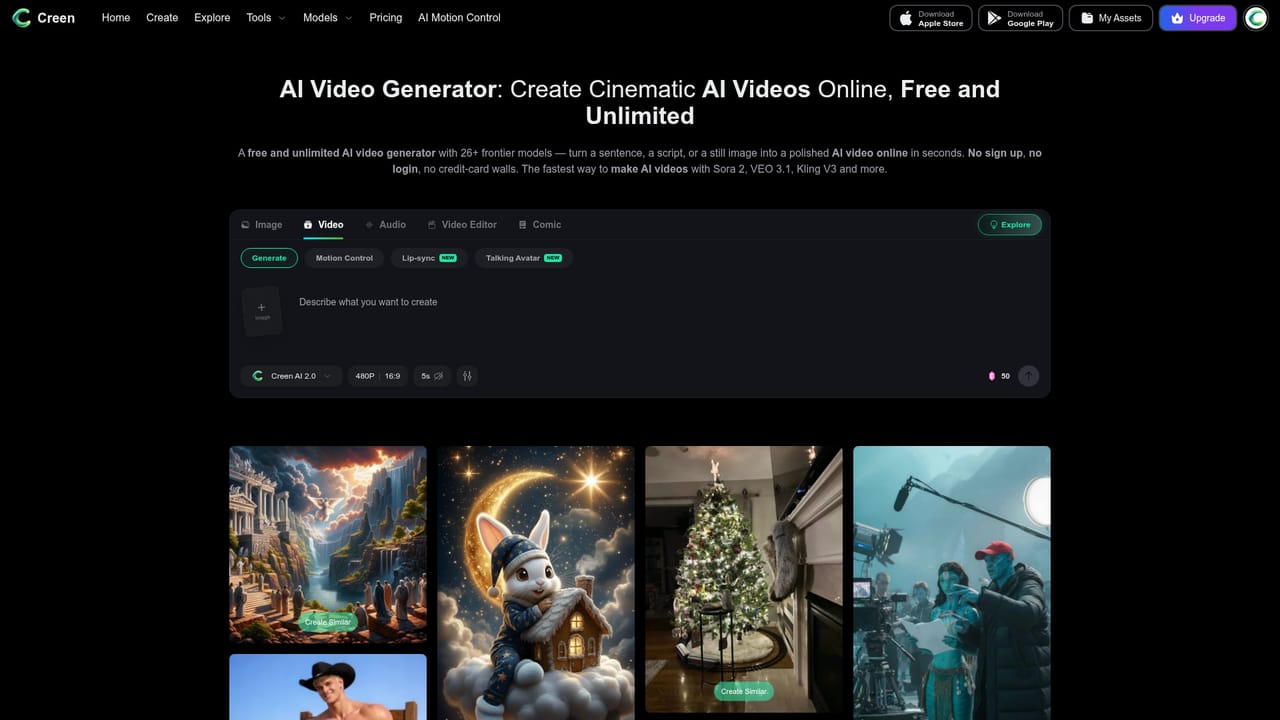
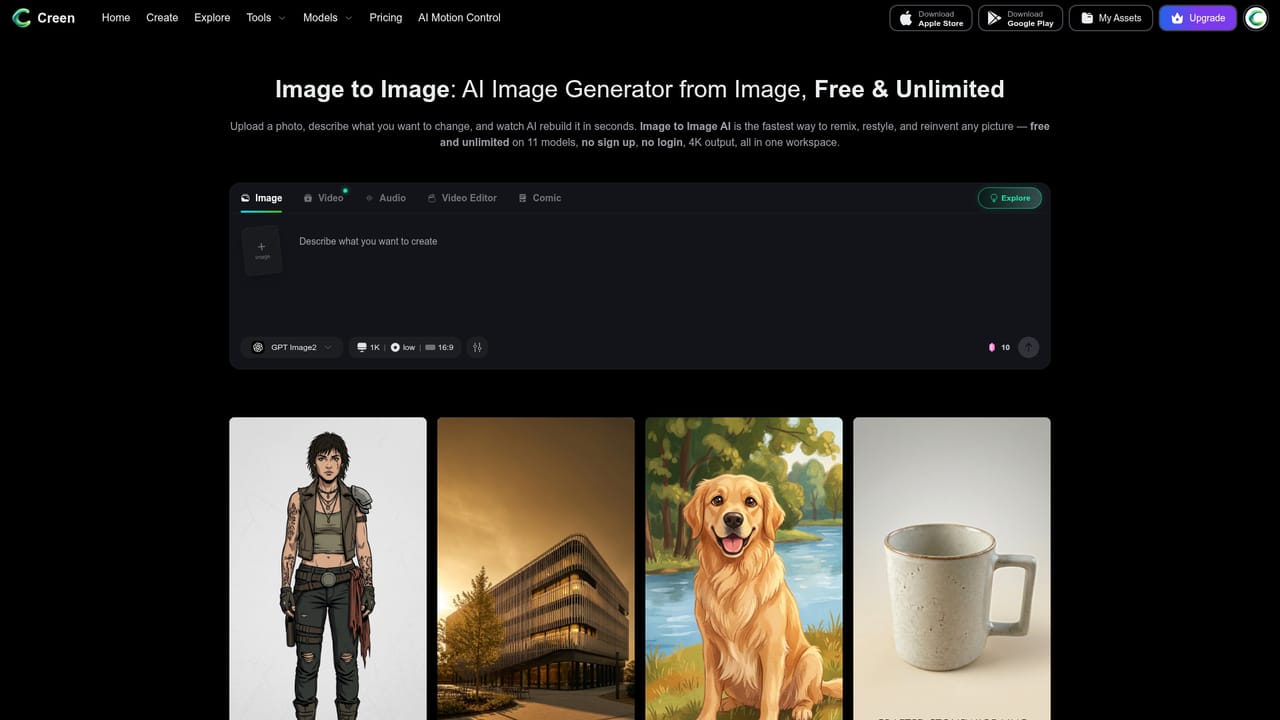
Creen AI is a browser-based generation studio that puts video, image and audio models behind one prompt box. Instead of subscribing to separate services, a user opens the site, types a description or drops in a reference picture, and picks which engine should handle the job. The homepage lists 28 video models (including Sora 2 Pro, VEO 3.1, Seedance 2.0, Wan 2.7, Kling V3 and Hailuo variants), 11 image models (such as Nano Banana Pro, Seedream 4.5 and Z-Image Turbo) and 7 audio models covering text-to-speech, voice cloning and dubbing. The tool is aimed at social video creators, designers, marketers and hobbyists who want to compare engines without managing several accounts. In practice the flow starts at the studio, then branches into dedicated routes for image generation, video generation, image-to-image restyling and image enhancement. Image output is described as reaching 4K, video as 1080p at 24fps in clips of up to 10 seconds. Each generation exposes its seed value, so a composition can be reproduced, and image work supports multiple reference uploads, prompt weighting and negative prompts. A generated still can be sent on to the image-to-video tool to be animated, and audio can be layered on before download. Access is the main selling point. The site states that no sign-up or login is required and that select models carry a free daily quota, while premium engines such as Sora 2 Pro and VEO 3.1 consume credits. Render times are quoted at roughly 5 to 15 seconds for stills and 20 to 40 seconds for fast video models, with parallel queues for batching. Among alternatives, Creen sits closer to multi-model aggregators than to single-engine products like Midjourney or Runway. Its value is breadth and low friction rather than a deeply specialised editing suite, so professionals needing timeline editing, brand controls or guaranteed output rights will want to check details beyond the homepage.
How do you use Creen AI?

  1. 1Open the studio
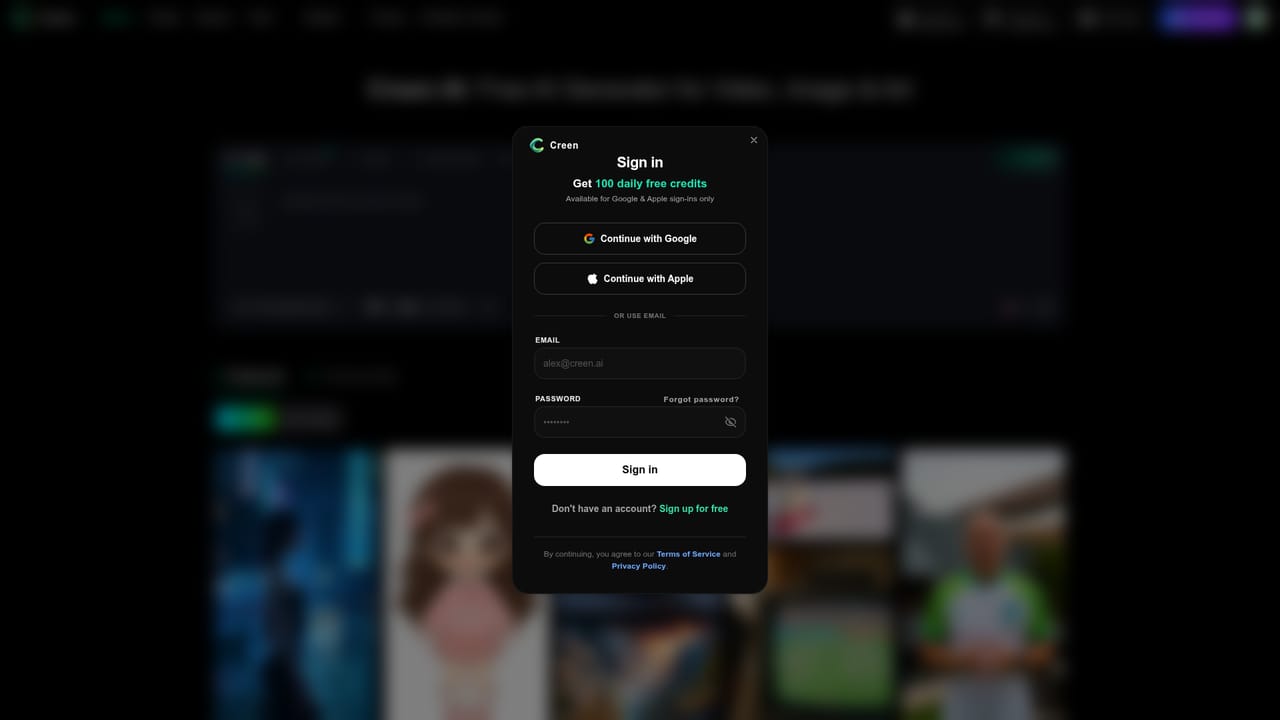
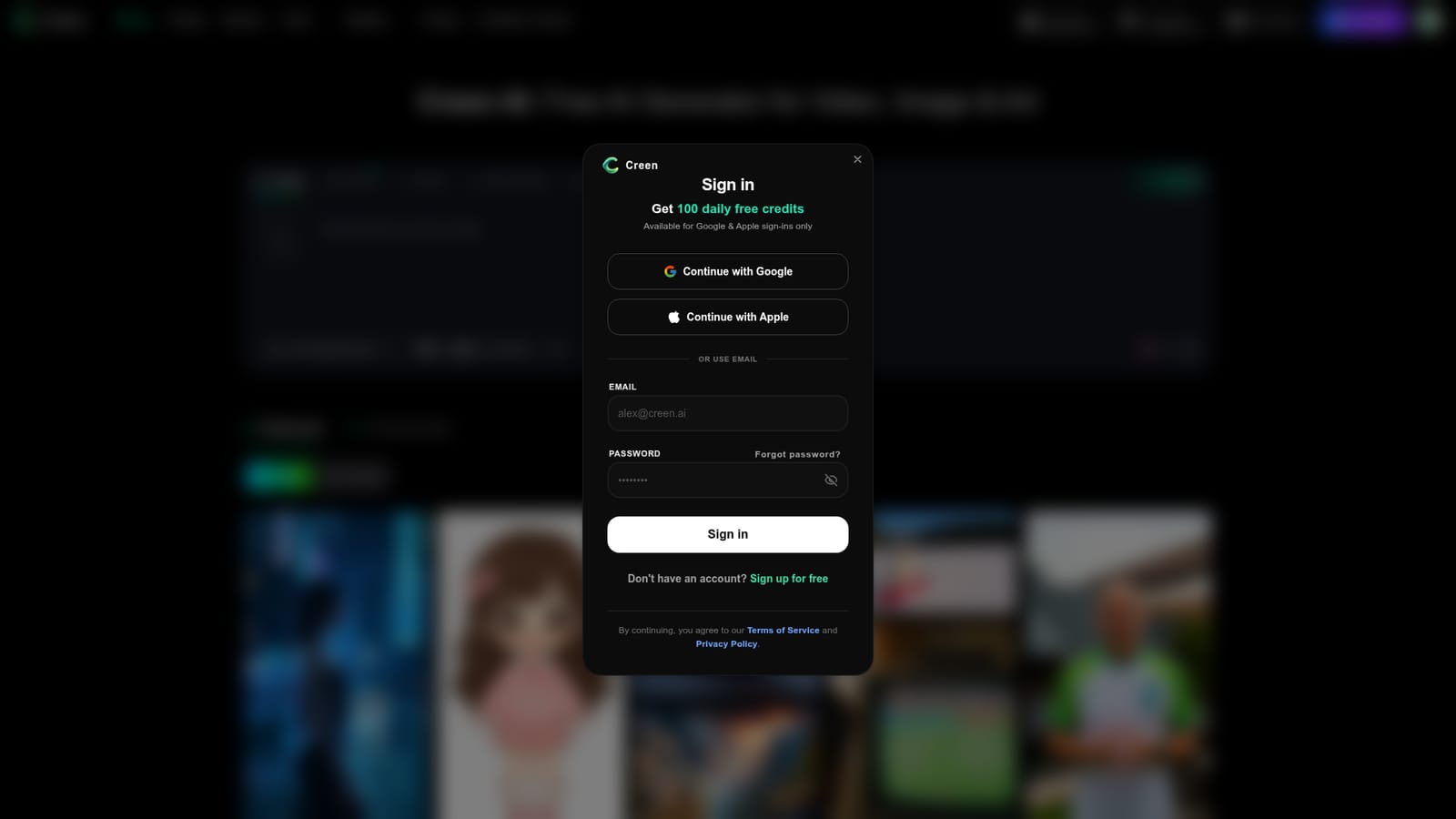
    Load the Creen AI homepage. The site states the studio opens without a sign-up or email prompt.
    Creen AI — Open the studio
  2. 2Choose image or video
    Jump to the image generator for stills or the video generator for motion, depending on the output you need.
    Creen AI — Choose image or video
  3. 3Write a prompt and add references
    Describe the scene in plain language, or paste and drag in reference images for extra guidance.
    Creen AI — Write a prompt and add references
  4. 4Pick a model and generate
    Select an engine from the model picker, then run the prompt. Try the same prompt on several models to compare results.
    Creen AI — Pick a model and generate
  5. 5Restyle or animate the result
    Send a still to image-to-image for restyling, or animate it as video, then download the output in HD.
    Creen AI — Restyle or animate the result

Pros and cons

Pros

  • Large model roster in one tab: 28 video, 11 image and 7 audio engines can be compared on the same promptAI
  • Advertises no sign-up or login, so first use has very little frictionAI
  • Free daily quota on select models allows real iteration before spending creditsAI
  • Exposes seed values, multi-reference uploads, prompt weighting and negative prompts for finer controlAI
  • Covers a full loop from still image to animation to audio layering without leaving the siteAI

Cons

  • Premium models such as Sora 2 Pro and VEO 3.1 consume credits, and the homepage gives no credit pricesAI
  • Free tier limits are vague: quota size and watermark rules depend on the model and tierAI
  • Video clips are capped at 10 seconds, which limits longer storytelling without external editingAI
  • Quality and style vary by underlying model, so results need trial and error across enginesAI
  • Homepage does not describe an API, team features, support channels or commercial usage termsAI

How much does Creen AI cost?

Free trial

Select models offer a free daily quota without login, described as large enough to iterate through a design cycle. Exact limits are not given.

Learn more

Pricing

Free daily generations are offered on select models with no sign-up. Premium engines such as Sora 2 Pro and VEO 3.1 use credits. Specific credit prices and plan tiers are not stated on the homepage.

Learn more

Features

Text-to-video, image-to-video, text-to-image and image-to-image across 40+ models, 4K stills, 1080p video up to 10 seconds, seed control, multi-reference uploads, prompt weighting, negative prompts, audio models for TTS, cloning and dubbing, parallel queues.

Learn more

Frequently asked questions about Creen AI

  • How much does Creen AI cost?
    Free daily generations are offered on select models with no sign-up. Premium engines such as Sora 2 Pro and VEO 3.1 use credits. Specific credit prices and plan tiers are not stated on the homepage.
  • Does Creen AI offer a free trial?
    Select models offer a free daily quota without login, described as large enough to iterate through a design cycle. Exact limits are not given.
  • How do you use Creen AI?
    The walkthrough on this page covers 5 steps: 1. Open the studio 2. Choose image or video 3. Write a prompt and add references 4. Pick a model and generate 5. Restyle or animate the result.
  • What platforms does Creen AI support?
    Creen AI is available on Web App.
  • What are the limitations of Creen AI?
    Premium models such as Sora 2 Pro and VEO 3.1 consume credits, and the homepage gives no credit prices. Free tier limits are vague: quota size and watermark rules depend on the model and tier. Video clips are capped at 10 seconds, which limits longer storytelling without external editing.

Status

StatusActive
Views0
Outbound clicks0
Added10/18/2026

Platforms

Web App

Pricing

Freemium