Free trial
The first 10 uses are free with no credit card required, and include a Live Coach preview.
Learn moreDesktop AI that answers interview questions from audio, text and screenshots
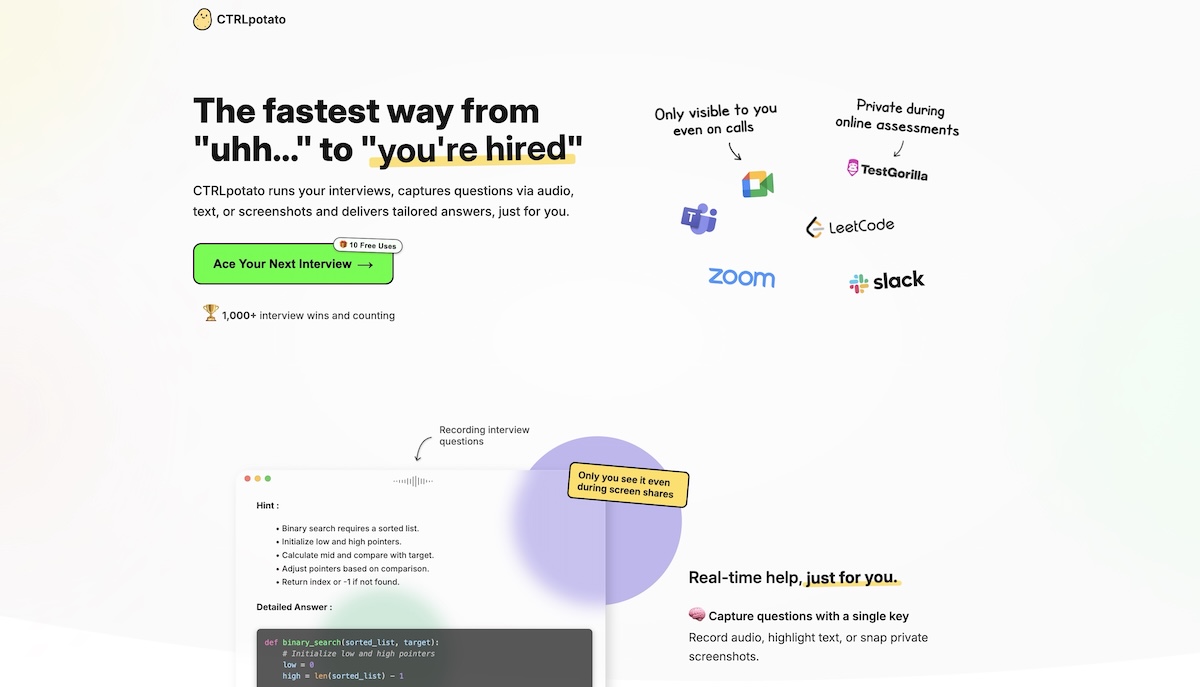
CTRLpotato is a macOS and Windows desktop app that turns interview audio, selected text and screenshots into hints and structured answers, with phone mirroring, resume-based personalization and a switchable choice of AI models.
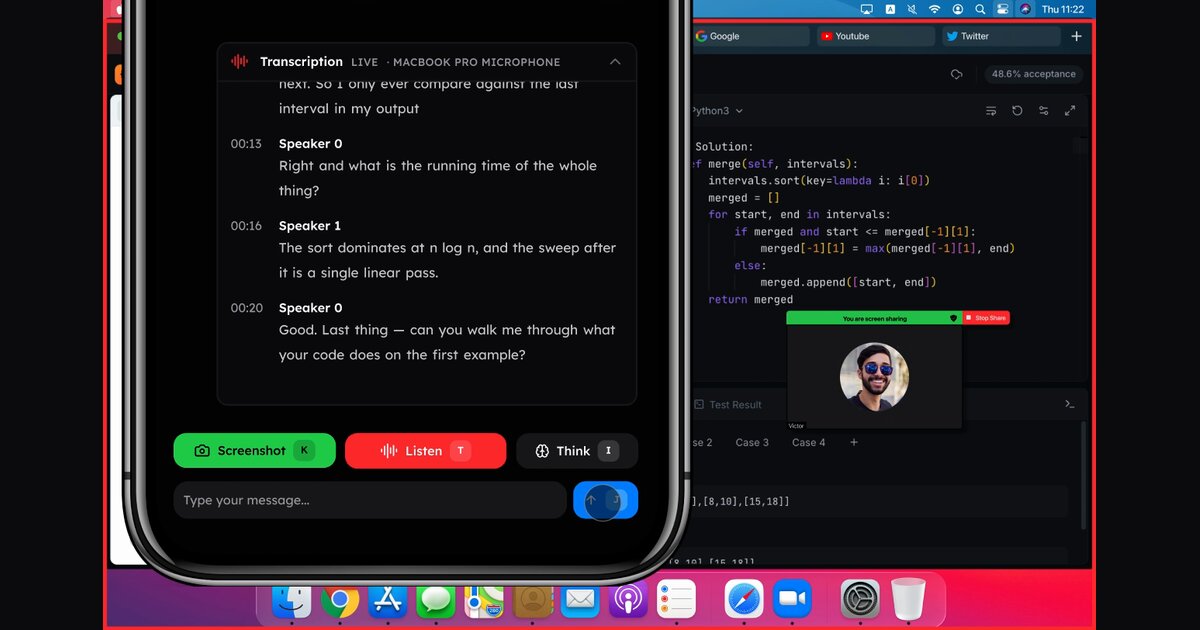
CTRLpotato is a desktop assistant for job candidates who want help while an interview or online assessment is under way. It listens to audio, reads highlighted text or takes screenshots of a problem, then returns a short hint first and a fuller structured answer after that. The app runs on macOS and Windows, and its window is built to stay compact and avoid taking focus from the call or the coding editor. In practice, a candidate uses keyboard shortcuts to feed material into a context buffer, which works like a clipboard for the session. A recorded question, a snippet of text and a screenshot of a coding prompt can be collected and sent together with one key, so the reply accounts for all of it. Resumes, job descriptions and prep notes can be uploaded so answers reflect the candidate's own background, and custom instructions can steer the tone or replace the built-in prompt. Several models from Anthropic, OpenAI, Google and others can be switched from inside the app, with premium ones reserved for higher plans. A Mobile Mirror feature shows answers on a phone through a QR code and a browser viewer, which keeps the desktop window out of the way. The product targets people facing live behavioral rounds, coding screens and timed assessments on platforms such as Zoom, Google Meet, HackerRank, LeetCode and CodeSignal. Lower tiers cover transcription, session debriefs and unlimited questions on standard models, while Pro adds Live Coach guidance, phone mirroring and deeper models. A one-week Sprint Pass suits a short interview window without a subscription. Among interview copilots, CTRLpotato competes with tools like Cluely, Interview Coder, LockedIn AI, Parakeet AI and Final Round AI, and it publishes its own comparison write-ups for each. The site notes that candidates should only use it where external tools are permitted, and anyone considering it should check an employer's rules before relying on it.
The first 10 uses are free with no credit card required, and include a Live Coach preview.
Learn moreFree plan with 10 AI answers and no card. Lite is $29 per month. Pro is $59 per month on the quarterly plan ($177 billed every 3 months), listed at $69 monthly. Sprint Pass is $39 once for 7 days with no renewal.
Learn moreSupport is by email at hello@ctrlpotato.com. Subscriptions can be cancelled from the dashboard, and a limited 7-day refund applies to a first paid purchase with light usage.
Listed as working with Zoom, Google Meet, Microsoft Teams, Slack huddles, LeetCode, HackerRank, TestGorilla, Codility, CodeSignal and HireVue. No API or third-party app integrations are described.
Audio, text and screenshot capture, hint then full answer, context buffer, mobile mirroring, resume and job description personalization, custom AI behavior, switchable AI models, transcription, session debriefs, Live Coach and keyboard shortcuts.
 AI Angels400+ customizable AI girlfriends for NSFW chat, voice calls, and roleplay
 Candy AIExperience the future of companionship with AI friends who chat, role-play, and connect with you on a human level.
 ourdream.aiA vast AI roleplay platform with millions of characters for chat, images, video and voiceAI Angels400+ customizable AI girlfriends for NSFW chat, voice calls, and roleplayCandy AIExperience the future of companionship with AI friends who chat, role-play, and connect with you on a human level.ourdream.aiA vast AI roleplay platform with millions of characters for chat, images, video and voice