Free trial
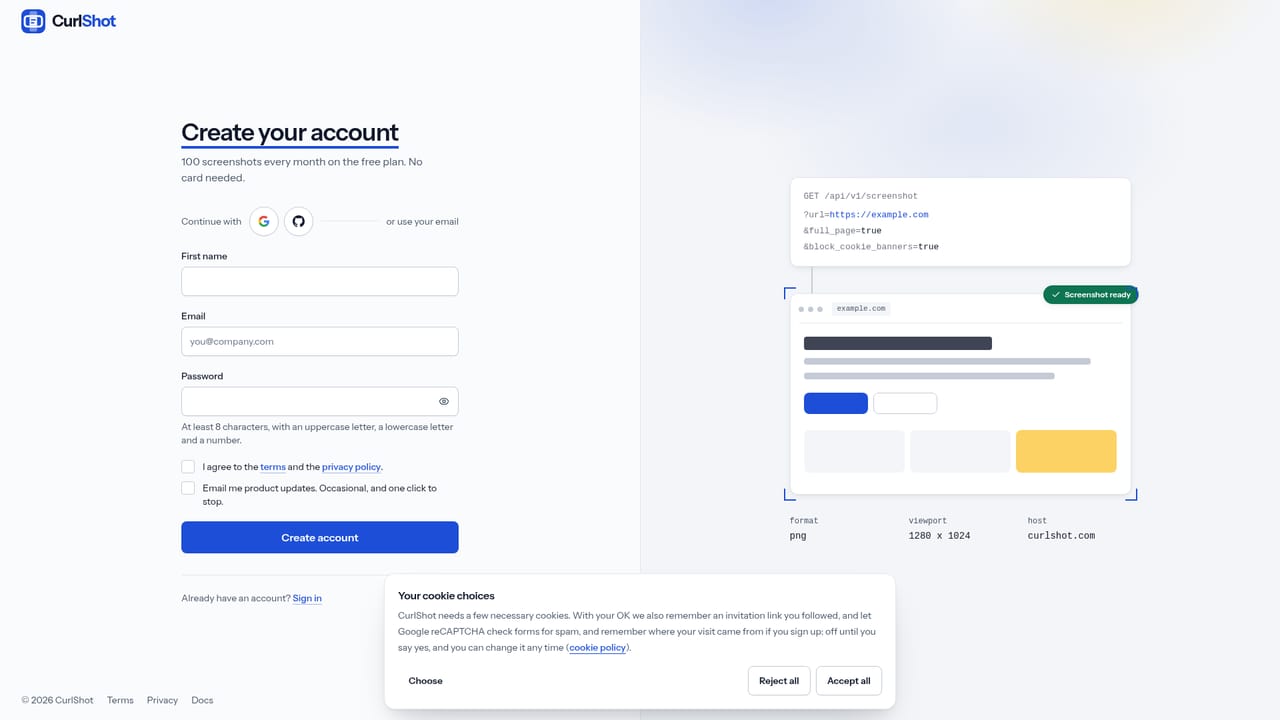
The tool can be tried on the homepage with no account at all. Creating a free account adds 100 screenshots a month and requires no payment card.
Learn moreScreenshot any web page as an image or PDF, from a browser or an API.

CurlShot renders any web page as a screenshot or PDF through a browser tool or an HTTP API, with an MCP server that lets AI agents request and view page captures directly.
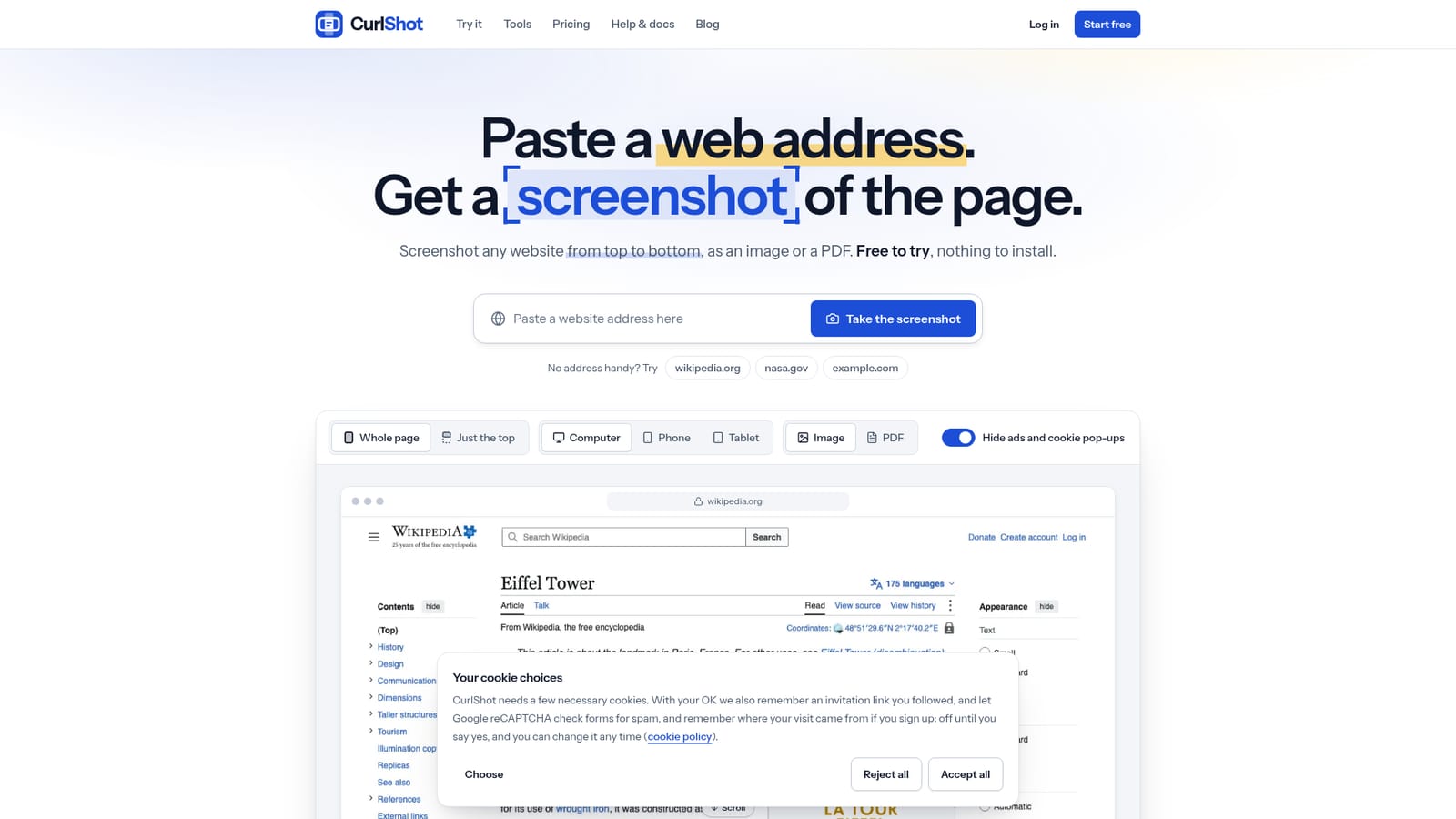
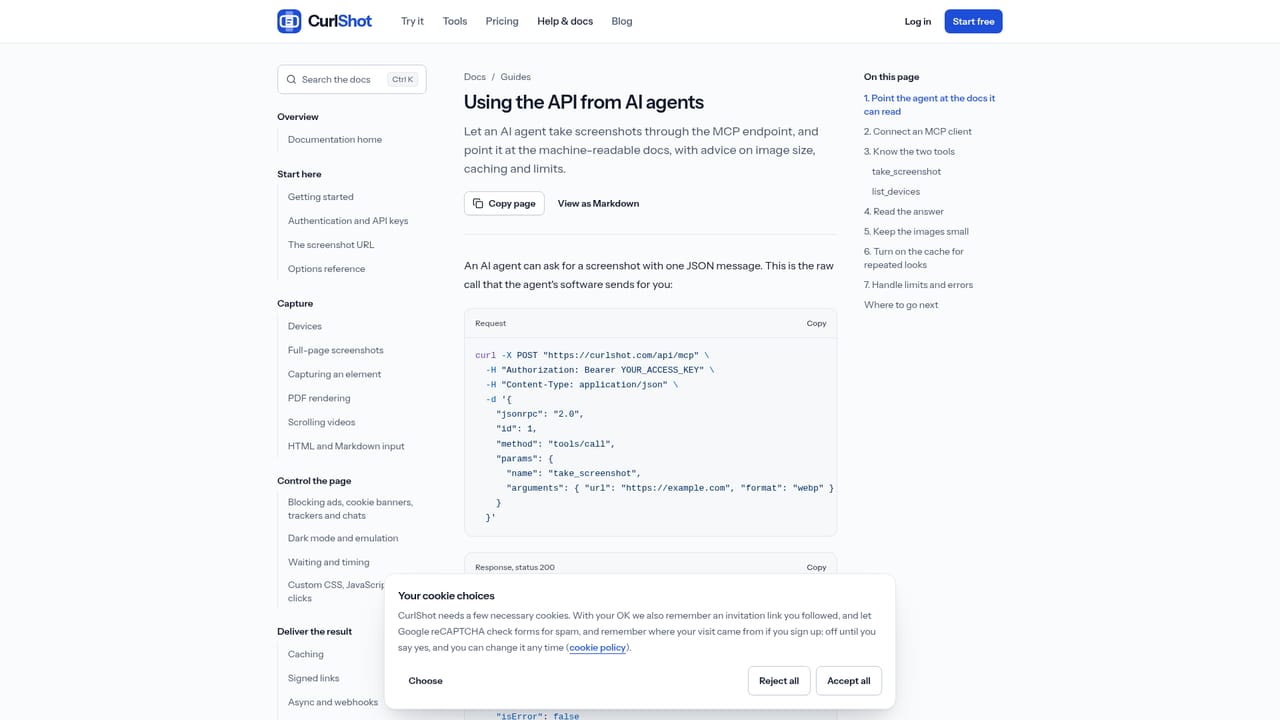
CurlShot is a screenshot service built around a single idea: paste a web address and get back an image or PDF of the page, either through a browser interface or through a developer API. It renders a page the way a normal browser would, then returns the result as a PNG, JPEG, WebP or PDF, capturing the full scrolling length of a page or just the visible top, and simulating how the page looks on a computer, phone or tablet screen. The tool serves two overlapping audiences. Non-technical users can grab a one-off screenshot for recordkeeping, like saving how a price or a set of terms looked on a given day, checking how a site renders on mobile, or converting an article into a tidy PDF. Developers and teams with recurring needs use the same engine through an HTTP API: one request with a URL and a few parameters returns the finished file, which supports use cases like website thumbnails, Open Graph image generation, bulk captures and scheduled jobs. A notable addition is an MCP server with a take_screenshot tool, which lets AI agents request and receive screenshots as part of an automated workflow rather than relying on a person to click through a UI. In practice, setup is minimal: there is nothing to install, and a free account unlocks 100 screenshots a month without requiring payment details. The API supports authenticated pages (via cookies or headers), webhook based async requests, and signed URLs for embedding screenshots directly into pages without exposing an access key. It automatically strips ads and cookie banners from most sites before capturing, though the documentation notes this doesn't catch every case. Among alternatives in the screenshot API space, CurlShot distinguishes itself less through raw rendering fidelity and more through its explicit focus on agent accessibility, positioning the MCP server, OpenAPI spec and llms.txt map as first-class citizens rather than an afterthought.
The tool can be tried on the homepage with no account at all. Creating a free account adds 100 screenshots a month and requires no payment card.
Learn moreFree plan gives 100 screenshots a month at no cost. Paid plans are fixed monthly fees for a set volume: Starter at $19/month for 3,000 screenshots, Growth at $79/month for 15,000, and Scale at $249/month for 60,000. Failed screenshots are not counted or charged.
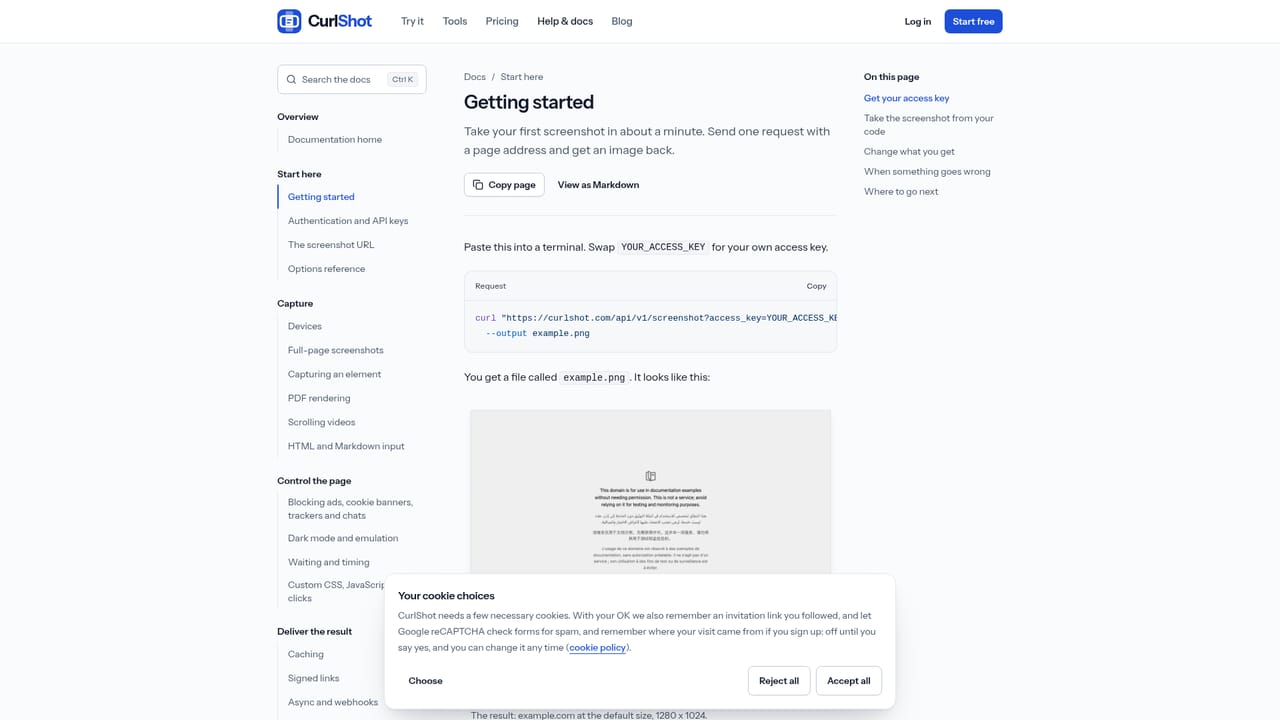
Learn moreSupport resources include a full documentation site with getting-started guides and code examples, a blog with technical write-ups, and a direct contact page for questions.
Learn moreOffers a screenshot API usable from any language via plain HTTP requests, an MCP server with a take_screenshot tool for AI agents, an OpenAPI description, and an llms.txt map plus markdown docs for machine reading.
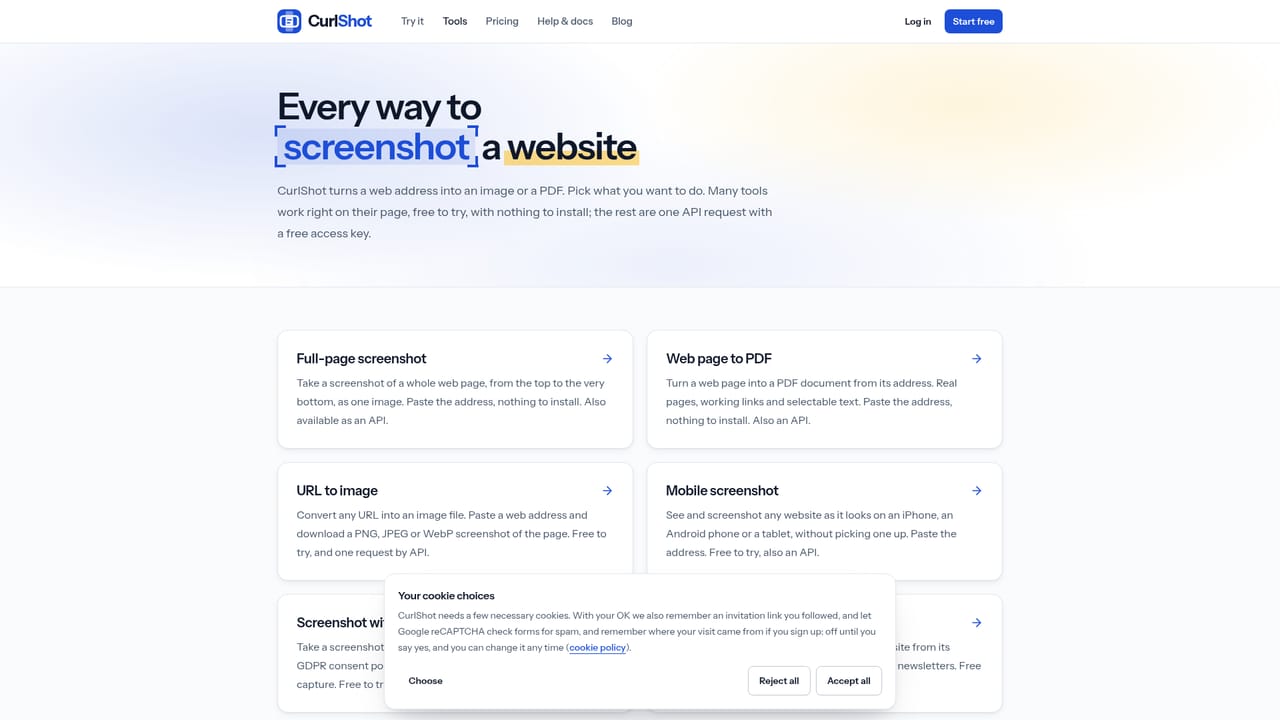
Learn moreFull-page or top-of-page screenshots, device simulation for computer, phone and tablet, output as PNG, JPEG, WebP or PDF, automatic hiding of ads and cookie banners, plus API features like async webhooks, signed URLs, authenticated page capture and bulk requests.
Learn more


