Free trial
No trial is needed since the generator is described as free to use without sign-up, login, or payment for its core features.
Learn moreType text, get instant cursive: copy-paste Unicode or download PNG/SVG fonts.

Cursive Generators is a font generator tool. Free browser based generator that converts typed text into copy-paste Unicode cursive or downloadable PNG/SVG cursive font images, with no sign-up required.
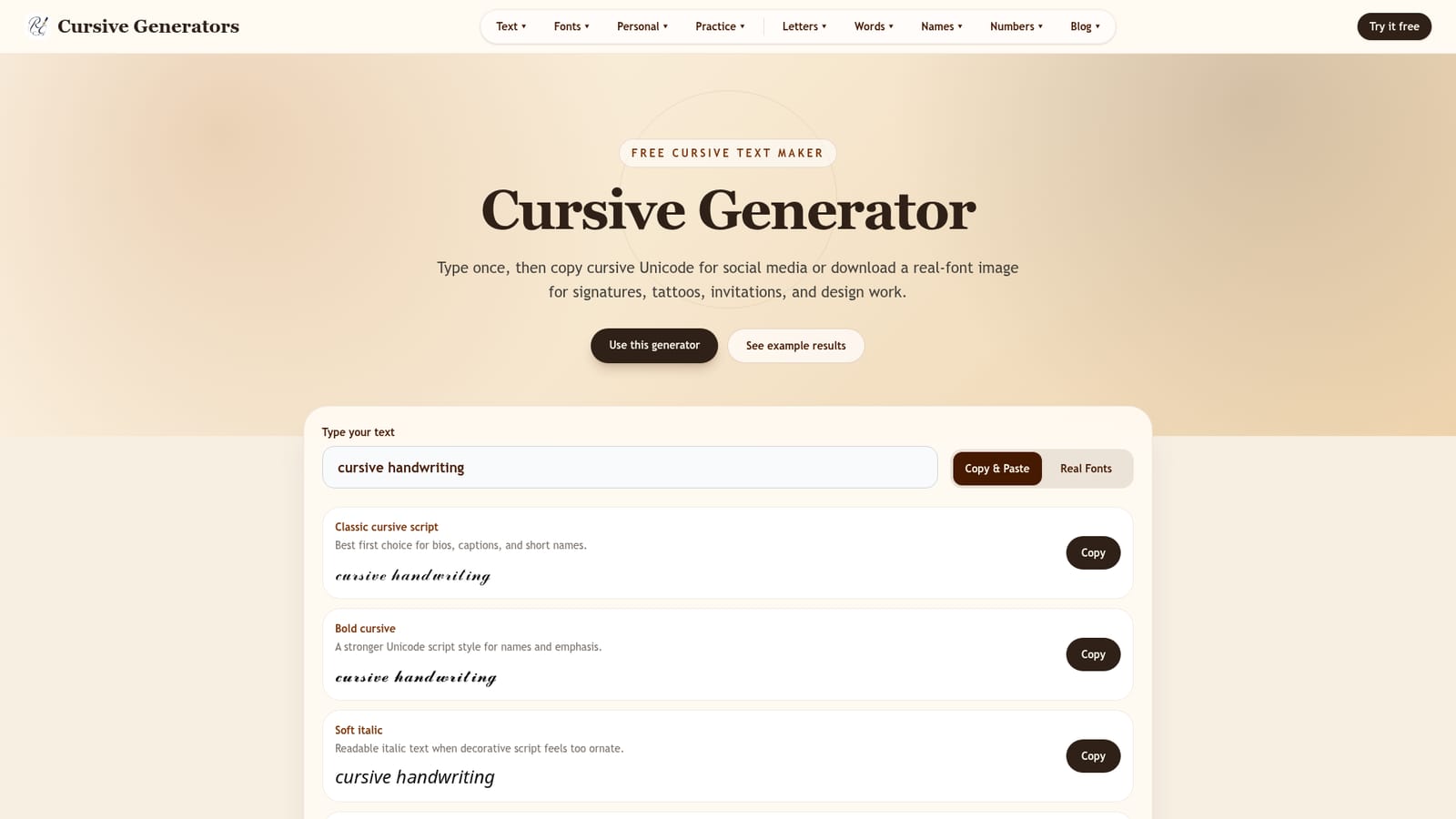
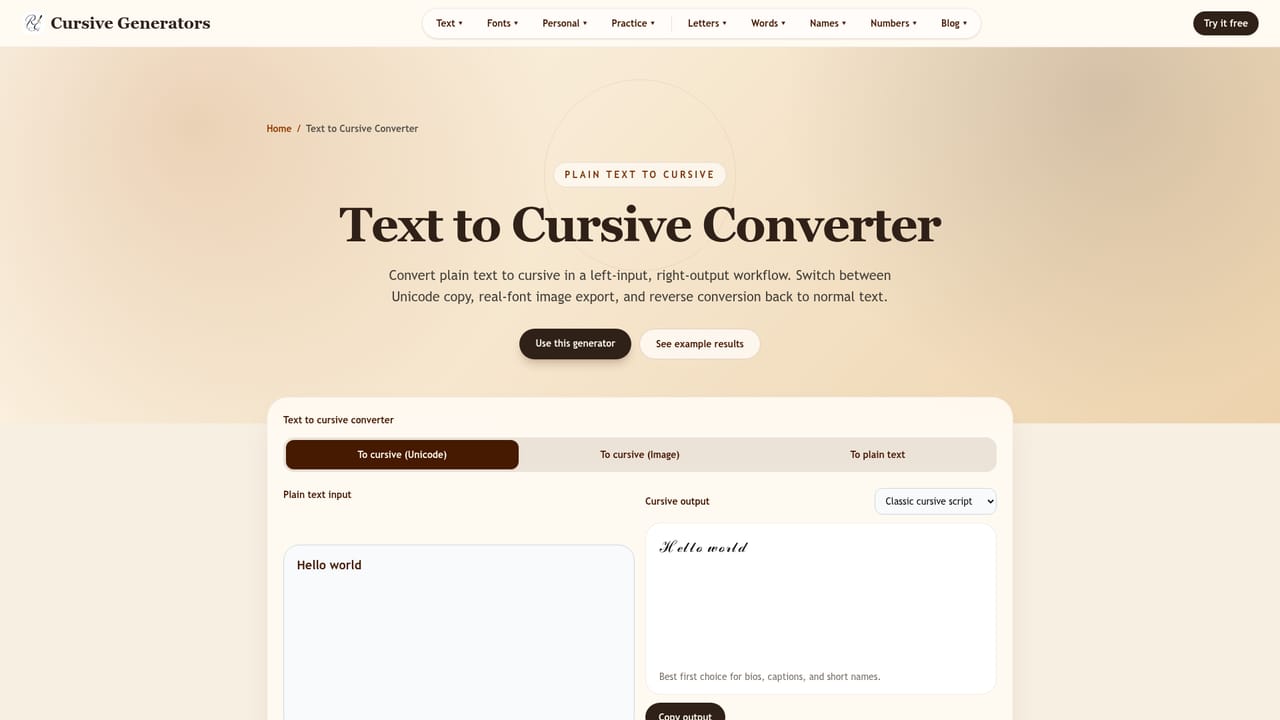
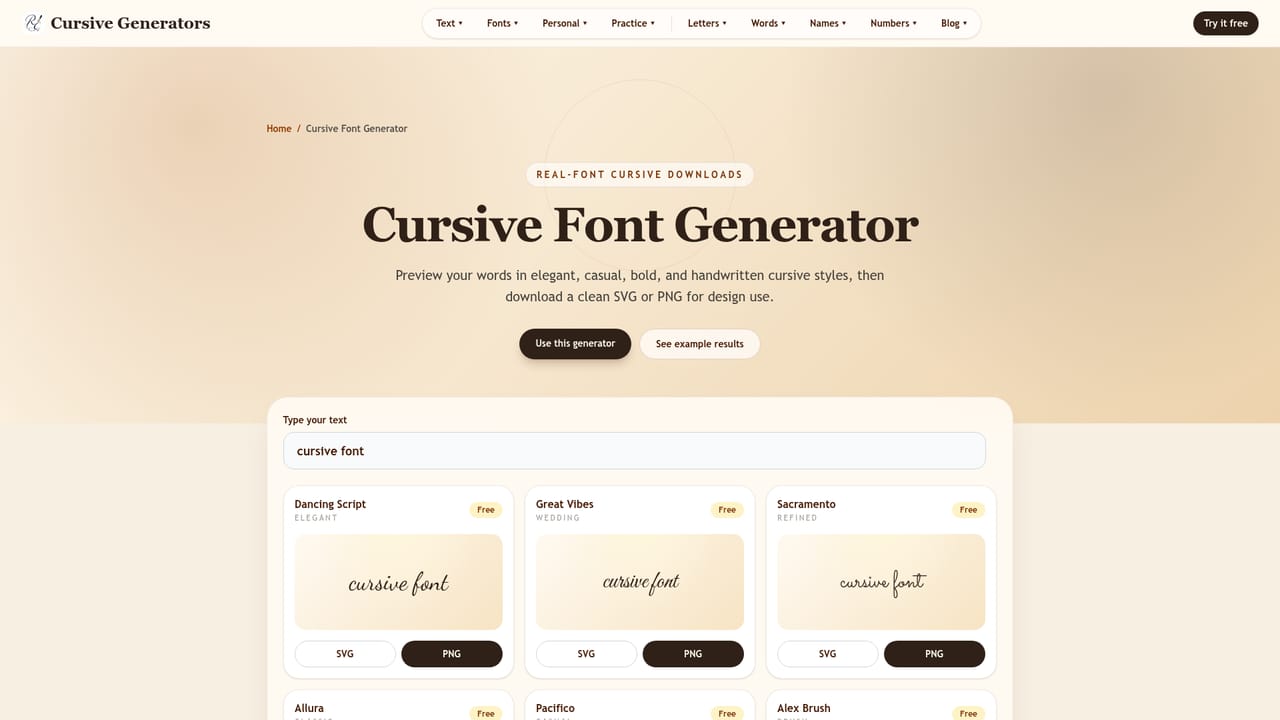
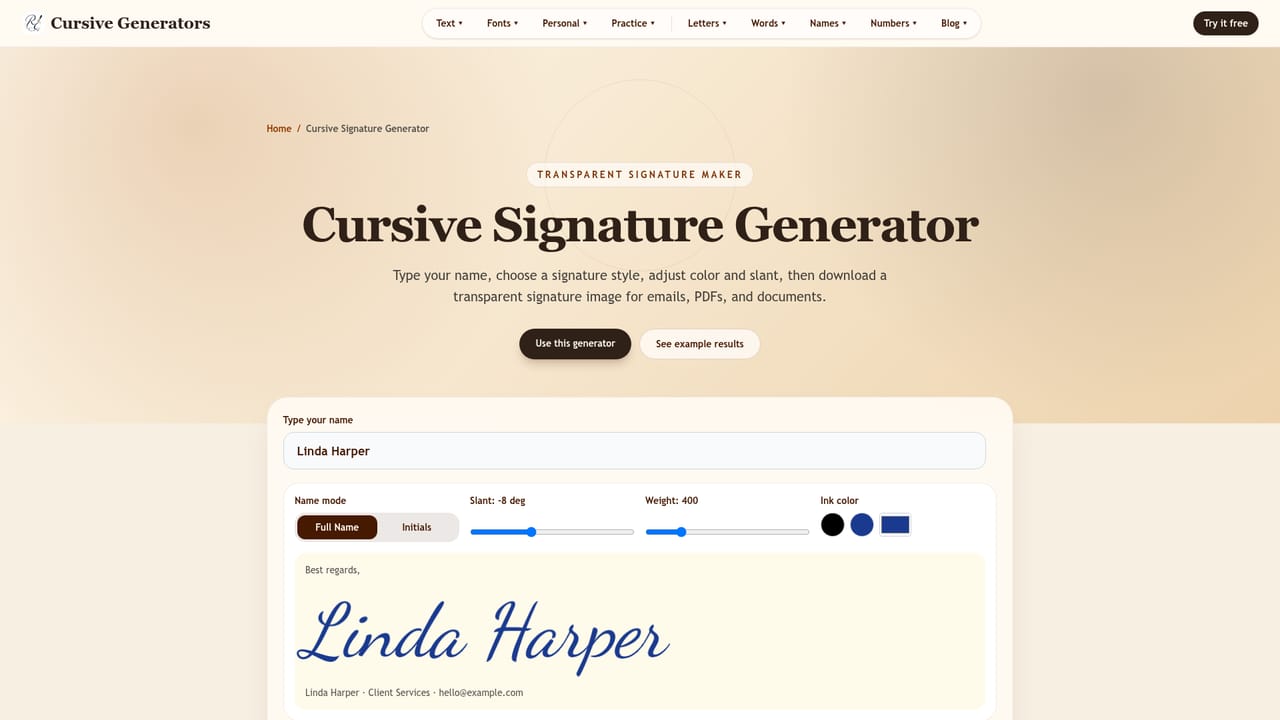
Cursive Generators is a free web tool that turns typed text into cursive style output in two formats: copy-paste Unicode characters and downloadable real-font images (PNG or SVG). Users type a word, name, or phrase once and the page previews that text across a large library of script, bold, calligraphy, handwritten, and decorative styles, letting them pick a look before exporting. No account or payment is required to use the core generator. The site is built for two different needs. Unicode mode suits people who want decorative text they can paste directly into Instagram bios, TikTok captions, Discord names, or short messages, since the output stays selectable text. Real Fonts mode suits anyone who needs the cursive to render identically everywhere, such as email signatures, wedding invitations, tattoo references, worksheets, logos, PDFs, or design software like Illustrator or Canva, because PNG and SVG files are not subject to a device's font support. Beyond the main generator, the site hosts a wide set of purpose-built sub-generators (signature, tattoo, name, word, number, alphabet, worksheet, tracing, stencil, logo, and regional styles like Old English, Chicano, or Russian cursive), plus single-letter, single-word, and single-name reference guides, and a blog of handwriting tutorials. This makes it useful both as a quick styling utility and as a reference resource for people learning or teaching cursive. Compared to simple copy-paste cursive sites that only output Unicode text, this tool adds the image export layer, which matters for anyone whose cursive needs to survive outside of text fields, such as print, tattoos, or documents. It fits casual social media users, students and teachers, and anyone producing a one-off design asset, rather than users needing ongoing brand font management or bulk content generation.
No trial is needed since the generator is described as free to use without sign-up, login, or payment for its core features.
Learn moreThe core generator, including copy-paste Unicode output and PNG/SVG downloads, is free to use with no payment, credits, or subscription mentioned.
Learn moreSupport is handled through an on-site FAQ section covering format differences, rendering issues, and usage questions; no live chat or email contact is listed.
Converts typed text into cursive via copy-paste Unicode (52 styles) or real-font image downloads (100 style previews) in PNG or SVG, plus dedicated tools for signatures, tattoos, names, numbers, alphabets, worksheets, and tracing sheets.
Learn more AI Angels400+ customizable AI girlfriends for NSFW chat, voice calls, and roleplay
 Candy AIExperience the future of companionship with AI friends who chat, role-play, and connect with you on a human level.
 ourdream.aiA vast AI roleplay platform with millions of characters for chat, images, video and voiceAI Angels400+ customizable AI girlfriends for NSFW chat, voice calls, and roleplayCandy AIExperience the future of companionship with AI friends who chat, role-play, and connect with you on a human level.ourdream.aiA vast AI roleplay platform with millions of characters for chat, images, video and voice


