Integrations
Plugins are offered for Microsoft Word, Microsoft Office, and CMS, ATS and CRM systems, so content can be checked inside the tools a team already uses rather than in a separate editor.
Learn moreAI content quality control for brand, SEO and accessibility rules

Textmetrics is a content tool. Content quality platform with two halves: Create gives writers real-time feedback on readability, SEO, inclusivity and brand rules, while Control gives managers a dashboard view of content risks and compliance across the organization. Plugins bring the checks into Word, Office, CMS, ATS and CRM tools.
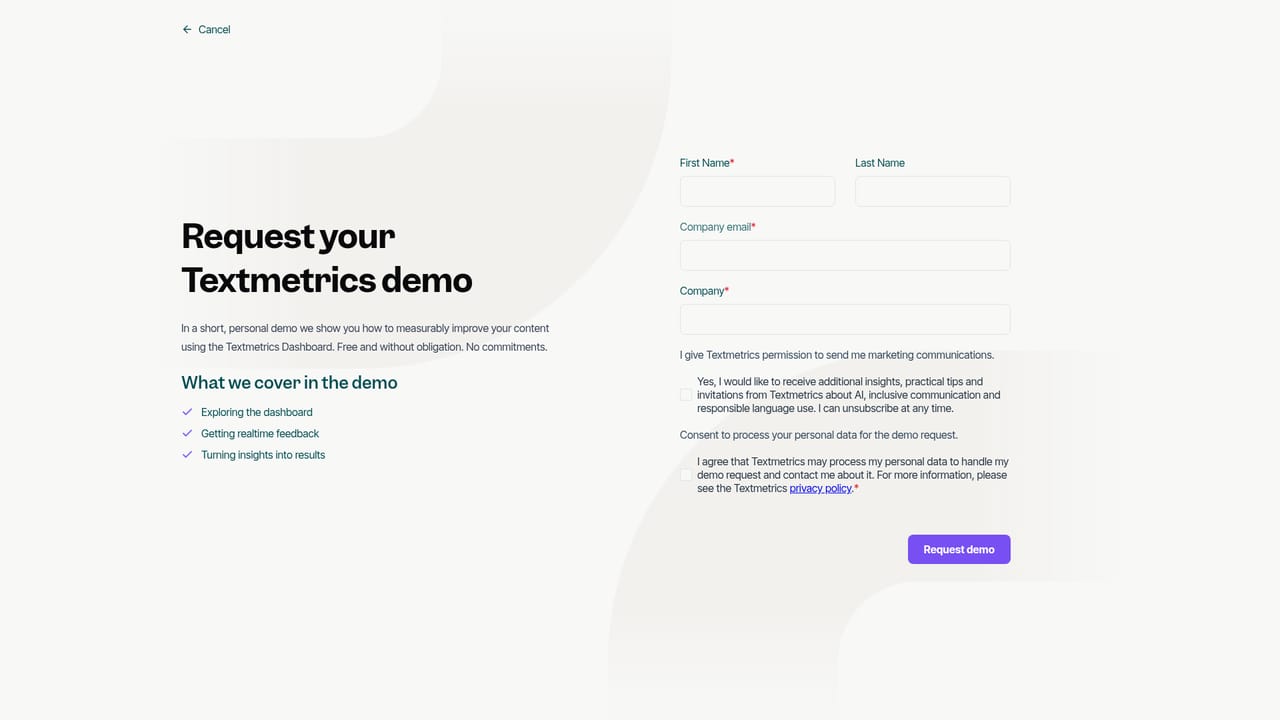
Textmetrics is a content quality platform built around two products that address opposite ends of the same problem. Create works inside the writing process, giving authors live feedback on readability, SEO, inclusivity and brand consistency as they draft. Control works after the fact, giving managers and leadership a dashboard view of how an organization communicates, where standards are drifting, and which texts carry compliance or reputation risk. The two halves are sold as a pair for teams that both produce a lot of text and need to answer for it. The product is aimed at organizations rather than solo bloggers. The homepage names corporate management, government agencies, recruitment teams, marketing and communications departments, and journalists or editors as its core audiences. The pitch is explicit about why: when AI generation scales output, manual review stops keeping pace, and the homepage cites a statistic that a large share of marketers now use AI daily while many report spending more time reviewing AI text than they saved. Textmetrics positions itself as the automated check that sits between drafting and publishing. In daily use, writers work in the Textmetrics editor or through plugins rather than switching to a separate tool. The company says its plugins run in Microsoft Word, Microsoft Office, and CMS, ATS and CRM systems, so the same scoring rules apply wherever a draft is written. Each text is measured against rule sets an organization configures itself, covering tone of voice, branding, governance and accessibility guidelines, and suggestions surface in real time. Managers then use the Control dashboard to spot trends and assign follow-up instead of reading every document. Compared with general writing assistants, Textmetrics leans toward governance and rule enforcement rather than generation. It is closer to a brand and compliance layer than to a copywriting chatbot. Teams that mainly want drafting help may find it narrow; organizations with published style guides, accessibility obligations or decentralized content ownership are the natural fit. The site names Nationale Nederlanden, Randstad, DPG Media, Vattenfall and several government and media bodies as customers.
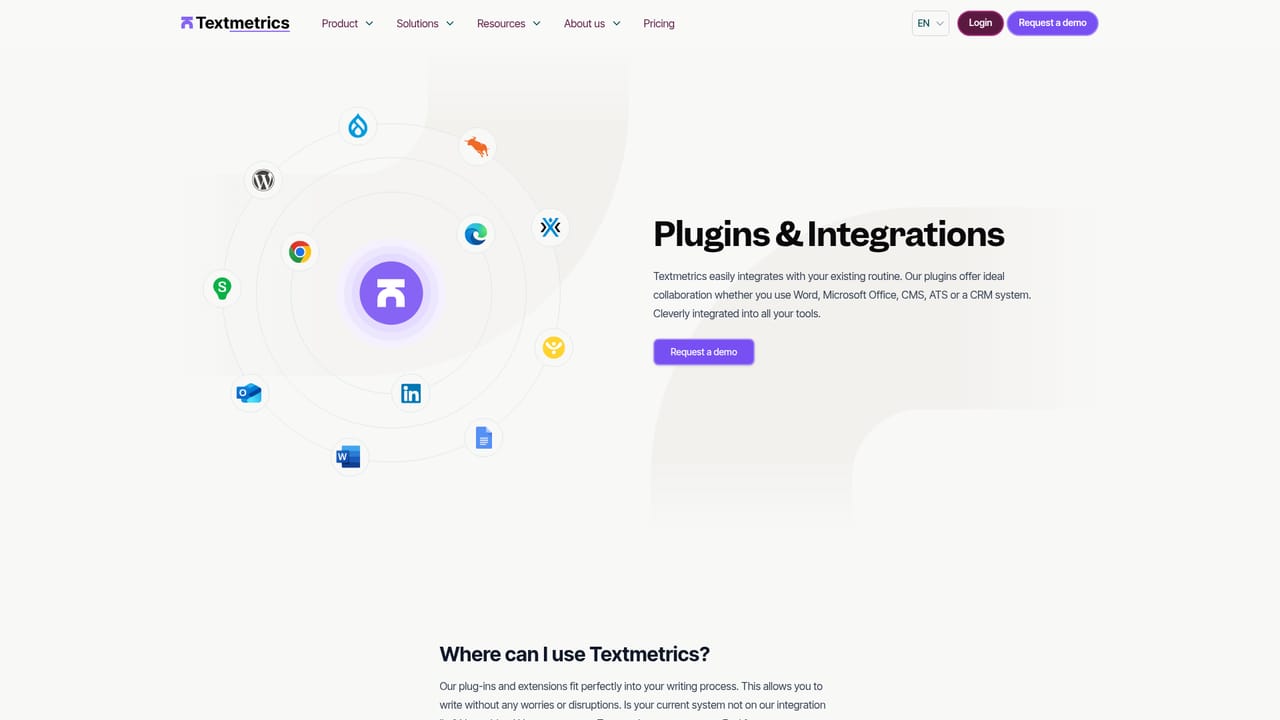
Plugins are offered for Microsoft Word, Microsoft Office, and CMS, ATS and CRM systems, so content can be checked inside the tools a team already uses rather than in a separate editor.
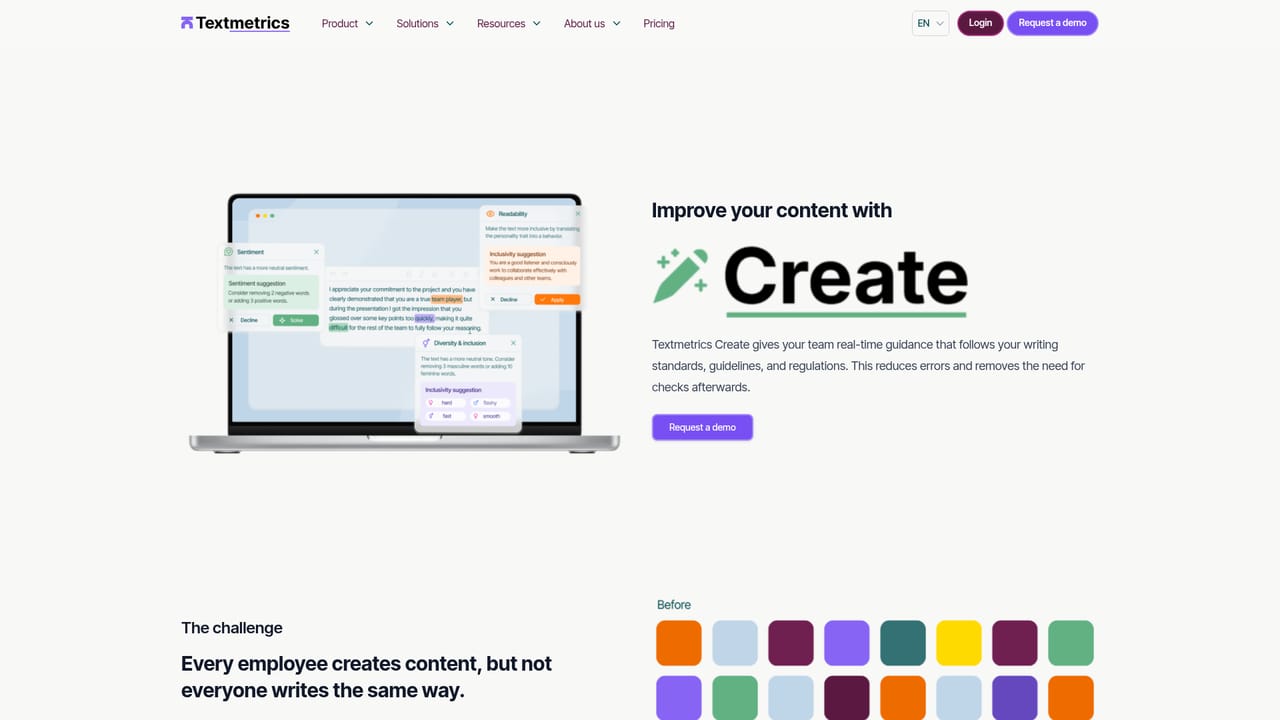
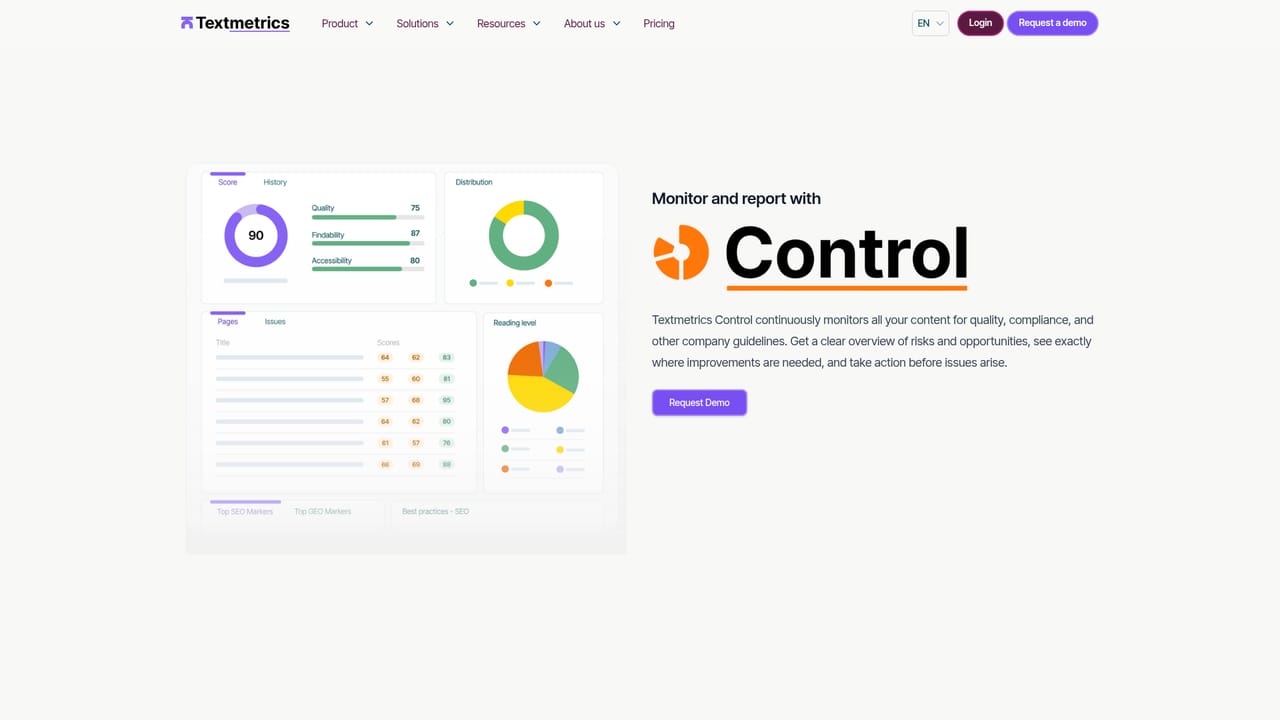
Learn moreTextmetrics Create scores drafts in real time on readability, SEO, inclusivity and brand consistency, with rule sets configured for an organization's tone of voice and guidelines. Textmetrics Control adds a dashboard that tracks content quality across teams, flags compliance and policy risks, and shows where action is needed. Plugins deliver the same checks inside Microsoft Word, Office, CMS, ATS and CRM systems.
Learn more AI Angels400+ customizable AI girlfriends for NSFW chat, voice calls, and roleplay
 Candy AIExperience the future of companionship with AI friends who chat, role-play, and connect with you on a human level.
 ourdream.aiA vast AI roleplay platform with millions of characters for chat, images, video and voiceAI Angels400+ customizable AI girlfriends for NSFW chat, voice calls, and roleplayCandy AIExperience the future of companionship with AI friends who chat, role-play, and connect with you on a human level.ourdream.aiA vast AI roleplay platform with millions of characters for chat, images, video and voice


