Pricing
The homepage does not list prices. CursorLens is presented as open source and can be run locally, with a hosted version described as upcoming.
Learn moreOpen-source analytics dashboard for Cursor IDE code generations

CursorLens is an open source dashboard for the Cursor.sh IDE that logs AI code generations, tracks usage over time, and lets developers control which AI models, including local ones, handle their coding requests. It runs locally from a GitHub clone.
CursorLens is an open source dashboard built for the Cursor.sh IDE, aimed at developers who want a record of what the AI actually writes inside their editor. It captures AI code generations as they happen, then presents them in a single interface where usage can be reviewed over time. The project is distributed through GitHub, so teams can clone it, inspect the code, and run the whole thing on their own machines rather than sending generation history to a third party. The practical appeal is oversight. When an assistant drafts functions, refactors files, or patches bugs, CursorLens logs those outputs so a developer can look back at what the model produced and how often it was called. Model control is part of the package as well, including the ability to point work at local models instead of relying entirely on hosted ones. That combination suits individual developers tracking their own habits, small teams comparing model behaviour, and anyone with compliance or privacy reasons to keep AI activity within their own infrastructure. Setup follows the standard open source path: clone the repository, follow the documentation, and start the dashboard next to the IDE. Because it is self-hosted, the burden of maintenance sits with the user, and the project's roadmap has shifted attention toward Matrix OS, a cloud workspace for AI agents from the same makers. That context matters for anyone planning long term adoption, since an open source tool backed by a team with a newer flagship product may see slower iteration. Among AI coding utilities, CursorLens occupies a narrow but useful niche. It is not a code generator and does not compete with the assistant built into the editor. It is closer to a usage ledger and control panel layered over Cursor, and it makes most sense for developers who already rely on the IDE heavily and want visibility into that reliance.
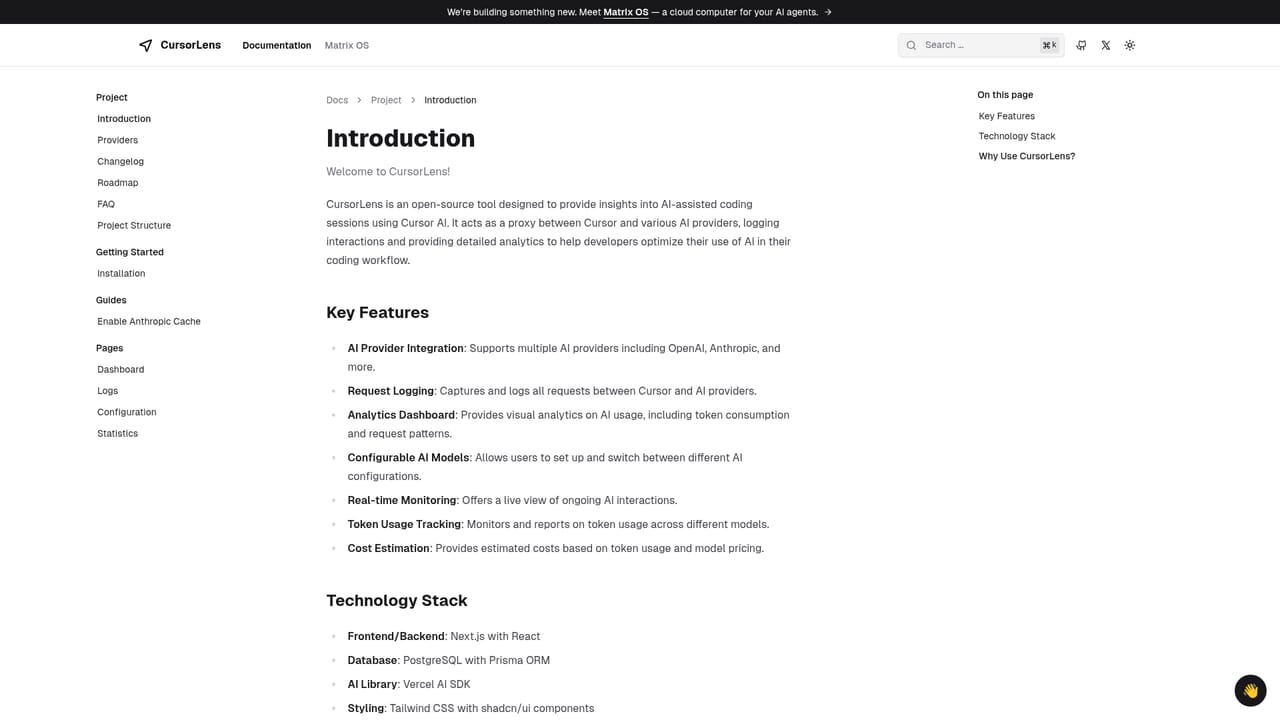
The homepage does not list prices. CursorLens is presented as open source and can be run locally, with a hosted version described as upcoming.
Learn moreIntegrates with the Cursor.sh IDE and supports routing to AI models, including locally hosted ones.
Logs AI code generations from the Cursor.sh IDE, tracks usage over time, and provides control over which AI models are used, including local models. Delivered as an open source dashboard that runs locally, with a hosted version in development.
 AI Angels400+ customizable AI girlfriends for NSFW chat, voice calls, and roleplay
 Candy AIExperience the future of companionship with AI friends who chat, role-play, and connect with you on a human level.
 ourdream.aiA vast AI roleplay platform with millions of characters for chat, images, video and voiceAI Angels400+ customizable AI girlfriends for NSFW chat, voice calls, and roleplayCandy AIExperience the future of companionship with AI friends who chat, role-play, and connect with you on a human level.ourdream.aiA vast AI roleplay platform with millions of characters for chat, images, video and voice


