Free trial
The homepage promotes "Try For Free" and a free resume download but does not describe trial length or terms.
Learn moreTemplate-led resume builder with ATS checks and cover letters

CV Genius is a resume tool. CV Genius (Resume Genius) is a guided online resume builder with ATS-friendly templates, pre-written bullet points, a resume checker, a cover letter maker and a job board, built for first-time and everyday job seekers.
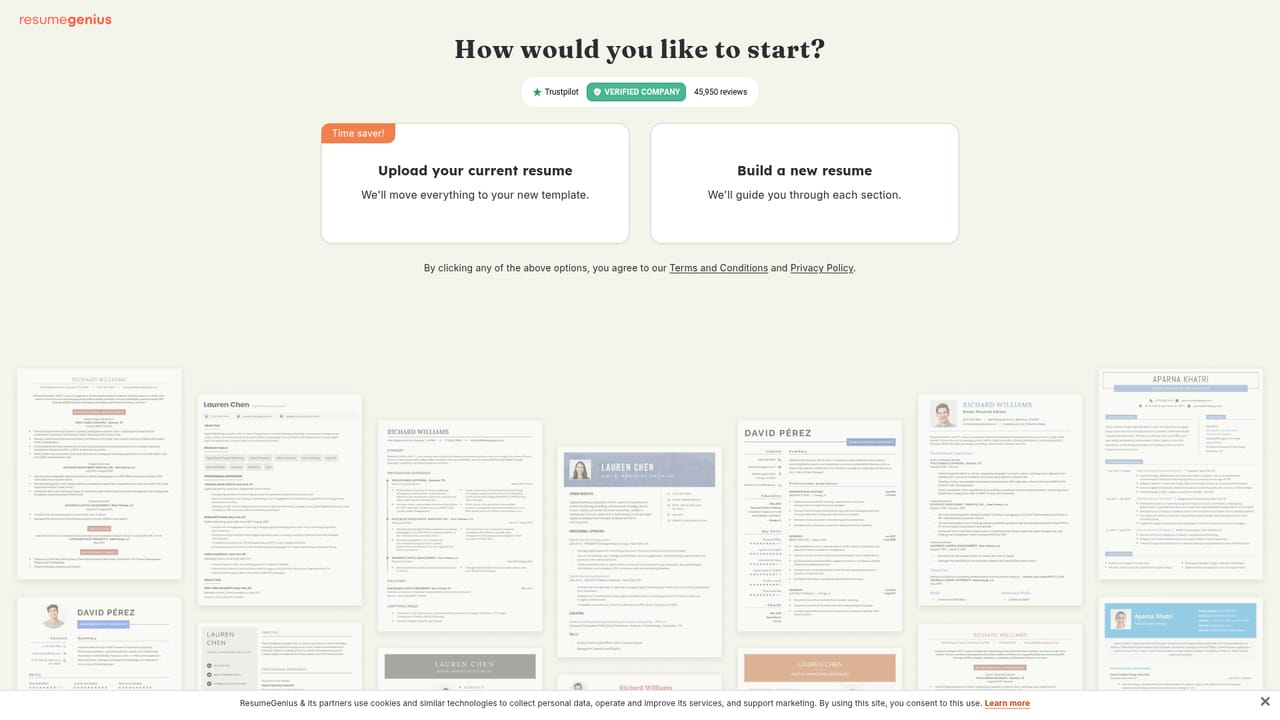
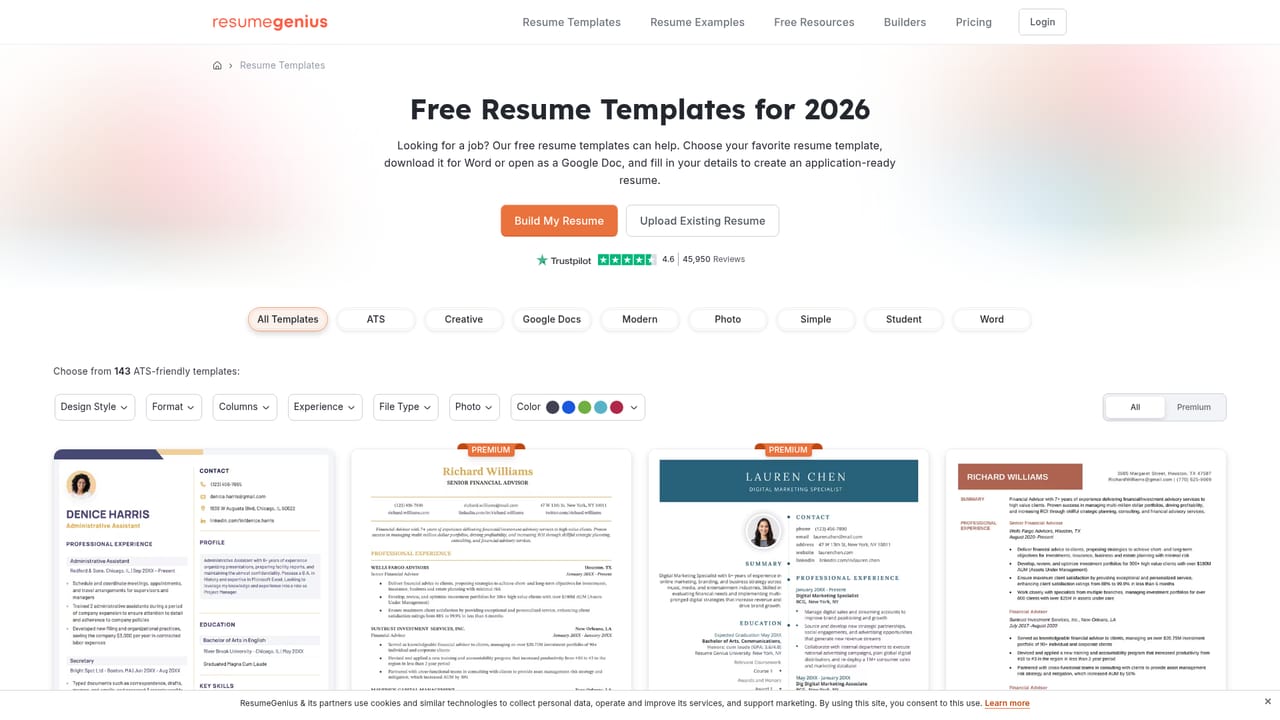
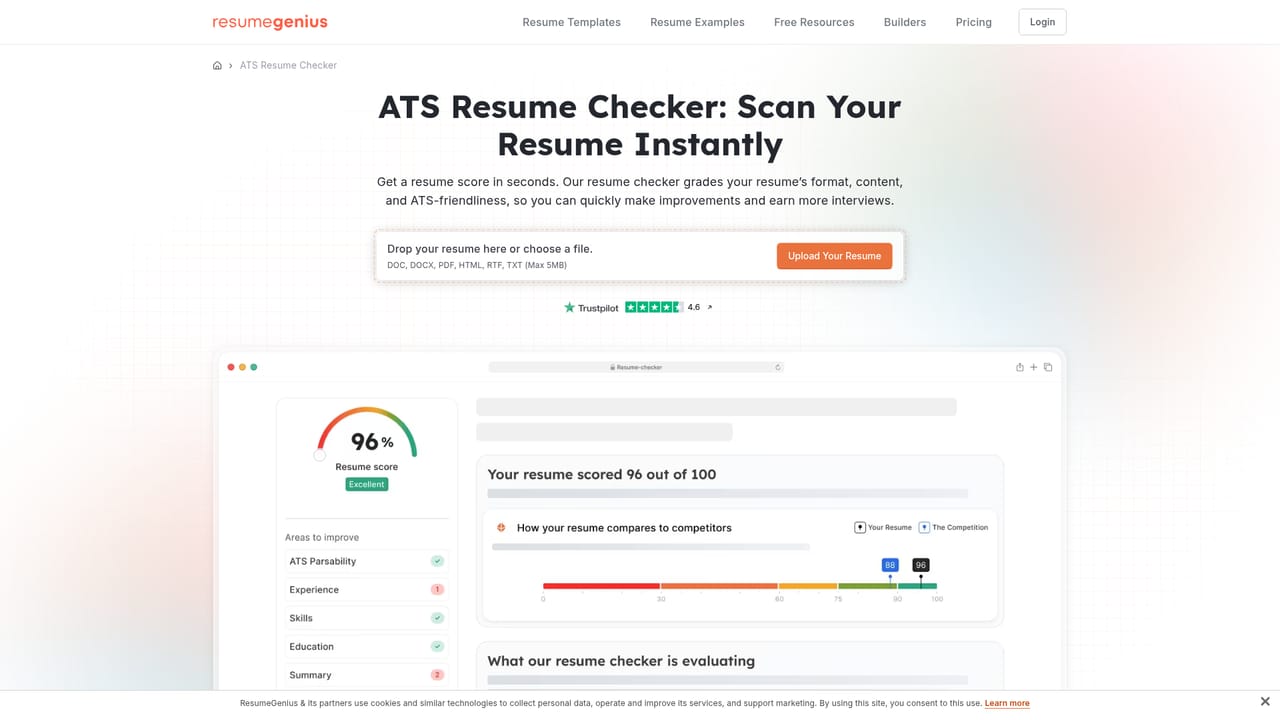
CV Genius, the tool behind Resume Genius, is a web-based resume builder aimed at job seekers who want a finished, professional document without starting from a blank page. The flow is deliberately linear: choose a template, work through each resume section, and download the result. Users with an existing resume can upload it and continue from there instead of retyping their history. The core of the product is its template library and pre-written content. Designs are sorted into styles such as ATS, Basic, Minimalist, Modern, Creative and Photo, and the ATS-oriented layouts are meant to survive applicant tracking scans. For the experience section, the builder offers professionally written bullet points tied to specific jobs that can be edited to match a person's own background, which helps people with little or no work history get past writer's block. Guidance appears step by step as each section is filled in. Around the builder sits a set of companion tools for the rest of an application. An ATS resume checker scans a document and suggests fixes, a cover letter maker produces letters tailored to individual jobs, a bullet point generator speeds up the work history section, and a summary generator and AI resume generator cover other writing tasks. A human-expert resume review is also listed. Subscribers additionally get access to a job board of pre-vetted roles, including hybrid and remote positions, where the finished resume and cover letter can be used to apply inside the app. A large library of role-specific resume examples, from nursing to software engineering, doubles as reference material. Among alternatives, CV Genius competes with other template-driven builders such as Canva-style design tools and dedicated resume services. Its strengths are guided structure and breadth of supporting tools rather than free-form design control. The homepage advertises free download, though the pricing page should be checked for what the free tier includes. It suits first-time applicants, students, career changers and hourly or entry-level workers more than designers who want pixel-level layout freedom.
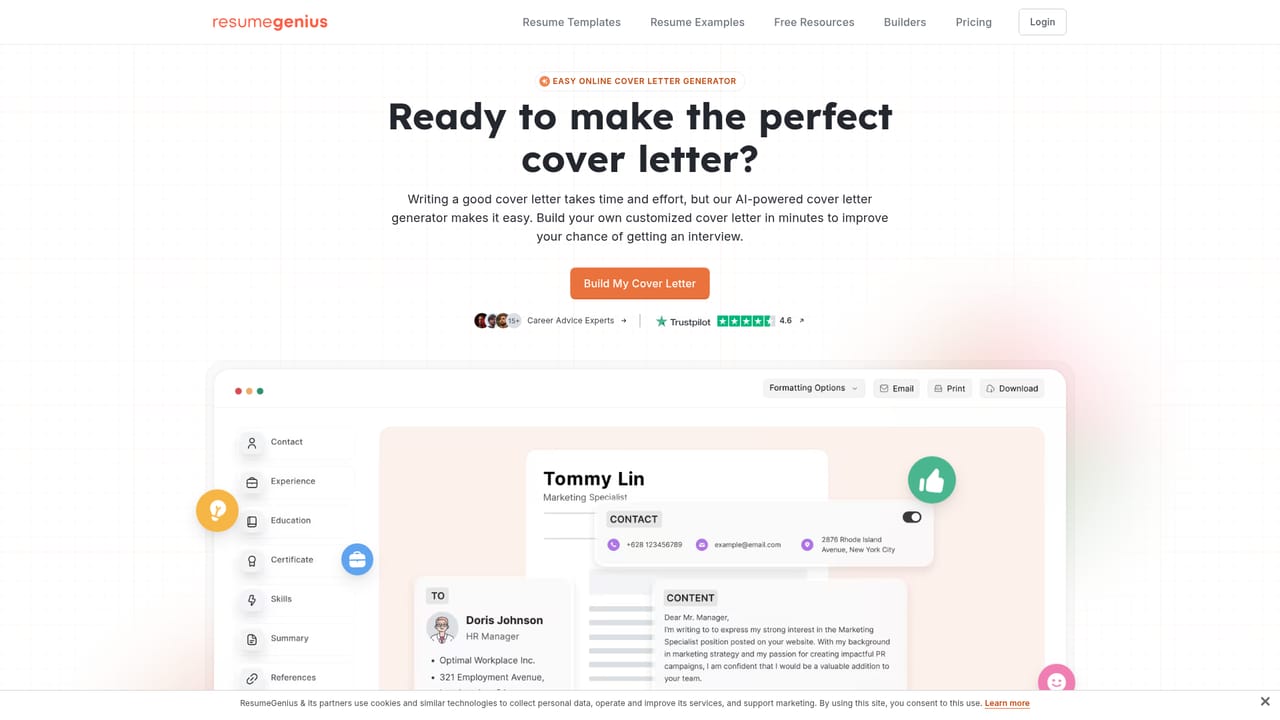
The homepage promotes "Try For Free" and a free resume download but does not describe trial length or terms.
Learn moreThe homepage advertises a free download and a "Try For Free" button, and a testimonial mentions easy cancellation, but it lists no prices. A dedicated pricing page exists for plan details.
Learn moreThe homepage offers a video walkthrough from a career expert and a human-expert free resume review, plus a blog of resume guides. No support channels are listed.
Resume builder with ATS-friendly templates, pre-written job-specific bullet points, resume upload, ATS resume checker, cover letter maker, bullet point and summary generators, human resume review, and premium job board access.
Learn more