Pricing
The homepage states that billing is based on active compute time, with no idle charges, so machines cost nothing while sleeping. No rates, tiers or plan limits are published; pricing is only described qualitatively.
Learn morePersistent Linux machines for AI agents that boot in under 50ms

Dedalus Labs is a developer tool. Dedalus Labs provides full Linux virtual machines for AI agents with sub-50ms startup, persistent filesystem and memory across sessions, VM-level isolation for untrusted code, and billing limited to active compute time. Access is currently via a waitlist, with docs and a CLI installer available for evaluation.
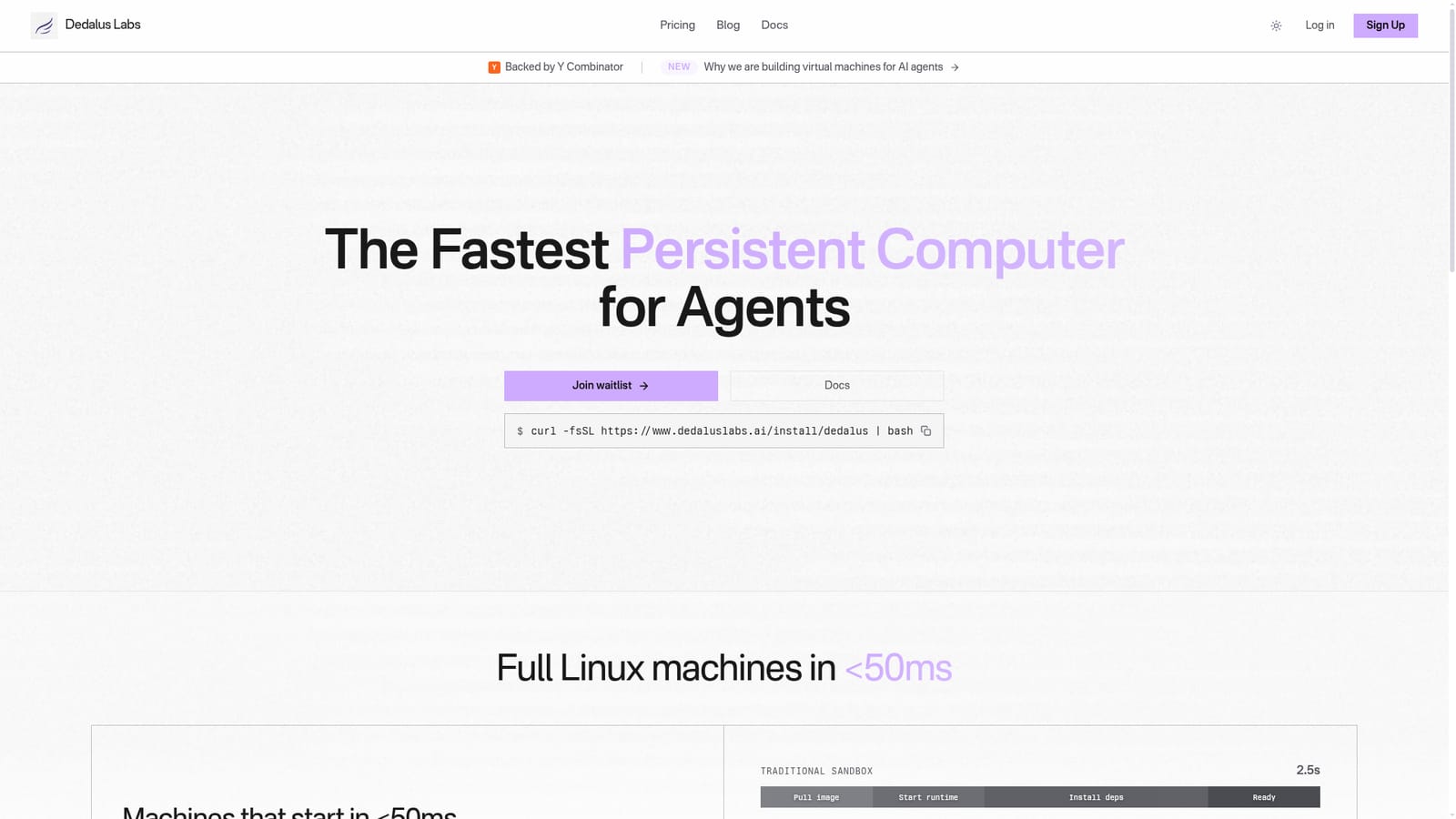
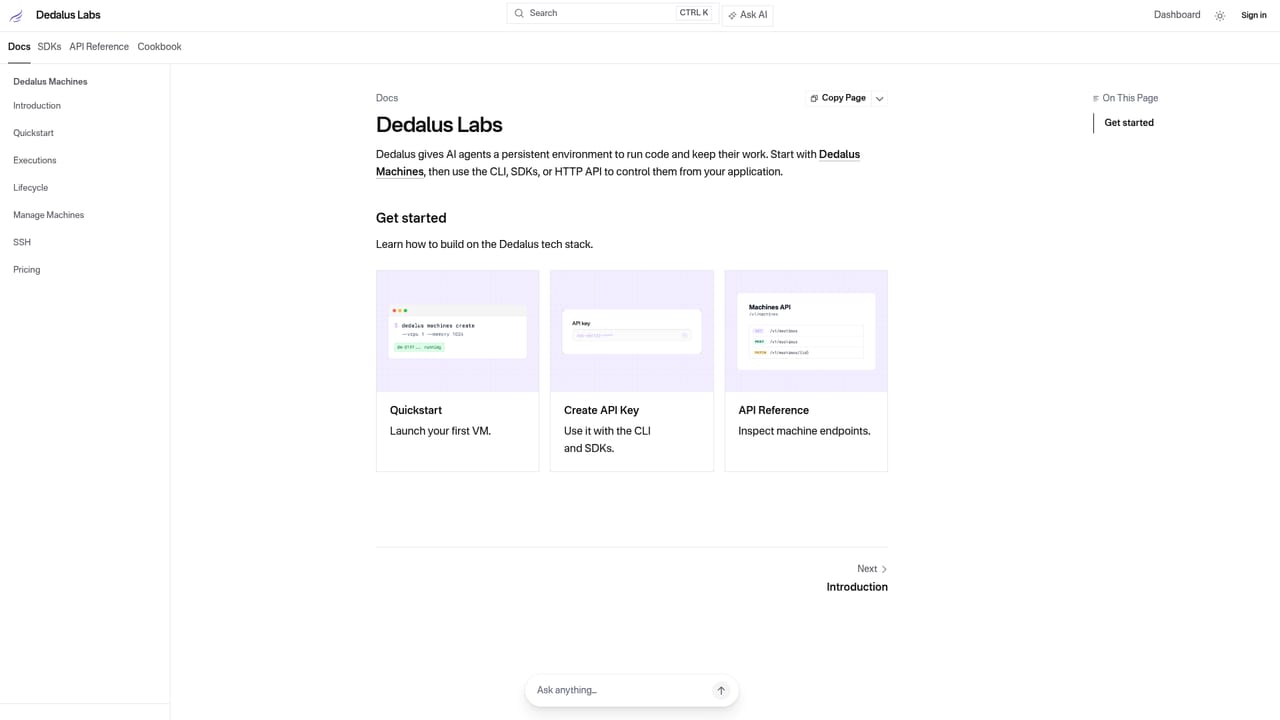
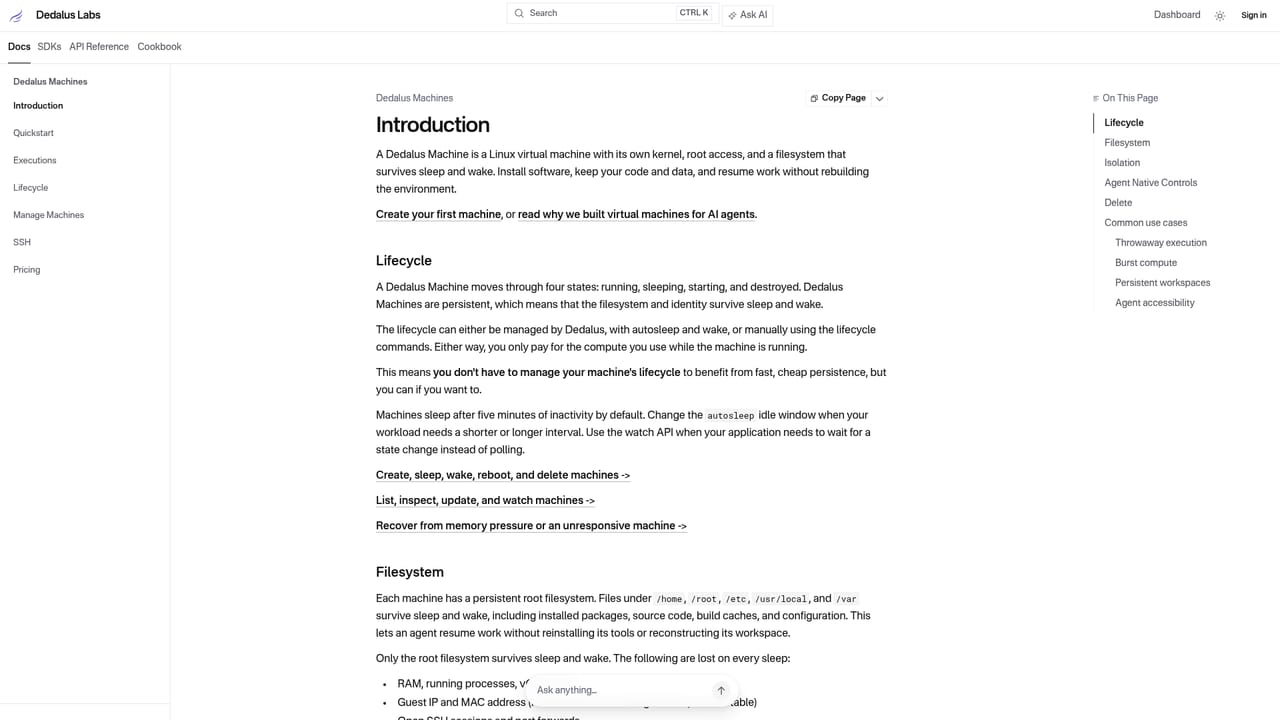
Dedalus Labs builds virtual machines designed specifically for AI agents to run code on. The pitch is speed and persistence: a full Linux machine starts in under 50ms, with the filesystem and memory preserved across sessions, so an agent resumes exactly where it stopped instead of rebuilding its environment from scratch. The company frames the contrast sharply against traditional sandboxes, which it says take around 2.5 seconds to pull an image, start a runtime and install dependencies before anything useful happens. Persistence is the core design choice. Files and runtime state survive between sessions, and billing is tied to active compute time rather than idle hours. That model suits agents that work in bursts: a coding assistant that runs tests, pauses for a user reply, then returns to the same working directory without reinstalling packages or reloading data. Isolation is handled at the VM level, with a full kernel, memory and filesystem boundary and root access inside each sandbox. Dedalus positions this as a stronger security boundary than Docker containers or V8 isolates when agents execute untrusted code. The audience is developers building agent products, not end users looking for a chat interface. Anyone shipping an agent that writes and executes code, scrapes, runs long tool chains or needs a stable workspace between calls is the target buyer. Dedalus sits in the infrastructure layer, alongside sandbox providers and container platforms, with its differentiators being boot latency, state retention and VM-grade isolation rather than breadth of integrations. Adoption is gated. The site invites visitors to join a waitlist, and the practical entry point for evaluation is the documentation, which covers the DCS runtime and includes a one-line install command for the command line tool. Teams comparing options should weigh the low boot time and persistent disk against the waitlist friction and the fact that an agent platform still has to be built around the machine.
The homepage states that billing is based on active compute time, with no idle charges, so machines cost nothing while sleeping. No rates, tiers or plan limits are published; pricing is only described qualitatively.
Learn moreFull Linux machines that start in under 50ms with zero cold starts. Filesystem and memory persist across sessions. VM-level isolation covers kernel, memory and filesystem, with root access inside each sandbox and a boundary the company rates above Docker and V8 isolates for untrusted code.
Learn more AI Angels400+ customizable AI girlfriends for NSFW chat, voice calls, and roleplay
 Candy AIExperience the future of companionship with AI friends who chat, role-play, and connect with you on a human level.
 ourdream.aiA vast AI roleplay platform with millions of characters for chat, images, video and voiceAI Angels400+ customizable AI girlfriends for NSFW chat, voice calls, and roleplayCandy AIExperience the future of companionship with AI friends who chat, role-play, and connect with you on a human level.ourdream.aiA vast AI roleplay platform with millions of characters for chat, images, video and voice


