Free trial
The first 14 answered calls are free with no credit card required, so you can hear Deskie handle your real callers before paying anything.
Learn moreAI receptionist that answers missed calls in a natural Australian voice

Deskie AI is an AI calls tool. Deskie AI answers the calls Australian small businesses miss, in a natural Australian voice, and texts the caller's name, need, location and number to your phone within seconds. It keeps your existing number, screens spam, flags urgent jobs and offers optional call transfer and appointment booking.
Deskie AI is a phone answering service built for Australian small businesses whose hands are full when the phone rings. It sits behind your existing number: your phone rings first as usual, and only when you cannot pick up does the call divert to Deskie. The agent answers in a natural Australian voice, greets the caller by your business name, confirms what you do, asks the questions you have configured (what they need, where they are, when they are available) and texts the details to your phone within seconds. The caller also receives a confirmation SMS so they know the message landed. The product is aimed squarely at sole traders and small crews: plumbers, electricians, locksmiths, glaziers, landscapers, mobile mechanics, cleaners, and also clinics, IT support outfits and franchisees. Industry knowledge comes preloaded, so a burst pipe or a lockout gets flagged as urgent while a quote request waits. Out-of-scope enquiries are politely turned away, and spam, hang-ups and wrong numbers are screened. Optional extras include transferring the call through to you and booking appointments into a calendar, either confirmed or pending your approval. Setup is done by calling a demo number and answering questions about your business, then forwarding your line with two short codes. There is no onboarding call, form or setup fee, and your number never changes. Each month you get an intelligence report covering calls answered, enquiries captured, urgent and after-hours activity, and what was filtered out. Over time Deskie picks up your services and scheduling preferences, and the vendor says that learning carries no extra cost. Against a human answering service or a plain missed-call auto-reply text, Deskie's distinction is that it holds a real conversation rather than pushing the caller into another app. The pricing is call-volume based rather than seat based, which suits one-person operations. It is a poor fit for anyone whose phone rarely rings or who always answers it.
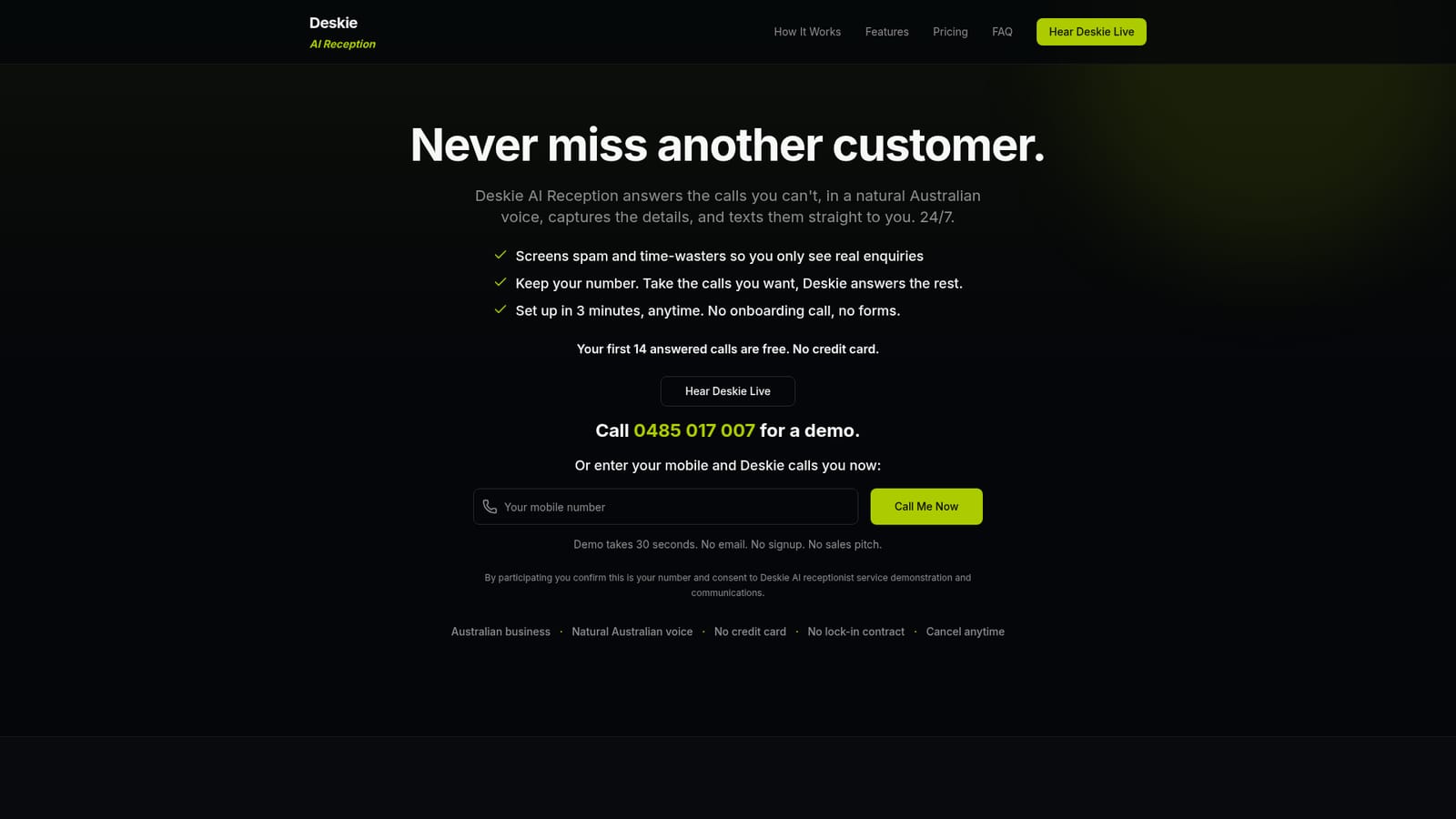
The first 14 answered calls are free with no credit card required, so you can hear Deskie handle your real callers before paying anything.
Learn moreFour monthly tiers priced by answered calls: Core at $149 for 60 calls, Growth at $249 for 150, Pro at $499 for 350 and Scale at $999 for 700. Spam, hang-ups and wrong numbers are not counted, top-ups are available, and yearly plans carry two months free. No setup fee and no lock-in contract.
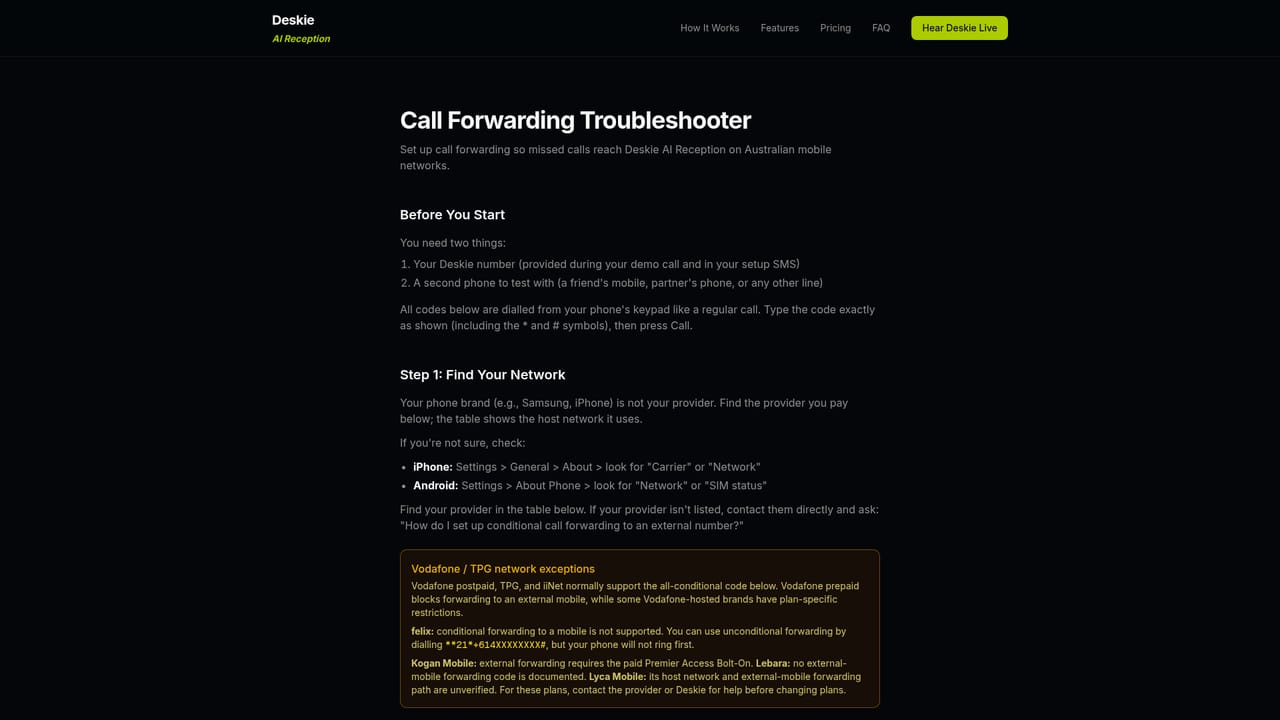
Learn moreCancellation and account help are handled by email at support@deskie.com.au, and a written call forwarding guide covers carrier quirks and troubleshooting.
Learn moreAnswers missed calls in a natural Australian voice under your existing number, captures enquiry details and sends them by SMS in seconds, and texts the caller a confirmation. Includes urgent call detection, out-of-scope filtering, spam screening, 24/7 cover, optional call transfer and appointment booking, plus monthly intelligence reports.
 AI Angels400+ customizable AI girlfriends for NSFW chat, voice calls, and roleplay
 Candy AIExperience the future of companionship with AI friends who chat, role-play, and connect with you on a human level.
 ourdream.aiA vast AI roleplay platform with millions of characters for chat, images, video and voiceAI Angels400+ customizable AI girlfriends for NSFW chat, voice calls, and roleplayCandy AIExperience the future of companionship with AI friends who chat, role-play, and connect with you on a human level.ourdream.aiA vast AI roleplay platform with millions of characters for chat, images, video and voice


