Devra

Turn raw data files into finished, executed Jupyter notebooks

Intermediate
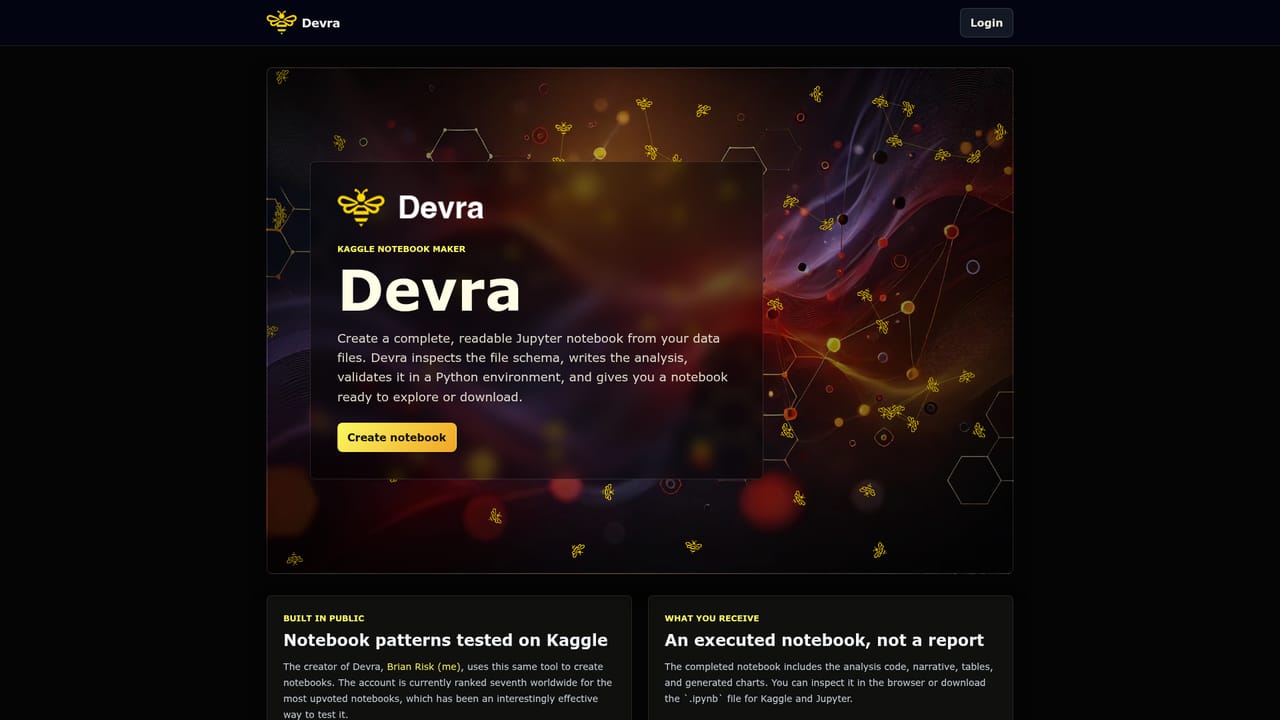
Screenshot of Devra, Turn raw data files into finished, executed Jupyter notebooks

What is Devra?

Devra is a developer tool that turns raw data files into finished, executed Jupyter notebooks. Devra converts raw data files into executed Jupyter notebooks with analysis code, narrative, tables and charts, ready to review in the browser or download as .ipynb for Jupyter and Kaggle.

Devra is a web tool that produces complete Jupyter notebooks from data files. You bring a dataset, and Devra inspects its schema, writes the analysis, runs the code in a Python environment, and returns a notebook that has already been executed. The output is not a written summary or a static report. It is a working .ipynb file containing the analysis code, explanatory narrative, tables and generated charts, ready to open, modify or download. The emphasis is on readability as much as automation. Because the notebook ships with its own prose and its results already populated, a reader can follow the reasoning without re-running cells, which makes the format well suited to sharing findings with people who do not write code. From the browser, the notebook can be reviewed directly or exported for use in Jupyter or on Kaggle. The tool is aimed at data analysts, Kaggle competitors and anyone who needs to move from a raw file to an explained analysis without building the notebook by hand. It is most useful when the dataset is unfamiliar: schema inspection comes first, so the generated code responds to the actual columns and types rather than a generic template. Devra is built in public, and its creator uses the same tool for his own published work on Kaggle, where the account sits high in the global notebook upvote ranking. That is a credible signal that the output clears the bar for public, reviewed notebooks, though it is also a marketing claim rather than independent verification. Against alternatives, Devra sits in a narrow spot. General coding assistants can draft pandas code, but they leave execution, chart rendering and narrative packaging to you. Automated EDA libraries generate profiling reports, yet they produce fixed output rather than an editable notebook. Devra aims between the two: an executed, human-readable notebook you can keep working in. The scope appears deliberately limited to tabular analysis on files, so expect it to be a starting point for exploration rather than a replacement for domain judgment.

How do you use Devra?

  1. 1Open the notebook creator
    Go to the create page from the homepage and start a new notebook project.
    Devra — Open the notebook creator
  2. 2Upload your data file
    Provide the data file you want analysed. Devra inspects the schema before writing anything, so column names and types drive the analysis.
  3. 3Review the generated analysis
    Devra writes the analysis code and narrative, then validates it in a Python environment. Open the finished notebook in the browser to read the code, tables and charts.
  4. 4Check the executed cells
    Confirm that charts rendered and tables populated as expected. Because the notebook arrives executed, no setup is needed to see results.
  5. 5Download or continue on Kaggle
    Export the .ipynb file for local Jupyter use or upload it to Kaggle to keep editing and sharing.

Pros and cons

Pros

  • Returns an executed notebook, so results and charts are visible without re-running cellsAI
  • Narrative and tables ship inside the notebook, making output readable for non-codersAI
  • Inspects the file schema first, so generated code matches the actual datasetAI
  • Downloadable .ipynb works in both Jupyter and Kaggle workflowsAI
  • Creator uses the same tool for a highly ranked Kaggle notebook accountAI

Cons

  • Scope looks limited to file-based tabular analysis, with no sign of broader pipelines or model buildingAI
  • No pricing, plan or usage limit details are stated on the homepage, which blocks budget planningAI
  • Homepage lists no documentation, help centre or support channelAI
  • Kaggle ranking is a promotional claim rather than an independent quality benchmarkAI
  • Output quality on messy or unusual schemas is unverified until you run your own files through itAI

How much does Devra cost?

Features

Devra reads a data file's schema, writes analysis code plus narrative, validates the code in a Python environment and delivers an executed Jupyter notebook with tables and generated charts. The .ipynb file can be inspected in the browser or downloaded for Jupyter and Kaggle.

Frequently asked questions about Devra

  • How do you use Devra?
    The walkthrough on this page covers 5 steps: 1. Open the notebook creator 2. Upload your data file 3. Review the generated analysis 4. Check the executed cells 5. Download or continue on Kaggle.
  • What platforms does Devra support?
    Devra is available on Web App.
  • What are the limitations of Devra?
    Scope looks limited to file-based tabular analysis, with no sign of broader pipelines or model building. No pricing, plan or usage limit details are stated on the homepage, which blocks budget planning. Homepage lists no documentation, help centre or support channel.

Status

StatusActive
Views0
Outbound clicks0
Added10/22/2026

Platforms

Web App

Pricing

Freemium