Free trial
Two recordings of one hour each with full notes, no credit card required.
Learn moreAI note taker that turns Discord voice calls into searchable threads
Own Discord DiscMeet? Verify ownership to get a dofollow link

Discord DiscMeet is an AI transcriber tool. DiscMeet is a Discord bot that records voice channels, transcribes them in 100+ languages with speaker identification, and posts AI-written notes as threads. Used by teams for meeting notes and by tabletop groups for campaign logs, with plans from $9.99 to $49.99 a month and a two-recording free trial.
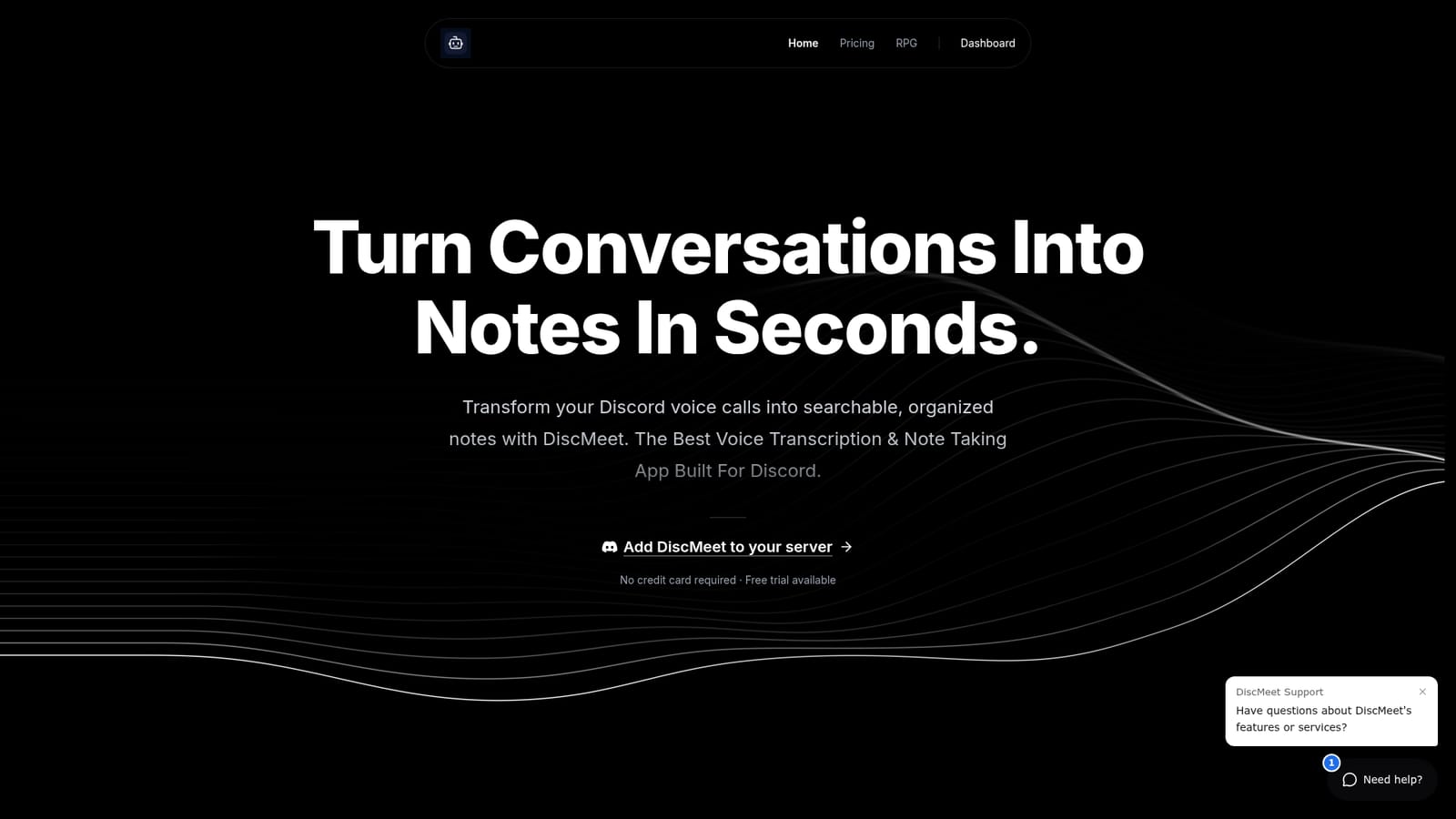
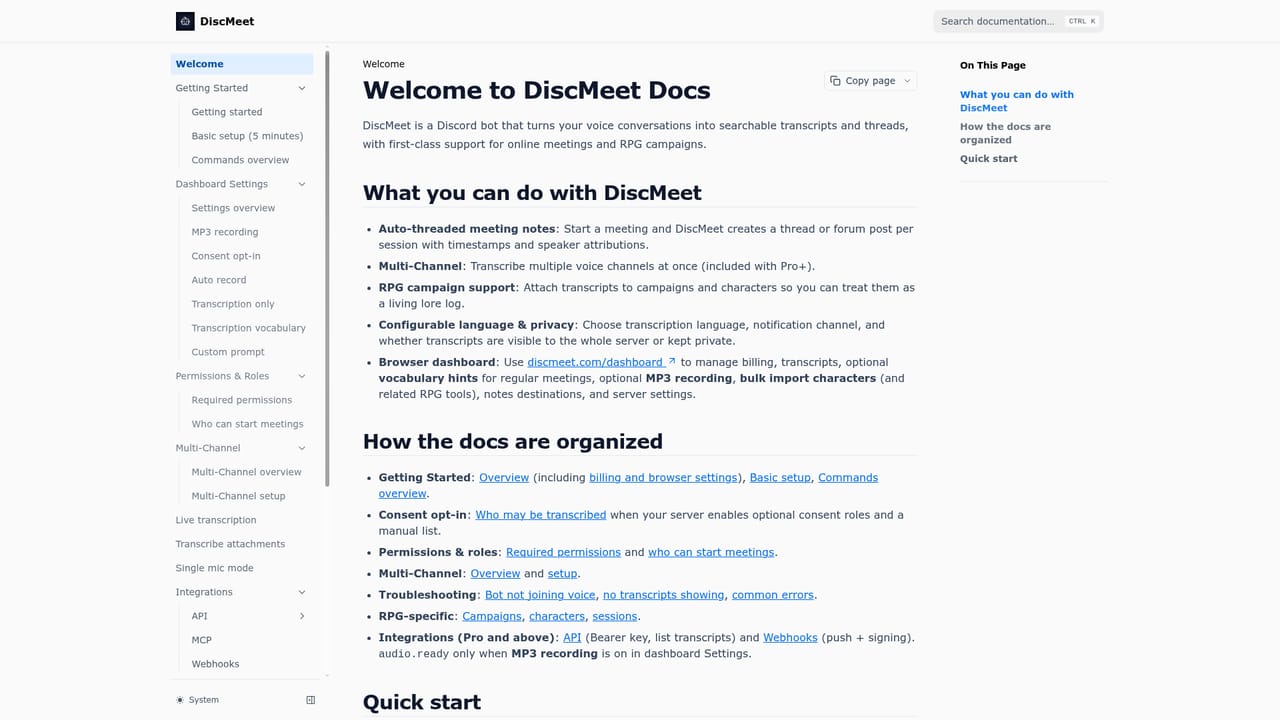
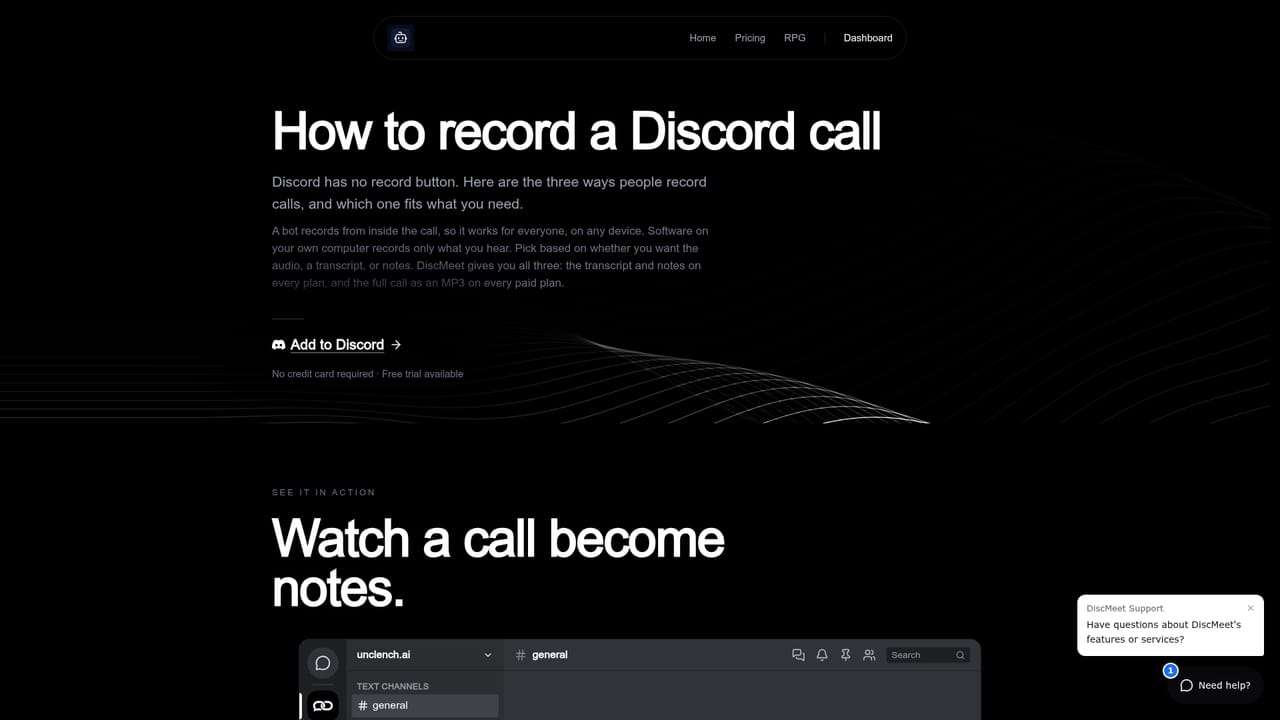
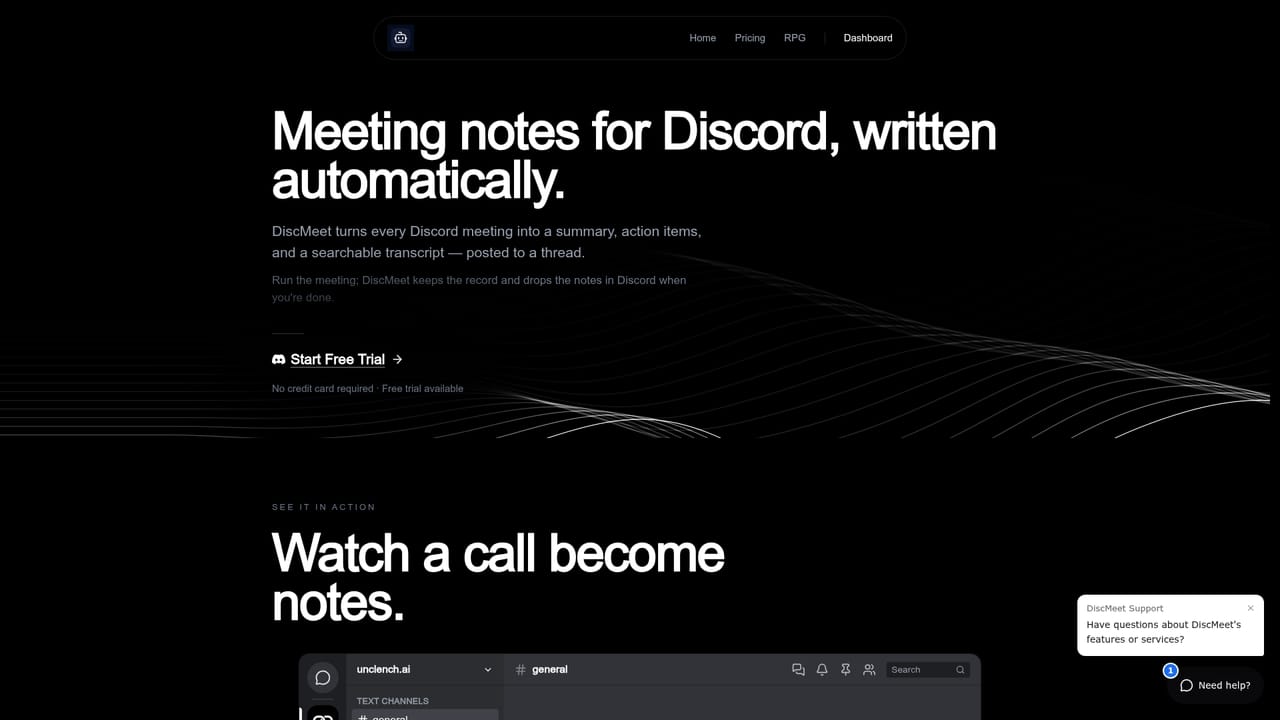
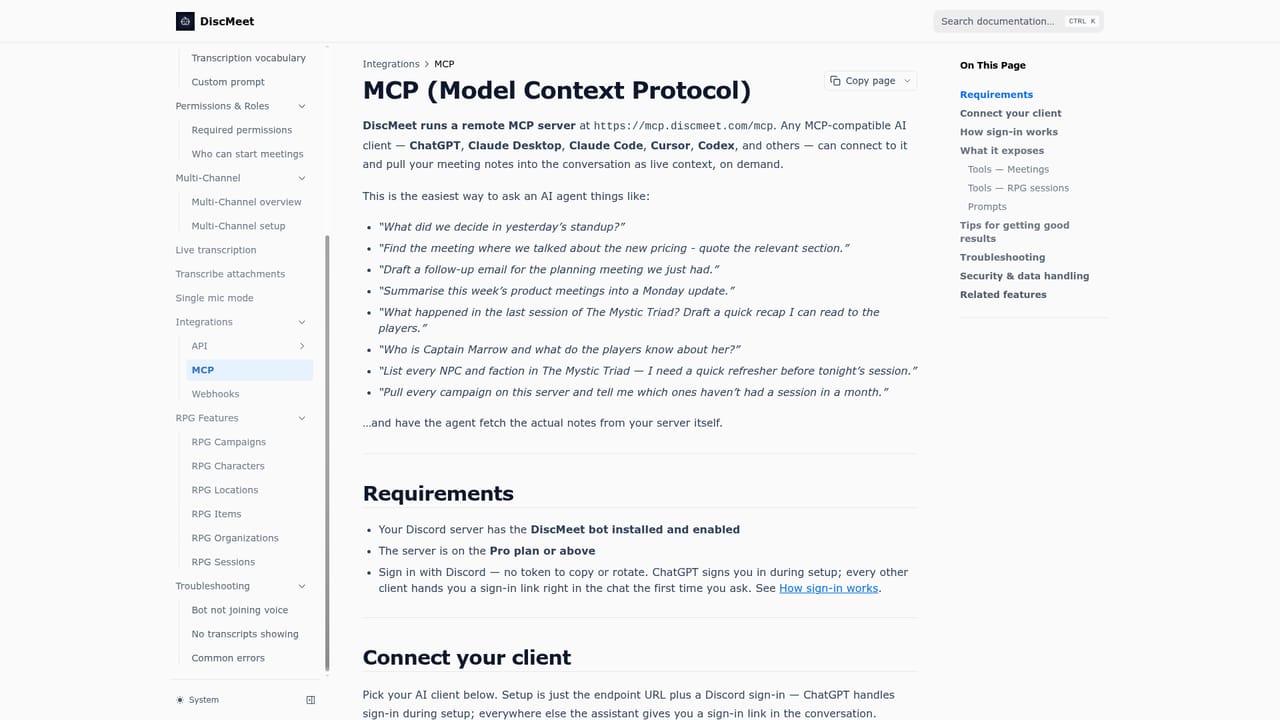
DiscMeet is a Discord bot that records voice channels and converts the conversation into written notes. It joins a call when a recording starts, transcribes the audio with speaker identification, and posts the organized notes as a Discord thread in a channel you choose. Nothing has to be installed on anyone's machine and participants do not need to change how they join a call. The product serves two distinct crowds. Teams that already run standups, syncs and client calls inside Discord get meeting notes without paying for a separate meeting recorder tied to Zoom or Google Meet. Tabletop groups get the same engine aimed at long sessions: the RPG area tracks campaigns, characters, locations, items and session histories, and reviewers on top.gg repeatedly mention multi-hour sessions that run to completion. Transcription covers more than 100 languages and the bot is used across thousands of servers. In practice, setup is a slash command. An admin adds the bot, runs the setup command once to pick a language and a notes channel, then starts and stops recordings with commands in the voice channel. Notes appear automatically when the call ends. Paid plans add live transcription during the call, full MP3 recordings, automatic recording of channels, custom prompts and webhooks, and higher tiers raise the per-meeting length from 6 hours up to 12 and allow several channels recording at once. Where it differs from generic meeting assistants is the delivery surface. Otter, Fireflies, Fathom and Granola live in their own apps and connect to conferencing tools; DiscMeet lives where the conversation already happens and writes its output back into the server. It also exposes transcripts to ChatGPT, Claude, Cursor and other MCP-compatible agents, so past calls become context an assistant can query. The tradeoff is scope: it is a Discord tool, not a cross-platform recorder.
Two recordings of one hour each with full notes, no credit card required.
Learn moreThree plans, billed monthly or yearly with two months free on annual. Pro is $9.99 a month with 60 recording hours and meetings up to 6 hours. Pro+ is $19.99 with 180 hours, multi-channel recording and 8-hour sessions. Studio is $49.99 with 600 hours, 12-hour sessions and priority support. All plans include unlimited servers and the web dashboard.
Learn moreEmail at support@discmeet.com and a Discord community for help, with priority processing and support on the Studio plan.
Learn moreChatGPT, Claude, Cursor, Codex and any MCP-compatible agent via the MCP integration. Paid plans add webhooks and API access.
Learn moreRecords Discord voice channels and posts AI-generated, speaker-identified notes as threads. Supports 100+ languages, live transcription, custom prompts, full MP3 recordings and automatic channel recording on paid plans. Pro+ adds simultaneous multi-channel recording, higher tiers extend session length to 12 hours, an RPG area tracks campaigns, characters, locations and items, and MCP exposes transcripts to external AI agents.
Learn more AI Angels400+ customizable AI girlfriends for NSFW chat, voice calls, and roleplay
 Candy AIExperience the future of companionship with AI friends who chat, role-play, and connect with you on a human level.
 ourdream.aiA vast AI roleplay platform with millions of characters for chat, images, video and voiceAI Angels400+ customizable AI girlfriends for NSFW chat, voice calls, and roleplayCandy AIExperience the future of companionship with AI friends who chat, role-play, and connect with you on a human level.ourdream.aiA vast AI roleplay platform with millions of characters for chat, images, video and voice







