Free trial
The free tier is available without a credit card and the first session is ready in about 30 seconds.
Learn moreA source-grounded workspace that turns long documents into files you can ship

docAnalyzer is an AI summarizer tool. A document analysis workspace with three chat modes, 30 models under one plan, clickable page-level citations and downloadable PDF, spreadsheet, chart and bundle outputs that persist across turns.
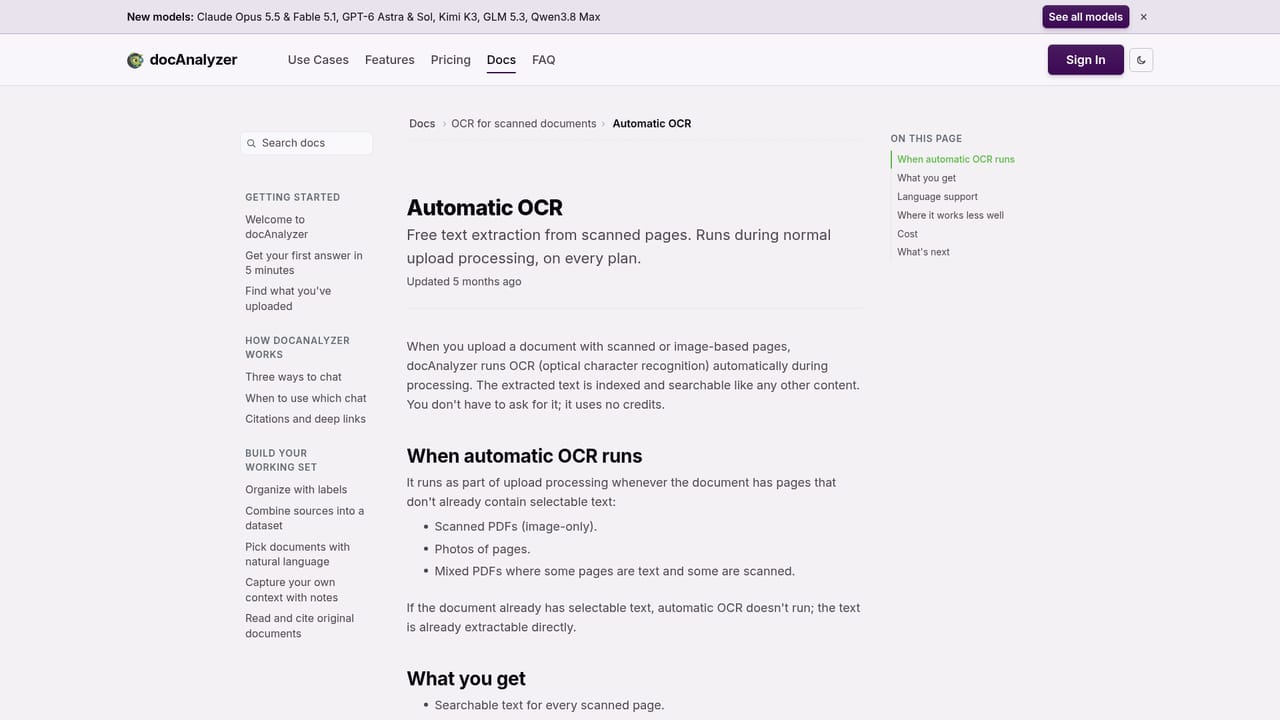
docAnalyzer is an AI workspace built around a specific complaint: chat interfaces answer a question and then forget everything, so the work never accumulates. The product keeps every output addressable across turns. A spreadsheet generated early in a session can become a PDF later, then be bundled into a ZIP, then fed back in as input for fresh analysis. PDFs, XLSX files, HTML pages, charts and diagrams are treated as first-class outputs rather than screenshots or pasted text. The engine is a multi-step agentic loop rather than a single retrieval pass. It pulls passages, reads them, runs sharper searches and re-checks the material before answering, and the library can be far larger than any single model context window. A context-adherence control lets the user decide how tightly the model must stay inside the uploaded sources. Citations are clickable and open the document viewer at the exact page or section, which is the feature reviewers mention most often. Three chat modes share one engine: Ask for planning the next step, Focus for deep analysis over a defined source set, and Co-work for shaping output in a structured canvas editor. Thirty models from eleven providers sit in one plan, and switching mid-thread does not restart the agent or drop context. If a model is busy, the conversation continues on the next one. It suits practitioners with heavy reading loads: contract reviewers, analysts comparing filings, researchers working through hundreds of papers, recruiters matching resumes to postings. Formats cover PDF, Word, PowerPoint, OpenDocument, RTF, EPUB, Excel, markdown, plain text and HTML, with web pages by URL and automatic OCR on scanned pages. Compared with general assistants that cap upload size and forget the thread, docAnalyzer trades breadth of general tasks for depth on document work; it is not a place for standalone image, audio or video files, and the interface is English only.
The free tier is available without a credit card and the first session is ready in about 30 seconds.
Learn moreA free tier covers everyday document Q&A and the core workspace. Paid tiers add larger per-file and storage limits, premium models, batch workflows beyond included credits and team workspaces. Exact tier limits are listed on the pricing page.
Learn moreThree shared-engine chat modes (Ask, Focus, Co-work), 30 models from 11 providers in one plan with mid-thread switching, clickable page-level citations, documents never used for training, OCR in 40+ languages, and PDF, XLSX, HTML, chart, diagram and ZIP artifacts that persist and compound across turns.
 AI Angels400+ customizable AI girlfriends for NSFW chat, voice calls, and roleplay
 Candy AIExperience the future of companionship with AI friends who chat, role-play, and connect with you on a human level.
 ourdream.aiA vast AI roleplay platform with millions of characters for chat, images, video and voiceAI Angels400+ customizable AI girlfriends for NSFW chat, voice calls, and roleplayCandy AIExperience the future of companionship with AI friends who chat, role-play, and connect with you on a human level.ourdream.aiA vast AI roleplay platform with millions of characters for chat, images, video and voice


