Free trial
New accounts receive $5.00 in credits, stated as roughly 25 basic requests, and no credit card is required to start.
Learn moreTurn PDFs, scans and images into structured JSON data
Own Document Extract? Verify ownership to get a dofollow link

Document Extract is an image extractor tool that turns PDFs, scans and images into structured JSON data. Document Extract converts PDFs, scans and images into structured JSON using OCR and AI, with an API, SDK and playground for developers. Billing is pay-as-you-go from about $0.20 per document, and new accounts get $5.00 in free credits with no card required.
Document Extract is a developer-focused service that converts PDFs, scanned paperwork and images into structured JSON. The pipeline pairs OCR with AI models, so the output is not a wall of raw text but keyed data a program can consume directly. Invoices, forms, receipts and similar documents are the natural targets, and the result is designed to feed automation, analytics pipelines and internal tooling rather than to be read by a person. The product is aimed at engineering teams and operations groups who already know what fields they need. Instead of a general chat interface, the offering centres on an API and SDK, plus a playground for testing extraction before writing production code. A typical workflow starts with a sample upload in the playground, moves to defining the expected schema, and ends with an API call inside an existing document handling process. That makes it a fit for back office automation, accounting data capture and any workflow where a queue of documents needs to become rows in a database. Pricing is pay-as-you-go, with the homepage quoting a rate as low as $0.20 per document and stating that there are no monthly fees. New accounts receive $5.00 in credits, described as roughly 25 basic requests, and no credit card is required to start. That structure suits teams with irregular volumes better than a fixed subscription, though it also means cost scales directly with the number of pages processed. The market for document data extraction is crowded, with both broad cloud providers and specialised OCR vendors competing on accuracy and language coverage. Document Extract stakes its position on a narrow promise: clean JSON output, simple per document billing and a small integration surface for developers. Teams that want a general purpose document assistant or an end user app will find it deliberately minimal. The homepage also lists a playground, documentation, API documentation and an SDK, alongside contact and sign up routes.
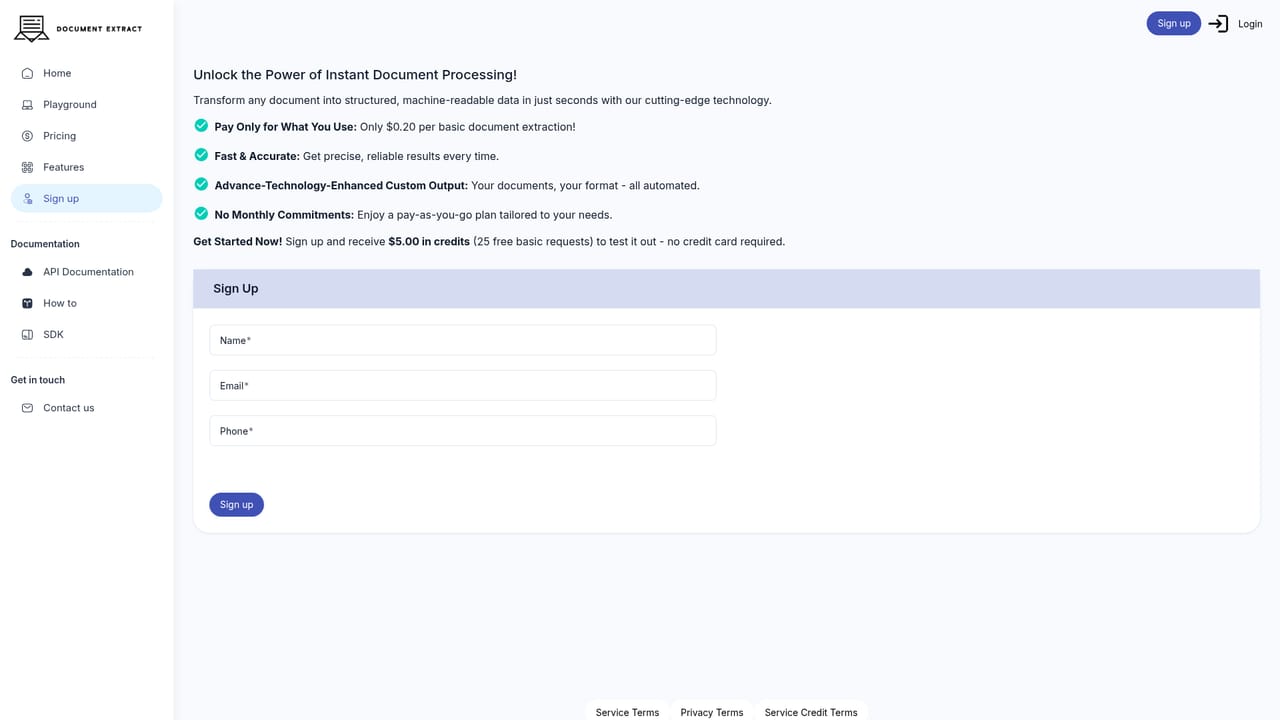
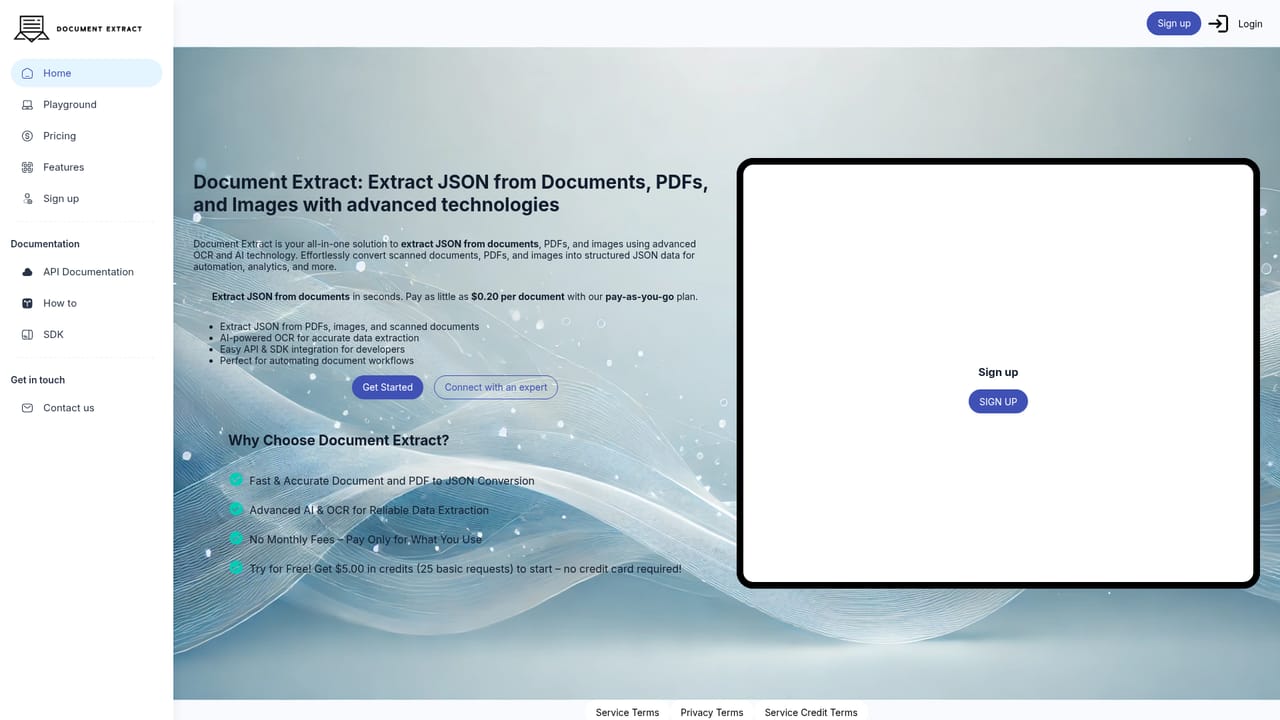
New accounts receive $5.00 in credits, stated as roughly 25 basic requests, and no credit card is required to start.
Learn morePay-as-you-go pricing with no monthly fees. The homepage quotes as little as $0.20 per document, with no subscription tier or volume discount structure described on the page.
Learn moreThe site lists contact and get in touch routes plus documentation and API documentation. No support tiers or response times are described.
Integration is through the documented API and SDK. The homepage names no third party connectors or prebuilt app integrations.
Extracts structured JSON from PDFs, images and scanned documents. Combines AI with OCR for data capture, and provides an API, SDK and playground aimed at automating document workflows.
 AI Angels400+ customizable AI girlfriends for NSFW chat, voice calls, and roleplay
 Candy AIExperience the future of companionship with AI friends who chat, role-play, and connect with you on a human level.
 ourdream.aiA vast AI roleplay platform with millions of characters for chat, images, video and voiceAI Angels400+ customizable AI girlfriends for NSFW chat, voice calls, and roleplayCandy AIExperience the future of companionship with AI friends who chat, role-play, and connect with you on a human level.ourdream.aiA vast AI roleplay platform with millions of characters for chat, images, video and voice


