Free trial
Free accounts can generate up to 6 songs per day with no payment, but output is restricted to personal, non commercial use and the 2.0 model is unavailable.
Learn moreTurn a text prompt or your own lyrics into a finished song

Domusic.ai is a generative art tool that turns a text prompt or your own lyrics into a finished song. An AI music generator that turns text prompts or custom lyrics into full songs with vocals or instrumentals, with extensive style, mood, instrument and vocal controls.
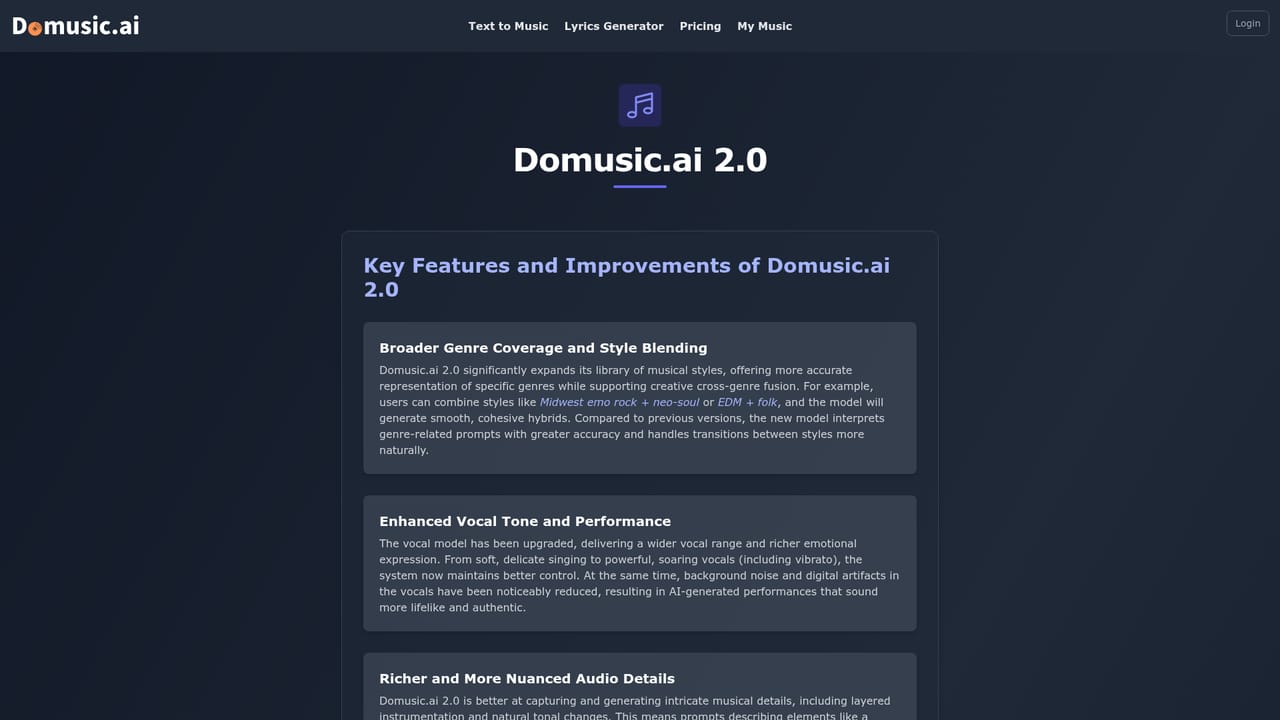
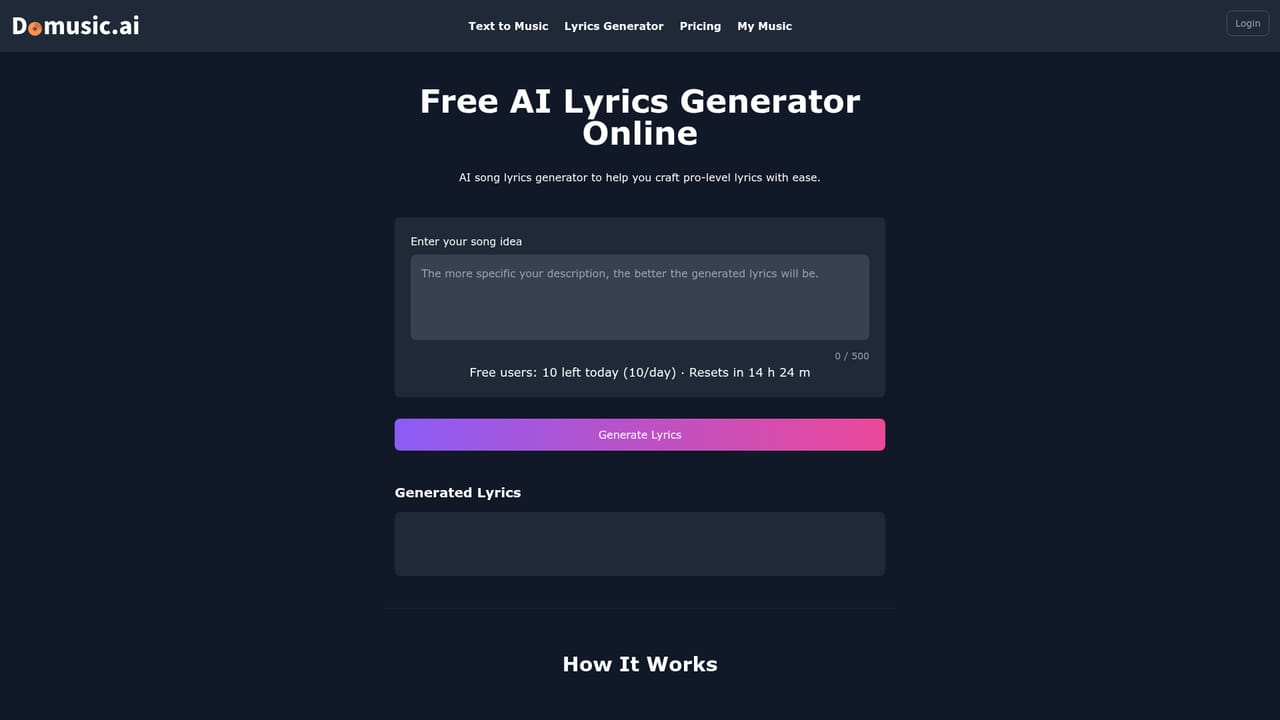
Domusic.ai is a browser based music generation tool that converts written prompts or user supplied lyrics into complete songs with vocals or instrumentals. The workflow is built around two modes: Simple Mode, which takes a short description, and Custom Mode, which exposes the underlying controls. In Custom Mode you set the genre from a long list spanning Afrobeats to Trance, layer in moods such as Cinematic or Melancholic, choose instruments from piano and cello to banjo and synth, pick vocal types including female, male, choir, falsetto and spoken word, and define tempo feel. A song title and optional description round out the brief. A built-in lyrics generator can draft words for you when you have none. Generation runs on two models. The 1.0 model is positioned around vocal quality and tighter song structure with a four minute ceiling. The 2.0 model promises better prompt handling, improved mashups and faster turnaround with an eight minute limit, but it is reserved for paying subscribers. Each request returns two song variations within roughly three to five minutes, playable in the browser and downloadable as MP3 or WAV. Who it suits: content creators needing background tracks and intros, musicians prototyping ideas or exploring unfamiliar genres, teachers demonstrating styles and structures, advertisers wanting quick jingles, game developers building level soundtracks, and casual users making personalised songs for birthdays or anniversaries. No musical training is assumed at any point. One important caveat shapes the buying decision. The site now states that music generation on Domusic has stopped and the platform will shut down in three months, with all creation moving to Lyrics into Song. Existing accounts, songs and subscriptions can be migrated by emailing support from the login address. The tool still describes its own features, but new users should treat it as a wind-down property rather than a long term home, and compare it against Lyria, Suno and Udio on the strength of the successor product instead. Rights differ by tier: free output is limited to personal, non commercial use, while paid subscribers receive commercial usage rights.
Free accounts can generate up to 6 songs per day with no payment, but output is restricted to personal, non commercial use and the 2.0 model is unavailable.
Learn moreA free tier allows up to 6 songs per day. Subscribers unlock the 2.0 model with songs up to 8 minutes plus commercial usage rights. Free output is for personal, non commercial use only. Exact plan prices are not listed in the homepage content; see the pricing page.
Learn moreMigration requests and account questions are handled by email at support@domusic.ai, sent from the address linked to the Domusic login.
Text to music, lyrics to song, and instrumental generation, with Simple and Custom modes. Custom Mode exposes genre, mood, instrument, vocal and tempo controls. The 1.0 model handles up to 4 minutes with a focus on vocals and structure; the subscriber-only 2.0 model reaches 8 minutes with faster output. MP3 and WAV downloads, plus a lyrics generator and Surprise me and Get Inspired prompt helpers.
 AI Angels400+ customizable AI girlfriends for NSFW chat, voice calls, and roleplay
 Candy AIExperience the future of companionship with AI friends who chat, role-play, and connect with you on a human level.
 ourdream.aiA vast AI roleplay platform with millions of characters for chat, images, video and voiceAI Angels400+ customizable AI girlfriends for NSFW chat, voice calls, and roleplayCandy AIExperience the future of companionship with AI friends who chat, role-play, and connect with you on a human level.ourdream.aiA vast AI roleplay platform with millions of characters for chat, images, video and voice


