Integrations
Imports from YouTube, Spotify, Twitter and other video links, and can upload finished shorts to other platforms directly from the app. Specific integrations are not listed.
Turns long videos into captioned, ready-to-post shorts automatically

Dumme is a clip finder tool that turns long videos into captioned, ready-to-post shorts automatically. Dumme is an AI tool from Armada Labs that finds highlights in long, speech-focused videos and turns them into captioned, titled shorts ready to upload.
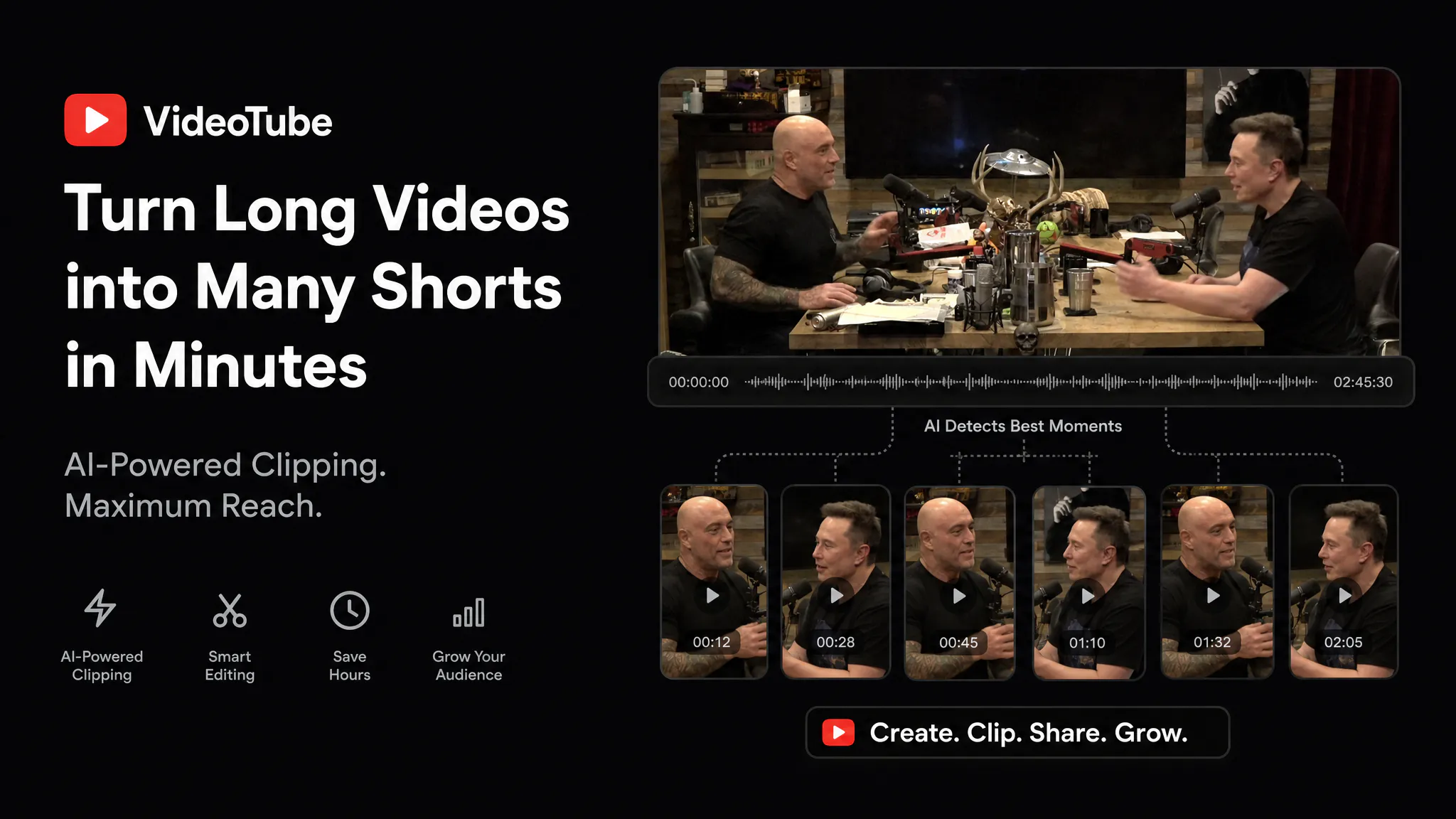
Dumme is an AI video repurposing tool that converts long-form recordings into short vertical clips. Instead of scrubbing through a timeline, a user supplies a source video and the software selects the segments most likely to work as standalone shorts, then prepares them with captions, titles and descriptions. The target audience is creators and teams that already publish speech-driven video: podcast hosts, interviewers, educators running lectures, and companies recording webinars. The product is positioned around content where spoken words carry the value, and it states that video podcasts are its best fit. Material that depends mostly on visuals rather than dialogue is outside that focus. In practice the workflow has three stages. A video is brought in by pasting a link from a platform such as YouTube, Spotify or Twitter, or by uploading a file directly. The AI models then look for highlights while keeping surrounding context intact, aiming for a strong opening hook, a coherent narrative and a natural ending, much as a human editor would. The result is a batch of candidate shorts that arrive captioned, titled and described. The user only chooses which ones to keep, and the clips can be published to other platforms straight from the tool. Language coverage extends past 20 languages, including English, Spanish, German, French and Italian. Among alternatives, Dumme competes with other clip-extraction and short-form repurposing products, as well as with manual editing in a traditional video editor. Its pitch is speed and minimal intervention: curation, subtitling and reformatting are bundled into one pass, so the human role shrinks to approval. At the time of the homepage snapshot the product was gated behind a waitlist, so availability, pricing and feature depth beyond the described workflow are not publicly documented. Buyers should treat it as an early-stage offering from Armada Labs and verify current access before building a content pipeline around it.
Imports from YouTube, Spotify, Twitter and other video links, and can upload finished shorts to other platforms directly from the app. Specific integrations are not listed.
Imports videos from YouTube, Spotify, Twitter or file upload, detects highlight moments with context preserved, reformats them into shorts, and adds captions, titles and descriptions. Supports 20+ languages and direct uploading of finished clips.
 AI Angels400+ customizable AI girlfriends for NSFW chat, voice calls, and roleplay
 Candy AIExperience the future of companionship with AI friends who chat, role-play, and connect with you on a human level.
 ourdream.aiA vast AI roleplay platform with millions of characters for chat, images, video and voiceAI Angels400+ customizable AI girlfriends for NSFW chat, voice calls, and roleplayCandy AIExperience the future of companionship with AI friends who chat, role-play, and connect with you on a human level.ourdream.aiA vast AI roleplay platform with millions of characters for chat, images, video and voice