Features
Converts long videos into short clips, automates clipping and editing, and targets social media output. Sign-in options include Google, Discord and an email code.
Turns long videos into short social clips with automated editing
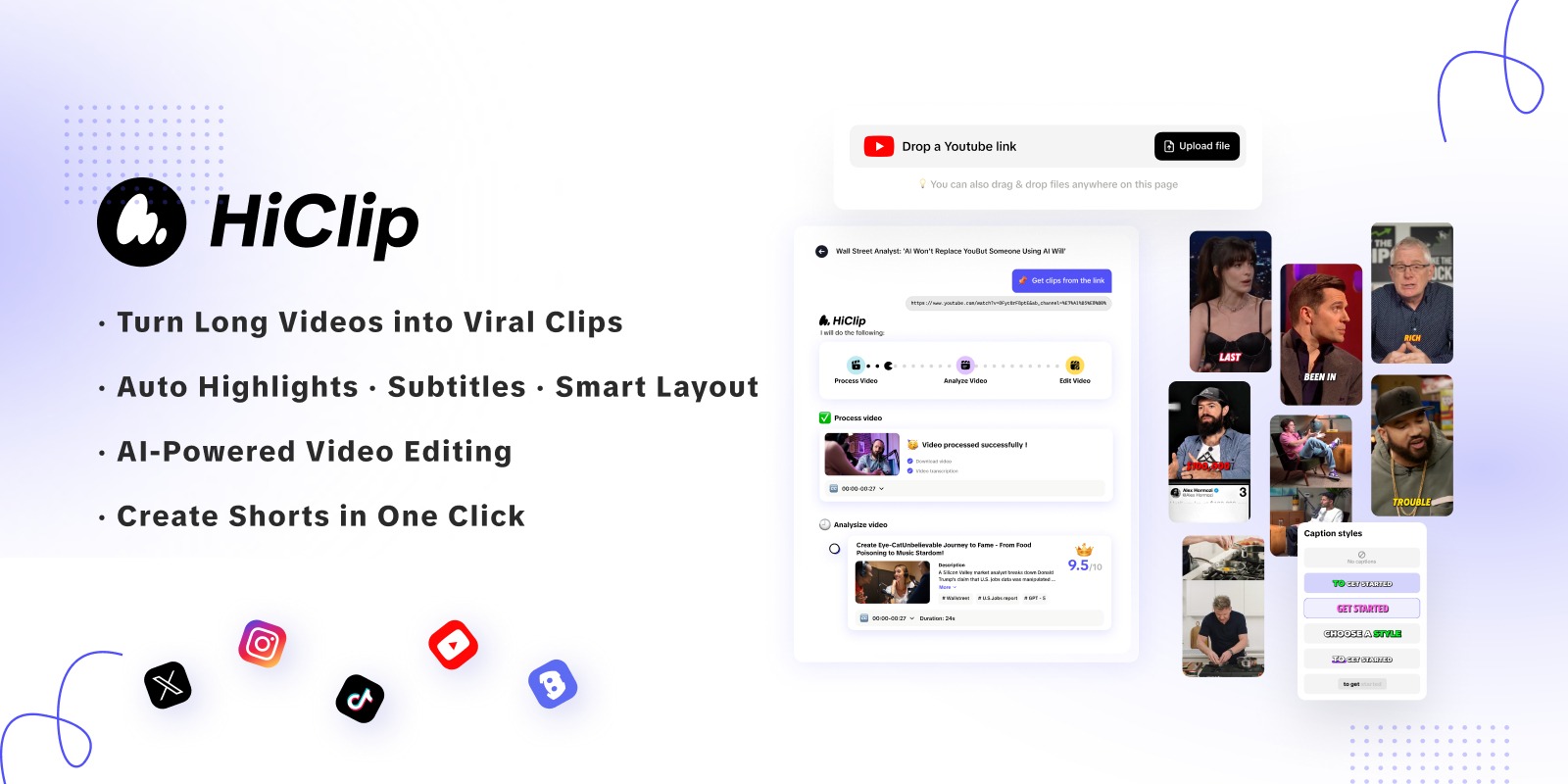
HiClip AI is a clip finder tool that turns long videos into short social clips with automated editing. HiClip AI is a web app that automatically clips and edits long videos into short, social-ready videos. Sign-up works through Google, Discord or an emailed code.
HiClip AI is a web application that converts long-form video into short clips built for social media. The page at its app address is a sign-up screen rather than a full marketing site, so the public description is brief: the service says it generates high-converting short videos from existing content in seconds, and that it automates both the clipping and the editing needed to produce each clip. Accounts can be created with Google, with Discord, or with an email address that receives a one-time code. The tool is aimed at people who already have longer recordings and want shorter derivatives of them. That typically means creators, podcasters, educators, marketers and social teams who publish interviews, webinars, streams or tutorials and need vertical-style snippets for feeds. In practice the workflow implied by the sign-up page is simple: create an account, supply a long video, and let the software choose segments and assemble them into finished shorts, instead of scrubbing through a timeline by hand. The homepage does not spell out details such as supported file types, caption styles, aspect ratios, length limits or export options, so buyers should test those points before committing a content pipeline to it. Among alternatives, HiClip AI sits in the repurposing and auto-clipping group of video tools, which sits between a traditional editor and a pure text-to-video generator. A conventional editor gives full control but takes time per clip, while a generator invents footage from prompts. A clipping tool like this one instead starts from material the user already owns and focuses on speed. Public information about pricing, plans, integrations and support is not available on the page reviewed, which makes a hands-on trial the practical way to judge output quality against better-documented competitors.
Converts long videos into short clips, automates clipping and editing, and targets social media output. Sign-in options include Google, Discord and an email code.
 AI Angels400+ customizable AI girlfriends for NSFW chat, voice calls, and roleplay
 Candy AIExperience the future of companionship with AI friends who chat, role-play, and connect with you on a human level.
 ourdream.aiA vast AI roleplay platform with millions of characters for chat, images, video and voiceAI Angels400+ customizable AI girlfriends for NSFW chat, voice calls, and roleplayCandy AIExperience the future of companionship with AI friends who chat, role-play, and connect with you on a human level.ourdream.aiA vast AI roleplay platform with millions of characters for chat, images, video and voice