Pricing
The homepage advertises a limited-time 65% discount on premium features with an Upgrade button, but lists no plan names or prices. Some tools, such as transcripts, subtitles and reframing, are labeled Free.
Learn moreAI clipping, notes and editing for turning long videos into short clips
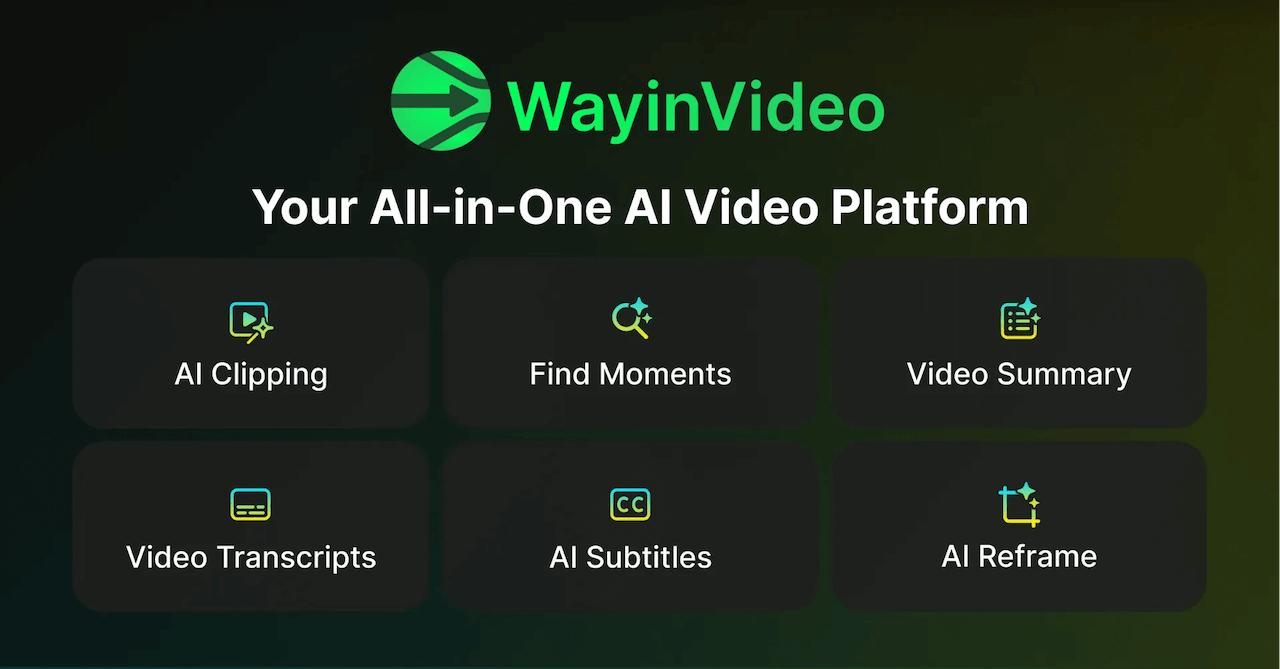
WayinVideo is a web app that turns long videos into share-ready clips, highlight reels, notes, transcripts and subtitles. It targets creators, streamers, podcasters and teams who work with hours of footage.
WayinVideo is a web-based video toolkit built around one job: finding the parts of a long recording that are worth keeping. Its core feature, AI Clipping, takes a long video and cuts it into clips ready to share. Around that sit related tools for highlight reels, gameplay clipping, moment search, summaries, transcripts, subtitles, reframing, thumbnails and a video editor, so a single upload can feed several kinds of output. The audience is mainly creators, podcasters, streamers and teams who work with hours of source footage and need short-form material from it. A gamer with long play sessions can use Game Clipping to surface standout moments. A podcaster can turn one episode into a series of shorts. Someone who only needs understanding rather than clips can use the Video Note Taker, which converts a long video into visual notes with insights and follow-up questions. Tutorials on the homepage show the same source producing different sets of notes, editing 50 clips at once, and locating a scene that has no dialogue. In practice, footage arrives through direct upload or bulk import, and the homepage states that links from 15 platforms are supported. From there, the user picks a feature: clipping, one-click highlights, find-moments search, summary or transcript. Results appear as a set of clips attached to the original video, which can then be refined in the editor. Live Clipping and AI Video are also listed among the tools. A Team Workspace is offered for shared work, and a time-limited discount on premium features is advertised on the page. Transcripts, subtitles and reframing are marked as free, while several newer features carry a New label. Among alternatives, WayinVideo sits close to clip-extraction services and general AI video editors. Its distinguishing angle is breadth around the clipping workflow, covering notes, search and editing in one workspace instead of a single export-focused function. Buyers comparing options should check output quality on their own footage, since the homepage describes capabilities but gives no technical benchmarks.
The homepage advertises a limited-time 65% discount on premium features with an Upgrade button, but lists no plan names or prices. Some tools, such as transcripts, subtitles and reframing, are labeled Free.
Learn moreImports videos from 15 platforms by link, plus direct upload and bulk import. No third-party app integrations are listed on the homepage.
AI Clipping, One-Click Highlights, Game Clipping, Find Moments, Video Editor, Video Note Taker, Video Summary, transcripts, AI subtitles, Speech Enhancer, AI Reframe, AI Thumbnail, AI Video, Live Clipping, bulk import and a Team Workspace.
 AI Angels400+ customizable AI girlfriends for NSFW chat, voice calls, and roleplay
 Candy AIExperience the future of companionship with AI friends who chat, role-play, and connect with you on a human level.
 ourdream.aiA vast AI roleplay platform with millions of characters for chat, images, video and voiceAI Angels400+ customizable AI girlfriends for NSFW chat, voice calls, and roleplayCandy AIExperience the future of companionship with AI friends who chat, role-play, and connect with you on a human level.ourdream.aiA vast AI roleplay platform with millions of characters for chat, images, video and voice