Free trial
Editing starts with no credit card required, and a free plan allows watermarked downloads.
Learn moreBrowser-based AI editor that turns raw footage into shorts, captions and polished cuts
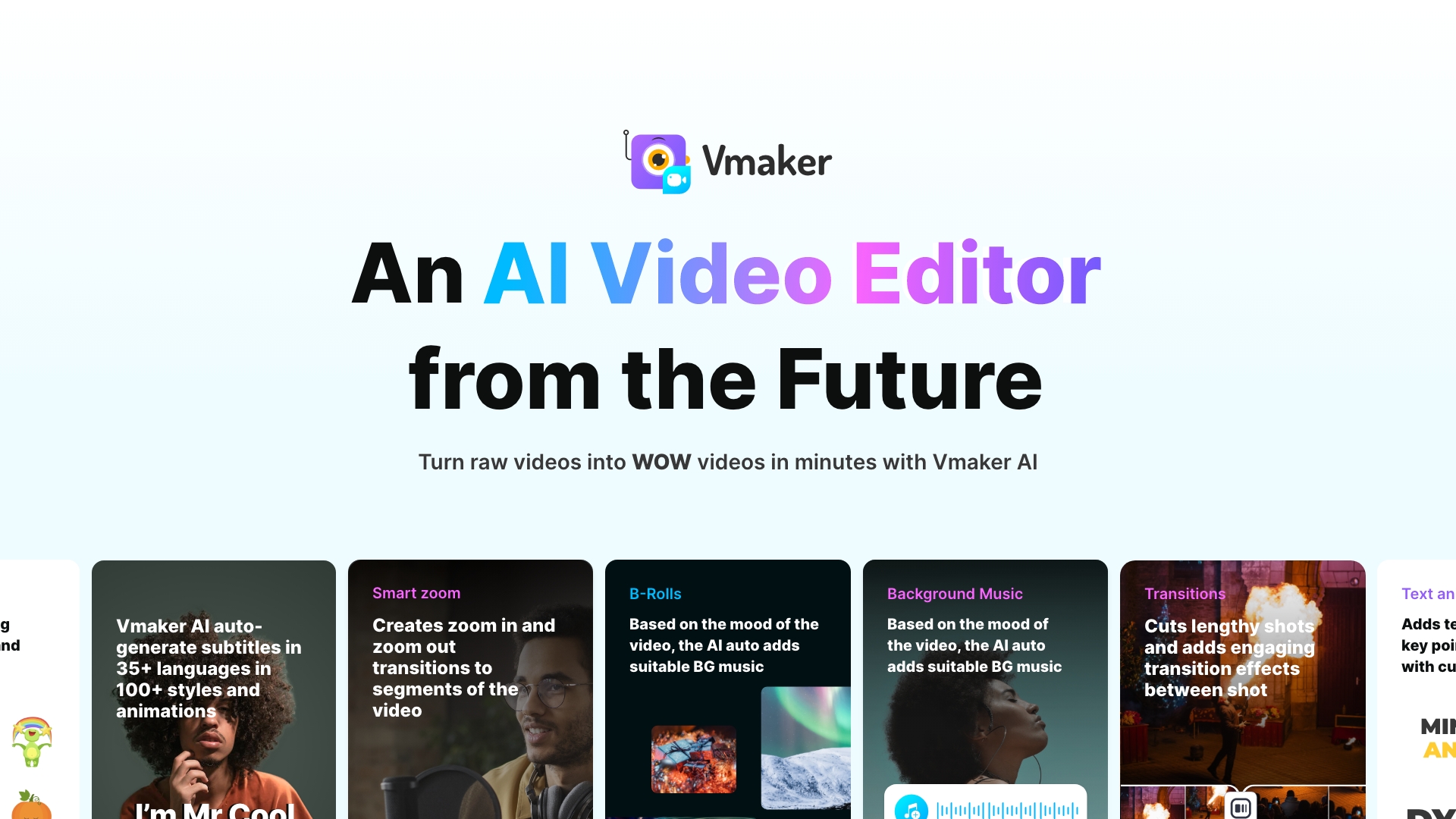
Vmaker is a web-based AI video editor that auto-adds subtitles, B-roll, music and transitions, converts long videos into shorts and highlights, and generates video from text, with a manual timeline editor for final refinement.
Vmaker is an online AI video editor that takes raw footage and returns a publish-ready cut. A user uploads an MP4 or MOV file, or records with the built-in recorder, picks an output aspect ratio (vertical, square or landscape), and chooses which enhancements to apply. The AI can then add subtitles, titles, intros and outros, B-roll, text animations, transitions, effects and background music matched to the mood of the clip. The product is aimed at YouTube creators, marketers, podcasters, learning and development teams and global teams that need to publish video often without a dedicated editor. Typical jobs include cutting a long recording into Shorts, Reels or TikTok clips, building a highlight teaser, stripping silences and filler words, removing a video background, and dubbing or translating content into 35+ languages. Subtitles cover 75+ languages and over 100 styles. A separate text-to-video mode generates clips from a prompt using 100+ avatars and 150+ voices with lip sync, and a library of 1000+ stock videos, images and GIFs supplies material. What separates Vmaker from many one-click generators is that the automated pass is not the end of the process. After the AI edit, a timeline editor offers trim, cut, split, resize, rotate, flip, speed changes, reverse playback, audio adjustments and color controls, so the output can be refined by hand. Exports can reach 4K, and the site states that the free plan places a watermark on downloads, which paid plans remove. A patented feature called MAD AI generates style variations with one click, and a viral styles library offers ready-made looks. Among alternatives, Vmaker sits between template-driven social video makers and full desktop editors. It trades the depth of professional software for speed and a low learning curve, while keeping more manual control than tools that only auto-generate. Teams that already produce long-form recordings and want repeatable short-form output will find the clearest fit. The site lists a 4.7 rating from 103 G2 reviews and claims more than two million users.
Editing starts with no credit card required, and a free plan allows watermarked downloads.
Learn moreA free plan lets users edit and download videos, but exports carry a watermark. Paid plans remove the watermark. Specific prices are not stated on the homepage.
Learn moreThe homepage mentions direct publishing to social platforms such as YouTube, plus a built-in stock library. No further third-party integrations are detailed.
AI subtitles (75+ languages, 100+ styles), B-roll, music, transitions, smart zoom, silence removal, background remover, clip and highlight makers, text-to-video with avatars, dubbing in 35+ languages, timeline editing, 1000+ stock assets and 4K export.
Learn more AI Angels400+ customizable AI girlfriends for NSFW chat, voice calls, and roleplay
 Candy AIExperience the future of companionship with AI friends who chat, role-play, and connect with you on a human level.
 ourdream.aiA vast AI roleplay platform with millions of characters for chat, images, video and voiceAI Angels400+ customizable AI girlfriends for NSFW chat, voice calls, and roleplayCandy AIExperience the future of companionship with AI friends who chat, role-play, and connect with you on a human level.ourdream.aiA vast AI roleplay platform with millions of characters for chat, images, video and voice