Duskpix

Phone-first photo editing for Australian real estate agents

Beginner
Screenshot of Duskpix, Phone-first photo editing for Australian real estate agents

What is Duskpix?

Duskpix is a credit-based AI photo editor for Australian real estate agents, offering staging, twilight, declutter, item removal and listing markup tools, usable from a phone or desktop, with 50 free edits to start.

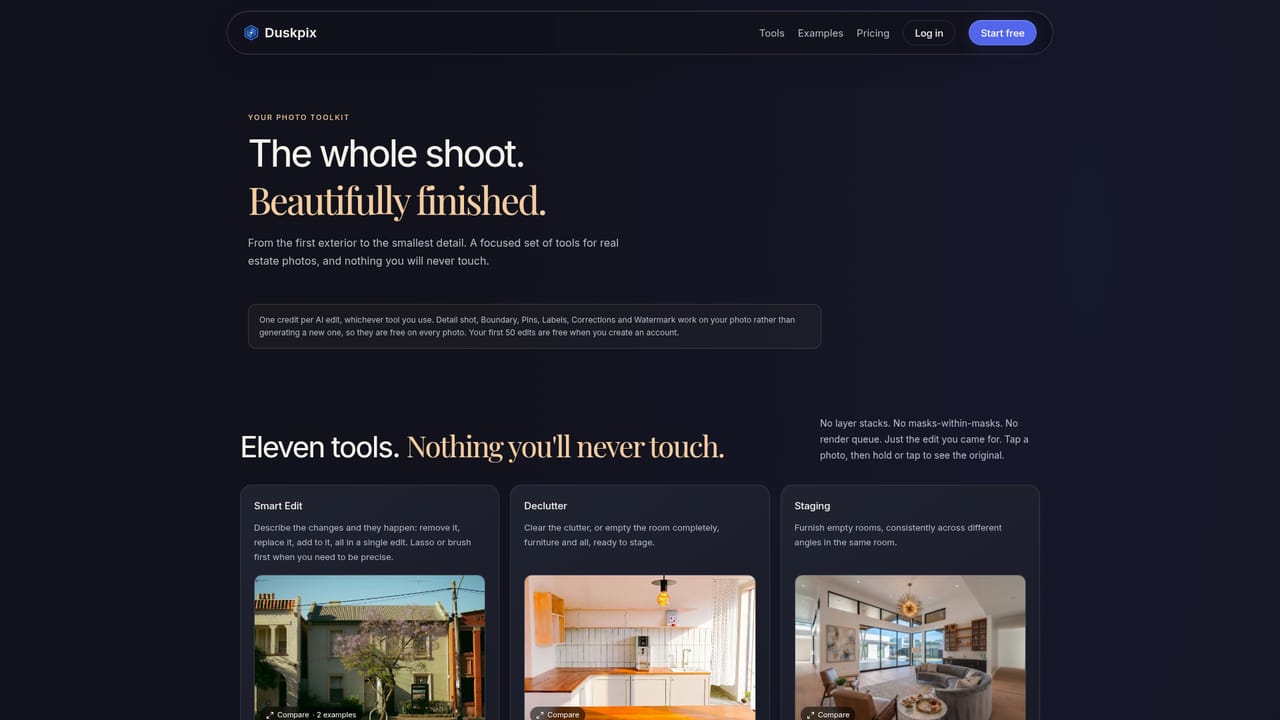
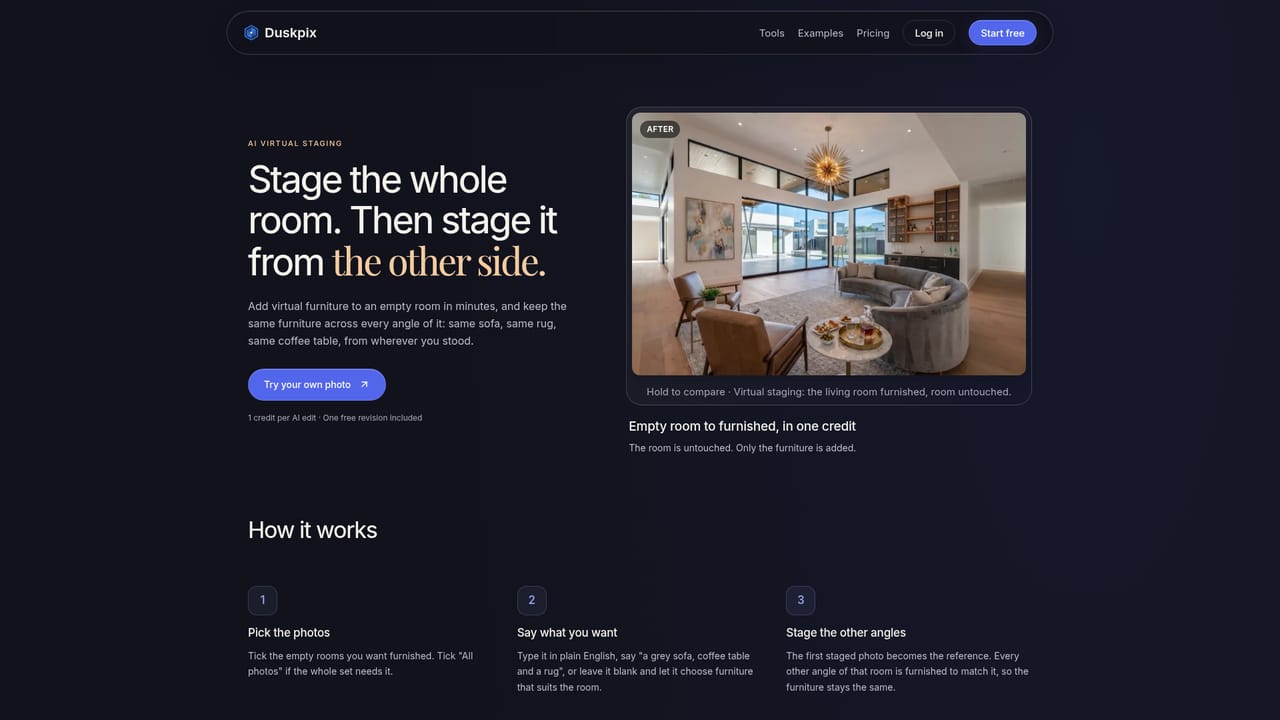
Duskpix is a photo editing service built for Australian real estate agents who want a finished listing set without sending images to an outside editor. Each listing becomes a project that holds the original photos, the edits and the chosen final versions, so the whole job stays in one place. Photos can be taken with the phone camera inside the app or added from existing files. The editing toolkit covers the common property jobs. Listing Ready evens out colour and light, while Golden Hour, Morning Glow and Twilight relight exteriors, with a choice of four skies and lawn repair. Declutter clears or empties a room, Staging furnishes it, and Smart Edit removes bins, cars or anything else the user describes in plain text. Corrections handles perspective and cropping, and Boundary, Pins, Labels and Watermark add markup for the listing. Edits can be triggered by tapping a look, typing a request such as "remove the bins", or combining both in a single edit. An area can be selected for finer control. Pricing runs on credits, with one credit per AI edit regardless of tool. New accounts get 50 free edits without a card, and a landing page demo allows three tries on a single photo with no account, at reduced size and with a small watermark. Paid options are monthly plans (Standard, Pro and Agency) with capped rollover, or pay-as-you-go top-ups whose credits do not expire. Each finished edit includes one free revision, and failed edits are refunded automatically. Within the market, Duskpix sits between general-purpose AI image editors and human real estate editing services. Its focus on agents, phone capture and listing-specific looks suits small agencies and solo agents more than photographers wanting pixel-level control. The site advises comparing results with originals and disclosing virtual staging where required, which matters for accurate property marketing. Editing is recommended on a desktop for judging detail, though the full workflow works on a phone.
How do you use Duskpix?

  1. 1Try one photo first
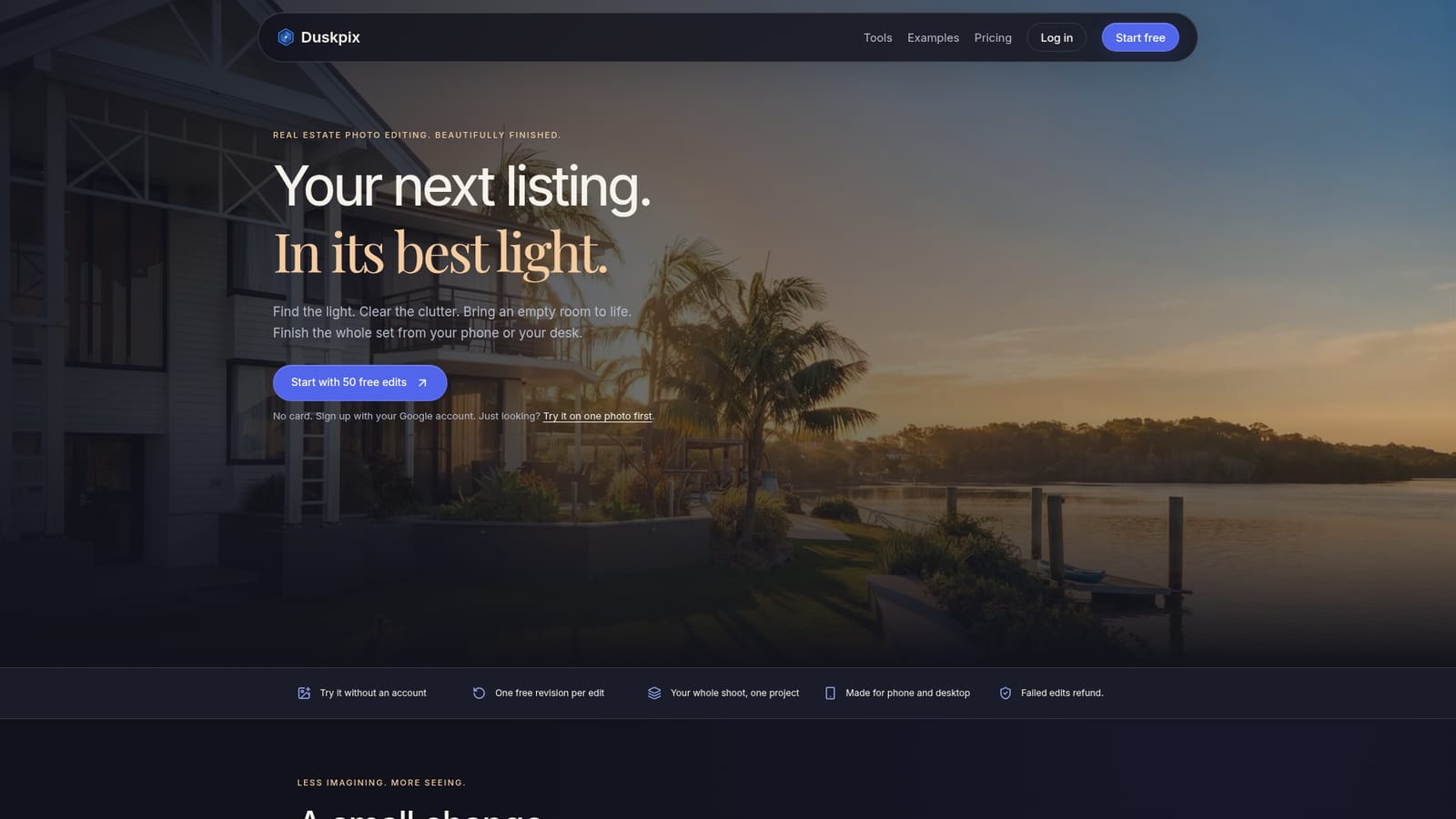
    Use the landing page demo to upload a single listing photo and run Listing Ready or Twilight. Three free tries are available without an account, with a smaller watermarked preview.
    Duskpix — Try one photo first
  2. 2Create a free account
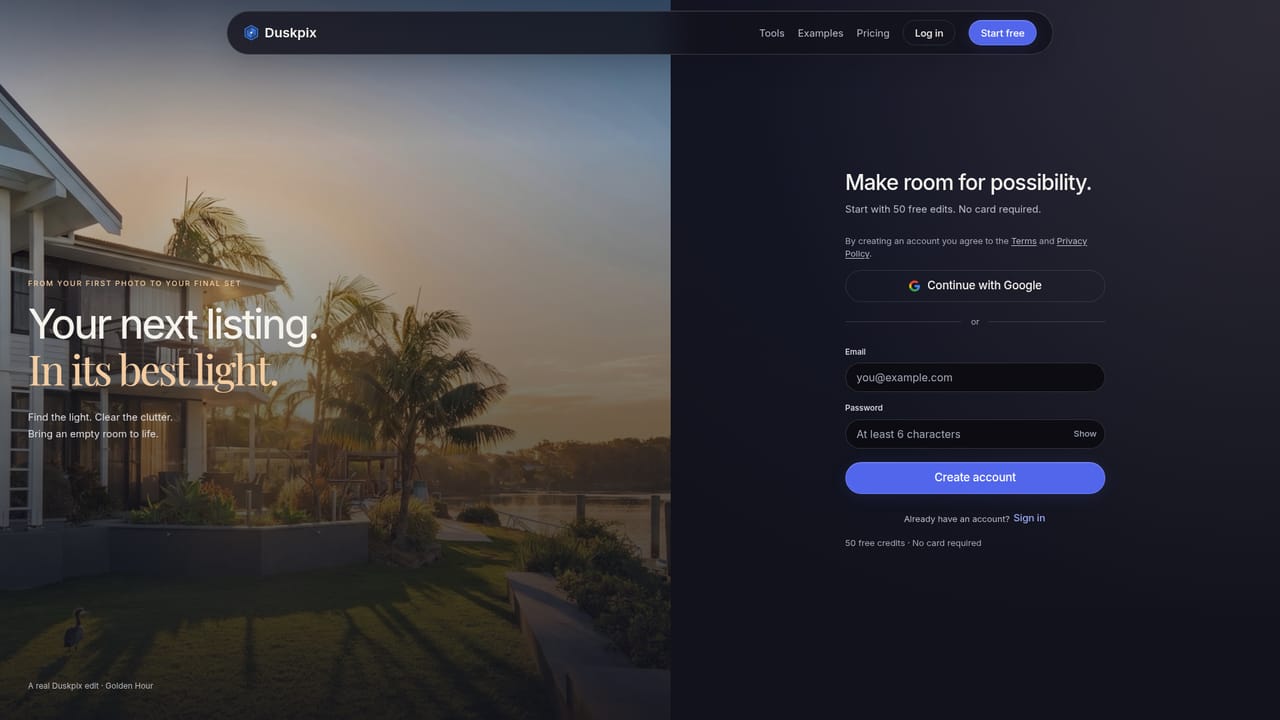
    Sign up with a Google account to receive 50 free edits at full size and without a watermark. No card is needed.
    Duskpix — Create a free account
  3. 3Start a project for the listing
    Create one project per property, then shoot with the in-app camera or add photos you already have.
  4. 4Run Listing Ready, then a hero edit
    Apply Listing Ready across the set first, then choose Twilight, Golden Hour or Morning Glow for the main exterior shot.
    Duskpix — Run Listing Ready, then a hero edit
  5. 5Declutter, stage or remove items
    Use Declutter or Staging for rooms, or Smart Edit to type a change such as removing bins or a car.
    Duskpix — Declutter, stage or remove items
  6. 6Compare, pick and download
    Review each edit against the original, use the free revision if needed, then choose the final versions to download.

Pros and cons

Pros

  • Covers a full listing workflow: relighting, decluttering, staging, corrections and markup tools in one placeAI
  • Flat one-credit price per AI edit, whichever tool is used, keeps costs easy to predictAI
  • 50 free edits with no card, plus a no-account demo, make testing low riskAI
  • Failed edits are refunded automatically and each finished edit includes a free revisionAI
  • Projects keep originals, edits and final versions together, and phone capture syncs to desktopAI

Cons

  • Aimed at Australian agents, with AUD pricing and GST, so it may suit other markets less wellAI
  • Editing is recommended on a desktop, so the phone-only workflow is less comfortable for judging detailAI
  • Sign-up is described around a Google account, which may not suit everyoneAI
  • Plan credits roll over only while subscribed and only up to a capAI
  • AI staging and edits need careful checking and disclosure to avoid misrepresenting a propertyAI

How much does Duskpix cost?

Free trial

New accounts get 50 free edits with no card, and the landing page offers 3 free tries without an account, at a smaller size with a small watermark.

Learn more

Pricing

50 free edits to start, then monthly plans in AUD: Standard A$29 (50 credits), Pro A$49 (100 credits), Agency A$129 (300 credits). Pay as you go starts at A$10 for 10 credits, topping up to A$100. One credit per AI edit.

Learn more

Support

A contact page is available for questions, and failed edits are refunded automatically. Each finished edit includes one free revision.

Learn more

Features

Listing Ready, Golden Hour, Morning Glow and Twilight looks, Declutter, virtual Staging, Smart Edit item removal, Corrections, Boundary, Pins, Labels and Watermark, project-based organisation, in-app phone capture, free revisions and refunds on failed edits.

Learn more

Frequently asked questions about Duskpix

  • How much does Duskpix cost?
    50 free edits to start, then monthly plans in AUD: Standard A$29 (50 credits), Pro A$49 (100 credits), Agency A$129 (300 credits). Pay as you go starts at A$10 for 10 credits, topping up to A$100. One credit per AI edit.
  • Does Duskpix offer a free trial?
    New accounts get 50 free edits with no card, and the landing page offers 3 free tries without an account, at a smaller size with a small watermark.
  • How do you use Duskpix?
    The walkthrough on this page covers 6 steps: 1. Try one photo first 2. Create a free account 3. Start a project for the listing 4. Run Listing Ready, then a hero edit 5. Declutter, stage or remove items 6. Compare, pick and download.
  • What platforms does Duskpix support?
    Duskpix is available on Web App.
  • What are the limitations of Duskpix?
    Aimed at Australian agents, with AUD pricing and GST, so it may suit other markets less well. Editing is recommended on a desktop, so the phone-only workflow is less comfortable for judging detail. Sign-up is described around a Google account, which may not suit everyone.

Status

StatusActive
Views0
Outbound clicks0
Added10/18/2026

Platforms

Web App

Pricing

FreemiumSubscription