Free trial
Free credits, no card required, cover the concept, season outline, cast and first script, reaching the end of stage 5 before any footage is purchased.
Learn morePlan, cast and produce a vertical short drama season with a cast that stays put.

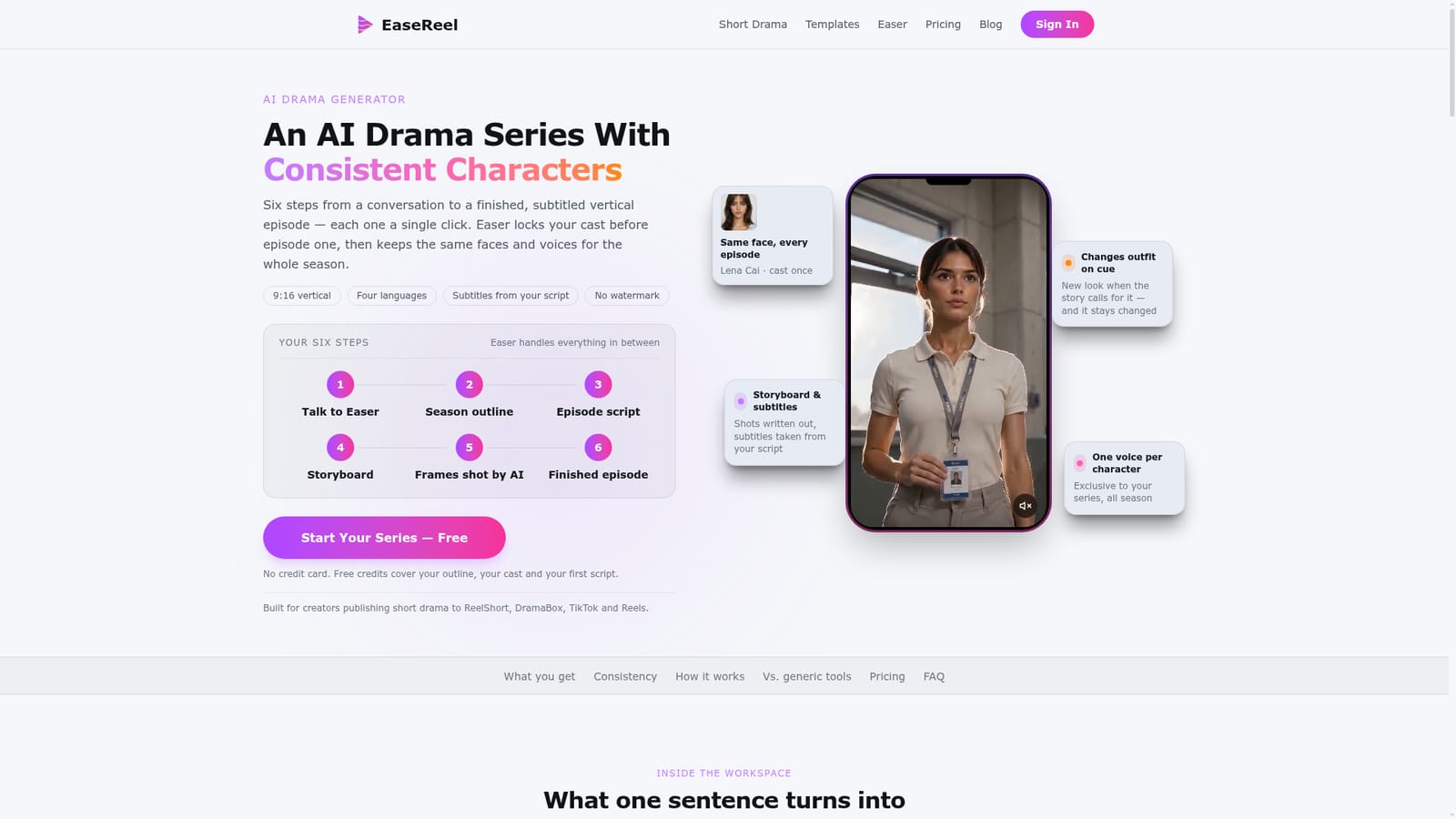
EaseReel is an AI drama tool that plans cast and produce a vertical short drama season with a cast that stays put. A workspace for making serialized vertical dramas: it plans a full season from one sentence, writes shootable scripts and storyboards, locks character faces and voices for the whole run, and composes subtitled 9:16 episodes without a watermark.
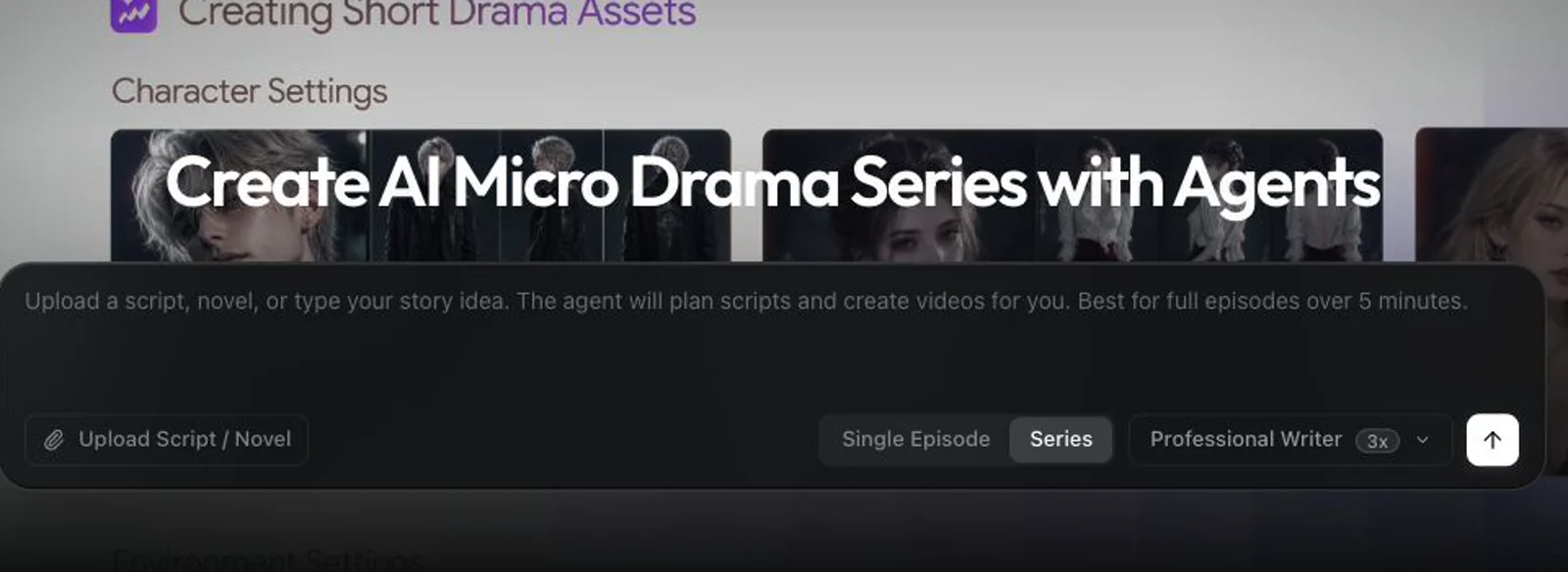
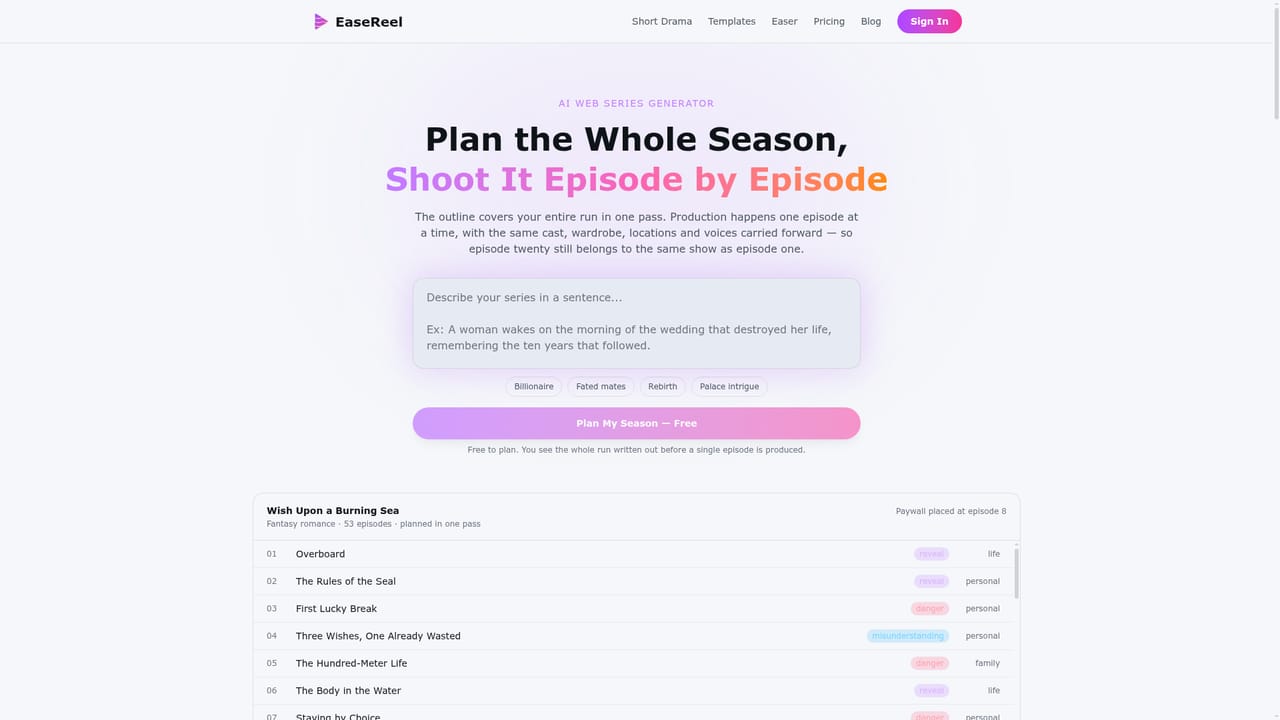
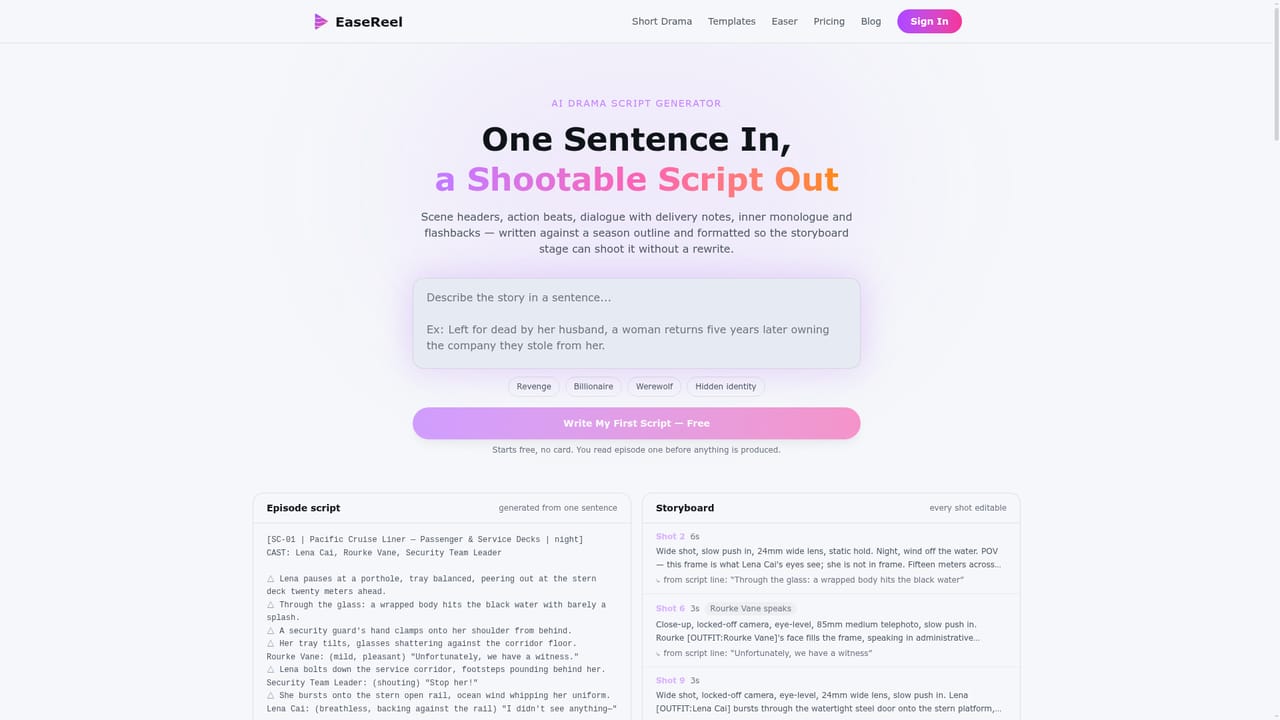
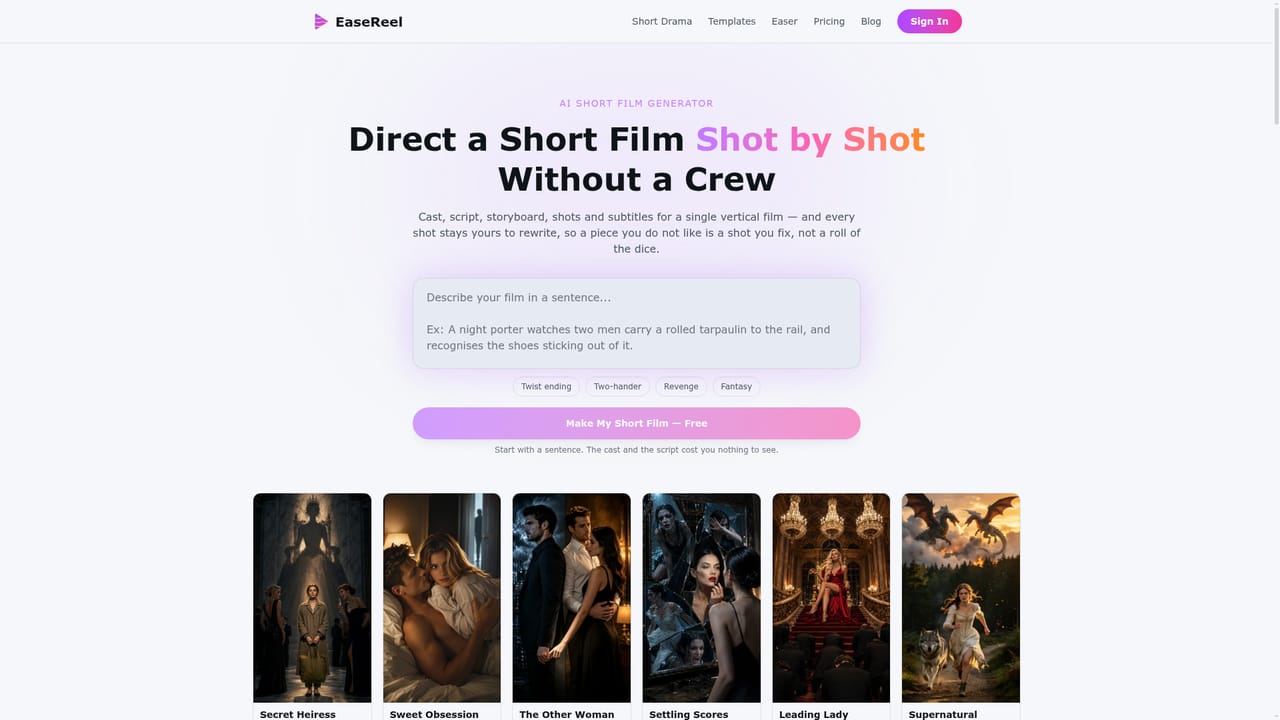
EaseReel's AI Drama Generator is built for serialized vertical drama, the kind published to ReelShort, DramaBox, TikTok and Reels, rather than for one-off clips. A single sentence seeds the whole project: the workspace turns it into a premise, a world and a cast list, then plans an entire season in one pass. Each episode gets its own hook, stakes and cliffhanger, and the paywall point is placed automatically. From there the tool writes shootable screenplays, converts them into shot lists with framing, lens, camera movement, performance notes and duration, designs characters and locations, and composes finished subtitled episodes in 9:16. The core problem it targets is continuity. Recurring characters are registered once with an identity sheet showing the same face from three angles, and every shot is generated against that reference instead of being re-described in a prompt. Wardrobe looks are designed up front and tagged to scenes and story beats, so a costume change happens on cue and persists. The cast line in the script governs who can appear. Voices work the same way: named characters are matched to library voices by gender, age and language, and each voice leaves the pool for the run of the series. Subtitles come from the written script, not from transcribing audio. In practice a creator works through nine stages, each triggered by a click and each open to editing. Outlines, scripts and individual shots can be rewritten line by line; a single shot can be regenerated without disturbing its neighbours. The workspace also handles composing, with three free recomposes per episode, and delivers output without a watermark on any plan. The tool suits solo creators without a crew, novel and web-fiction authors turning a finished arc into episodes, and studios or MCNs that need throughput while keeping shot-level control. Compared with general AI video generators, it treats the season rather than the clip as the unit of work, and it bundles writing, casting, storyboarding, voice and editing instead of handing state between separate tools. Series can be produced in Chinese, English, Japanese or Korean with language-specific subtitle pacing.

Free credits, no card required, cover the concept, season outline, cast and first script, reaching the end of stage 5 before any footage is purchased.
Learn moreCredits are consumed per stage: 1 credit each for concept, season plan and screenplay per episode, 2 credits for production per episode, and voices included. Footage costs 36 credits per 10 seconds at 720p or 42 at 1080p, so a 130 second episode runs about 500 credits. Composing is free. Subscriptions and one-time credit packs are both offered.
Learn moreOne workspace spanning concept chat, full season planning, shootable screenplays, storyboards with camera and performance direction, character and location design, exclusive library voices per character, shot generation with audio, and free composing into subtitled vertical episodes. Outfits and props are tracked per scene, and output carries no watermark on any plan.
Learn more AI Angels400+ customizable AI girlfriends for NSFW chat, voice calls, and roleplay
 Candy AIExperience the future of companionship with AI friends who chat, role-play, and connect with you on a human level.
 ourdream.aiA vast AI roleplay platform with millions of characters for chat, images, video and voiceAI Angels400+ customizable AI girlfriends for NSFW chat, voice calls, and roleplayCandy AIExperience the future of companionship with AI friends who chat, role-play, and connect with you on a human level.ourdream.aiA vast AI roleplay platform with millions of characters for chat, images, video and voice