Free trial
A free plan is available that allows unlimited episode creation, according to the FAQ. No separate trial period or paid plans are described.
Learn moreTurn short scripts into vertical AI micro dramas in under a minute.
Own Frameo.AI Micro Drama? Verify ownership to get a dofollow link

Frameo.AI Micro Drama is an AI drama tool that turns short scripts into vertical AI micro dramas in under a minute. Frameo.AI Micro Drama converts short scripts into vertical mini-episodes with AI voices, motion, and lip sync. It is built for creators who want to launch a series quickly without editing skills, offering preset themes, backgrounds, and collaborative review.
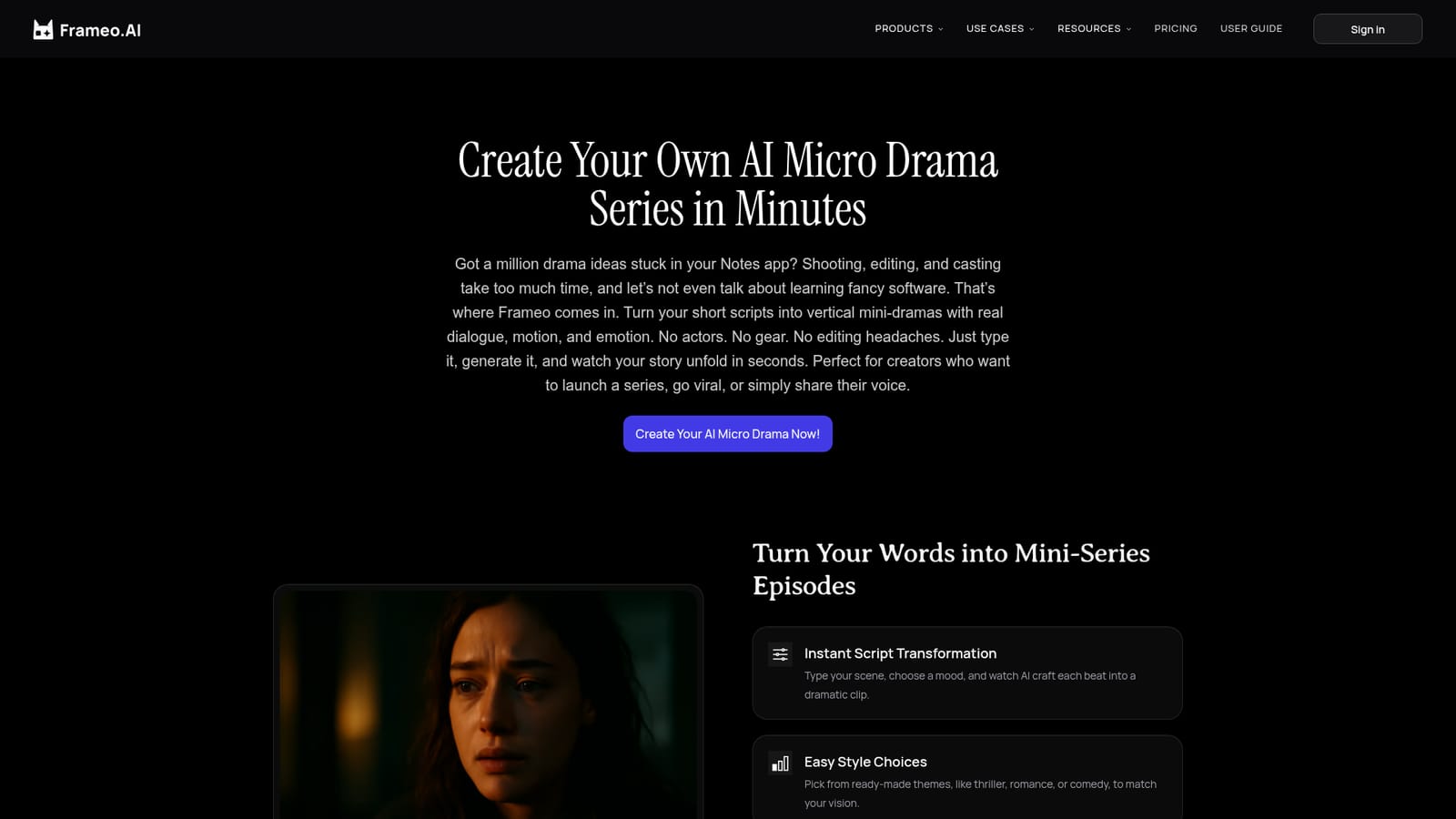
Frameo.AI Micro Drama is a browser-based tool for turning written scripts into short vertical video episodes. It is aimed at creators who want to produce serialized micro dramas for social feeds without actors, cameras, or editing software. The workflow starts with a pasted script or scene description, which the tool splits into shots, assigns character voices, and selects camera moves. Users can pick from preset themes such as thriller, romance, or comedy, and choose from ready-made backgrounds including city streets, cafes, and apartments. The output is a polished vertical mini-episode with dialogue, motion, and lip sync, generated in under a minute according to the site. In practice, the tool handles the assembly work that would normally require a crew. After the initial generation, users can swap voices, adjust pacing, and change backgrounds with simple controls. Episodes are formatted for phone screens, which makes them suitable for social platforms. Collaboration is supported through shareable links, so co-writers can review and fine-tune a series together. The site states there is no limit on the number of episodes on the free plan, and no software installation is required. Frameo positions this tool within a broader suite that includes script-to-video, story-to-video, face swap, storyboard generation, and voice generation. That makes it a fit for storytellers who want a fast pipeline from text to episodic video, rather than a full production editor. It competes with other AI video generators, but its focus on short, vertical, dialogue-driven episodes sets it apart from general-purpose video tools. The emphasis is on speed and accessibility for beginners, not on granular directorial control.
A free plan is available that allows unlimited episode creation, according to the FAQ. No separate trial period or paid plans are described.
Learn moreThe site mentions a free plan with no limit on the number of micro dramas created. No paid tiers, prices, or feature comparisons are listed on the homepage.
Learn moreSupport is limited to an FAQ on the homepage and a user guide page. No dedicated help center, contact form, or live chat is mentioned.
Learn moreScript-to-episode conversion with automatic shot splitting, AI character voices with emotion and lip sync, preset themes (thriller, romance, comedy), ready-made backgrounds, post-generation voice and pacing adjustments, vertical mobile-first output, browser-based access, and collaborative sharing via links.
 AI Angels400+ customizable AI girlfriends for NSFW chat, voice calls, and roleplay
 Candy AIExperience the future of companionship with AI friends who chat, role-play, and connect with you on a human level.
 ourdream.aiA vast AI roleplay platform with millions of characters for chat, images, video and voiceAI Angels400+ customizable AI girlfriends for NSFW chat, voice calls, and roleplayCandy AIExperience the future of companionship with AI friends who chat, role-play, and connect with you on a human level.ourdream.aiA vast AI roleplay platform with millions of characters for chat, images, video and voice