Support
A contact page is linked from the site footer for enquiries. No help centre, documentation or live chat is described on the homepage.
Learn moreTurn a written idea into a printable coloring page with AI
Own eBookColoring? Verify ownership to get a dofollow link

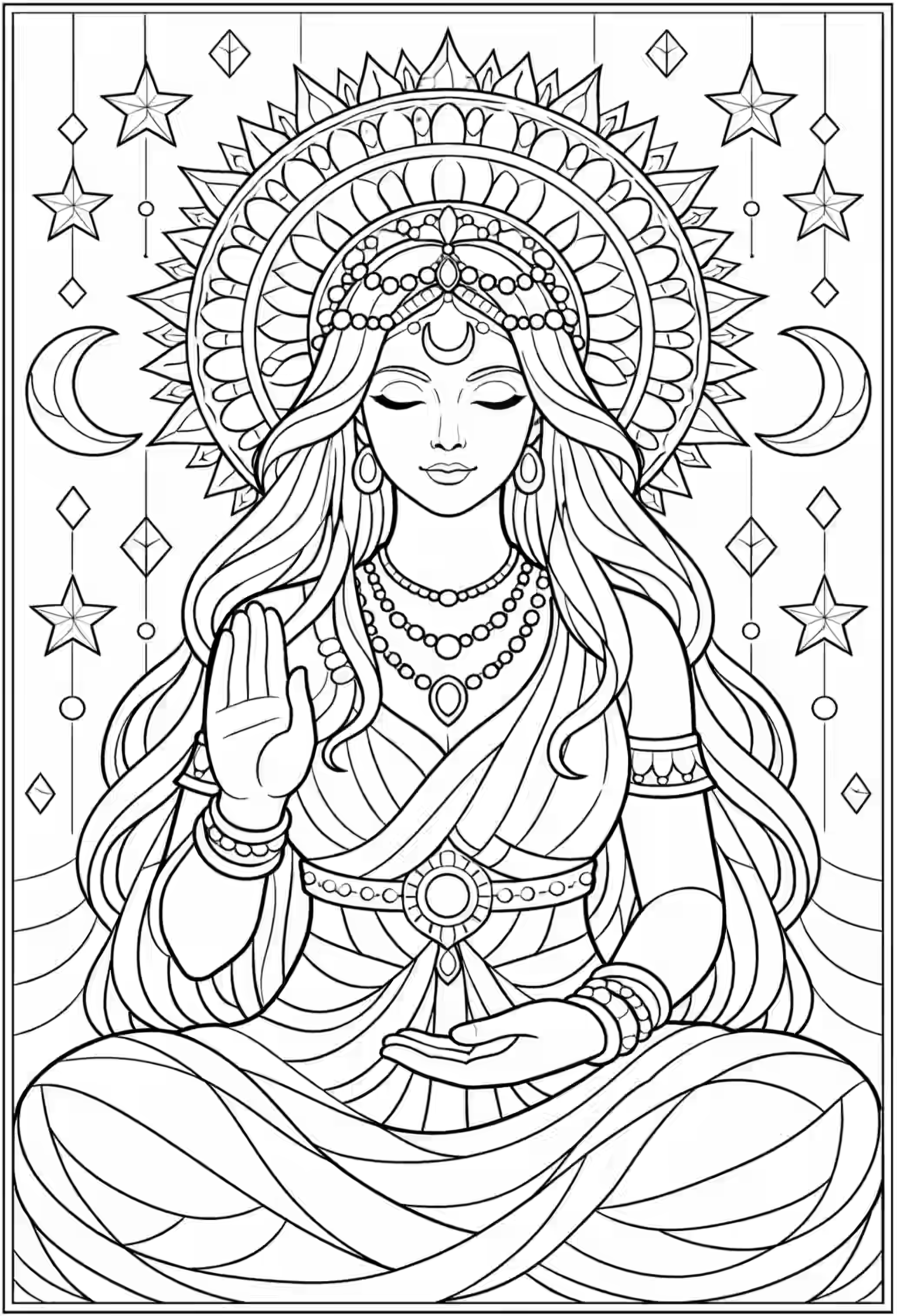
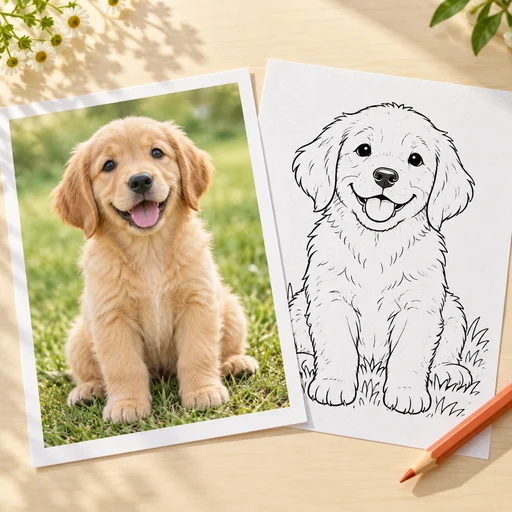
eBookColoring is a coloring pages tool that turns a written idea into a printable coloring page with AI. AI coloring page generator that turns short text prompts (dinosaurs, mermaids, space scenes, fairy tale castles) into line art for kids and adults, aimed at parents, teachers and artists building printable coloring books and doodles.
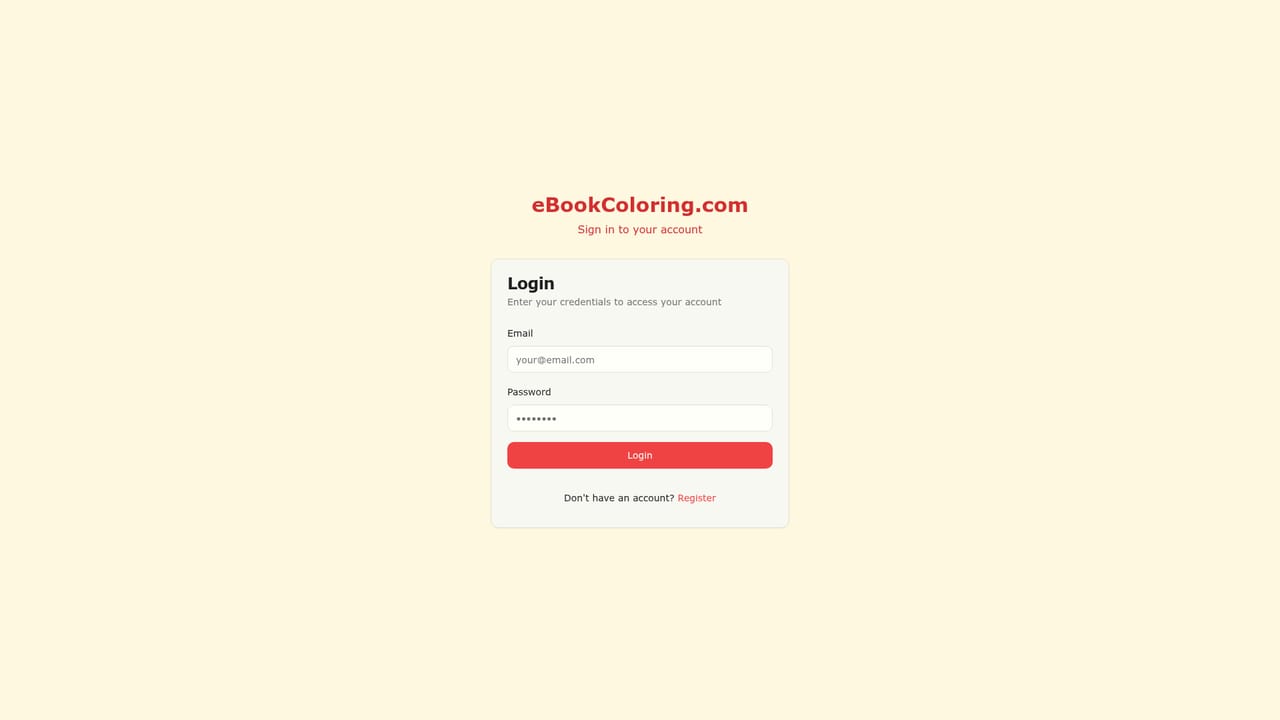
eBookColoring is a web tool that turns a short text idea into coloring page artwork. The homepage frames the product around coloring books and doodles rather than general image generation, and the workflow reflects that: a prompt box sits next to a gallery of starter suggestions, and the output is line art meant to be printed and filled in rather than a finished illustration. The stated audience covers artists, parents, educators and other creative users, which matches the use case: a parent wanting a themed activity sheet, a teacher building a classroom handout, or a creator assembling pages into a small book. The suggested prompts on the homepage hint at the subject range the product is positioned for. There are friendly dinosaurs, underwater scenes with mermaids, space adventures with planets and aliens, magical forests with fairies and unicorns, farm animals, safari wildlife, dragons and knights, superheroes, fairy tale princesses and castles, plus vehicles such as cars, planes and boats. In practice a user picks one of these ideas or writes a custom description, chooses how many images to produce (the interface shows a three image option), and waits for the generator to return pages. Mechanically it is a straightforward generator rather than a book editor. The homepage presents a single creation screen with an image service status indicator, so the visible product surface is prompt, quantity, generate, review. Anyone expecting layout tools, page numbering, cover design or export bundles for a finished coloring book will not find those described on the site; the site sells the page-making step. Sign in is required through a dedicated login page, and legal and contact pages sit in the footer. Relative to broad image generators, eBookColoring narrows its scope to a specific deliverable, which makes it easier for non-designers to get usable line art without prompt engineering. Relative to professional illustration work it is a fast first draft rather than a replacement, and buyers should weigh the undisclosed pricing and the limited feature detail before committing.
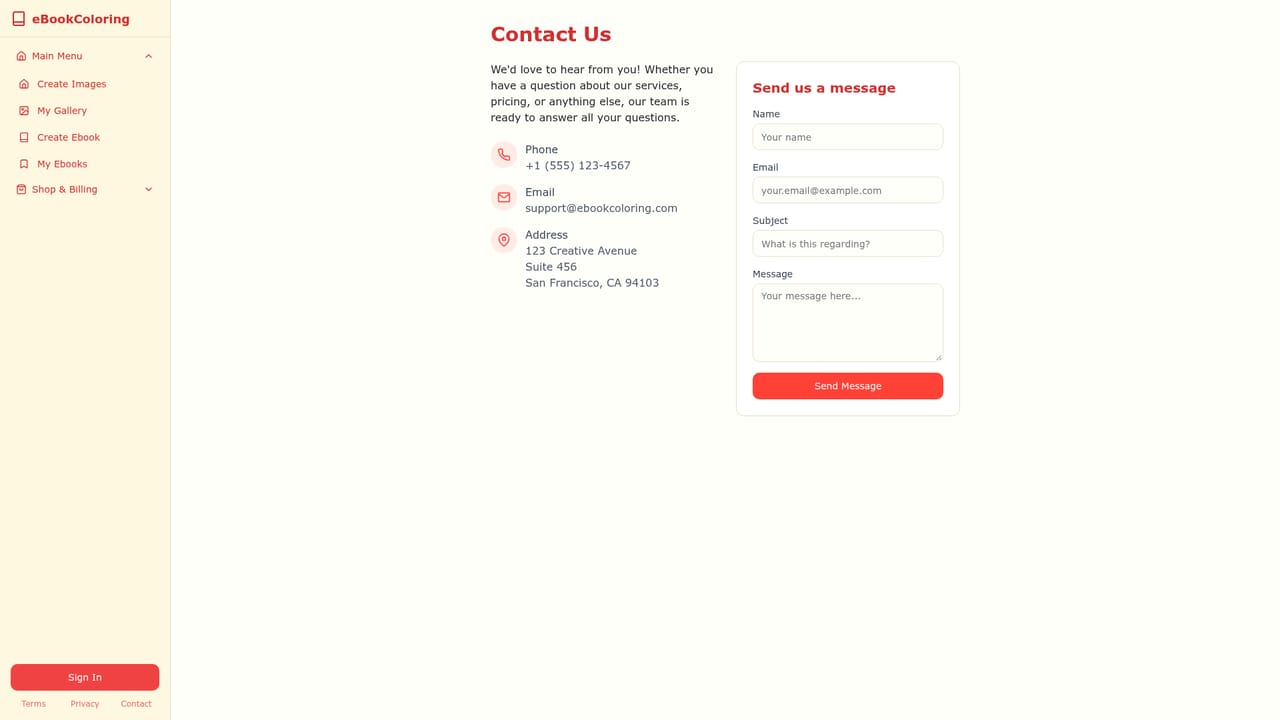
A contact page is linked from the site footer for enquiries. No help centre, documentation or live chat is described on the homepage.
Learn moreText-to-coloring-page generation from a single prompt box, a library of themed starter prompts (dinosaurs, mermaids, space, fairies and unicorns, farm and safari animals, dragons and knights, superheroes, princesses and castles, vehicles), a multi-image batch option, and an image service status indicator. The homepage does not describe editing, export or book layout features.
 AI Angels400+ customizable AI girlfriends for NSFW chat, voice calls, and roleplay
 Candy AIExperience the future of companionship with AI friends who chat, role-play, and connect with you on a human level.
 ourdream.aiA vast AI roleplay platform with millions of characters for chat, images, video and voiceAI Angels400+ customizable AI girlfriends for NSFW chat, voice calls, and roleplayCandy AIExperience the future of companionship with AI friends who chat, role-play, and connect with you on a human level.ourdream.aiA vast AI roleplay platform with millions of characters for chat, images, video and voice