Free trial
The homepage invites teachers to start free and try the product without a listed time limit, and separately offers demos and licensing conversations for schools.
Learn moreAI workspace that turns objectives, standards and sources into classroom-ready materials

Eduaide is an AI workspace for K-12 teachers that generates lesson and unit plans, assessments, rubrics, worksheets, graphic organizers and games from objectives, documents, videos or academic standards, then helps review, differentiate and export them.
Eduaide is an AI workspace built around the daily prep work of K-12 teaching. Instead of asking teachers to write long prompts into a blank chat box, it offers guided workflows organized by task: lesson and unit plans, question sets, assessments, graphic organizers, instructional games, rubrics, discussion activities, and classroom communication such as announcements and recommendation letters. The homepage puts the template count at more than 110 classroom resource types, all reachable from the same workspace where the material is later reviewed and edited. The starting point is flexible by design. A teacher can begin with a topic, a learning objective, a unit focus, or a short description of the content, and the tool builds a draft from there. For grounding, documents, websites, and YouTube videos can be attached so the output reflects material already in use. Standards support covers more than 50 jurisdictions, including Common Core, NGSS, NCSS, TEKS, Florida B.E.S.T., and Virginia SOL, so drafts can be tied to the frameworks a school expects. The assessment builder adds nine question types with difficulty controls, adjustable length, and point values. What separates Eduaide from general chatbots is the editing layer that follows generation. Evaluators flag grade level appropriateness, text complexity, and prior knowledge demands while the document is still easy to change. Adapt and differentiate actions adjust reading level, chunk text, add scaffolds, draft rubrics and answer keys, and convert content into different question formats. Finished work exports to Google Docs, Google Forms, Microsoft DOCX, plain text, or PDF, which keeps the resource inside the tools teachers already submit through. Individual teachers can sign up and work alone, while schools can adopt it for curriculum development, workload reduction, and consistent instructional quality across teams. That dual focus on an individual planning tool and a school-wide content pipeline is where it sits among alternatives: more structured than a generic assistant, more classroom-specific than a lesson plan generator alone.
The homepage invites teachers to start free and try the product without a listed time limit, and separately offers demos and licensing conversations for schools.
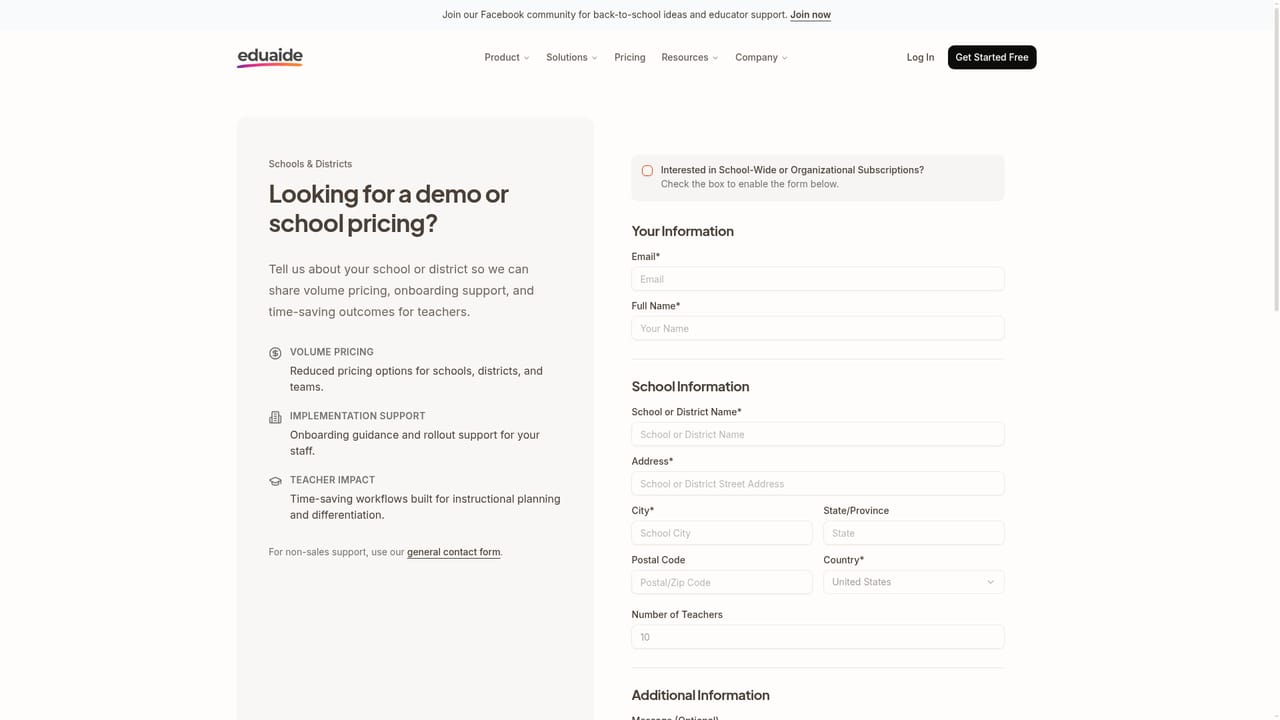
Learn moreA contact channel for schools handles demos and licensing questions, and the homepage links to a privacy center for data handling details. No help centre or documentation site is listed.
Learn moreSources can include uploaded documents, websites and YouTube videos, and finished resources export directly to Google Docs, Google Forms, Microsoft DOCX, plain text and PDF.
Lesson and unit plan generation from topics, objectives or sources; 110+ classroom resource templates; nine assessment question types with difficulty and point controls; graphic organizers and instructional games; standards alignment for 50+ jurisdictions; grade level and text complexity evaluators; differentiation actions such as reading level adjustment and scaffold building; AI images; exports to Google Docs, Google Forms, DOCX, text and PDF.
Learn more AI Angels400+ customizable AI girlfriends for NSFW chat, voice calls, and roleplay
 Candy AIExperience the future of companionship with AI friends who chat, role-play, and connect with you on a human level.
 ourdream.aiA vast AI roleplay platform with millions of characters for chat, images, video and voiceAI Angels400+ customizable AI girlfriends for NSFW chat, voice calls, and roleplayCandy AIExperience the future of companionship with AI friends who chat, role-play, and connect with you on a human level.ourdream.aiA vast AI roleplay platform with millions of characters for chat, images, video and voice


