Free trial
The site offers a free demo request rather than a self-serve trial, and no trial duration or included scope is stated.
Learn moreCentral control plane for enterprise robots and AI agents

NISUS-AI is a meta AI automation tool. A central platform for governing enterprise robots and AI agents: inventory, live metrics, audit trail and orchestration across UiPath, Power Automate, n8n, LangChain and other automation stacks.
NISUS-AI is a central agentic workforce platform built for organizations that already run automation and now need a way to govern it. Rather than replacing an existing RPA stack, it sits above robots, AI agents and business processes as an orchestration and management layer, giving operations teams a single place to inventory digital assets, watch live connection status, and review version, environment, owner, risk and last deploy details for each one. The platform is aimed at mid-size and large enterprises at the intersection of automation maturity and governance need. Typical users already operate UiPath, Automation Anywhere, Blue Prism or Power Automate and struggle with bot visibility, performance tracking and audit compliance across departments. NISUS-AI also targets teams that want AI agents in production with prompt governance, version control and human approval workflows, plus finance and CoE leaders who need cost per transaction and license utilization measured rather than guessed. In practice the product works in two connected parts. A management center shows real-time operational metrics such as transactions, SLA, uptime and FTE equivalents alongside an asset inventory and audit trail. An agentic layer handles process work: the homepage example has a user ask a central agent to upload 200 customer PDF invoices, detect anomalies and act on the results. Agents connect to existing RPA platforms, agent frameworks and traditional software through webhooks, REST, SOAP, Selenium and batch tasks, and low-code platforms such as Power Apps, Mendix and OutSystems are also supported. Compared with standalone RPA suites, NISUS-AI is less a bot builder and more the oversight and orchestration layer on top. Standalone agent frameworks offer flexibility but leave governance to the customer; this platform makes policy enforcement, audit and cost analytics the core product. The vendor reports more than 450 projects delivered and over 50,000 hours saved, and positions itself around enterprise-scale automation governance rather than single-department pilots.
The site offers a free demo request rather than a self-serve trial, and no trial duration or included scope is stated.
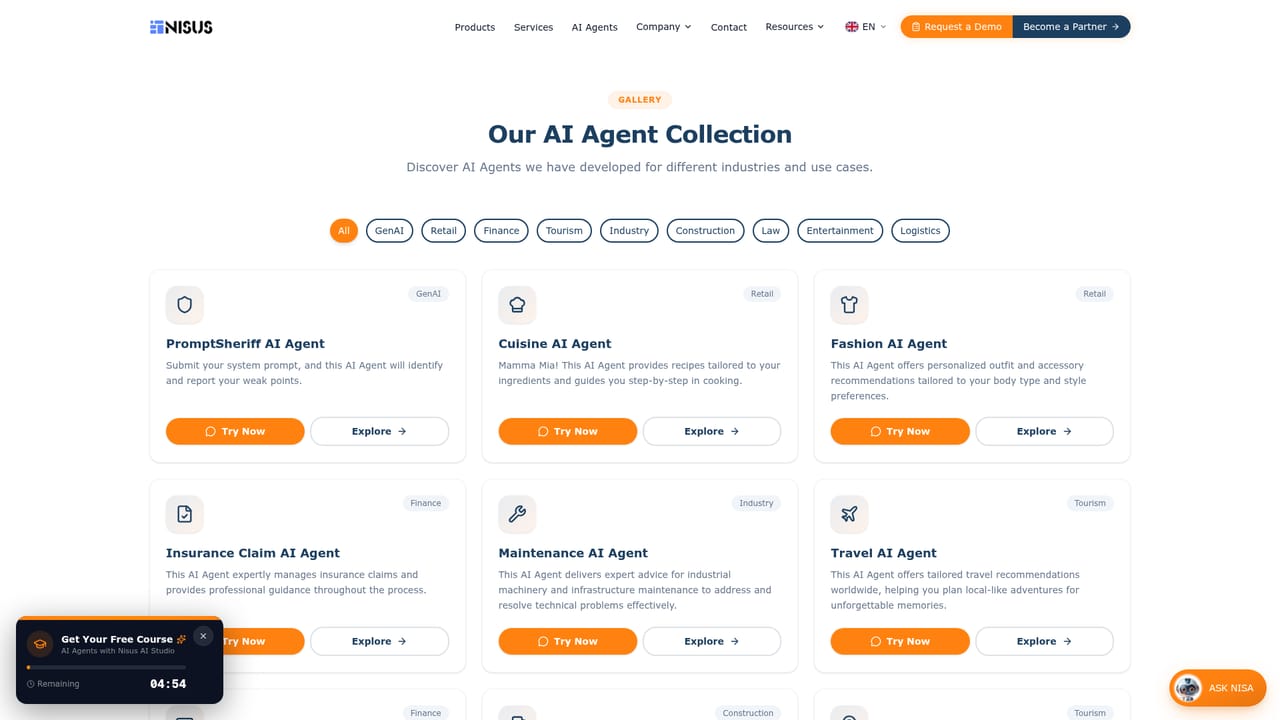
Learn moreAn on-site support agent named Nisa answers questions in a chat widget, and the site also offers a free course on building agents with Nisus AI Studio.
Learn moreConnects RPA platforms including UiPath, Blue Prism, Power Automate and Automation Anywhere; agent platforms such as n8n, Copilot Studio and LangChain; low-code tools including Power Apps, Mendix and OutSystems; plus webhook, REST, SOAP, Selenium and batch task methods.
Learn moreCentral inventory of robots and AI agents with live connection status, version, environment, owner, risk and last deploy details. Real-time metrics cover transactions, SLA, uptime and FTE. Audit trail and compliance reporting support governance, and an agentic layer handles process tasks such as bulk invoice review with anomaly detection. Human approval and prompt governance are positioned as production controls.
Learn more AI Angels400+ customizable AI girlfriends for NSFW chat, voice calls, and roleplay
 Candy AIExperience the future of companionship with AI friends who chat, role-play, and connect with you on a human level.
 ourdream.aiA vast AI roleplay platform with millions of characters for chat, images, video and voiceAI Angels400+ customizable AI girlfriends for NSFW chat, voice calls, and roleplayCandy AIExperience the future of companionship with AI friends who chat, role-play, and connect with you on a human level.ourdream.aiA vast AI roleplay platform with millions of characters for chat, images, video and voice


