Support
Support runs through a contact form, a demo request channel and a public vulnerability disclosure program for security researchers. No self-serve help centre is listed.
Learn moreOne control center for every AI agent, user and dollar in the enterprise

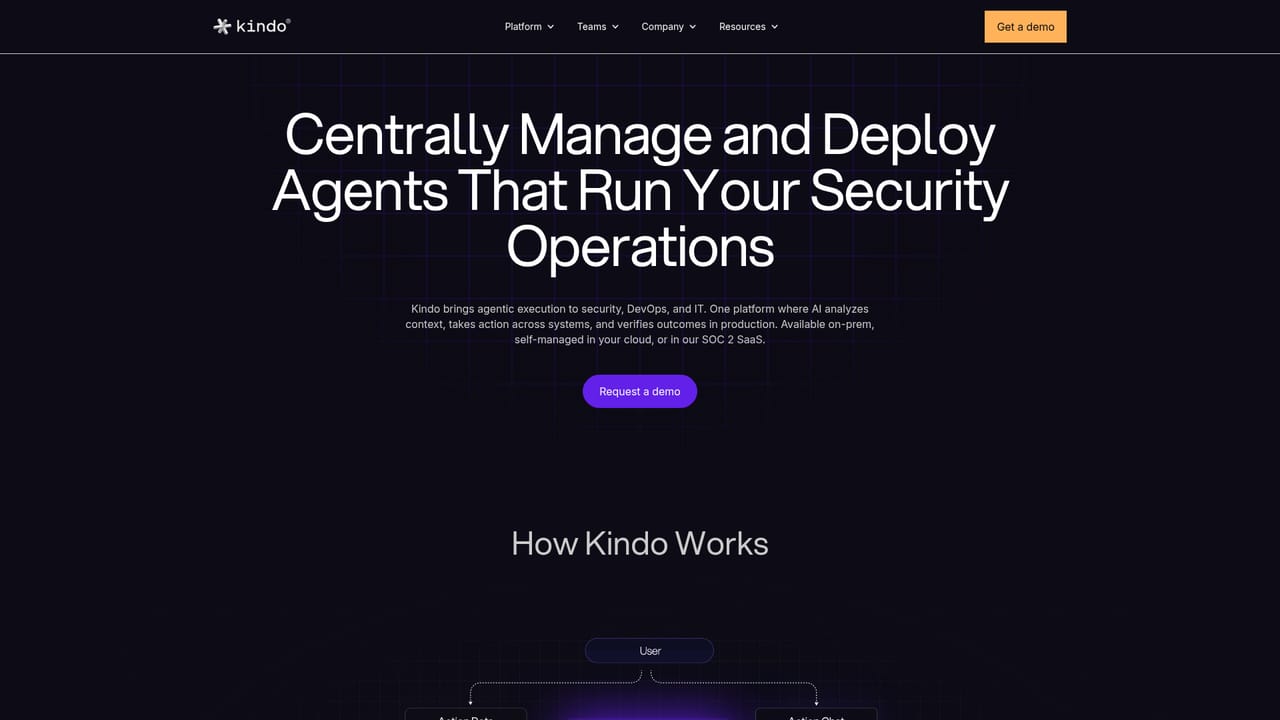
Kindo AI is a meta AI automation tool. Kindo is an AI agent management platform for enterprises. It inventories shadow and sanctioned agents, governs what each one can access, monitors production runs, attributes token spend by agent and team, and keeps an audit trail, whether agents are built in Kindo or imported from other builders.
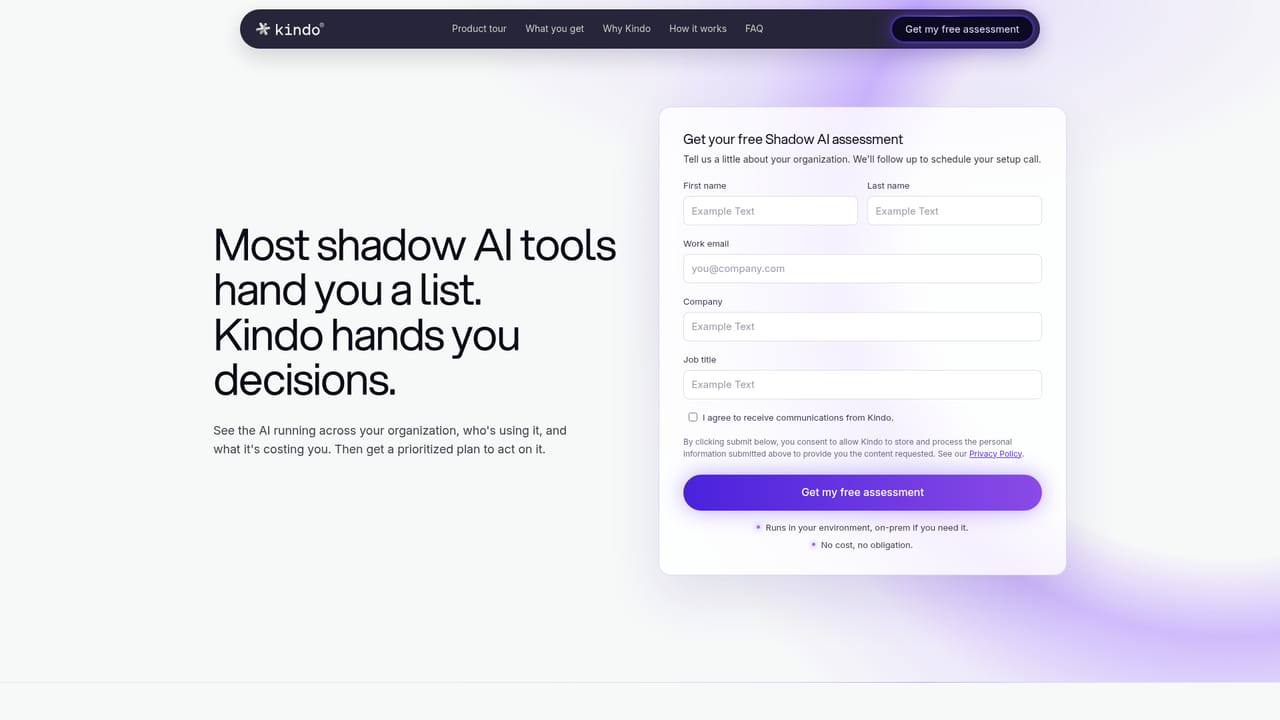
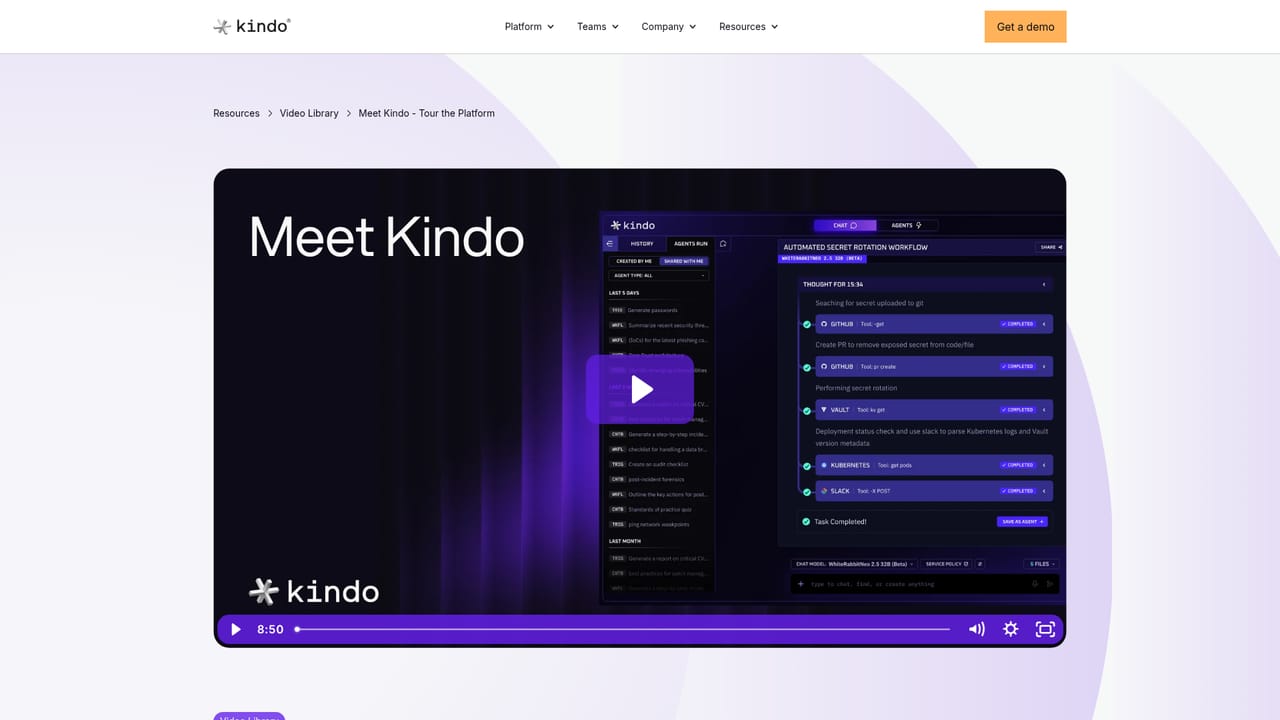
Kindo is an AI agent management platform aimed at the governance gap that opens once AI stops answering questions and starts executing work. It gives IT, security, finance and compliance a shared control layer over every AI user, chatbot and agent in the organization, whether those agents were built inside Kindo or brought in from elsewhere. The pitch is deliberately operational rather than creative: the product exists to answer who built an agent, who owns it, what it can reach, what it is doing right now and what it has cost since midnight. The platform is organized around a five stage lifecycle. Discovery inventories AI providers, agents, users, activity, data relationships and spend across supported enterprise sources, flagging shadow AI and agents that lack an owner. Governance defines who may run or share an agent and which models, data, MCP servers and credentials it can reach, with approvals where required. Operations monitors agents in production in a single radar style view with status, cost and owner, and routes failures to a named owner rather than the employee who happened to build the thing. Build and automate covers creating agents in natural language, running them on events, schedules or operator requests. Prove the outcome keeps an audit trail of actions, touched data and cost, attributed by agent, owner and team. It is built for enterprises with real technical operations: security operations, DevOps, IT operations and SOC teams investigating alerts, changing infrastructure, provisioning access or patching systems. Kindo is model agnostic and deployment agnostic, available as SaaS, self-managed or air-gapped, with the same record in each case. Agents inherit the permissions of the person running them, which is the core of its control argument. Among alternatives, Kindo sits closer to AI governance and FinOps tooling than to no-code agent builders. Teams that only want to prototype a workflow will find it heavier than a standalone builder. Organizations already struggling with fragmented agent ownership and unexplained model bills are the intended audience.
Support runs through a contact form, a demo request channel and a public vulnerability disclosure program for security researchers. No self-serve help centre is listed.
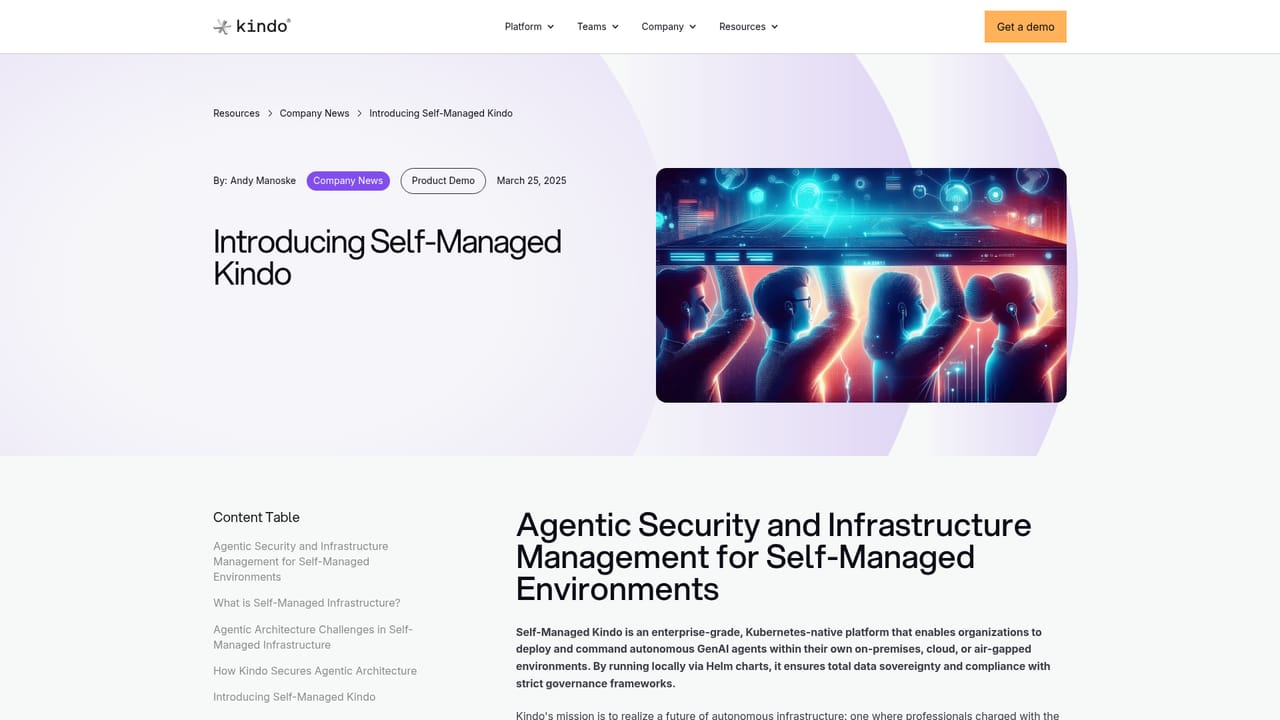
Learn moreConnects to enterprise systems across cloud, identity, code, security, ITSM, data and collaboration tools. Unspecified tool connections can be governed through MCP servers and credentials under the same policy.
Discovery of AI providers, agents, users and spend across supported enterprise sources, including shadow AI. Policy control over who can run or share an agent and what models, data, MCP servers and credentials it can reach. Production monitoring with status, cost and owner per agent, plus pause and adjust. Natural language agent building, event and schedule triggers, audit trails, and token cost attribution by agent, owner and team.
Learn more AI Angels400+ customizable AI girlfriends for NSFW chat, voice calls, and roleplay
 Candy AIExperience the future of companionship with AI friends who chat, role-play, and connect with you on a human level.
 ourdream.aiA vast AI roleplay platform with millions of characters for chat, images, video and voiceAI Angels400+ customizable AI girlfriends for NSFW chat, voice calls, and roleplayCandy AIExperience the future of companionship with AI friends who chat, role-play, and connect with you on a human level.ourdream.aiA vast AI roleplay platform with millions of characters for chat, images, video and voice


