Free trial
Free credits are offered at sign up with no card required, and the upscaler allows three free images per day without an account.
Learn moreOne login for the top image, video, music and voice models
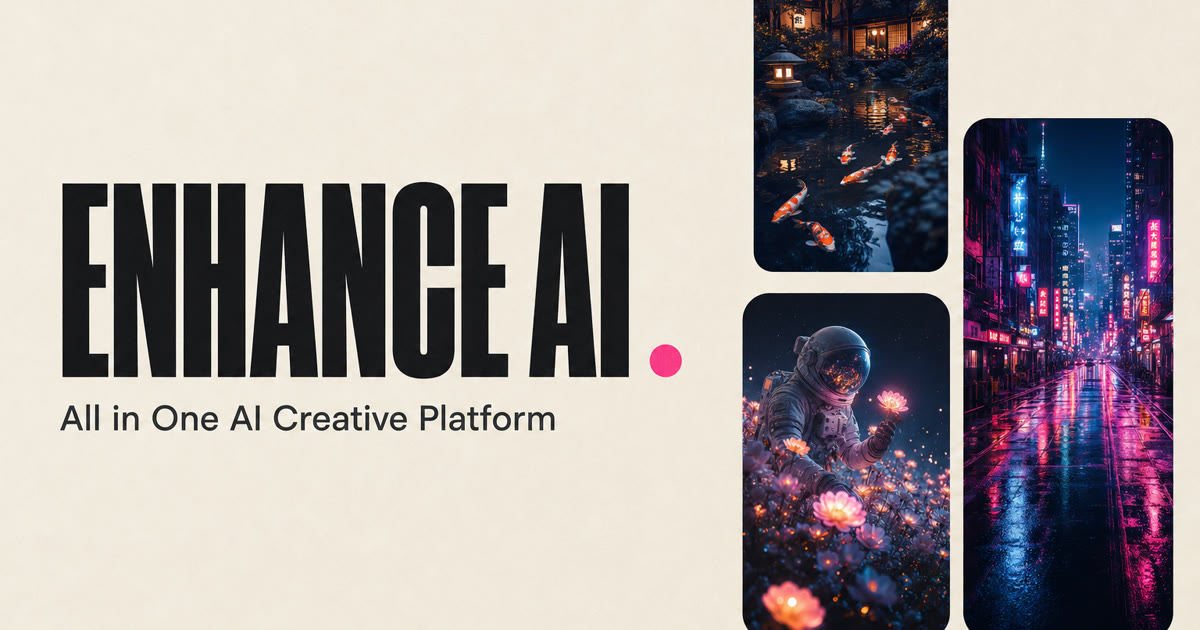
Enhance AI is an AI image upscaler tool. A multi model creative platform with one login for image, video, music and voice generation. Image editing, upscaling and background removal sit alongside text to video and dubbing. Prepaid plans start at $19 for 30 days, and downloads are watermark free with commercial use allowed.
Enhance AI is a browser based creative suite that gathers third party generative models behind a single account and a single bill. The homepage names models from Google, OpenAI, Anthropic, ByteDance and Alibaba, and lists a library that includes Seedance 2.5, GPT Image 2.5, WAN 3.0 Prime, Seedream 5.0 and 5.0 Pro, Nano Banana 2 and 2.1, Qwen Image 2 Pro, Grok Image and Grok Video, Bitdance Image and MiniMax H3. Instead of subscribing to a separate image tool, video tool and voice tool, a creator picks a medium, picks a model and works from one dashboard. The platform is organized into studios rather than a single prompt box. Image work covers text to image, image editing, styles and filters, background removal, face generation, image referencing (blending two images) and vector output for logos and icons. Upscaling claims to enlarge a picture up to 16x, with three free attempts a day and no sign up needed. Video covers text to video, image to video, reference driven clips, editing, dubbing, motion control, upscaling and background removal. Audio covers music generation and text to speech with multiple languages and accents, and a chat studio switches between GPT, Gemini, Claude and Qwen with live web search and a secret mode that saves nothing. In practice the workflow is short: describe the idea in plain language, let the model render, adjust the prompt or style, then download at full resolution without watermarks. Output is licensed for personal and commercial use, and everything is saved to a library. That makes it a reasonable fit for solo creators, small marketing teams and social media producers who need many formats without juggling four subscriptions. Against single purpose tools it trades depth in any one studio for breadth and one bill. Pricing is prepaid rather than recurring. Plans run from $19 to $99 for 30 days with token allowances from 2,000 to 15,000, and nothing auto renews.
Free credits are offered at sign up with no card required, and the upscaler allows three free images per day without an account.
Learn moreFour prepaid tiers, each lasting 30 days with no auto renewal: Basic at $19 for 2,000 AI tokens and 5 queued jobs, Growth at $39 for 5,600 tokens and 10 jobs, Pro at $69 for 10,000 tokens and 15 jobs, and Scale at $99 for 15,000 tokens and 20 jobs with a dedicated manager. Every plan includes every studio. Annual billing is advertised as 20% cheaper.
Learn moreBasic plans receive basic support, Growth and Pro add priority support, and Scale includes a dedicated manager. A public FAQ page is available.
Learn moreStudios cover text to image, image editing, styles and filters, background removal, face generation, image referencing, vector output and upscaling, plus text to video, image to video, video editing, dubbing, motion control and video upscaling. Music generation, text to speech and a multi model chat with live web search complete the set. A shared model library includes Seedance 2.5, GPT Image 2.5, WAN 3.0 Prime, Seedream 5.0 Pro and Nano Banana 2.
Learn more AI Angels400+ customizable AI girlfriends for NSFW chat, voice calls, and roleplay
 Candy AIExperience the future of companionship with AI friends who chat, role-play, and connect with you on a human level.
 ourdream.aiA vast AI roleplay platform with millions of characters for chat, images, video and voiceAI Angels400+ customizable AI girlfriends for NSFW chat, voice calls, and roleplayCandy AIExperience the future of companionship with AI friends who chat, role-play, and connect with you on a human level.ourdream.aiA vast AI roleplay platform with millions of characters for chat, images, video and voice