Support
The site advertises 24/7 support. No help centre or contact page was listed among the pages reviewed.
Find where your face appears online, including lookalikes and AI edits
Own Erasa-Reverse Face Search? Verify ownership to get a dofollow link

Erasa-Reverse Face Search is a content detector tool that finds where your face appears online, including lookalikes and AI edits. A facial similarity search that shows where your face is reused online, including cropped, filtered and AI-altered versions, across Instagram, X, TikTok, Reddit, OnlyFans and Telegram.
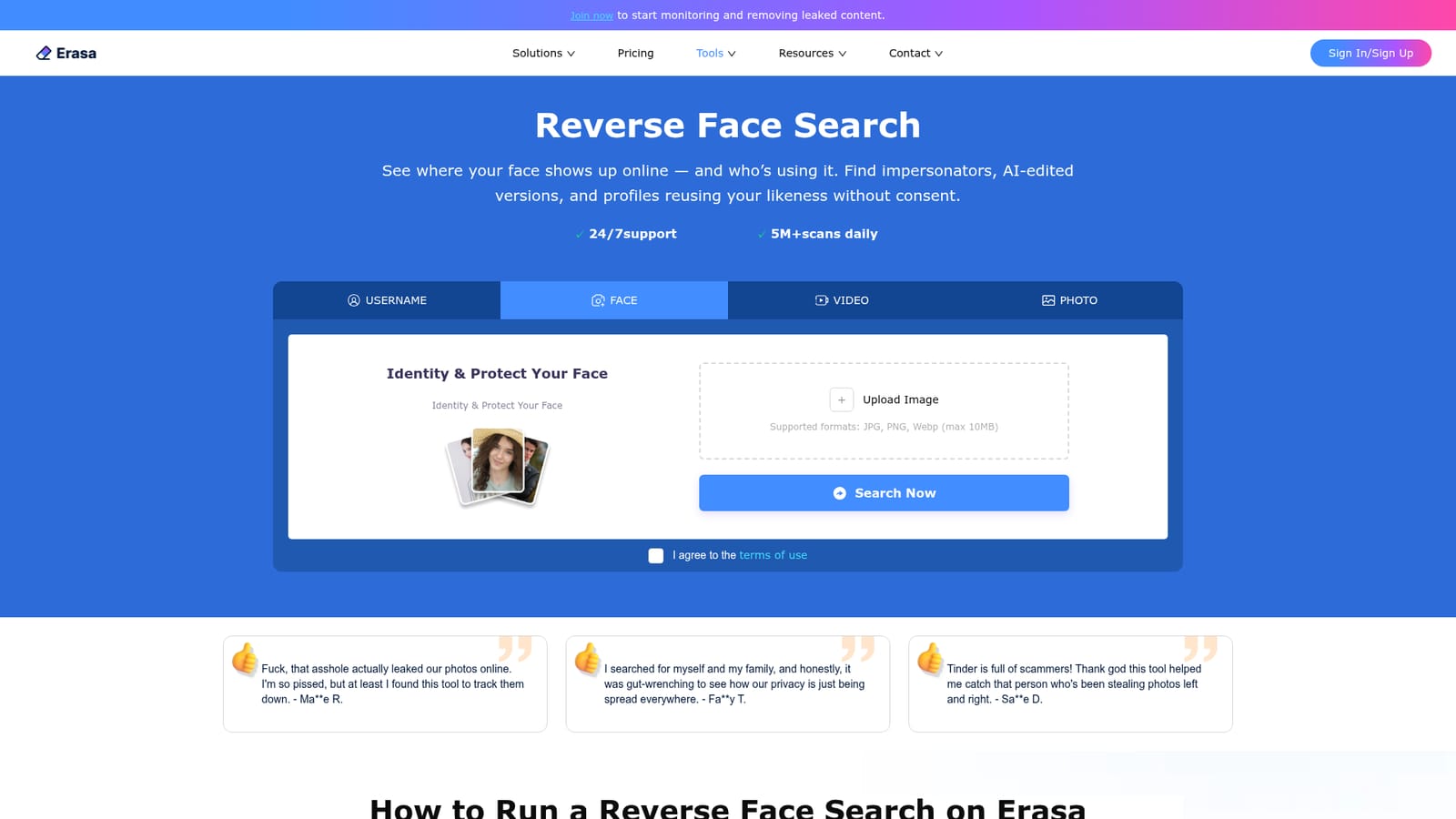
Erasa Reverse Face Search is a facial similarity search tool built for people who need to know where their likeness is being reused on the public web. You upload a selfie or any clear face image, the system converts it into a facial signature, and it compares that signature against publicly visible content. Unlike a general reverse image search that only finds identical files, this tool is tuned to catch cropped, filtered, face-swapped and lookalike versions of the same face. The scanning scope leans heavily toward the platforms where face theft actually happens: Instagram, X, TikTok, Reddit, OnlyFans, Telegram and creator-oriented forums. That focus matters for anyone whose income or reputation is tied to their appearance. Creators and influencers use it to catch impersonator profiles and stolen selfies. People dealing with leaked private photos or AI-generated abuse run a search to locate where their face has been posted, then move to removal. It also works in the other direction, letting someone check whether a new contact or collaboration request is using a real identity or a borrowed face. In practice the flow is short. Upload a JPG, PNG or WebP under 10MB, review the preliminary matches, then create an account to unlock the full match list, the platform-by-platform breakdown and the underlying links to each page. Results are presented as direct URLs rather than a vague similarity grid, so you can see the exact profile or post involved. Erasa positions the service as a private alternative to tools like Yandex and PimEyes: scans are detection-only, limited to public content, and photos are not saved or indexed. The trade-off is that it will not surface anything behind a private account or locked channel. It sits alongside the company's reverse photo, username and video search products, and is most useful as one part of a broader monitoring routine rather than a single fix.

The site advertises 24/7 support. No help centre or contact page was listed among the pages reviewed.
Facial signature matching finds exact, cropped, filtered, face-swapped and lookalike versions of a face. Scans public content on Instagram, X, TikTok, Reddit, OnlyFans, Telegram and creator forums, returning direct links to matching profiles and posts. Detection-only, with no saved or indexed photos.
 AI Angels400+ customizable AI girlfriends for NSFW chat, voice calls, and roleplay
 Candy AIExperience the future of companionship with AI friends who chat, role-play, and connect with you on a human level.
 ourdream.aiA vast AI roleplay platform with millions of characters for chat, images, video and voiceAI Angels400+ customizable AI girlfriends for NSFW chat, voice calls, and roleplayCandy AIExperience the future of companionship with AI friends who chat, role-play, and connect with you on a human level.ourdream.aiA vast AI roleplay platform with millions of characters for chat, images, video and voice


