Free trial
Yes. A free trial is offered, and signing up grants free credits for the AI detector so text can be checked before any plan is purchased. A daily limit also applies to free use.
Learn moreFree AI detector that scores text, images and code for machine authorship

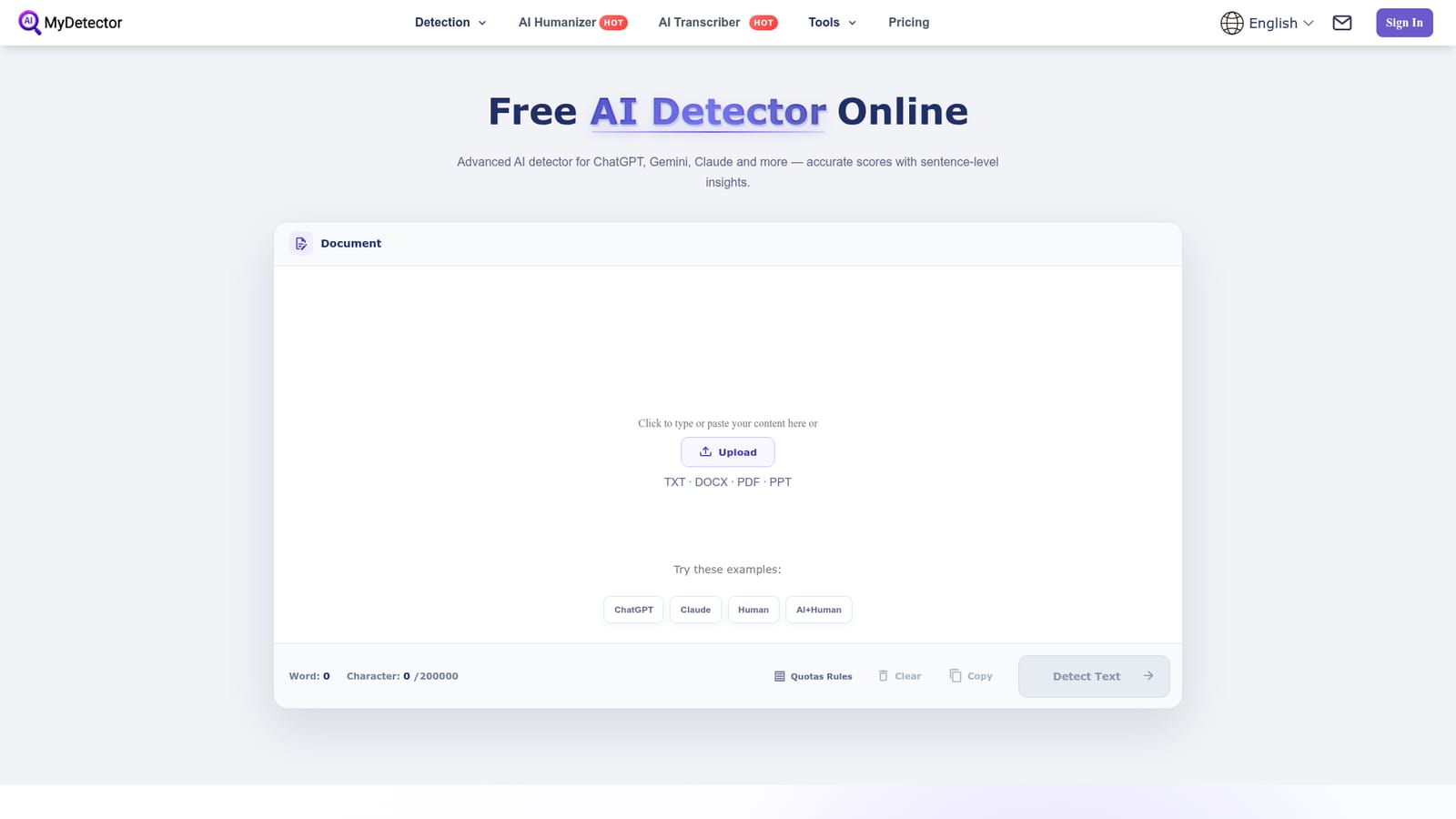
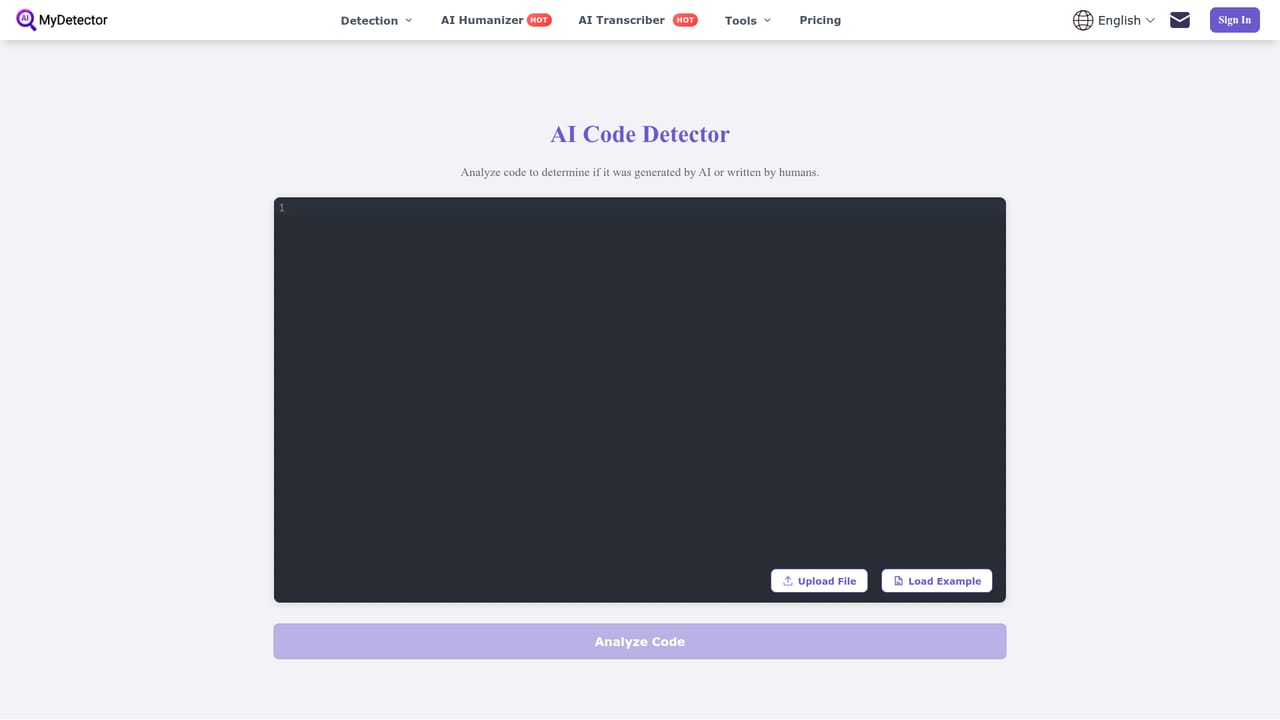
MyDetector is a free, browser based AI detector that scores pasted text or uploaded documents for machine authorship, marks flagged sentences and adds vocabulary insights. It bundles image and code detection, a humanizer, and grammar and plagiarism checks, and supports nine plus languages including English, Chinese, Spanish and German.
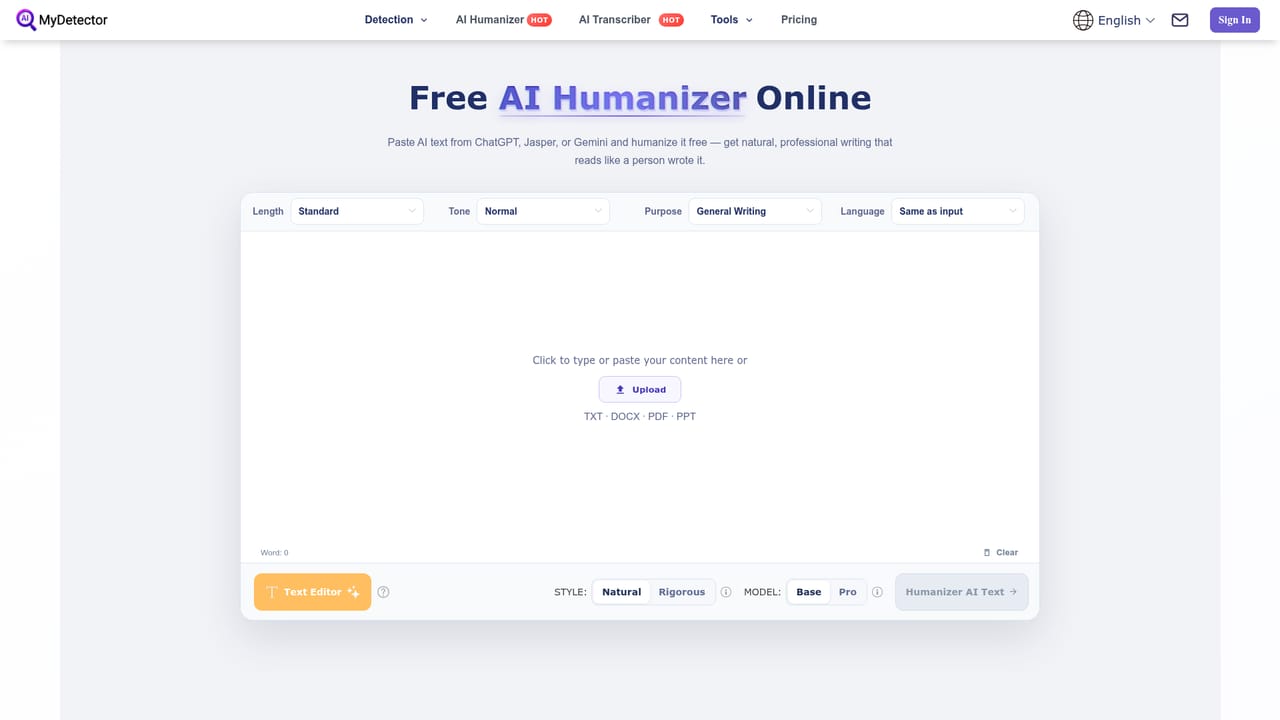
MyDetector is a web based AI detection service that estimates whether a piece of writing came from a language model or a person. Its core detector accepts pasted text or uploaded files (TXT, DOCX, PDF and PPT) and returns an AI score on a 0 to 100 percent scale, along with sentence level highlights and a short vocabulary breakdown. The stated method is pattern based: models are trained on mixed human and machine corpora, then look for uniform sentence rhythm, flat vocabulary and repeated phrasing, traits that tend to cluster in generated prose. The product is organised as a small suite rather than a single checker. Alongside the content detector there is an image detector, a code detector, a humanizer for rewriting flagged passages, plus grammar and plagiarism checkers. Two detection models are offered, one tuned for speed and one that digs deeper, and users can switch between them depending on whether they want a quick read or a more detailed report. Uploaded documents are scanned in the same view, which matters for anyone reviewing long reports or assignments instead of short paragraphs. Typical users listed by the site include content creators and marketers checking drafts before publishing, educators reviewing essays, legal teams scanning summaries and clauses, data scientists filtering generated dataset entries, and ordinary people vetting suspicious messages or reviews. The workflow is deliberately simple: paste or upload, run the scan, read the score, edit the flagged sentences and rescan. Where it sits among alternatives: MyDetector competes with other free detectors on cost of entry rather than on any published accuracy benchmark, and it is honest about the limits of the category, stating that no detector is fully exact and that a score is a signal rather than proof. That framing makes it a reasonable first check for mixed human and AI drafts, but not an adjudication tool for academic misconduct or legal disputes on its own.

Yes. A free trial is offered, and signing up grants free credits for the AI detector so text can be checked before any plan is purchased. A daily limit also applies to free use.
Learn moreMyDetector runs on a credit model. New users get free credits on sign up plus trial credits, and the free detector has a daily usage cap that resets. Paid plans apply once those credits are exhausted; the homepage does not list tier prices or credit amounts, so check the pricing page for current figures.
Learn moreSupport is handled by email at support@mydetector.ai. The interface is available in English, Chinese, Spanish, French, Portuguese, Japanese, Russian and German.
Core detection returns a 0 to 100 percent AI score with highlighted, individually scored sentences, side by side AI versus human comparison, and vocabulary insights. Text can be pasted or uploaded as TXT, DOCX, PDF or PPT, and two models are selectable for speed or depth. Companion tools cover AI image detection, AI code detection, humanizing, grammar checking and plagiarism checking, with support for English, Chinese, Japanese, Spanish, Portuguese, French, Russian, German and other languages.
 AI Angels400+ customizable AI girlfriends for NSFW chat, voice calls, and roleplay
 Candy AIExperience the future of companionship with AI friends who chat, role-play, and connect with you on a human level.
 ourdream.aiA vast AI roleplay platform with millions of characters for chat, images, video and voiceAI Angels400+ customizable AI girlfriends for NSFW chat, voice calls, and roleplayCandy AIExperience the future of companionship with AI friends who chat, role-play, and connect with you on a human level.ourdream.aiA vast AI roleplay platform with millions of characters for chat, images, video and voice


