Lynote

AI detector that scores text and flags the sentences behind the score

Beginner
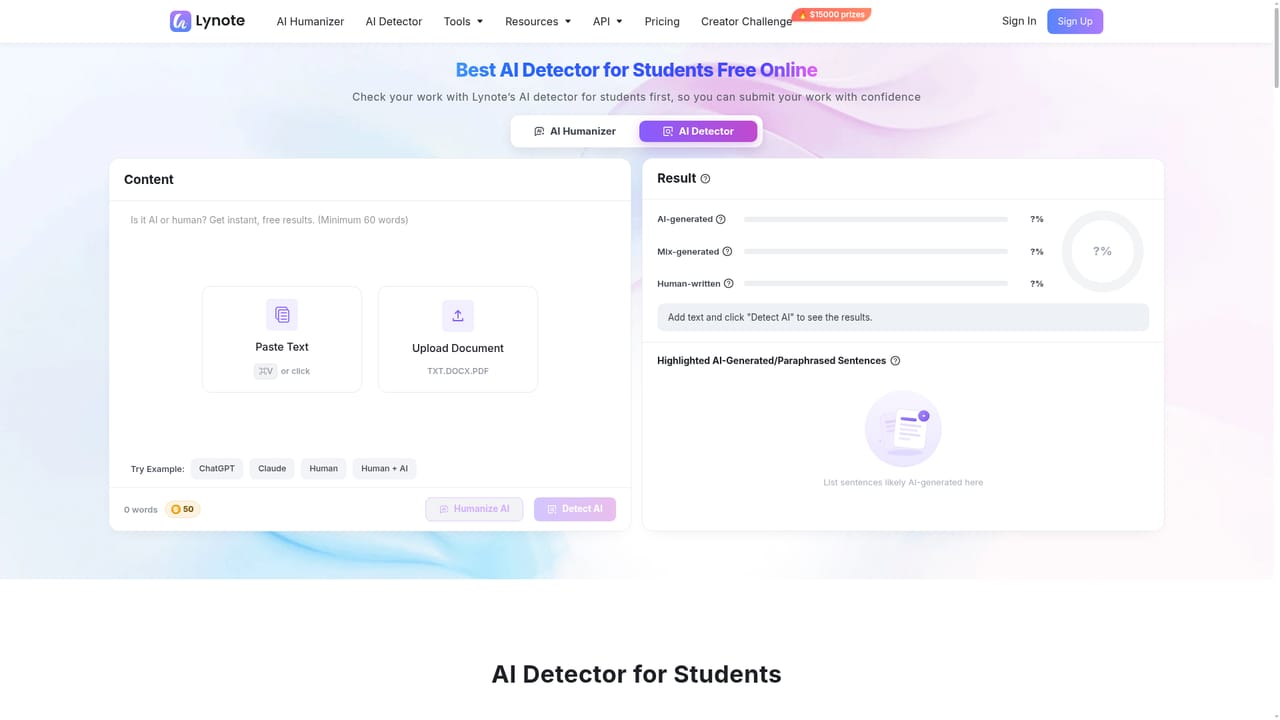
Screenshot of Lynote, AI detector that scores text and flags the sentences behind the score

What is Lynote?

Lynote is a free online AI detector that reports AI-generated, mixed and human-written scores and highlights the sentences responsible. It detects output from ChatGPT, GPT-5, Gemini, Claude, LLaMA and Mistral across 50+ languages, accepting pasted text or PDF, DOCX and TXT uploads.

Lynote is an online AI detector that examines a piece of text and reports how much of it looks AI-generated, how much looks human-written, and how much sits in between as mixed or AI-edited writing. Users paste content or upload a TXT, DOCX or PDF file, press Detect AI, and receive a report built from sentence rhythm, word choice, repetition, lexical variance and predictability signals. The site lists 99 percent accuracy, more than 350,000 monthly scans and a 4.9 average rating from 12,589 users. The report is the part that separates Lynote from single-number checkers. Below the three headline scores (AI-generated, mix-generated, human-written), Lynote highlights the specific sentences it considers AI-generated or paraphrased, so a reviewer can see which lines triggered the result rather than guessing. It also describes recurring stylistic fingerprints it associates with particular model families, such as the smooth and cautious phrasing common to ChatGPT output, the symmetrical paragraph structure associated with Claude, and the dense conversational synthesis seen in Gemini text. Coverage extends to LLaMA, Mistral, DeepSeek and GPT-5, and the detector works across more than 50 languages, which matters for multilingual essays, applications and published articles. Students, teachers, editors, SEO teams and publishers are the intended audience. A typical workflow is to check a draft before submission or publication, inspect the flagged lines, revise only the passages that read formulaic, and re-run the check. For academic or workplace contexts, Lynote advises comparing the report against notes, outlines and document history rather than trusting the percentage alone. It also warns against repeated rewriting to force a lower score. A companion AI humanizer is offered for reworking wording while keeping the original meaning. The site positions Lynote against GPTZero, ZeroGPT, Copyleaks, QuillBot and Grammarly on sentence-level feedback and language breadth. Submitted text is stated not to be used for model training.

How do you use Lynote?

  1. 1Open the AI detector
    Go to the Lynote AI detector page in a browser. No install is needed, and the paste and upload controls sit on the landing screen.
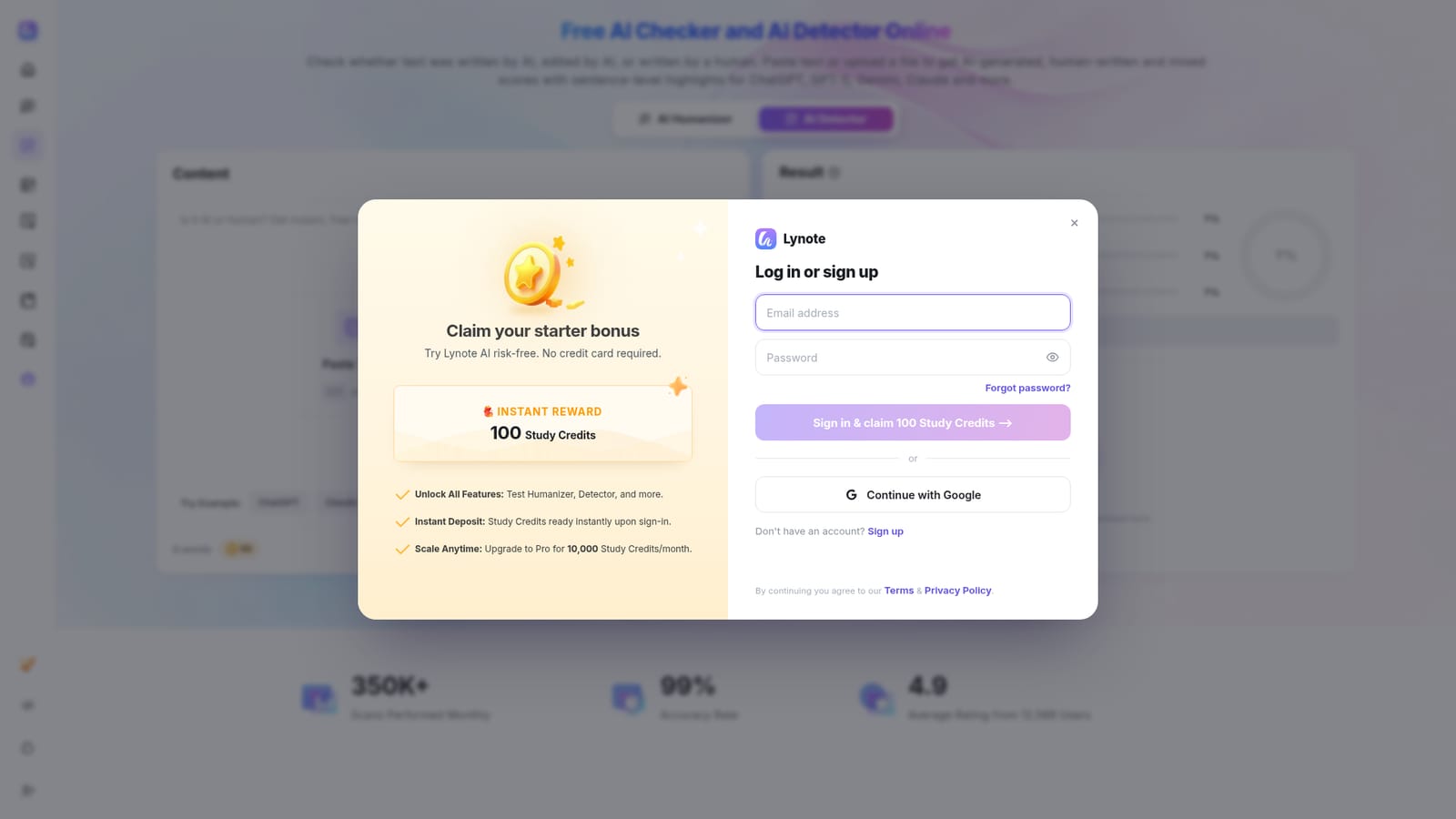
    Lynote — Open the AI detector
  2. 2Paste text or upload a document
    Drop your content into the text box or upload a PDF, DOCX or TXT file. Sample buttons let you test ChatGPT, Claude, human and human plus AI examples first.
  3. 3Run the AI check
    Click Detect AI. Lynote reviews sentence patterns, word choice, predictability and phrasing linked to known AI writing tools, then builds the report.
  4. 4Read the three scores and the highlights
    Review the AI-generated, mix-generated and human-written percentages, then read the highlighted sentences to see where the signal comes from.
  5. 5Revise the flagged passages and recheck
    Rewrite the most formulaic lines with more specific detail and varied rhythm, then run the edited draft through the detector again. For school submissions, read the student guide first.
    Lynote — Revise the flagged passages and recheck
  6. 6Humanize wording where appropriate
    If a passage needs rewording rather than a rewrite, the companion AI humanizer rephrases AI-like text while keeping the original meaning.
    Lynote — Humanize wording where appropriate

Pros and cons

Pros

  • Sentence-level highlights show which lines pushed the score up, which makes the report actionable for revision and feedbackAI
  • Accepts pasted text and PDF, DOCX or TXT uploads, so long assignments and reports can be checked without reformattingAI
  • Works in more than 50 languages, which suits multilingual essays, applications and editorial workAI
  • Model-specific observations (ChatGPT phrasing, Claude structure, Gemini synthesis) give context beyond a single percentageAI
  • Site states submitted texts are not used for model training, a relevant point for confidential client workAI

Cons

  • Free-tier limits on word count and scan volume are not spelled out on the homepage, so heavy users may hit caps without warningAI
  • The 99 percent accuracy figure is a self-reported marketing claim with no published benchmark methodology or independent test setAI
  • No integrations, API or browser extension are documented on the listing pages, which means manual copy and paste for routine checksAI
  • Detection is probabilistic, and formal, technical or heavily edited human writing can score as AI, which undermines high-stakes decisionsAI
  • Pricing tiers are not described in the homepage content, so cost at scale cannot be assessed before signing upAI

How much does Lynote cost?

Features

Core features include three-way scoring (AI-generated, mixed and human-written), sentence-level highlighting of likely AI lines, paraphrase and humanized-text detection, and support for ChatGPT, GPT-5, Gemini, Claude, LLaMA, Mistral and DeepSeek output. Text can be pasted or uploaded as PDF, DOCX or TXT, and checks run in more than 50 languages. Reports explain core signals such as repetition, sentence rhythm, lexical variance and model similarity, with guidance on interpreting each band.

Frequently asked questions about Lynote

  • How do you use Lynote?
    The walkthrough on this page covers 6 steps: 1. Open the AI detector 2. Paste text or upload a document 3. Run the AI check 4. Read the three scores and the highlights 5. Revise the flagged passages and recheck 6. Humanize wording where appropriate.
  • What platforms does Lynote support?
    Lynote is available on Web App.
  • What are the limitations of Lynote?
    Free-tier limits on word count and scan volume are not spelled out on the homepage, so heavy users may hit caps without warning. The 99 percent accuracy figure is a self-reported marketing claim with no published benchmark methodology or independent test set. No integrations, API or browser extension are documented on the listing pages, which means manual copy and paste for routine checks.

Status

StatusActive
Views0
Outbound clicks0
Added11/3/2026

Platforms

Web App

Pricing

FreeFreemium