Free trial
A free account includes one 10-credit video trial at full resolution, with no watermark added. Several photo tools, such as blur and format conversion, run in the browser without an account.
Learn moreBrush over video text or watermarks and the background is rebuilt

erase.tools is a browser-based tool that removes text, captions, subtitles and watermarks from video by rebuilding the background behind a drawn box. It keeps the original resolution, adds no watermark, and also offers photo tools, an API and an MCP server.
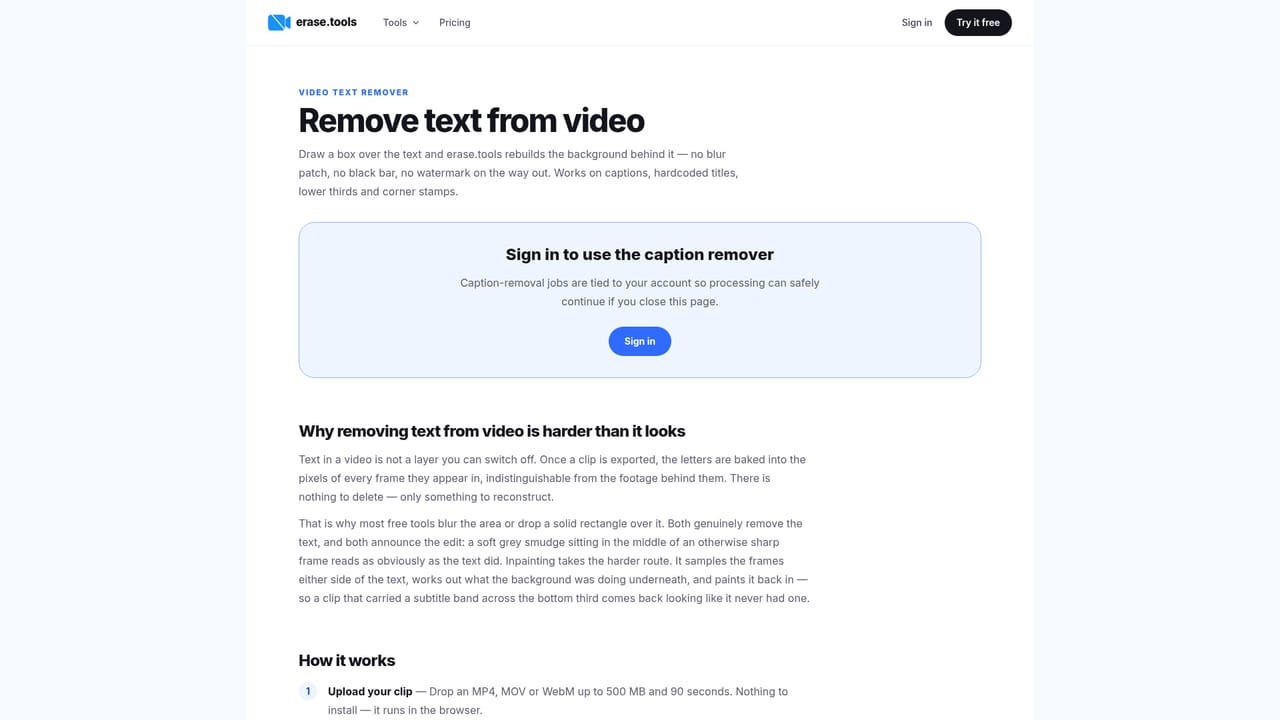
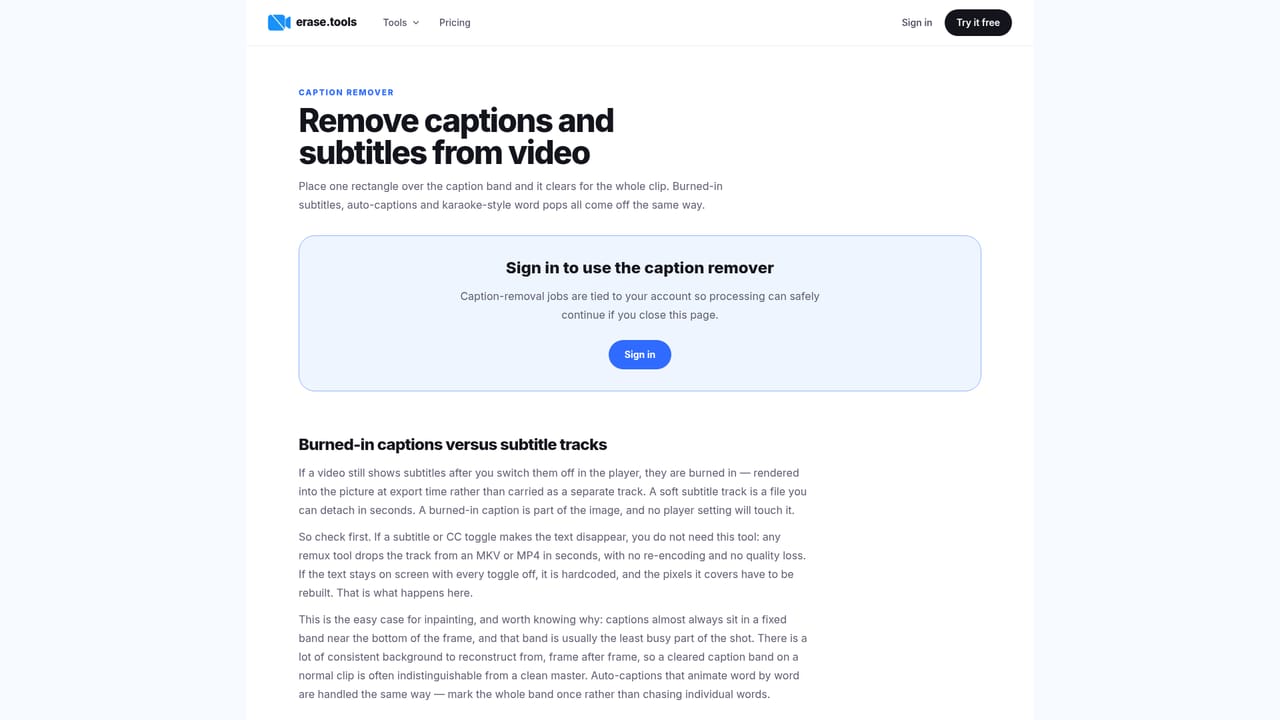
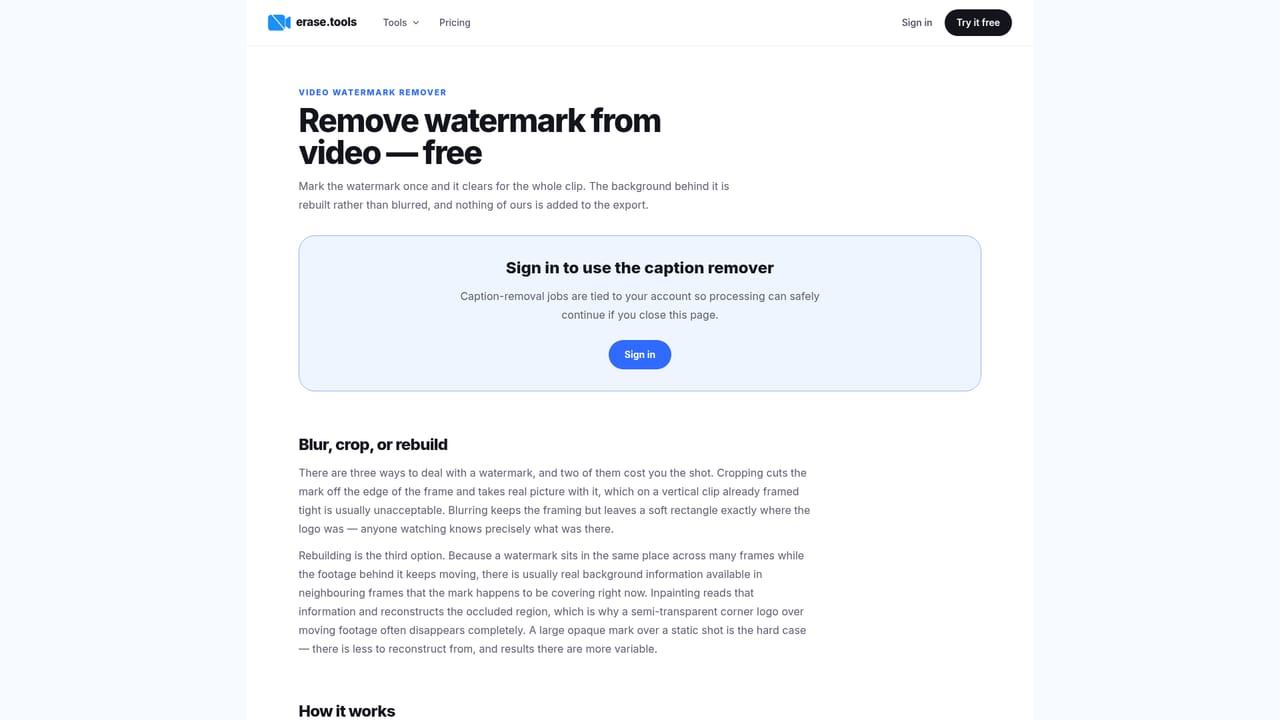
erase.tools is a browser-based cleaner for video and photos. Its main job is removing burned-in text from clips: hardcoded subtitles, captions, titles, timestamps, and platform watermarks. The user draws a box over the unwanted element, and the tool rebuilds the background behind that region from the surrounding frames instead of blurring it or cropping the shot. Alongside the video tools sits a set of image utilities for removing objects, cutting out backgrounds, blurring or pixelating faces and plates, and converting formats such as HEIC to JPG. The workflow is short. A clip in MP4, MOV or WebM (up to 500 MB, and Pro processes clips up to 90 seconds) is uploaded, detection pre-selects static stamps and captions, and the user paints over anything it missed. Edges do not need to be tight. Tracking follows a moving watermark across the timeline, so a bouncing logo only has to be marked once. Only the pixels inside the selection are regenerated, and the rest of the frame passes through at the original resolution, bitrate and container. The service states that it never adds its own watermark, including on the free account. Batches of up to 50 files can share one selection region, which suits reposts and localised cuts of the same video. The tool is aimed at creators, editors, marketers and anyone holding a clip with burned-in text and no clean master. Compared with Premiere or After Effects, it trades fine manual control for speed: no install, no masking or tracking by hand. Developers get an API (one POST with a file and a region, with SDKs for JS and Python), and an MCP server lets ChatGPT, Claude, Claude Code or Cursor run removal jobs on the user's own plan and credits. Pricing is credit-based: one credit covers one second of video, with a 10-credit minimum per video. A free account includes a single 10-credit video trial, and Pro plans scale from 600 to 900 credits a month depending on billing term. The site itself warns that long, heavily moving clips deserve a quick scrub before export, which is a fair reminder that results vary with the footage.

A free account includes one 10-credit video trial at full resolution, with no watermark added. Several photo tools, such as blur and format conversion, run in the browser without an account.
Learn moreFree account with a one-time 10-credit video trial. Pro is $14.99 monthly (600 credits), $74.99 every 6 months (750 credits a month), or $59.99 yearly (900 credits a month). One credit equals one second of video, with a 10-credit minimum per video.
Learn moreThe site points to docs for deeper guidance and states that support answers within a day.
An MCP server at mcp.erase.tools works with ChatGPT, Claude, Claude Code and Cursor, with Google sign-in. An API with JS and Python SDKs is also available.
Learn moreVideo text, caption and watermark removal with tracking, background rebuild without blur or crop, original resolution and bitrate, batches of up to 50 files, photo object and background removal, blur and pixelate, format conversion, API, MCP server.
Learn more


