Espresso

Machine learning agents that shrink Snowflake and Databricks bills

Intermediate
Screenshot of Espresso, Machine learning agents that shrink Snowflake and Databricks bills

What is Espresso?

Espresso is an analytics tool. Espresso AI uses machine learning agents to optimize Snowflake and Databricks workloads in real time, with the vendor claiming savings of up to 70%. Setup is described as one SQL command plus configuration changes, and billing is tied to realized savings with no onboarding fees or minimum commitments.

Espresso AI is a cost optimization layer for cloud data warehouses. Its machine learning agents continuously tune the way Snowflake and Databricks workloads execute, aiming to reduce compute spend without requiring teams to rewrite queries or restructure their data models. The company positions the product as an automated performance engineering service, comparable to a data engineering team watching the warehouse around the clock. The setup is deliberately lightweight. According to the vendor, onboarding amounts to running a single SQL command and adjusting some configuration settings, rather than migrating platforms or hiring additional staff. Once connected, the agents operate autonomously and apply optimizations in real time. Espresso frames this as a way to reclaim engineering hours that would otherwise go into managing execution times and cost-related technical debt. The commercial model is tied to results. Espresso states that it charges only on savings, with no onboarding fees, minimums or commitments, so a customer pays nothing if the bill does not drop. The homepage claims reductions of up to 70% and cites customers describing cuts of roughly half. Published case studies cover companies including Goldbelly, Babylist, Koalafi, Accredible, Minerva, Onward and Black Crow. This fits data platform and analytics engineering teams whose warehouse costs are climbing faster than usage justifies, and who want relief without a re-architecture project. It is not a general analytics or business intelligence tool: it sits beneath existing workloads as an optimization layer. Teams that need granular query-level authoring control or who run warehouses other than Snowflake and Databricks will find the scope narrower than a full data operations suite. Note that Espresso sits outside the creativity categories suggested for this listing; it is an infrastructure cost tool and is categorized here under analytics and productivity.

How do you use Espresso?

  1. 1Review how the agents work
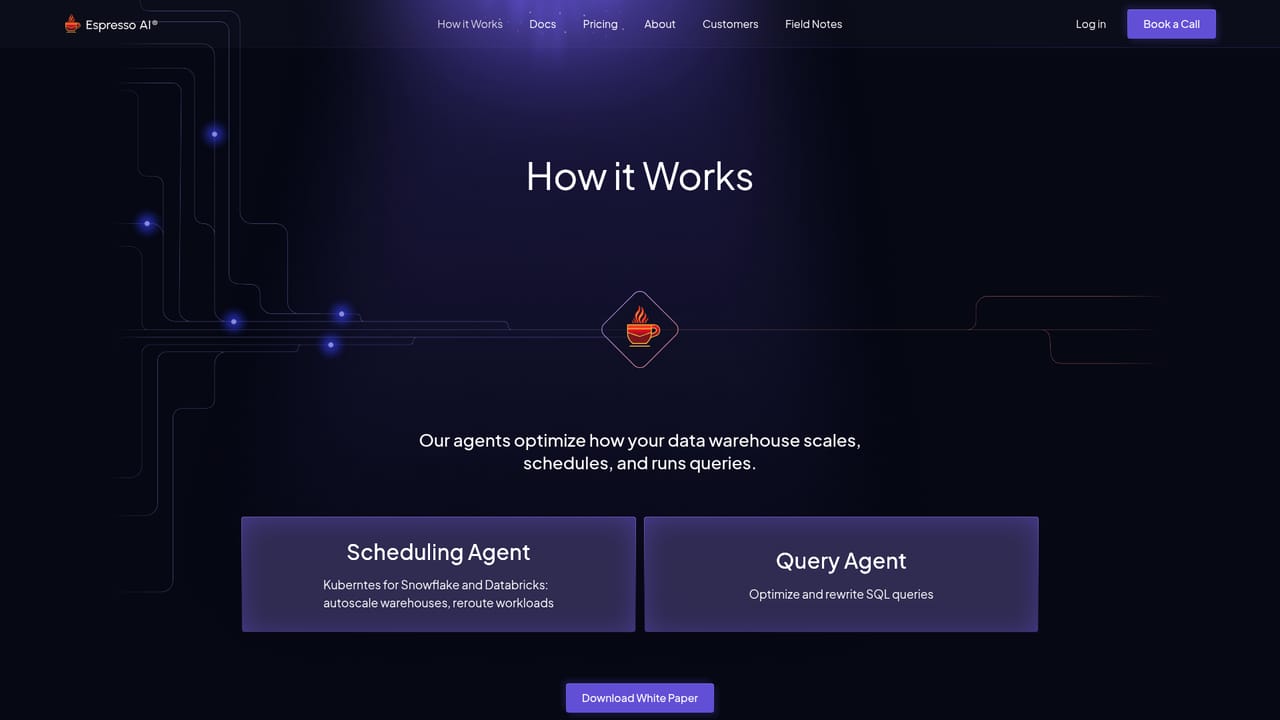
    Read the how-it-works page to understand what the ML agents change in the warehouse and how optimization is applied in real time.
    Espresso — Review how the agents work
  2. 2Walk through a guided demo
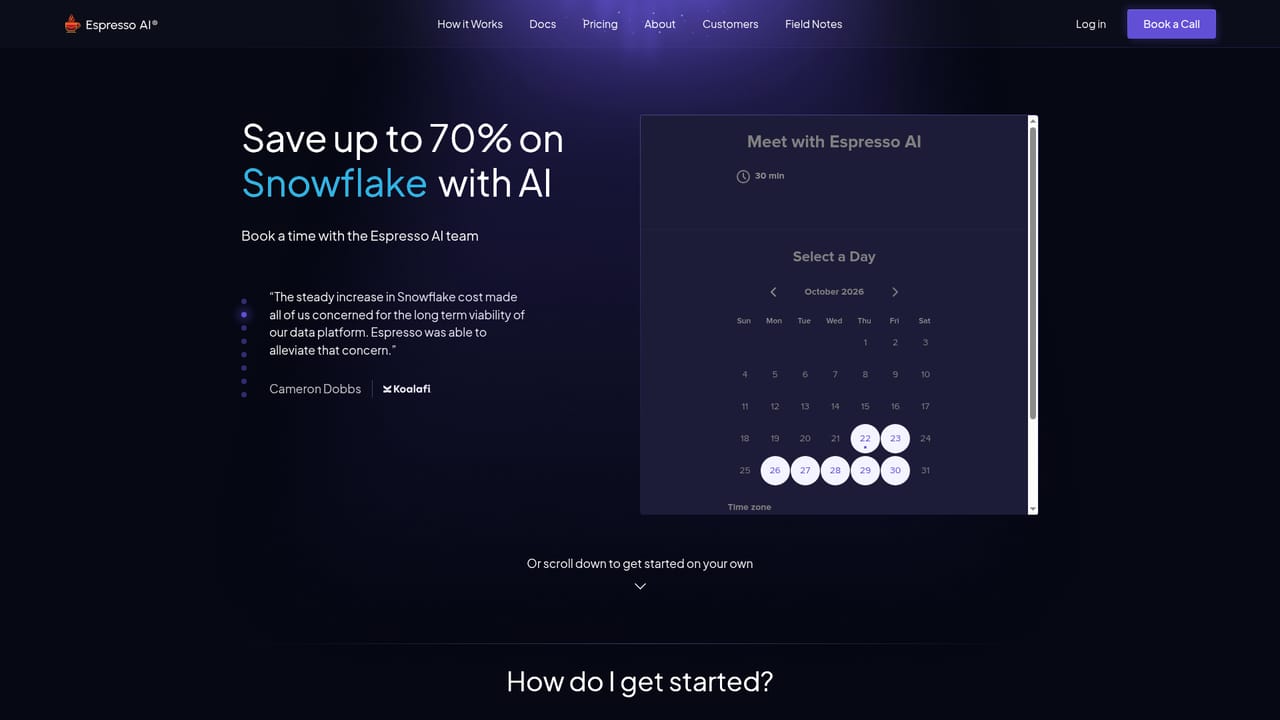
    Book a call through the demo page to see the product applied to a warehouse and to discuss expected savings for your workloads.
    Espresso — Walk through a guided demo
  3. 3Run the setup script
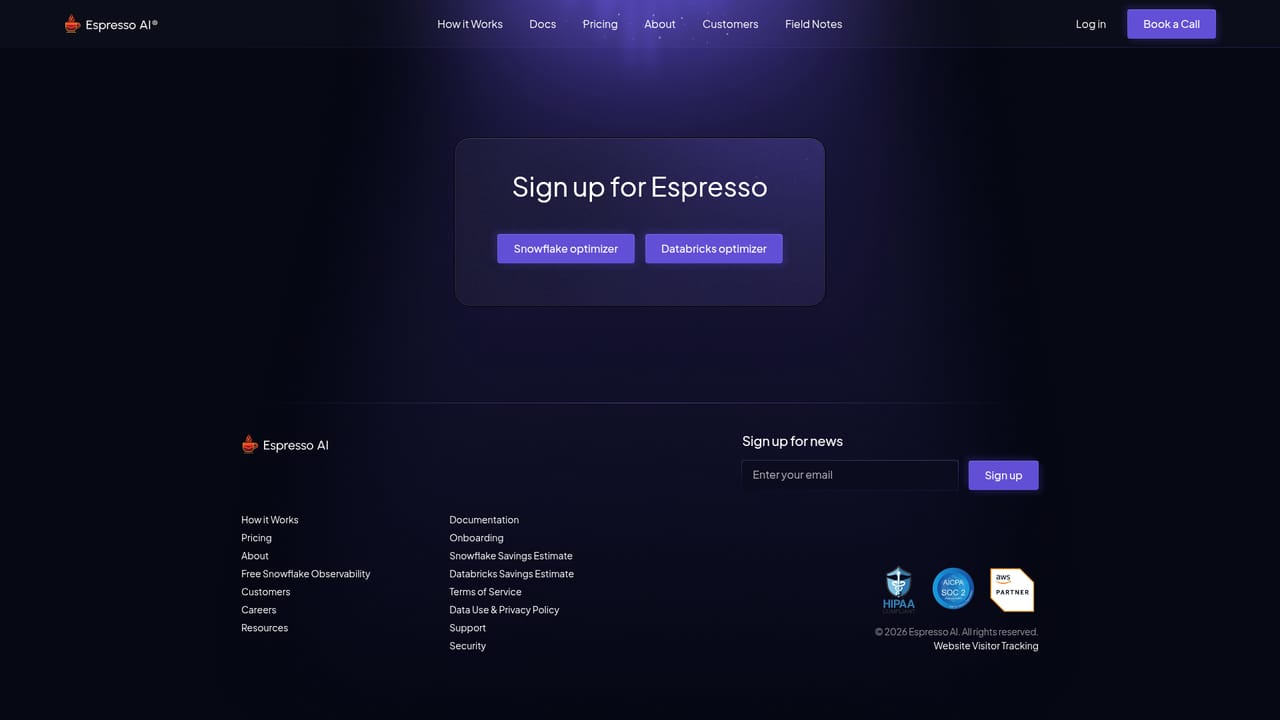
    Start onboarding by running the provided SQL command and adjusting the required configuration settings described in the setup flow.
    Espresso — Run the setup script
  4. 4Connect your warehouse account
    Complete the in-product connection for Snowflake or Databricks so the agents can observe and optimize workloads; this happens inside the app after sign-in.
  5. 5Track savings and review changes
    Monitor the reported cost reduction against your prior bills and review any optimizations the agents have applied over the first billing cycles.

Pros and cons

Pros

  • Autonomous optimization runs continuously, so cost tuning does not depend on engineers manually reviewing warehouse usageAI
  • Billing is tied to realized savings, with no onboarding costs, minimums or commitments according to the vendorAI
  • Onboarding is described as a single SQL command plus configuration changes, avoiding a platform migrationAI
  • Published case studies from multiple customers report warehouse bill reductions of roughly halfAI
  • Aims at both Snowflake and Databricks rather than a single warehouse vendorAI

Cons

  • Limited to Snowflake and Databricks, so teams on BigQuery, Redshift or other warehouses are not servedAI
  • The headline 70% figure is a marketing ceiling; individual results depend on workload shape and existing tuningAI
  • Savings-based pricing means the actual cost structure and measurement method need scrutiny before committingAI
  • Optimization happens as an automated layer, which may concern teams that want explicit control over every query plan changeAI
  • Little public detail on the underlying models, so evaluating how optimizations are chosen requires a sales conversationAI

How much does Espresso cost?

Pricing

Espresso states that it charges only for savings, with no onboarding costs, no minimums and no commitments. If the service does not reduce your bill, the company says it will not charge. Specific percentage rates are not published on the homepage.

Learn more

Integrations

The homepage names Snowflake and Databricks as the supported data platforms. No other integrations are listed.

Features

ML agents run autonomously and optimize Snowflake and Databricks warehouses in real time, covering workload performance and cost rather than a single query. Setup is one SQL command plus configuration changes, with no migration required. The vendor reports savings of up to 70% and positions the service as continuous performance engineering without added headcount.

Learn more

Frequently asked questions about Espresso

  • How much does Espresso cost?
    Espresso states that it charges only for savings, with no onboarding costs, no minimums and no commitments. If the service does not reduce your bill, the company says it will not charge. Specific percentage rates are not published on the homepage.
  • How do you use Espresso?
    The walkthrough on this page covers 5 steps: 1. Review how the agents work 2. Walk through a guided demo 3. Run the setup script 4. Connect your warehouse account 5. Track savings and review changes.
  • What platforms does Espresso support?
    Espresso is available on Web App.
  • What does Espresso integrate with?
    The homepage names Snowflake and Databricks as the supported data platforms. No other integrations are listed.
  • What are the limitations of Espresso?
    Limited to Snowflake and Databricks, so teams on BigQuery, Redshift or other warehouses are not served. The headline 70% figure is a marketing ceiling; individual results depend on workload shape and existing tuning. Savings-based pricing means the actual cost structure and measurement method need scrutiny before committing.

Status

StatusActive
Views0
Outbound clicks0
Added10/21/2026

Platforms

Web App

Pricing

Paid