Pricing
The homepage states that 50 machines can be run for $15 per month and links a pricing page for the full breakdown. A separate startup program covers bringing the exe.dev platform to a team.
Learn morePersistent Linux VMs you reach with ssh exe.dev

exe.dev is a developer tool. A hosted Linux sandbox reached over SSH, with persistent VMs, shareable access controls, and Shelley, a built in web agent that writes and runs code on the same machine. It suits developers and coding agent users who want a real cloud box instead of a chat window.
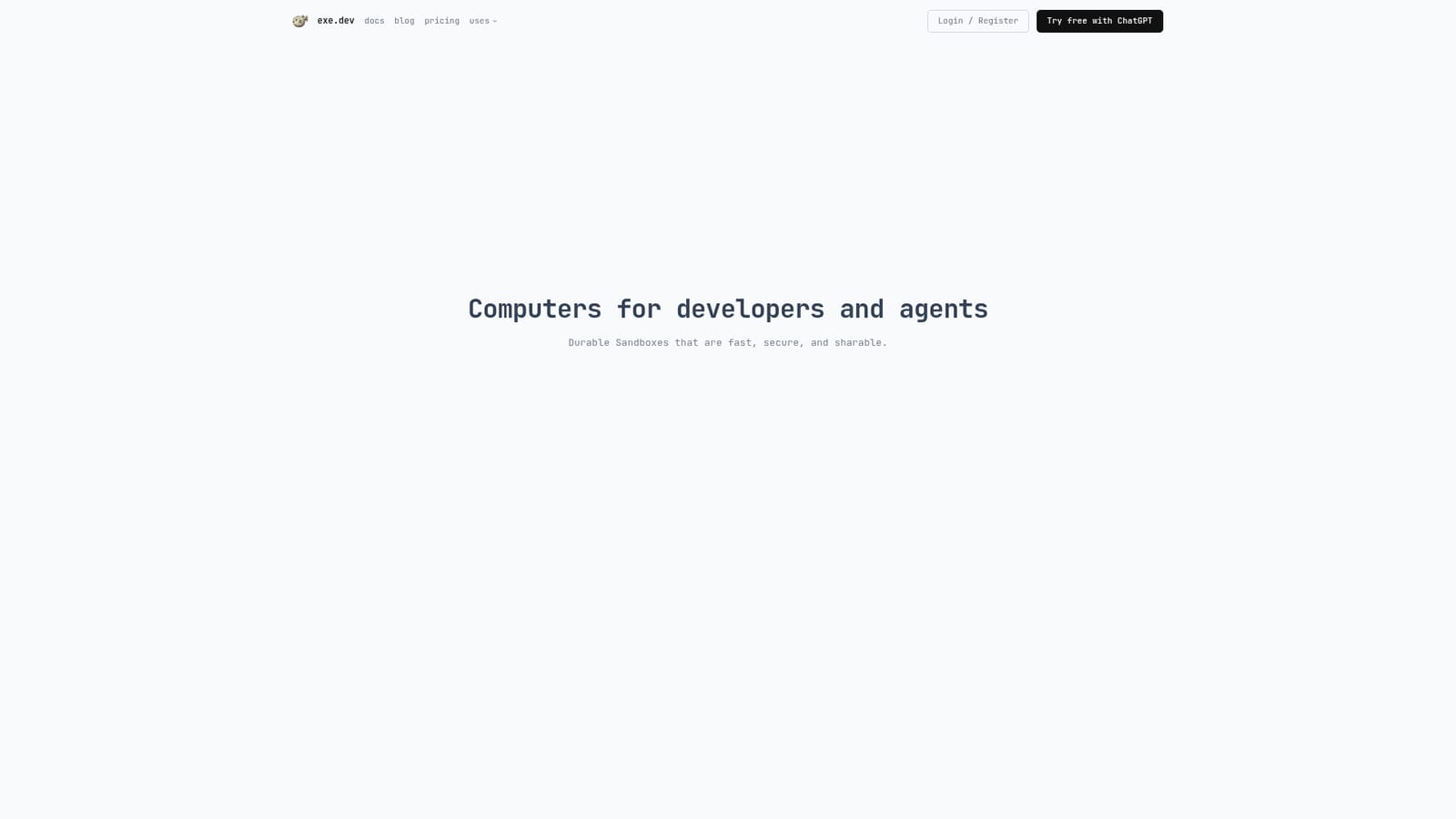
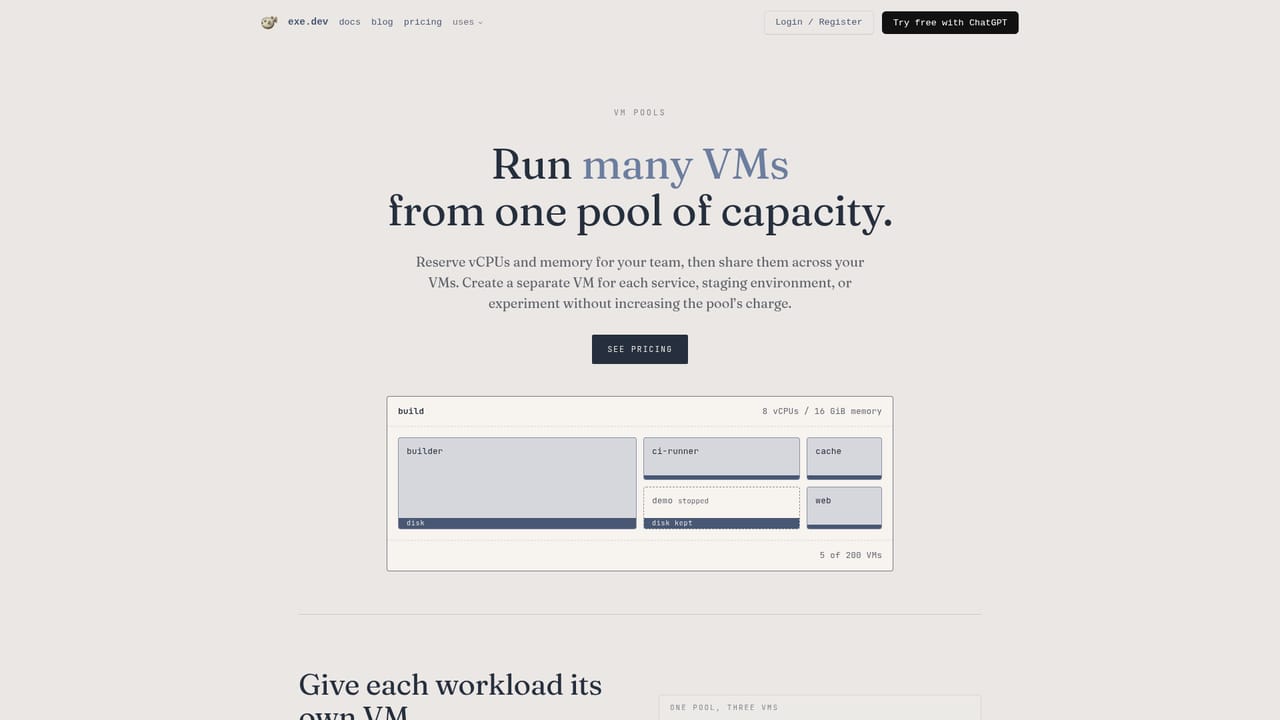
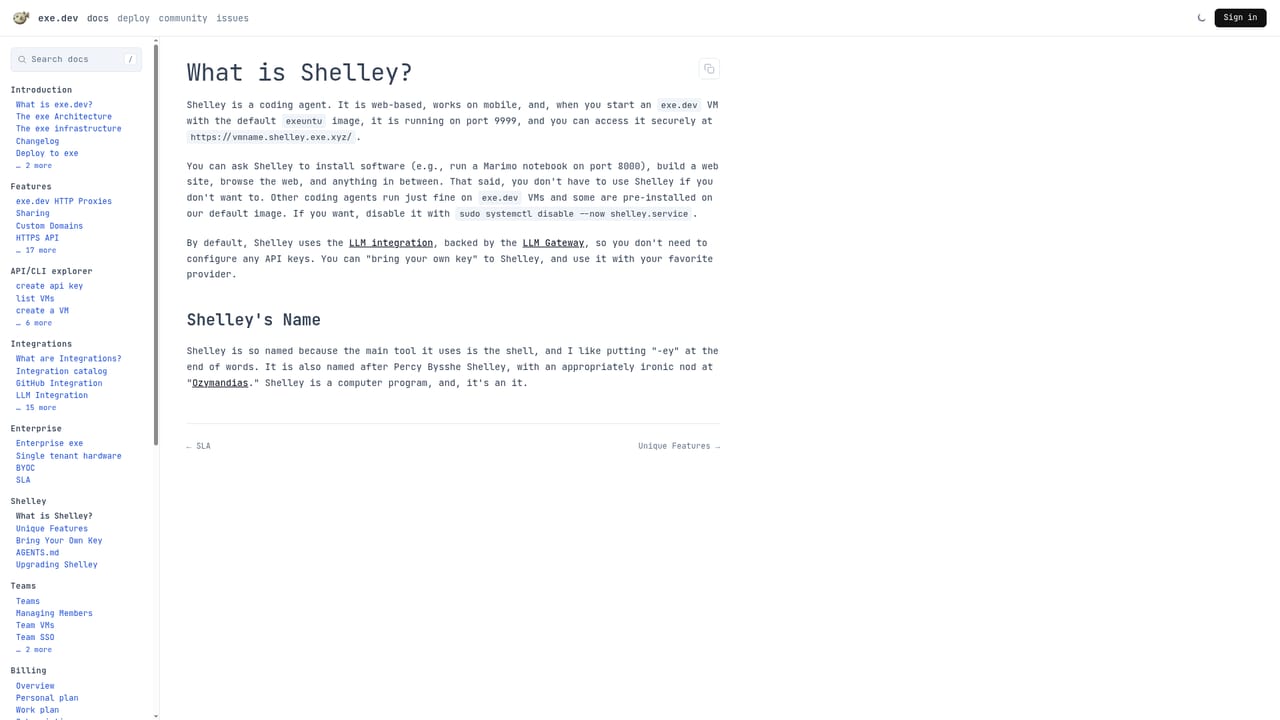
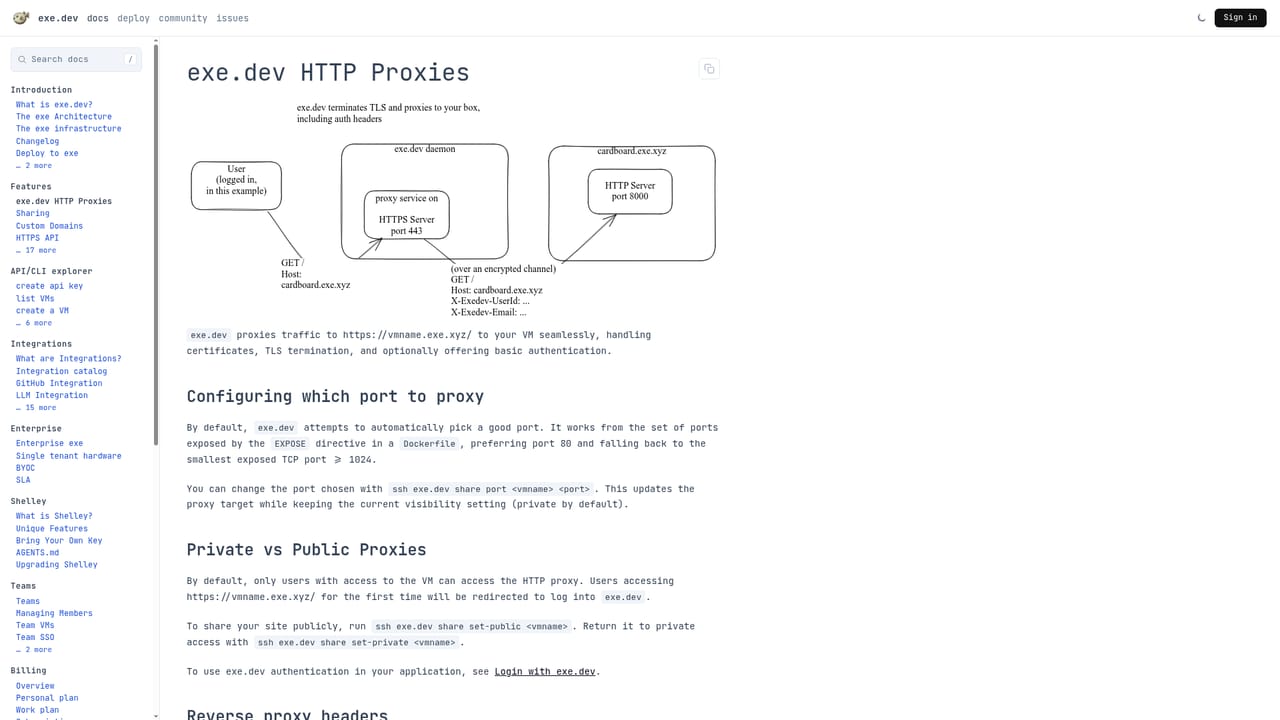
exe.dev gives developers a durable Linux sandbox they reach with a single SSH command. The computer is ordinary in the best sense: root access, apt, systemd, and servers that keep running between sessions. You reserve a pool of vCPUs and memory, and the individual virtual machines draw from that shared pool, so spinning up a fresh machine is fast and cheap enough to be disposable. Machines are private by default and can be shared with others through built in IAM. The second layer is Shelley, a web agent that runs on your VM and writes code. You hand it a job on a fresh machine and it works inside the same environment you would use yourself, which means the output can be inspected, debugged and kept like any other project on the box. The homepage shows common starting points: launching OpenClaw with a prompt, starting a blog, creating a team, cloning a repository, or standing up a software factory (listed as coming soon). A data analysis workflow that extracts insight with SQL and visualizes it is also shown. Google integration is optional and scoped. Connect Calendar or Gmail and the agent on the VM can add events, send mail as you and manage labels. Sign-in happens through Google in the browser; exe.dev stores a refresh token plus the account and permission scope on its servers, and VMs request one-hour access tokens. The company states its integration never reads your mail or calendar, and each integration can be removed at any time. This is aimed at developers who want cloud machines without the overhead of provisioning, and at people running coding agents who want a real environment underneath them. It is closer to a hosted devbox than to a chat based code assistant. Pricing is positioned around running many machines for a modest monthly figure, with a separate program for bringing the platform to a team.
The homepage states that 50 machines can be run for $15 per month and links a pricing page for the full breakdown. A separate startup program covers bringing the exe.dev platform to a team.
Learn moreGoogle Calendar and Gmail can be connected so the agent on a VM adds events, sends mail as you and manages labels. Access uses one-hour tokens and each integration can be removed.
Durable, shareable Linux sandboxes reached over SSH, with root, apt and systemd. Machines are persistent, private by default, and governed by built in IAM. Capacity comes from reserved pools of vCPU and memory. Shelley is a web agent that codes on the same VM, and optional Google Calendar and Gmail connections let it act on your calendar and mail within scoped permissions.
Learn more AI Angels400+ customizable AI girlfriends for NSFW chat, voice calls, and roleplay
 Candy AIExperience the future of companionship with AI friends who chat, role-play, and connect with you on a human level.
 ourdream.aiA vast AI roleplay platform with millions of characters for chat, images, video and voiceAI Angels400+ customizable AI girlfriends for NSFW chat, voice calls, and roleplayCandy AIExperience the future of companionship with AI friends who chat, role-play, and connect with you on a human level.ourdream.aiA vast AI roleplay platform with millions of characters for chat, images, video and voice


